
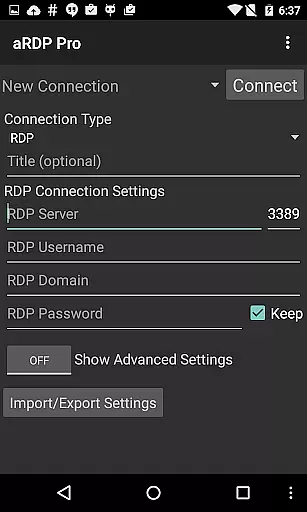
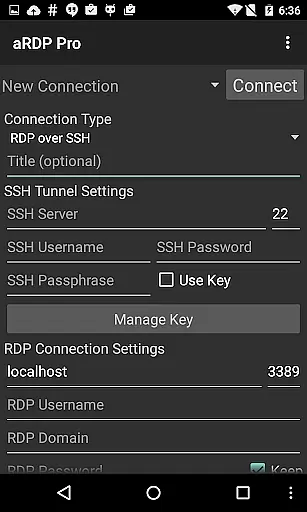
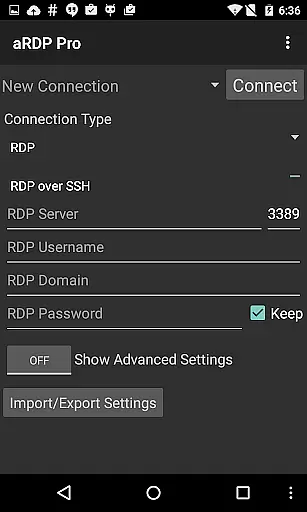
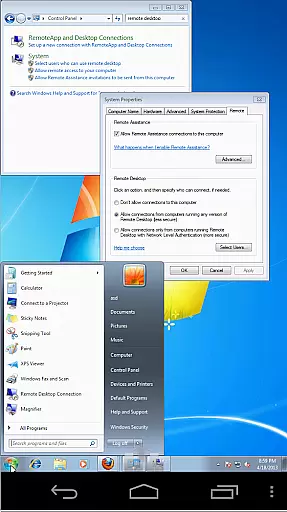
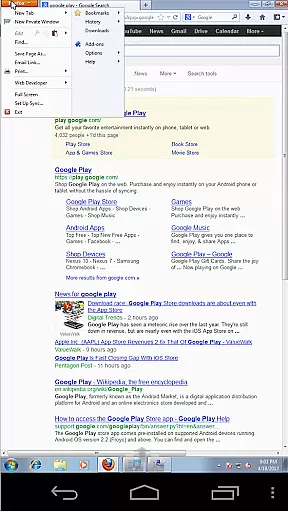
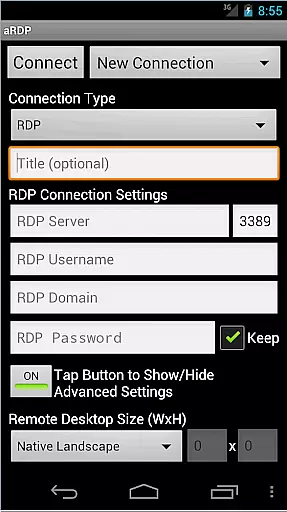
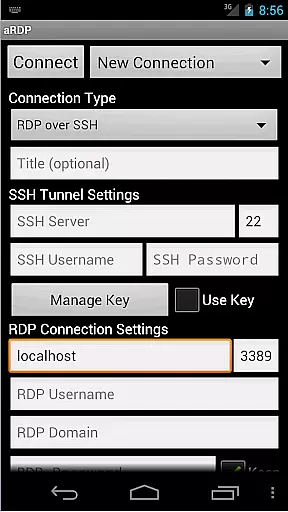
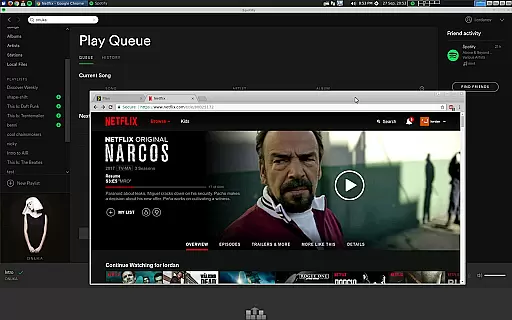
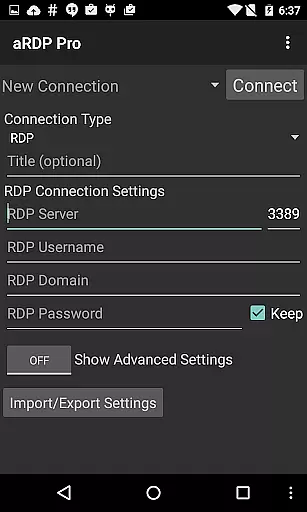
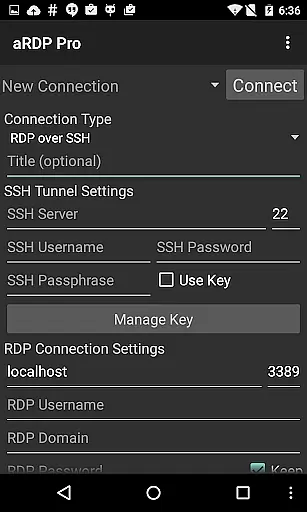
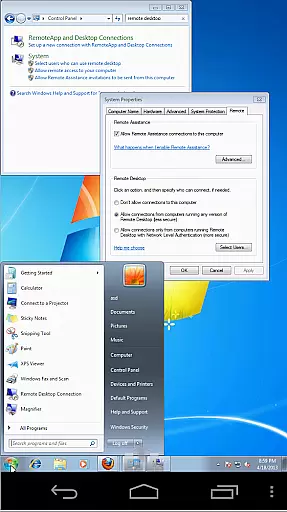
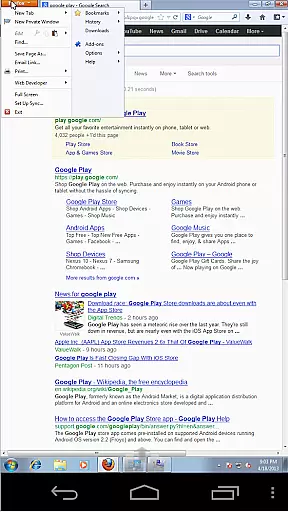
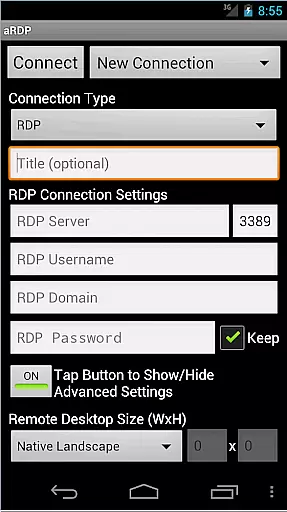
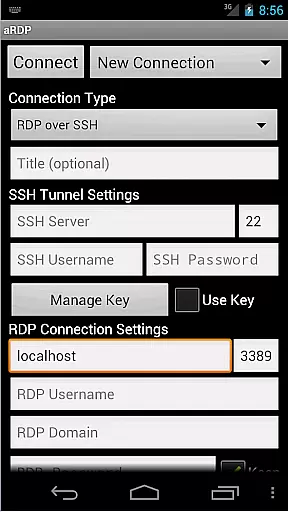
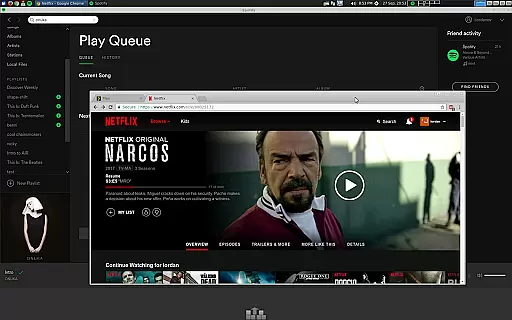
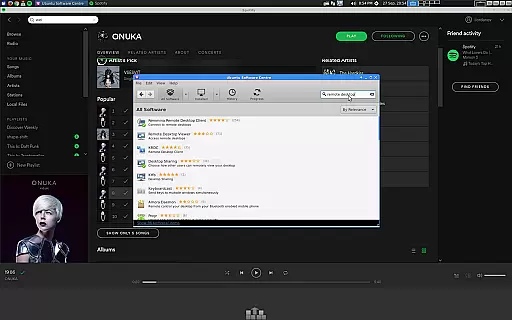
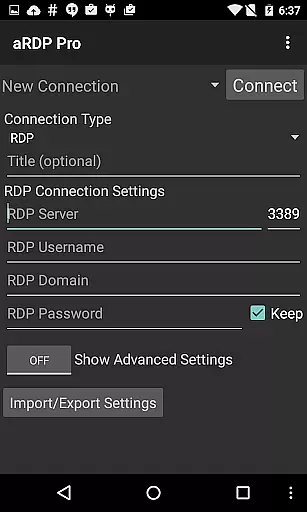
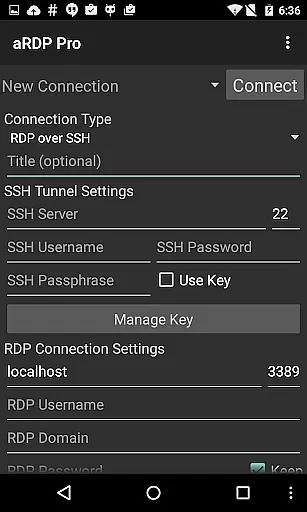
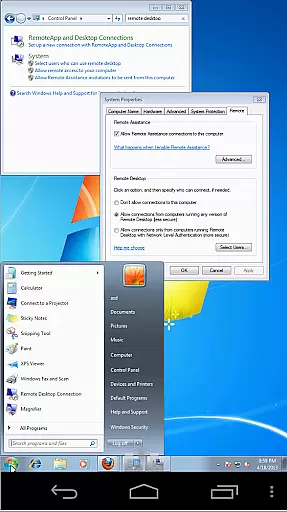
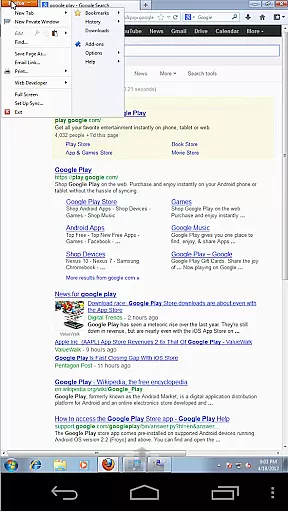
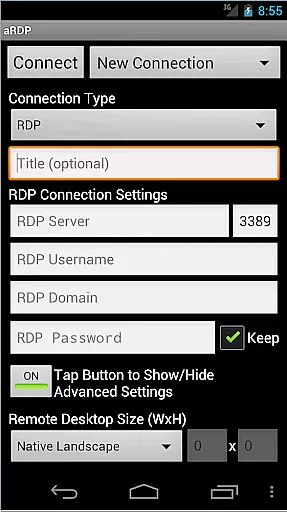
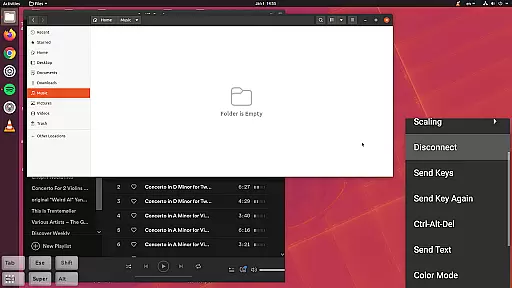
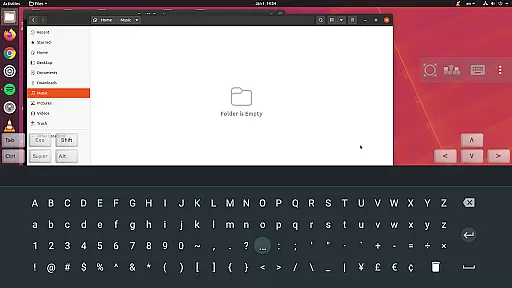
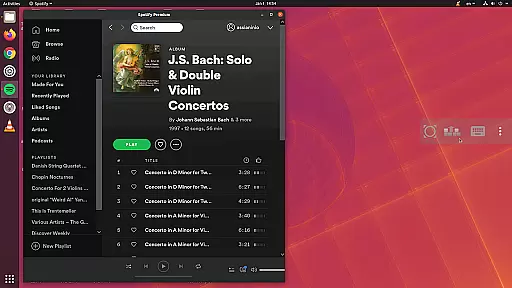
aRDP Pro is a premier open-source Remote Desktop Protocol (RDP) client, offering secure and versatile remote desktop control. It leverages the robust FreeRDP library to enable users to connect to Windows and Linux systems, except for Windows 10 Home, where a VNC server is recommended. The app supports advanced features like SSH tunneling, sound redirection, and multi-factor authentication, ensuring both security and functionality.
Designed with productivity in mind, aRDP Pro provides comprehensive session management, dynamic resolution adjustments, and multi-touch gestures for an intuitive user experience. With support for various input modes, on-screen controls, and extensive customization options, it caters to both smartphone and tablet users. Whether accessing remote machines for work or personal projects, aRDP Pro delivers a reliable and efficient solution.
aRDP Pro stands out with its rich feature set tailored for power users and IT professionals. The application supports RDP file integration in the Pro version, MFA/2FA SSH authentication, and master password functionality, enhancing both security and convenience. Users can enjoy seamless remote desktop experiences with sound redirection, SD card redirection, and console mode access.
The app offers fine-grained control over remote sessions, including zoomable scaling modes, touchpad input options, and stowable on-screen keys. Advanced capabilities such as dynamic resolution changes, multi-language support, and clipboard integration ensure maximum flexibility. Additionally, aRDP Pro optimizes UI for different devices, supports Samsung multi-window, and includes helpful on-device guides, making remote access straightforward and efficient.
In the realm of remote desktop applications, aRDP Pro excels in core task management by providing users with comprehensive control over their remote sessions. This includes dynamic resolution changes that allow users to reconfigure their desktop environments on-the-fly, ensuring optimal productivity regardless of the device they are using.
The application supports multi-touch gestures for efficient navigation and interaction with the remote desktop. Users can perform left, right, and middle clicks through simple touch commands, scroll with two-finger drags, and even pinch-zoom for detailed work. These features ensure that managing tasks on a remote computer is as intuitive as working directly on a local machine.
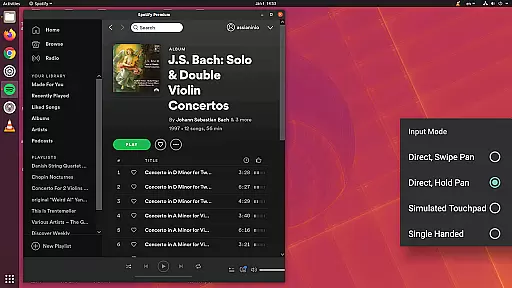
Additionally, aRDP Pro offers various input modes such as Direct, Simulated Touchpad, and Single-handed modes, catering to different user preferences and scenarios. The availability of stowable on-screen keys like Ctrl, Alt, Tab, Super, and arrow keys further enhances task management capabilities, allowing users to execute complex keyboard shortcuts without needing a physical keyboard.
With support for multiple languages and full mouse functionality on Android 4.0+, aRDP Pro ensures that users from diverse backgrounds can efficiently manage their tasks. Its ability to maintain full desktop visibility even when the soft keyboard is extended makes it an invaluable tool for those who need to type extensively while controlling a remote desktop.
aRDP Pro stands out in cross-device synchronization reliability by offering seamless connectivity across various platforms. Whether you're switching between an Android smartphone, tablet, or even moving to iOS or Mac OS X, aRDP Pro ensures your remote sessions remain consistent and reliable.
The app's automatic connection session saving feature plays a crucial role in this reliability. Users can start a session on one device and continue exactly where they left off on another, without losing any progress or settings. This continuity is vital for professionals who rely on remote access to maintain workflow efficiency.
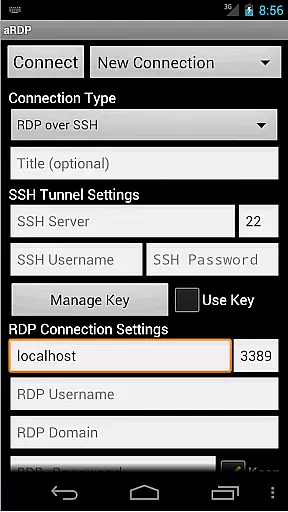
Moreover, aRDP Pro supports SSH tunneling, adding an extra layer of security while enabling users to reach machines behind firewalls. This secure connection method ensures that data remains protected during transfers between devices, enhancing the overall reliability of cross-device operations.
For users seeking flexibility, aRDP Pro provides options like Force Landscape, Immersive Mode, and Keep Screen Awake, which help tailor the experience to individual needs. These features, combined with Samsung multi-window support and Samsung DEX compatibility, make aRDP Pro a versatile solution for maintaining productivity across different devices and screen sizes.
Secure SSH connections
Multi-touch gestures
Dynamic resolution
Clipboard integration
Comprehensive help guides
No Windows 10 Home
Cyrillic username issues
Complex setup for beginners
Limited free features
Occasional connection bugs

The long-awaited modern gallery app for your Nextcloud server
 4.70
4.70
Wake up & get tasks done! Add alarms & reminders on the Clock Launcher.
4.00
8 custom complications. Custom Time Fonts. Beautiful color schemes. A++ Design.
5.00
The upgraded version of Name Wheel with AI and the power to add your own wheels.
4.3
⏰ Finally a timer app which can run multiple timers simultaneously on your watch
3.90
Find and delete junk files & block unwanted notifications & manage files
3.70
All document reader, all in one file viewer read PDF, DOCX, XLS, PPT, TXT files.
4.60
Simple notepad & memo. Take notes, to-do list, shopping list with reminders.
4.80
Daily processing of PDF documents.
4.40
Great calculator for Android named one of USA TODAY's "25 Essential Apps".
4.90
Quickly and easily keep track of your work shifts
4.70
Lightweight PDF, Word, Excel reader.
4.60
Translate text/voice/photos in 150+ languages. Offline & fast translator app.
4.50
A Pixel Art watchface inspired by other iconic 90s designs for Wear OS devices!
4.40
Automates browsing any website and notifies you of important changes or events
4.30
* block pre-roll ads, pop-up and forced redirect ads * Samsung certification app
4.00
Auto-shutoff Alarm with Sunrise, Sunset & Fixed Options.
3.50
AI Video AI Image Private LLM AI Browser Llama Gemma Ollama Connect LLM Studio
4.2
IP Camera Viewer - Android TV : RTSP Surveillance camera viewer for Android TV
4.3


User Reviews