
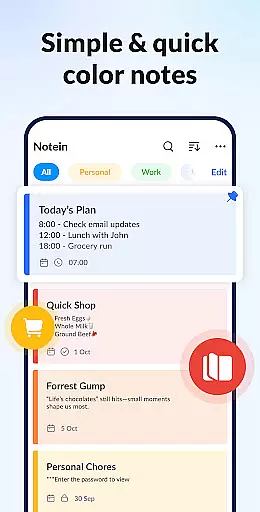

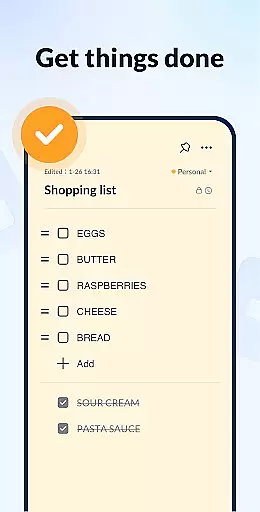
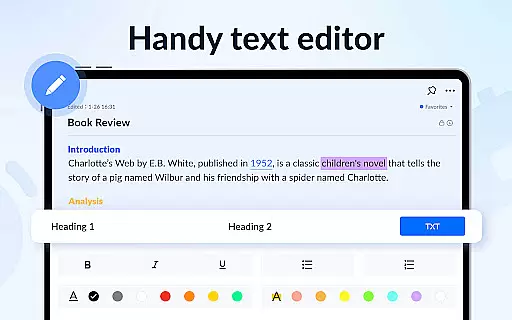




Notein - Notepad, Notes, Lists is a versatile productivity app designed to streamline note-taking and task management. This free notepad app offers multiple note-taking modes including text and checklist formats, automatic saving, and an intuitive interface for creating quick notes, to-do lists, and meeting notes.
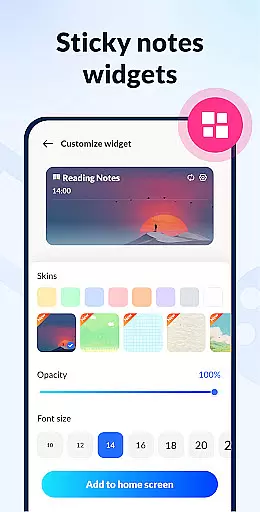
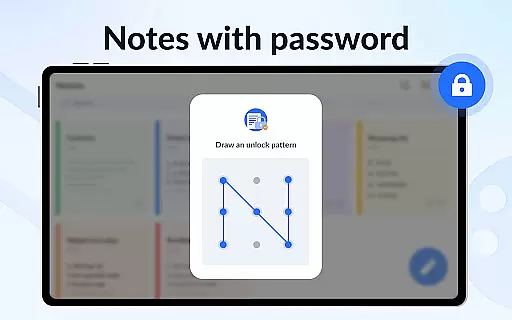
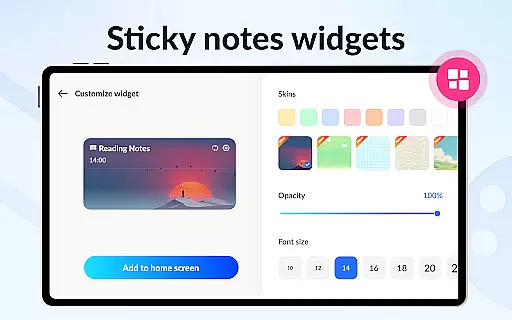
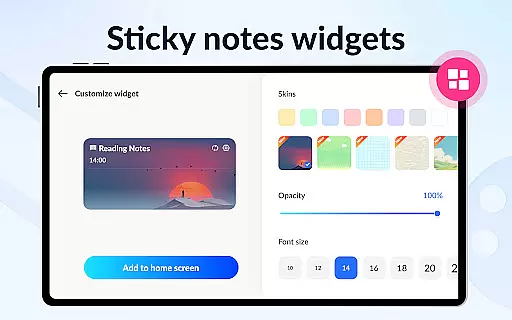
The app stands out with its sticky notes widget feature, allowing users to organize tasks directly on their home screen. With capabilities like calendar integration, reminders, color-coded notes, password protection, and cloud backup, Notein ensures both convenience and security. Whether for work or personal use, this app helps users stay organized and efficient.
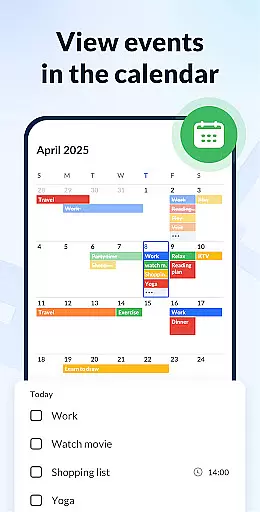
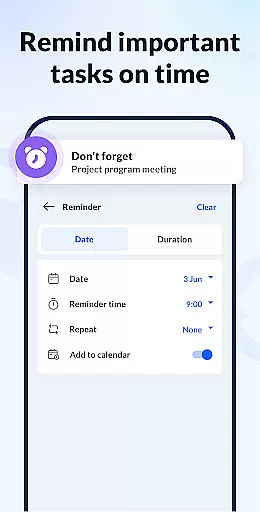
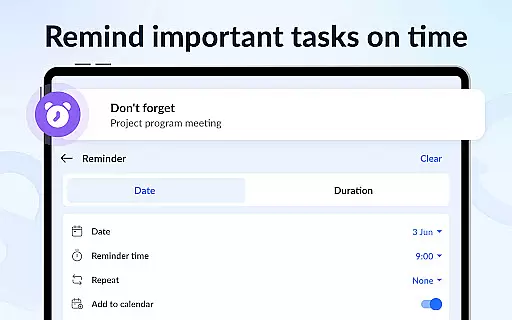
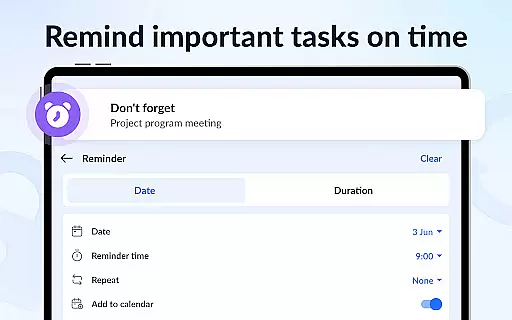
Notein provides an impressive array of features that enhance the note-taking experience. The app supports rich functionalities such as adding notes to a calendar, setting timely reminders, and using widgets for quick access. These features ensure users never miss important tasks while keeping their notes well-organized.
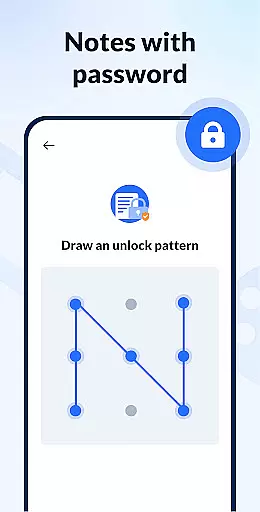
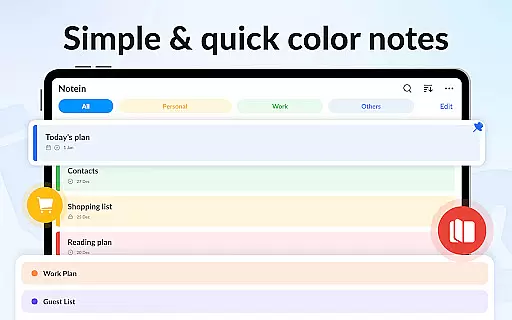
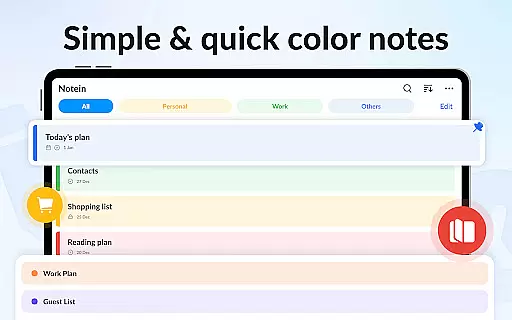
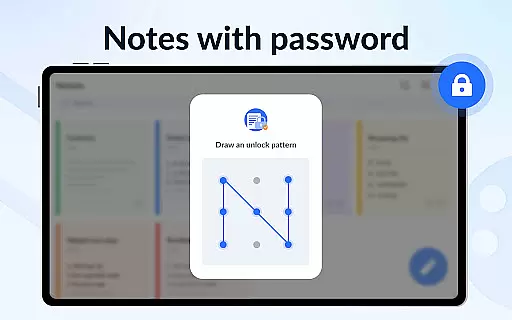
One of the key highlights is the ability to manage notes by color, which allows for easy sorting and filtering. Additionally, the app includes a note lock feature for privacy, multiple viewing modes (list, grid, details), and cross-platform compatibility with Android devices. Sharing options via various platforms and GTD methodology support further boost productivity, making it an essential tool for both personal and professional use.
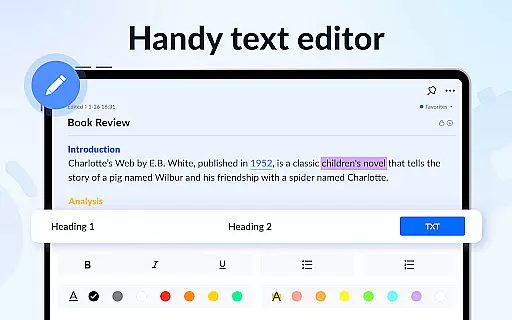
Effective task management is essential for productivity apps, serving as the backbone for organizing and tracking tasks. Notein - Notepad, Notes, Lists excels in this area by offering versatile note-taking modes that cater to different user needs. The app provides both text mode for general notes and checklist mode for task-specific entries, ensuring users can manage their responsibilities efficiently.
The application automatically saves notes as they are typed, reducing the risk of data loss and allowing users to focus on their tasks without worrying about manual saves. This feature supports quick note-taking for various scenarios such as school, meetings, or personal memos. Users can easily view, add, check, and edit notes through the convenient notes widget, streamlining the entire task management process.
Notein enhances task management with its calendar integration, enabling users to associate notes with specific dates. This allows for better scheduling and time management, ensuring no important task or deadline is overlooked. With reminders and notifications, the app keeps users on track, providing timely alerts for upcoming tasks or deadlines.
Additionally, the ability to pin important notes and organize them by color adds another layer of efficiency. These features help users prioritize critical tasks and categorize their notes for quicker access. Overall, Notein's comprehensive task management capabilities ensure users stay organized and productive, making it an invaluable tool for both personal and professional use.
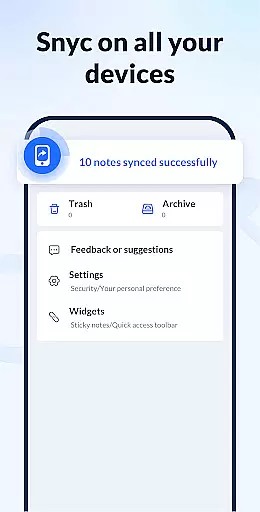
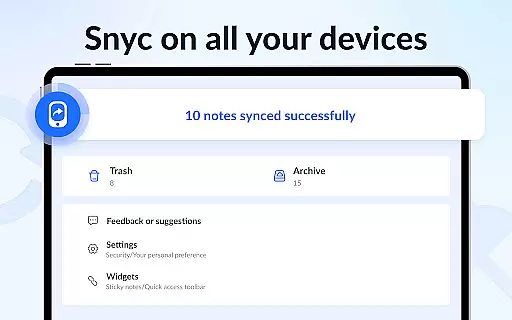
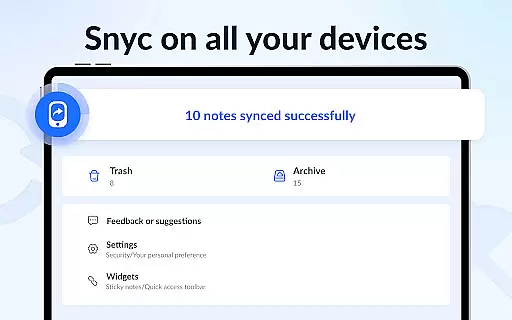
In today's interconnected world, reliable cross-device synchronization is crucial for any productivity app. Notein - Notepad, Notes, Lists addresses this need by offering seamless cloud backup and restore functionality. This ensures that all notes and lists are securely stored and accessible from any device, providing users with peace of mind and uninterrupted workflow.
The app's cloud integration is designed to be robust and efficient, automatically backing up notes to prevent data loss. Whether switching between a smartphone, tablet, or computer, users can rest assured that their information is up-to-date and consistent across all platforms. This reliability is particularly beneficial for individuals who rely on multiple devices throughout their day.
Moreover, Notein supports real-time updates, meaning changes made on one device are instantly reflected on others. This feature is invaluable for collaborative work environments or for those who need to access their notes on the go. The ability to share notes via various platforms like Twitter, SMS, WeChat, and email further enhances the app's versatility and connectivity.
With its small size and optimized performance, Notein ensures that synchronization does not compromise device speed or storage. The app strikes a perfect balance between functionality and efficiency, delivering a reliable cross-device experience that empowers users to stay organized and connected, regardless of the device they are using.
User-friendly interface
Automatic note saving
Colorful organization options
Secure password protection
Cloud backup functionality
Limited to Android platform
No built-in voice notes
Widgets may clutter screens
Occasional sync delays
Basic free version limitations

Direct Chat without saving contacts & Dual WA Account on Single Device
 4.70
4.70
The upgraded version of Name Wheel with AI and the power to add your own wheels.
4.1
A simple, portable logger for POTA, SOTA, Field Day, and more
4.0
Customizable calendar widget for seamless event sync, planning & scheduling.
4.00
Pwnagotchi companion app
4.20
App lock - lock apps with fingerprint, password, pin or pattern, protect privacy
4.70
Translate text/voice/photos in 150+ languages. Offline & fast translator app.
4.50
Calendar 2023 widget for Android. Appointment scheduler, planner, and reminder
4.60
Great calculator for Android named one of USA TODAY's "25 Essential Apps".
4.90
Multilingual translator for text, voice, and image translation!
4.90
Understand anything with a personalized AI research assistant
4.80
The Pro Version of Android's tiniest Notepad app. Just 0.3MB but feature-packed!
4.60
Secure, fast, open-source, Remote Desktop Client for Windows and Linux with SSH
4.60
App Lock with fingerprint, password: Lock apps & hide photos with lock screens
4.60
Stay on top of your to-dos with Google Tasks, part of Google Workspace.
4.60
All document reader, all in one file viewer read PDF, DOCX, XLS, PPT, TXT files.
4.60
Experience Reading - Night Mode for Documents
4.40
Wake up & get tasks done! Add alarms & reminders on the Clock Launcher.
4.00
Mega cloud explorer plugin for Solid Explorer
3.80


User Reviews