
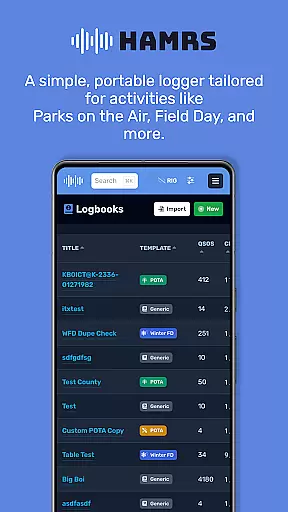
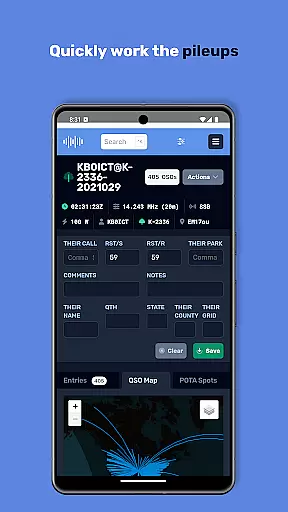
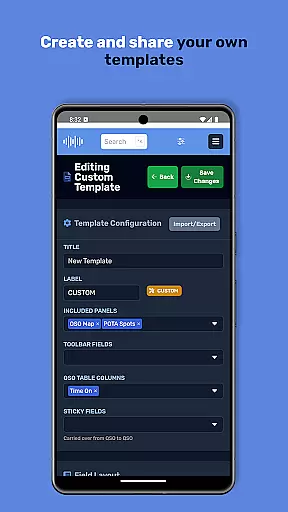
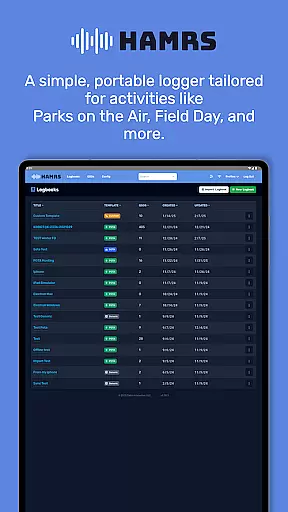
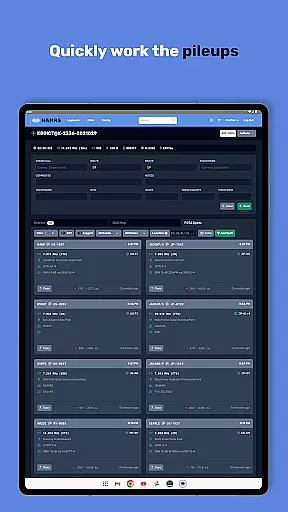
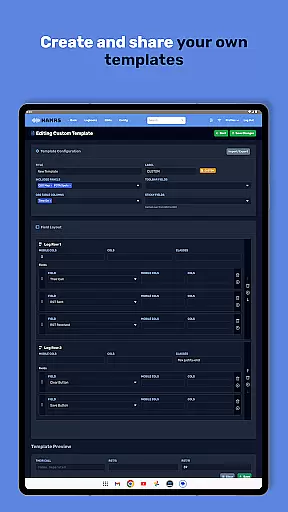
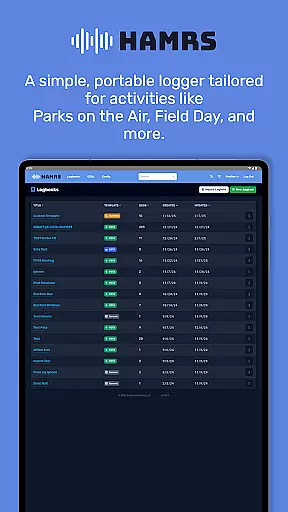
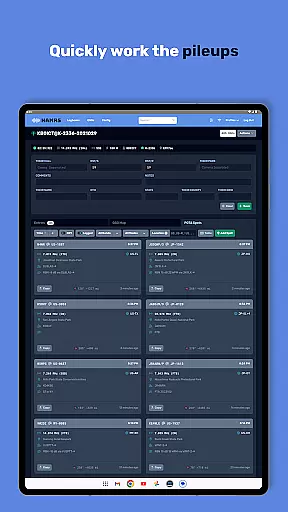
HAMRS Pro is a specialized productivity application designed for amateur radio enthusiasts. This app has been completely redeveloped to offer an efficient logging experience tailored specifically for portable radio activities such as Parks on the Air and Field Day events.
With HAMRS Pro, users can swiftly navigate through fields while making contacts, access operator QTH information when connected to the internet, and effortlessly export ADI files. The app also supports direct uploads to QRZ, streamlining the entire logging process for radio operators.
This application is particularly valuable for amateur radio operators who frequently participate in outdoor or field operations, providing them with a reliable tool to manage their radio contacts efficiently.
One of the standout features of HAMRS Pro is its intuitive interface that allows for quick tabbing through fields during contact logging. This functionality significantly speeds up the data entry process, making it ideal for fast-paced radio activities.
The app provides real-time operator QTH information lookup when an internet connection is available, enhancing the accuracy and detail of logged contacts. Additionally, HAMRS Pro offers seamless ADI file export capabilities, ensuring compatibility with various amateur radio logbooks.
Another notable feature is the direct upload functionality to QRZ from within the app interface. This integration simplifies the process of maintaining online logs and helps users keep their records up-to-date across multiple platforms.
Efficient task management is essential for amateur radio enthusiasts who need to log their activities seamlessly. HAMRS Pro offers a streamlined interface that allows users to quickly tab through fields while making contacts, ensuring no detail is missed.
The app has been completely re-written to cater specifically to portable activities like Parks on the Air and Field Day. This focus on core functionality ensures that users can manage their radio logging tasks with precision and ease.
With an internet connection, operators can view QTH information, adding another layer of detail to each logged contact. This feature enhances the overall task management experience by providing valuable context during operations.
Cross-device synchronization is crucial for users who operate across multiple devices. HAMRS Pro ensures reliable data transfer by allowing easy export of ADI files, which can be shared and synchronized across platforms without hassle.
The ability to upload directly to QRZ from within the app further enhances synchronization capabilities. This seamless integration means users can maintain consistent records regardless of the device they are using at any given time.
Whether in the field or at home, HAMRS Pro's synchronization features ensure that all your amateur radio logging data remains up-to-date and accessible wherever you go, providing peace of mind and continuity in your operations.
User-friendly interface
Efficient contact logging
Direct QRZ uploads
Real-time QTH lookup
Seamless ADI export
Limited to amateur radio
Internet required for QTH
Premium features locked
Occasional sync issues
Steep learning curve

 4.20
4.20
Secure, fast, open-source, VNC and SSH Remote Desktop for Windows, Linux and Mac
4.70
When you Focus, so will your Bean in this cozy focus timer
4.30
Device's storage information in a simple and clear graphical form (infographics)
4.10
Translate text/voice/photos in 150+ languages. Offline & fast translator app.
4.50
Docker, Kubernetes management over Portainer Mobile
4.40
Set up, print, and get support—in one place
4.20
Browse and view your photos and videos from the phone with photo & video hide.
4.10
QuickEdit is a fast, stable and full featured text and code editor.
4.20
Simple notepad & memo. Take notes, to-do list, shopping list with reminders.
4.80
Quickly and easily keep track of your work shifts
4.70
The Pro Version of Android's tiniest Notepad app. Just 0.3MB but feature-packed!
4.60
A lightweight JSON & XML files creator, editor and viewer (Premium Version)
4.40
A Pixel Art watchface inspired by other iconic 90s designs for Wear OS devices!
4.40
Automates browsing any website and notifies you of important changes or events
4.30
Font maker keyboard with your own handwriting
4.10
The ultimate file manager for rooted devices. The original and still the best.
4.00
⏰ Finally a timer app which can run multiple timers simultaneously on your watch
3.90
Experience and share your SolidWorks designs on your Android® phone and tablet.
2.50


User Reviews