
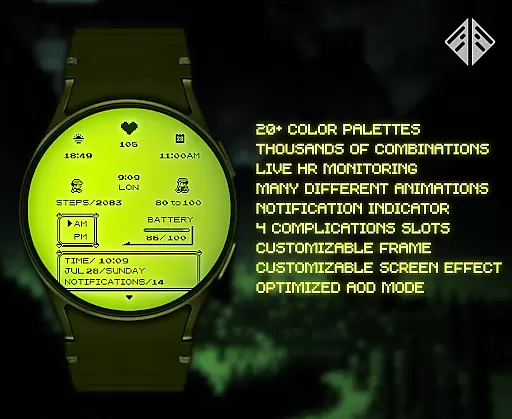
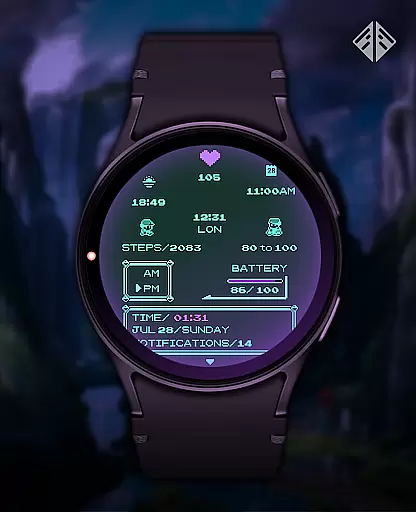
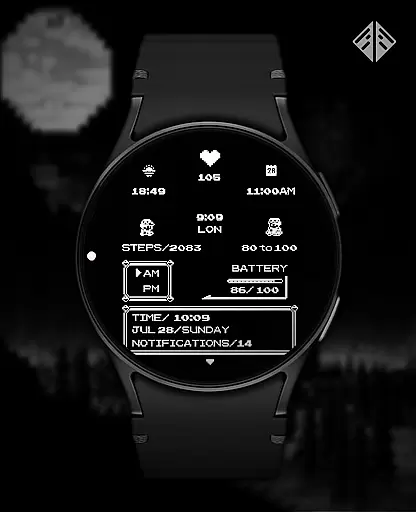
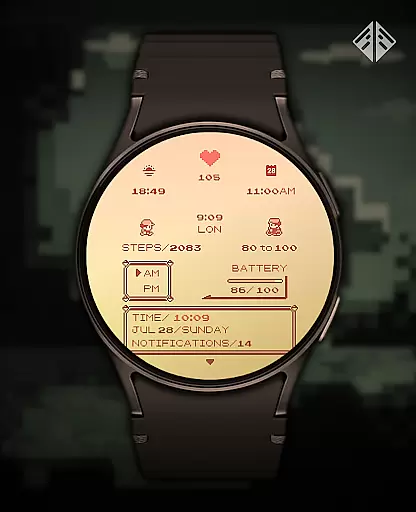
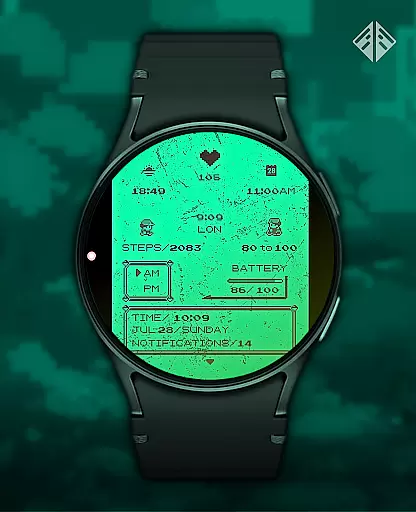
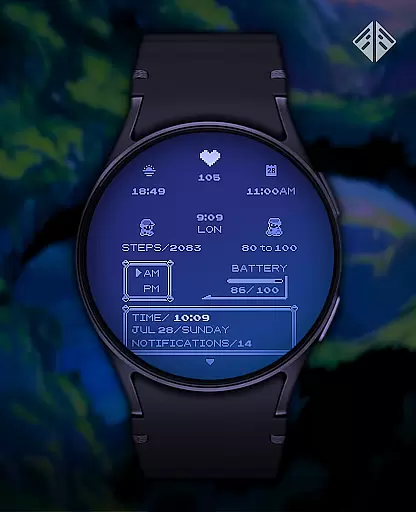
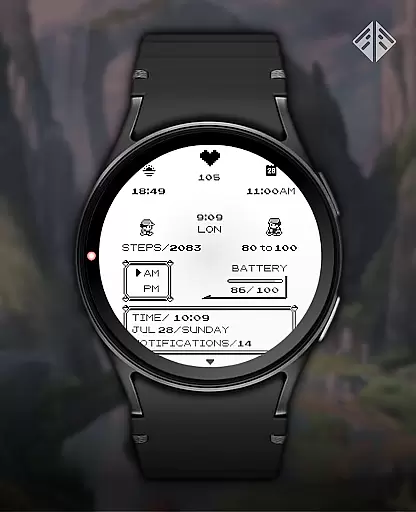
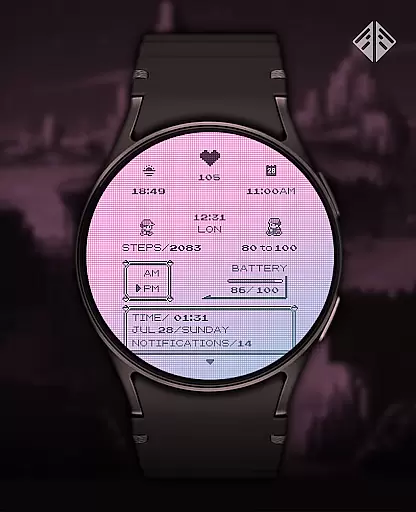
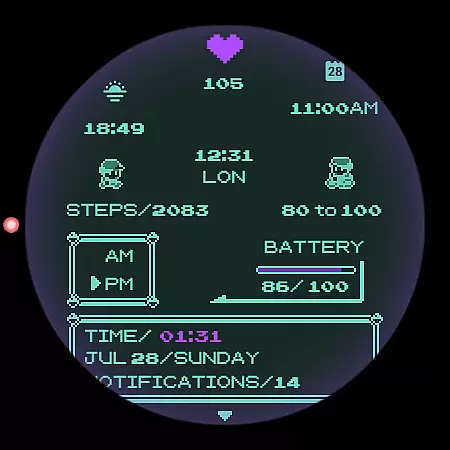
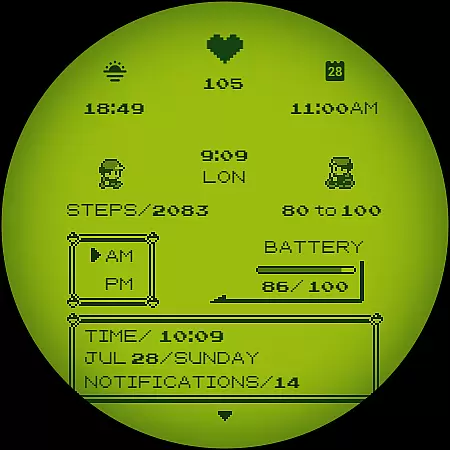
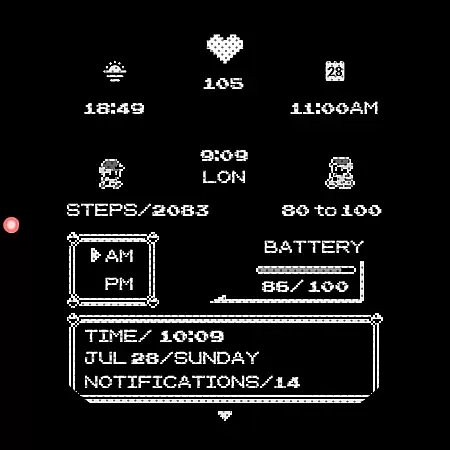
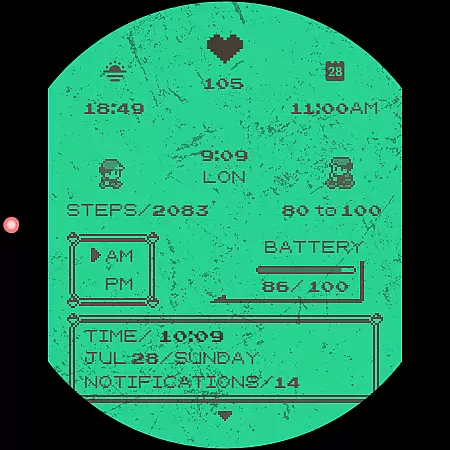
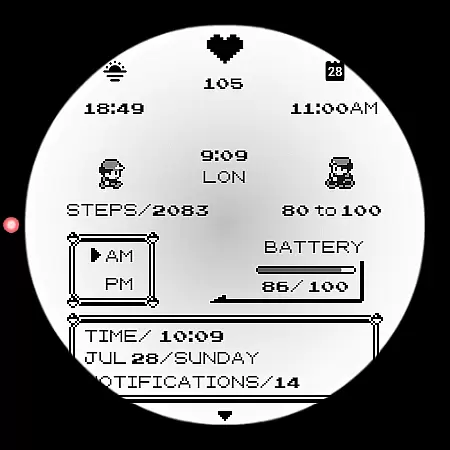
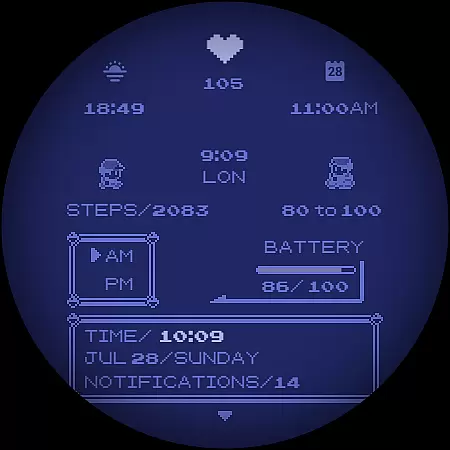
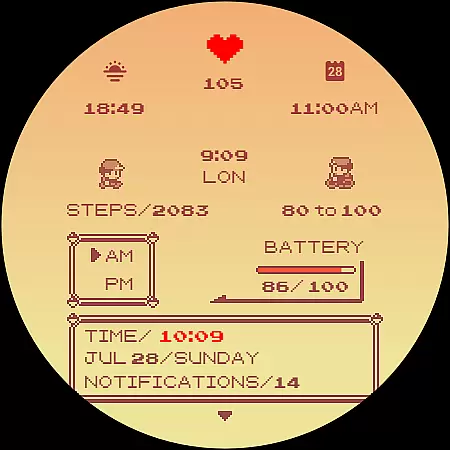
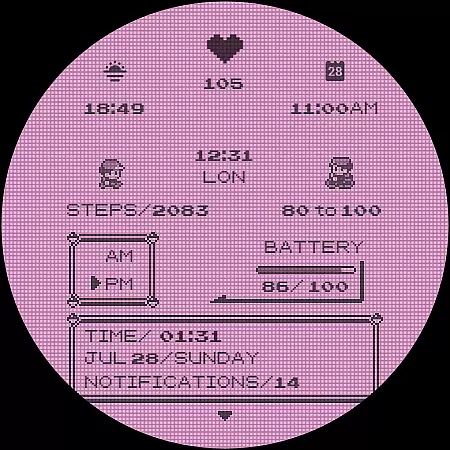
Poke Pixel Retro Watch Face is a pixel art themed Wear OS watchface that combines retro aesthetics with modern functionality. Designed for smartwatch users who appreciate nostalgic design, this standalone app offers over 1000 customization combinations, including 30 color schemes and various display formats. The animated interface provides essential information at a glance while maintaining a clean, pixel-perfect style inspired by classic gaming consoles.
This highly customizable watchface features working battery indicators, 12/24 hour format support, and automatic date formatting. Its unique handcrafted design ensures distinctiveness among wearable devices. The companion app facilitates easy installation and management, making it compatible with various Wear OS devices from Samsung, Mobvoi Ticwatch, Fossil, and other manufacturers.
The Poke Pixel Retro Watch Face distinguishes itself through extensive customization options and attention to detail. Users can personalize their watch face with 30 distinct color schemes and numerous configuration possibilities, creating a truly unique timepiece. The interface supports both 12-hour and 24-hour formats alongside automatic date adjustments, catering to international preferences.
Functionality extends beyond mere timekeeping; the watchface displays vital information instantly while maintaining its retro-inspired pixel art aesthetic. A working battery indicator provides real-time power status, enhancing practicality. The companion app streamlines installation across different Wear OS devices, ensuring broad compatibility while simplifying the setup process for users of all technical levels.
In the realm of productivity, effective task management is paramount. The Poke Pixel Retro Watch Face excels in this area by offering users a comprehensive suite of tools designed to keep them informed and organized at a glance. With support for both 12 and 24-hour time formats, automatic date adjustments, and customizable color schemes, it ensures that vital information is always accessible.
This watch face stands out with its highly customizable interface, allowing over 1000 possible combinations. Users can tailor their experience by adjusting frames, battery indicators, and various other elements. This level of personalization empowers individuals to prioritize what matters most to them, whether it's monitoring their schedule or tracking battery life.
By integrating seamlessly with Wear OS devices, including popular brands like Samsung, Fossil, and Mobvoi Ticwatch, this application enhances user productivity without compromising on style. Its pixel-perfect design draws inspiration from retro gaming consoles, making it not only functional but also visually appealing.
Cross-device synchronization is crucial for maintaining consistency across multiple platforms. The Poke Pixel Retro Watch Face addresses this need through its reliable companion app, which facilitates smooth installation and management processes. By ensuring that your smartphone and smartwatch are connected under the same account, you avoid unnecessary charges and enjoy uninterrupted service.
The companion app simplifies the setup process significantly. After installing the app on your smartphone, you can easily connect your Wear OS smartwatch and initiate the installation directly onto your device. Should any issues arise, such as connectivity problems or payment discrepancies, the app provides clear guidance and troubleshooting steps.
Moreover, the watch face supports continuous updates and improvements, guaranteeing long-term reliability. Whether you encounter bugs or desire new features, the developer actively maintains and enhances the product. This commitment ensures that users receive consistent performance and value, reinforcing the importance of dependable cross-device synchronization.
Highly customizable
Retro pixel art design
Broad device compatibility
Real-time battery indicator
Unique handcrafted style
Paid application
Requires Wear OS
Complex setup process
Limited free options
No iOS support

When you Focus, so will your Bean in this cozy focus timer
 4.30
4.30
Wake up & get tasks done! Add alarms & reminders on the Clock Launcher.
4.00
Direct Chat without saving contacts & Dual WA Account on Single Device
4.70
Automates browsing any website and notifies you of important changes or events
4.30
Pwnagotchi companion app
4.20
Tally and goal counter for Wear OS & mobile
4.50
Access, manage and transfer files on Android, PC, Mac, NAS and cloud storages.
4.30
AI Chatbot and AI writing assistant powered by ChatGPT.
4.60
Daily processing of PDF documents.
4.40
Best Tool for the professionals Electrician, Electrical contractors, etc.
4.90
Scientific calculator for Android - looks and operates like the real thing!
4.90
All document reader, all in one file viewer read PDF, DOCX, XLS, PPT, TXT files.
4.60
Functional QR scanner and barcode reader that requires little storage space.
4.60
A customizable calendar for your Wear OS watch
4.20
Secure, open-source, SPICE and SSH Remote Desktop for QEMU KVM virtual machines
4.00
A Revolutionary All-in-One Artificial Intelligence Tools
3.80
Auto-shutoff Alarm with Sunrise, Sunset & Fixed Options.
3.50
ID.me Authenticator is a simple and free Two Factor Authentication solution
3.50
Simple and reliable communication between inmates, friends and family
3.20


User Reviews