
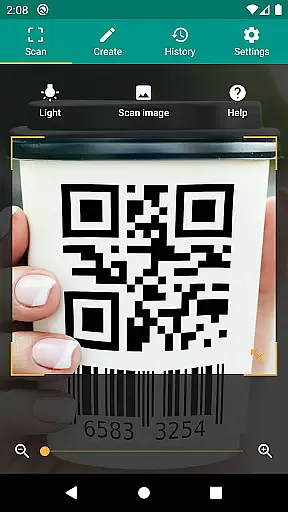
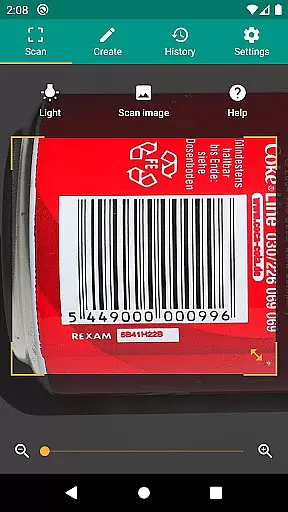
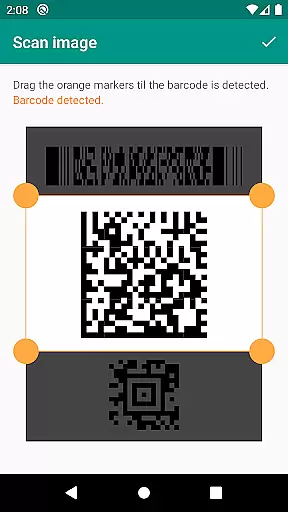
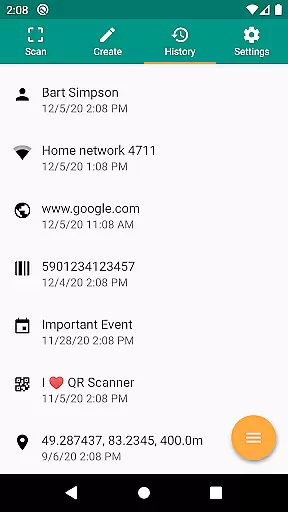
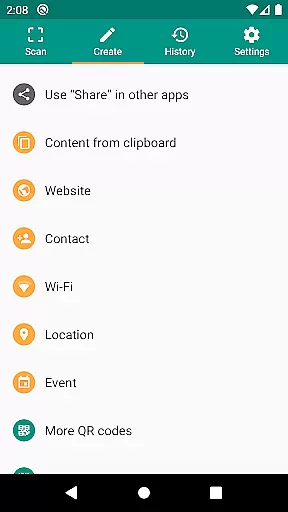
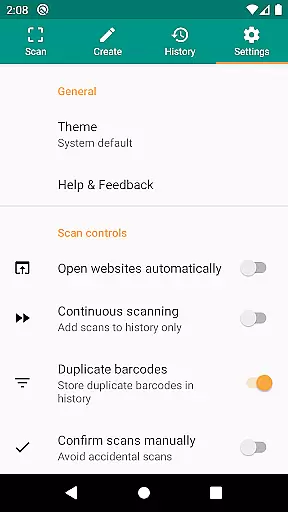
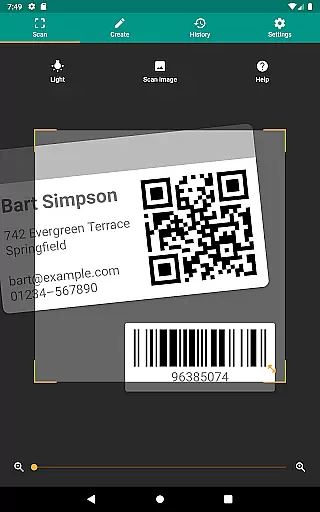
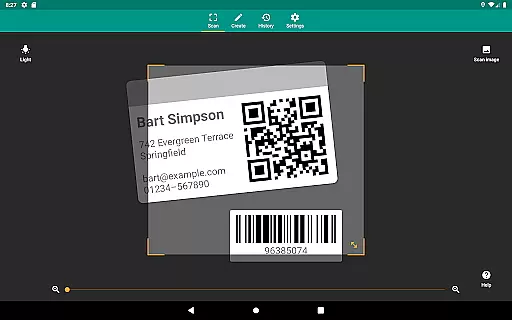
QR & Barcode Scanner is a versatile productivity tool designed to streamline the process of scanning and interpreting various types of barcodes and QR codes. This application supports all common formats, including QR, Data Matrix, Aztec, UPC, EAN, Code 39, and many others, making it an essential utility for both personal and professional use.
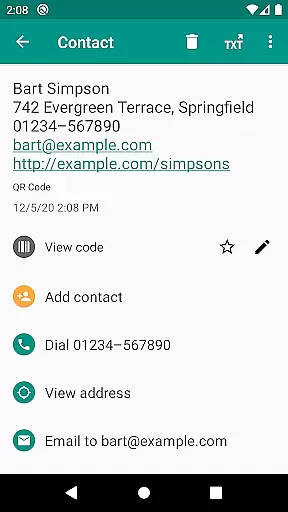
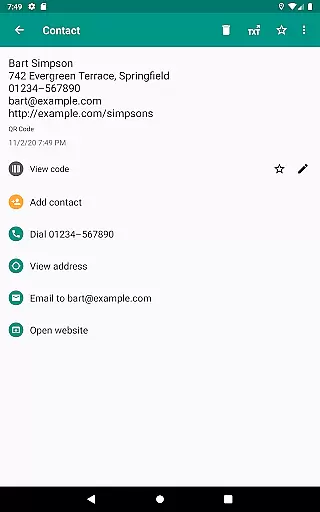
Beyond simply reading codes, this app provides relevant actions based on the scanned content. Users can open URLs, connect to WiFi hotspots, add calendar events, read VCards, and find product and price information from popular online services like Amazon, eBay, and Google. With added security features such as Chrome Custom Tabs and Google Safe Browsing, users are protected from malicious links while enjoying faster loading times.
The app requires minimal permissions, allowing users to scan images without accessing device storage or address books. Additional features include flashlight and zoom functionality for scanning in dark environments, CSV export options for managing scan history, and custom search options for specific information retrieval. These capabilities make QR & Barcode Scanner an indispensable tool for inventory management, quality assurance, and everyday productivity enhancement.
QR & Barcode Scanner stands out with its comprehensive feature set tailored for efficiency and security. The app's ability to scan all common barcode formats ensures universal compatibility, whether you're dealing with product codes, event tickets, or digital contact cards. Its support for relevant actions transforms simple scans into practical outcomes, such as connecting to WiFi networks or adding events to your calendar.
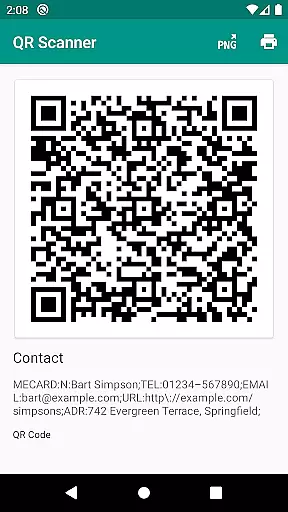
Security and performance are prioritized through integrated technologies like Chrome Custom Tabs and Google Safe Browsing, which safeguard users against harmful links while optimizing browsing speed. The minimal permission requirement enhances user privacy by enabling image-based scanning without accessing personal data or device storage. Furthermore, the built-in QR code generator allows for seamless sharing of website links and other data by displaying them as scannable codes.
Advanced functionalities include flashlight activation for low-light conditions, pinch-to-zoom for distant codes, and CSV export options for detailed record-keeping. Users can also annotate scans and customize search preferences, empowering small business owners and individuals alike to manage inventories, track expenses, or organize contacts effectively.
QR & Barcode Scanner excels in core task management by offering a comprehensive suite of tools for scanning and generating codes. This functionality is crucial for users who need to manage inventory, track products, or organize information efficiently.
The app supports all common barcode formats including QR, Data Matrix, Aztec, UPC, EAN, and Code 39. This extensive format support ensures that users can scan virtually any code they encounter, making it an indispensable tool for productivity.
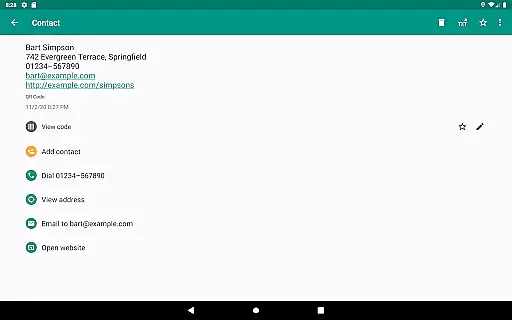
With features like opening URLs, connecting to WiFi hotspots, adding calendar events, and reading VCards, the app streamlines various tasks. These capabilities allow users to perform relevant actions directly from scanned codes, enhancing workflow efficiency.
Additionally, the CSV export and annotation features enable users to manage unlimited scan history and export it for further analysis. This functionality is particularly beneficial for small businesses implementing quality assurance or managing product inventory, providing significant value to users.
Cross-device synchronization is a vital feature for users who operate multiple devices and need consistent access to their data. QR & Barcode Scanner ensures reliable synchronization across devices, allowing users to access their scan history and generated codes from any device.
The app minimizes permissions, enabling users to scan images without granting access to device storage. This approach not only enhances security but also simplifies the user experience by reducing unnecessary permissions, ensuring smooth operation across different platforms.
QR & Barcode Scanner includes a built-in QR code generator, allowing users to share arbitrary data such as website links. By displaying these codes on the screen and scanning them with another device, users can effortlessly transfer information, maintaining synchronization across their devices.
Furthermore, custom search options enhance synchronization reliability by letting users add favorite websites into the barcode search. This tailored search capability ensures that users receive specific information consistently, regardless of the device they are using, thus maximizing productivity and user satisfaction.
User-friendly interface
Comprehensive format support
Enhanced security features
Minimal permission requirements
Versatile scanning options
Limited design customization
No offline database
Occasional slow processing
Ads in free version
Requires internet for some features

Ads Free App! Editor, Hide File, Copy, Move, Delete and Rename.. all facility av
 1.70
1.70
Android Wallet Password Manager
4.80
Device's storage information in a simple and clear graphical form (infographics)
4.10
Make your handwriting beautiful, even more than pen on paper.
3.60
⏰ Finally a timer app which can run multiple timers simultaneously on your watch
3.90
Font maker keyboard with your own handwriting
4.10
Activate Two Factor Authentication (2FA or Multi OTP), Password manager and more
4.10
Great calculator for Android named one of USA TODAY's "25 Essential Apps".
4.90
To do list widget with a notebook organizer, checklist, simple shopping list
4.60
Quickly and easily keep track of your work shifts
4.70
App lock - lock apps with fingerprint, password, pin or pattern, protect privacy
4.70
CalenGoo is a very flexible and feature-rich calendar app
4.40
Enjoy classic gameplay with customizable features and retro-style graphics.
4.30
Todo reminder
4.10
All in one sketching tool. Technical and General drawing. Online Maps support.
3.70
Simple and reliable communication between inmates, friends and family
3.20
Experience and share your SolidWorks designs on your Android® phone and tablet.
2.50
The upgraded version of Name Wheel with AI and the power to add your own wheels.
4.2
IP Camera Viewer - Android TV : RTSP Surveillance camera viewer for Android TV
4.0


User Reviews