
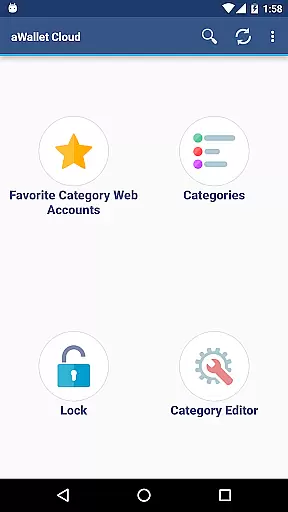
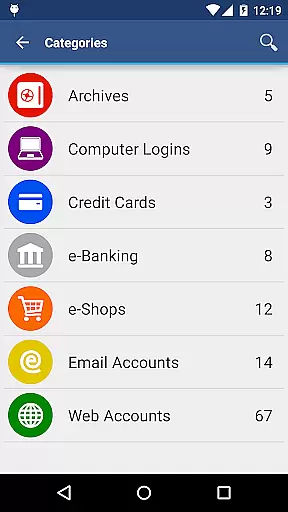
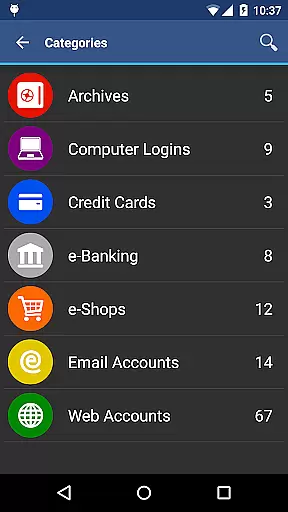
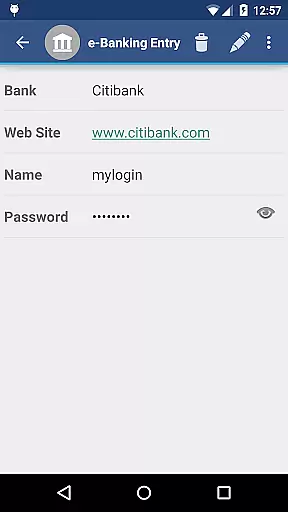
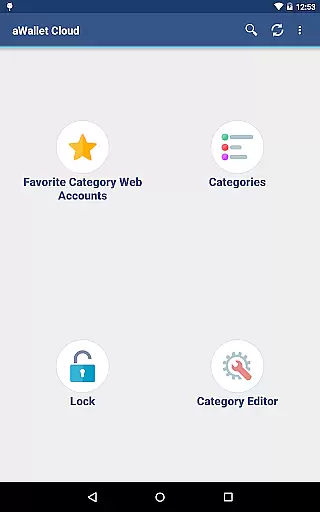
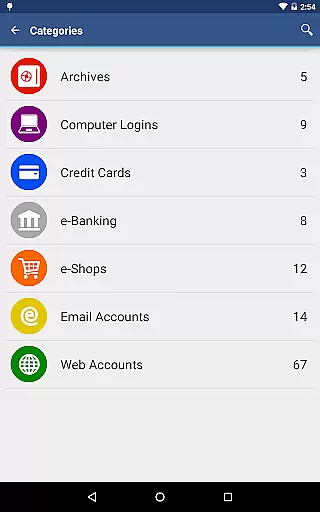
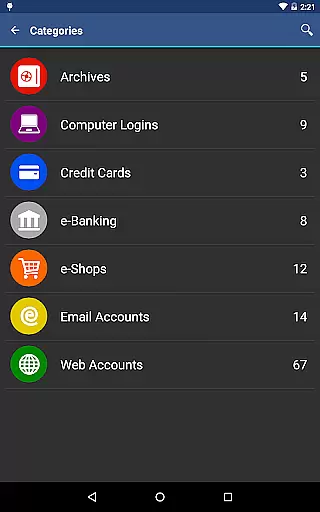
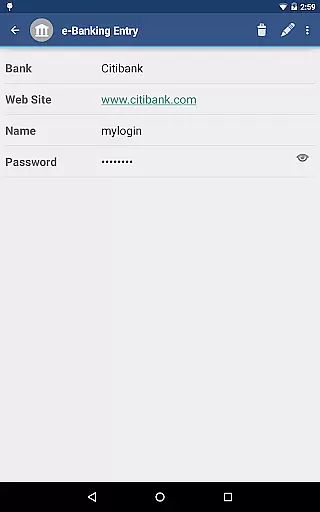
aWallet Cloud Password Manager is a robust productivity tool designed to securely store and manage sensitive information such as passwords, credit card details, e-banking credentials, and web accounts. The app ensures top-notch security by encrypting all stored data using advanced algorithms like AES or Blowfish with key sizes of 256, 192, or 128 bits.
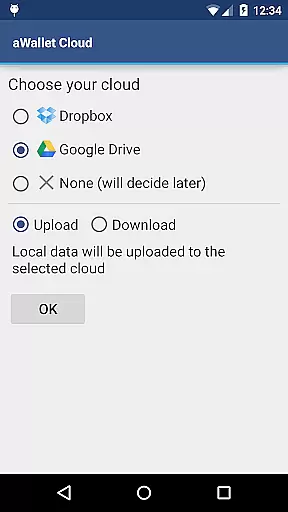
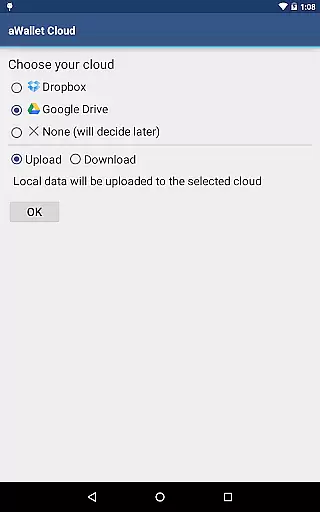
One of the standout features is its ability to synchronize encrypted data with your personal cloud storage accounts like Dropbox or Google Drive. This allows users to access their critical information across multiple devices while maintaining complete control over their data. Additionally, the app offers pro features including biometric authentication options like fingerprint and facial recognition for compatible devices, enhancing both security and convenience.
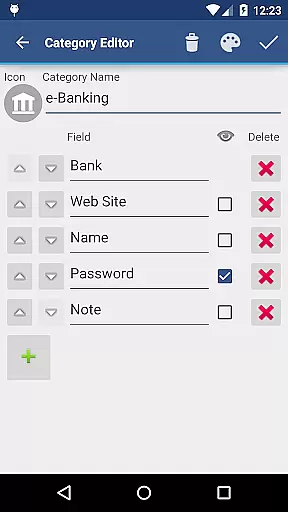
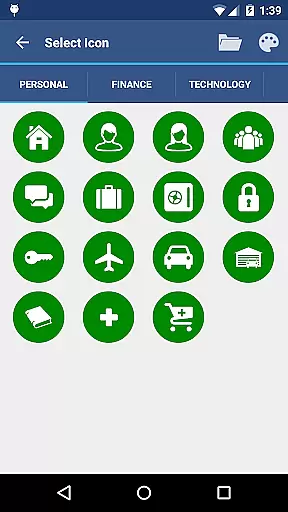
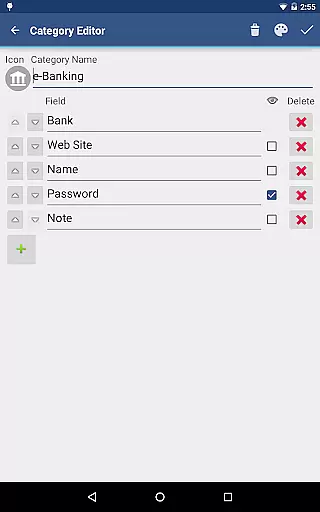
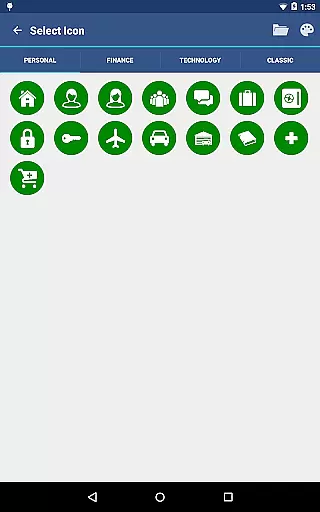
The app boasts an array of powerful features tailored to boost productivity and ensure data security. It includes a built-in Editor that lets users modify existing categories or create new ones with custom icons, providing a personalized organizational structure. Users can also perform field-specific searches, making it easy to locate specific entries quickly.
For added flexibility, aWallet supports backup and restore functions to Android USB devices and allows exporting unencrypted data in CSV format. The Auto lock feature enhances security by locking the app after a set period of inactivity. Moreover, the app incorporates cutting-edge security measures such as repetitive hashing and salt generation, which significantly bolster protection against brute force and off-line dictionary attacks.
In the realm of productivity, managing tasks efficiently is paramount. aWallet Cloud Password Manager excels in organizing and securing essential data such as passwords, credit card information, and e-banking credentials. This ensures that users can focus on their core responsibilities without worrying about the safety of their sensitive information.
The app provides a built-in editor for customizing data categories with unique icons, enhancing the clarity and accessibility of different types of stored information. With features like search functionality within fields and auto-lock settings, users are empowered to swiftly locate their data and maintain security with minimal effort.
Furthermore, the synchronization capability with personal cloud accounts like Dropbox or Google Drive means that users have their critical data at their fingertips, regardless of the device they are using. This seamless integration across platforms supports a fluid workflow, allowing users to concentrate on their primary objectives without being hindered by data management issues.
Cross-device synchronization is a vital feature for any productivity tool, enabling users to access their data from multiple devices effortlessly. aWallet Cloud Password Manager offers reliable synchronization of encrypted data through popular cloud services such as Dropbox and Google Drive, ensuring that all user information is up-to-date across different platforms.
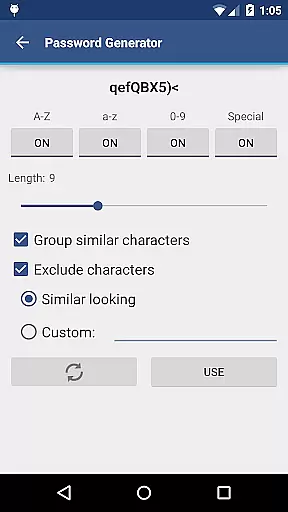
This synchronization process not only covers standard data but also includes advanced features such as auto-lock configurations and password generation. As a result, users experience consistent functionality and security measures, regardless of the device they choose to use.
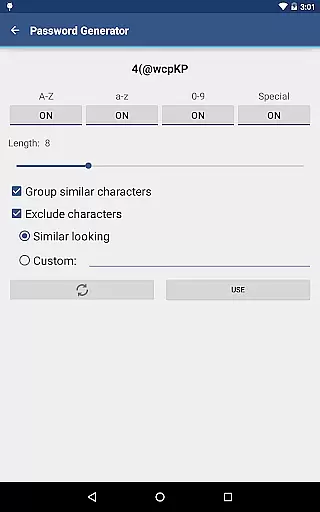
Moreover, the app's support for backup and restore functions to an Android USB device adds another layer of reliability. Users can rest assured that their data remains safe and accessible, even when switching between devices or in the event of a device failure. This comprehensive approach to synchronization underscores the app's commitment to providing a dependable cross-device experience.
Highly secure encryption
Cloud synchronization
Customizable categories
Biometric login options
Ad-free experience
No iOS version available
Complex for beginners
Limited export formats
Requires cloud account
Occasional sync issues

Seamlessly integrate data and reports to build your presentation to impress
 4.80
4.80
The long-awaited modern gallery app for your Nextcloud server
4.70
Mega cloud explorer plugin for Solid Explorer
3.80
Protect and view your important info on your phone and tablet with eWallet®
4.80
Secure, fast, open-source, Remote Desktop Client for Windows and Linux with SSH
4.60
aCalendar+ makes your day, week and month
4.70
ID.me Authenticator is a simple and free Two Factor Authentication solution
3.50
Simple notepad & memo. Take notes, to-do list, shopping list with reminders.
4.80
Browse and view your photos and videos from the phone with photo & video hide.
4.10
App Lock with fingerprint, password: Lock apps & hide photos with lock screens
4.60
Send files, sync SMS, notifications & clipboard across devices via local network
4.40
Enjoy classic gameplay with customizable features and retro-style graphics.
4.30
Access, manage and transfer files on Android, PC, Mac, NAS and cloud storages.
4.30
Professional calendar app for Google Calendar, MS Outlook & Exchange
4.20
Easily read and manage all your PDF files
4.10
Unlock AutoNotification
4.00
Take control of your clipboard with Clipper!
3.90
A Revolutionary All-in-One Artificial Intelligence Tools
3.80
All in one sketching tool. Technical and General drawing. Online Maps support.
3.70


User Reviews