
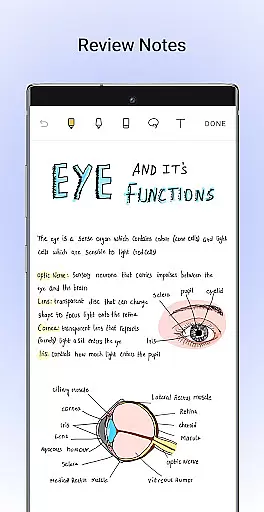
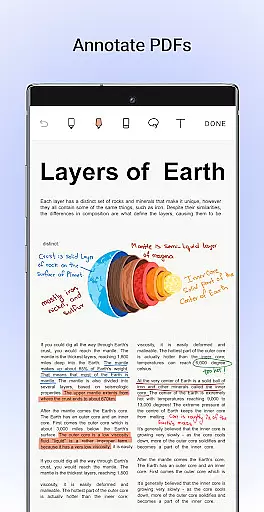
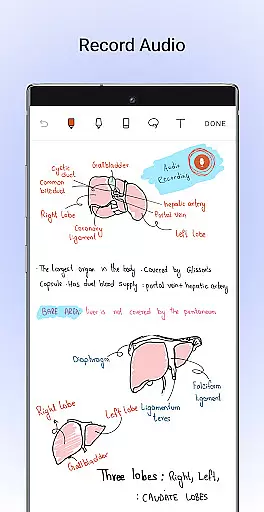
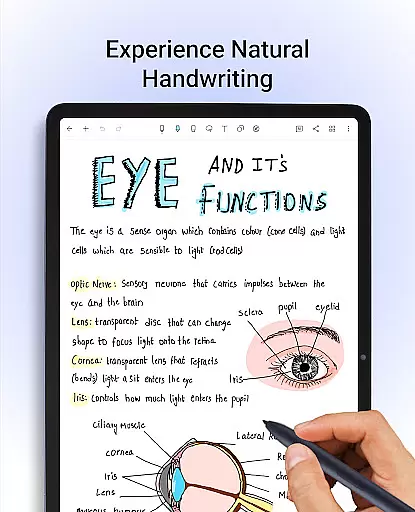
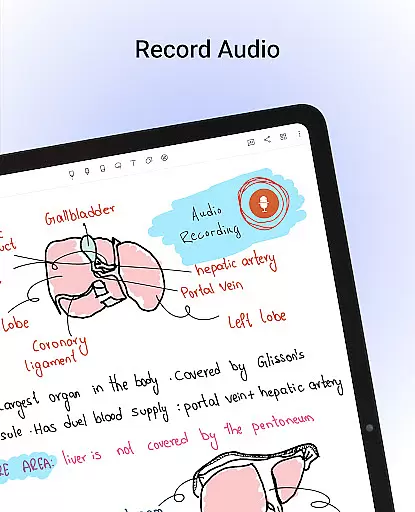
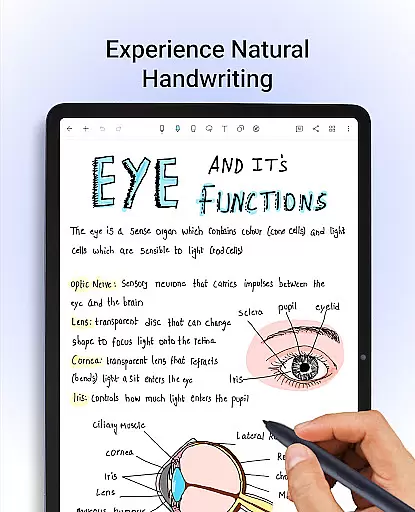
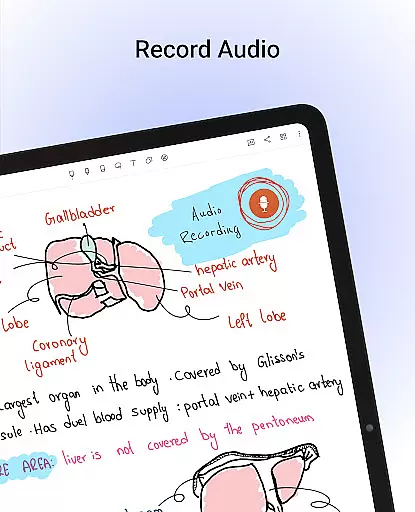
Noteshelf is a comprehensive digital note-taking app designed for students, teachers, and professionals. It allows users to take beautiful handwritten notes, annotate PDFs, record audio notes, and organize their digital notes effectively. The app offers realistic pens and highlighters, supports various stylus types, and provides handwriting recognition in 65 languages.
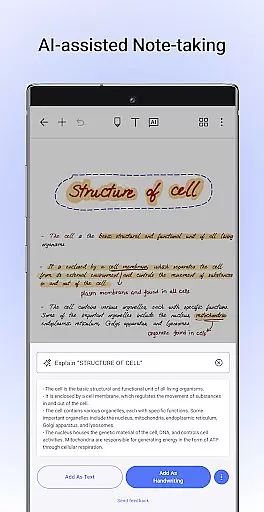
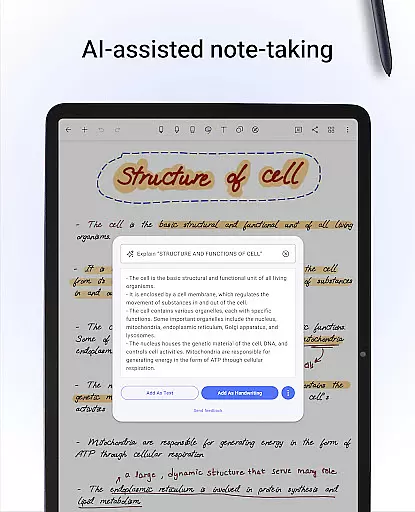
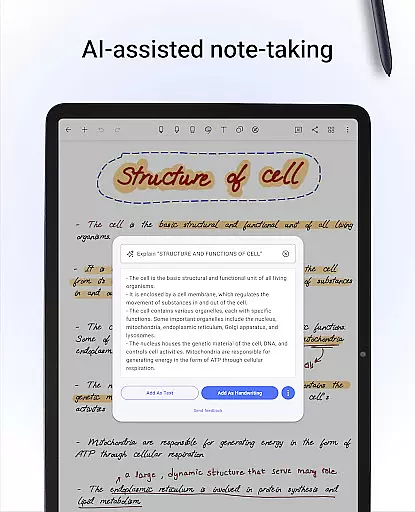
With features like Noteshelf AI, users can generate and summarize handwritten notes, translate text, and explain complex terms. The app also includes a vast library of templates, customizable covers, and formatting options to personalize the note-taking experience. Users can sync their notes via Google Drive, auto-backup to cloud services, and access them on any Android device.
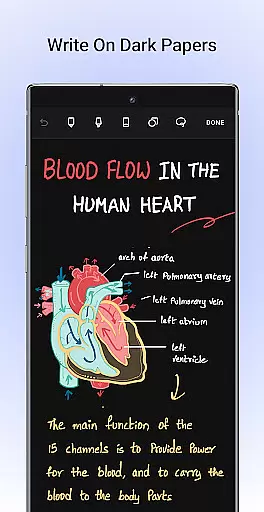
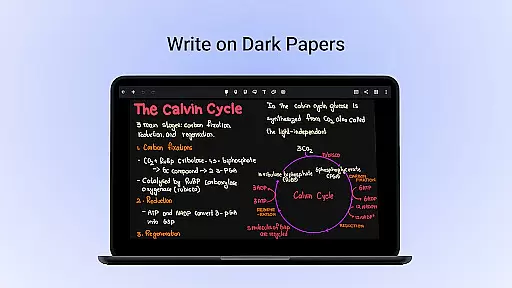
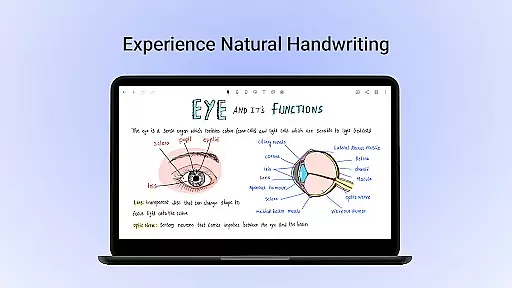
Noteshelf stands out with its natural handwriting feature that mimics the feel of real pens and highlighters. Users can play with colors, shapes, and images to create engaging notes. The app supports a variety of stylus options, including Samsung Galaxy Note's S-pen with a quick-erase feature.
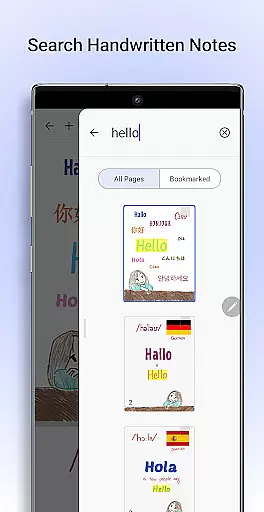
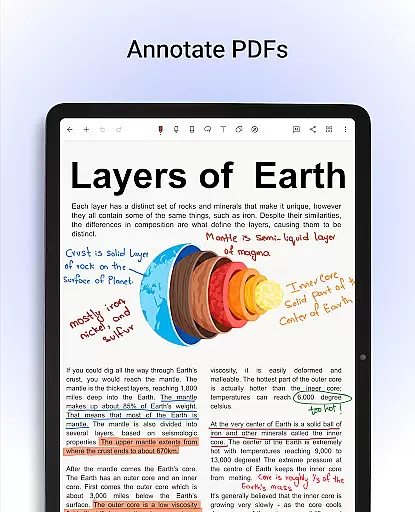
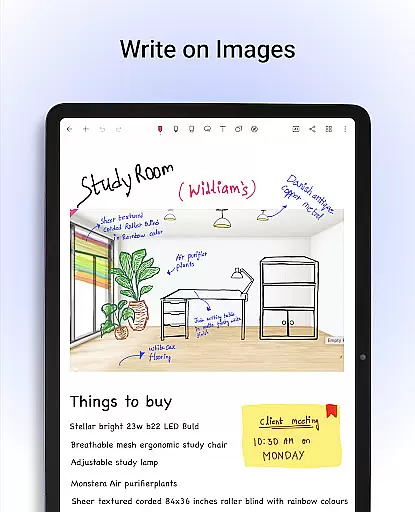
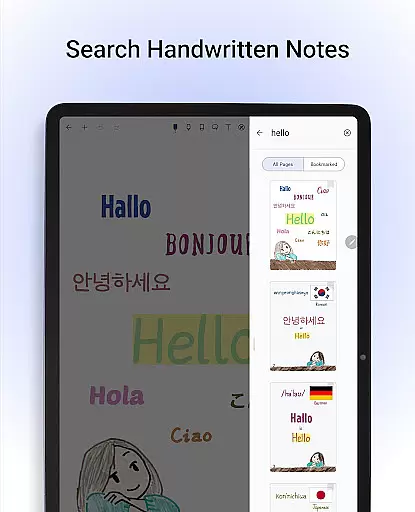
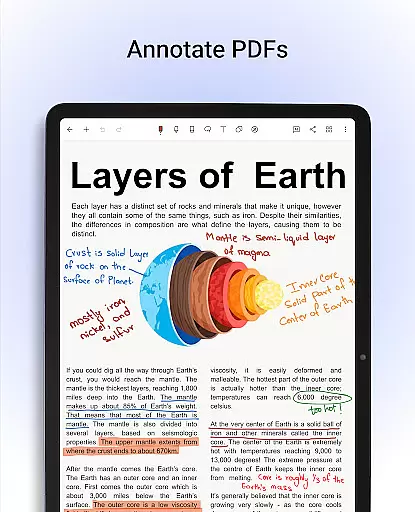
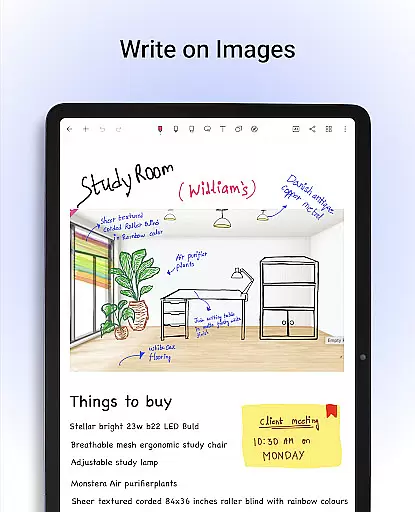
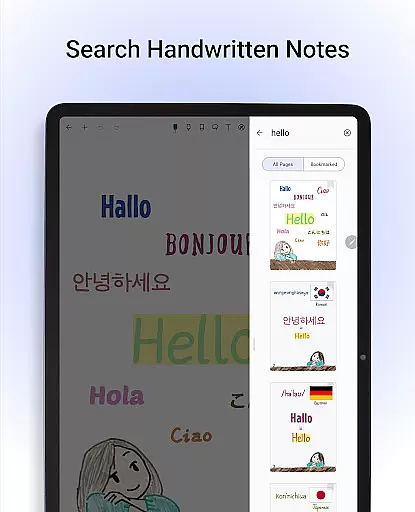
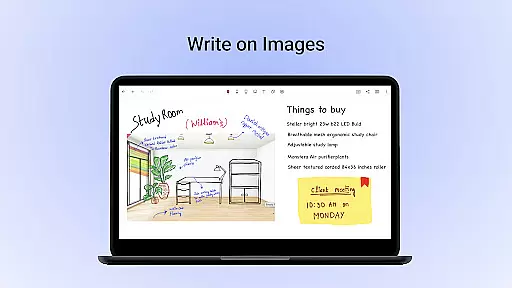
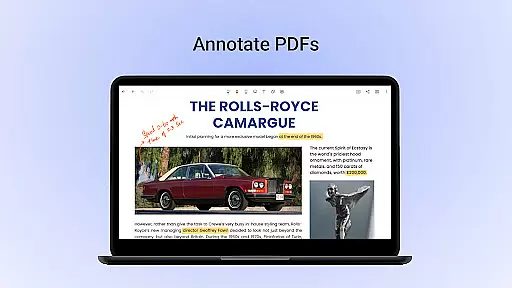
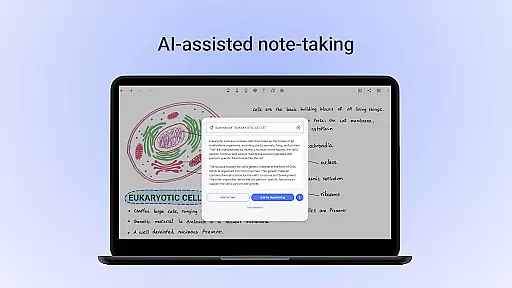
One of the key highlights is the ability to annotate PDFs and write on images, making it ideal for editing school notes or signing documents. The app's powerful search function converts handwritten notes to text seamlessly. With Noteshelf AI, users can enhance their productivity by generating notes on any topic and summarizing content efficiently.
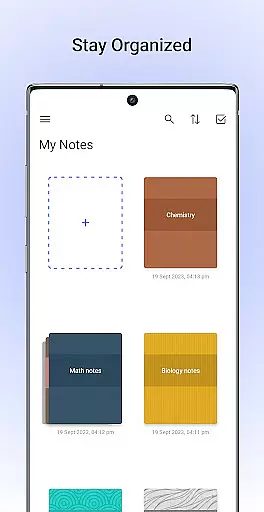
Personalization is at the core of Noteshelf, offering lined, dotted, or grid papers in different colors. Users can type notes, record audio during lectures, and convert strokes into shapes for diagrams. The app ensures notes are organized with bookmarking features and syncs via Google Drive for safekeeping and easy access.
Effective task management is essential for productivity applications, serving as the backbone for organizing and executing tasks efficiently. Noteshelf excels in this area by offering a comprehensive suite of tools designed to streamline note-taking and task organization.
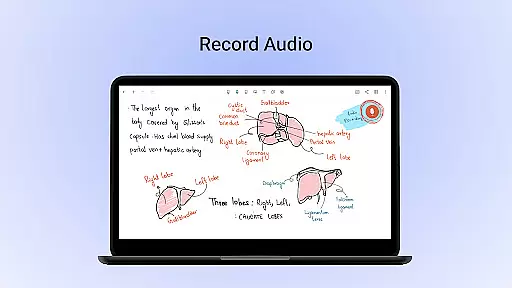
The app provides users with the ability to create, categorize, and prioritize notes with ease. Its powerful features include natural handwriting support, PDF annotation, and the ability to record audio notes, ensuring that users can capture information in a way that suits their workflow best.
Noteshelf also includes advanced search capabilities and OCR functionality, allowing users to quickly locate specific notes or convert handwritten content into typed text. This functionality enhances accessibility and ensures that important information is never lost amidst the clutter.
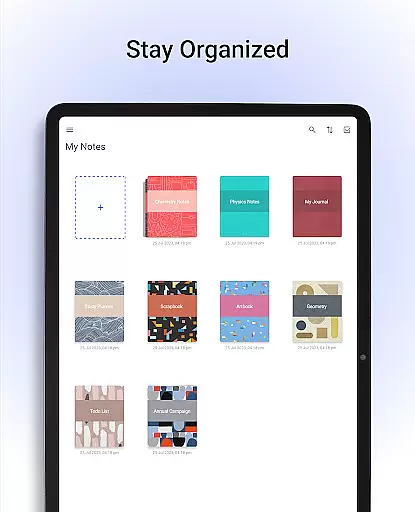
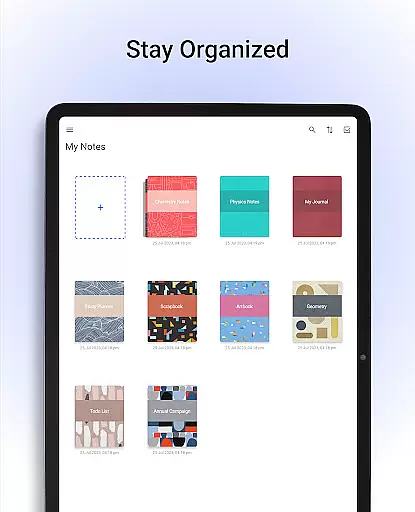
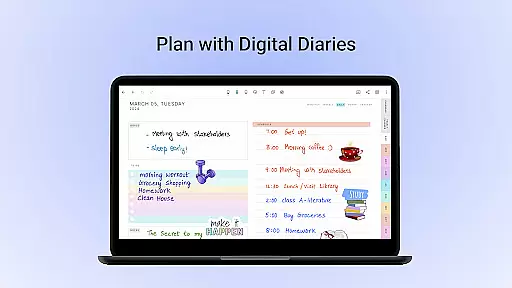
With customizable templates and covers, users can tailor their notebooks to fit personal preferences or professional requirements. The app's organizational tools extend to grouping notebooks and bookmarking pages, creating a structured environment where tasks are managed with precision and clarity.
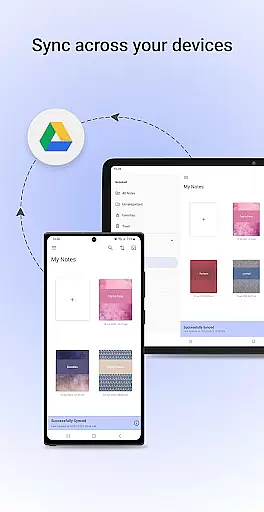
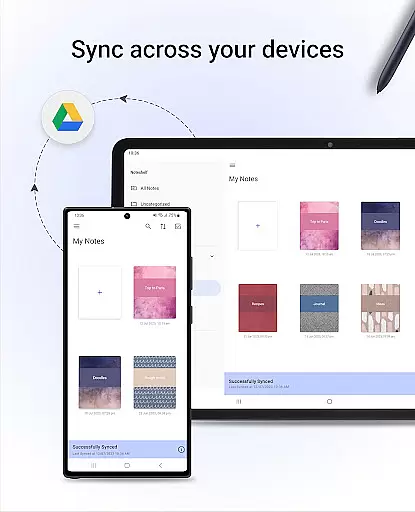
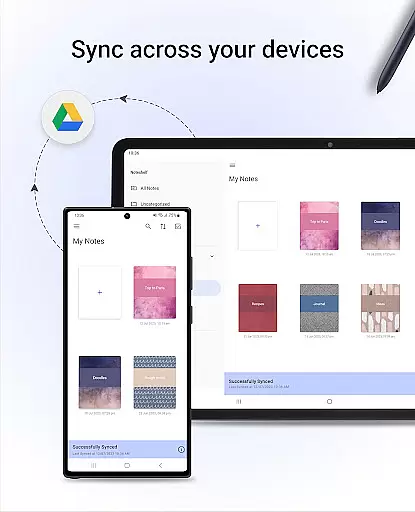
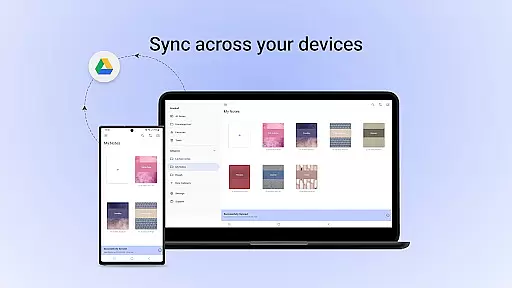
In today's interconnected world, reliable cross-device synchronization is crucial for maintaining productivity on the go. Noteshelf addresses this need by providing seamless integration with cloud services, ensuring that users can access their notes from any Android device.
The app supports automatic backups to popular cloud storage platforms such as Google Drive, OneDrive, Dropbox, and WebDAV. This feature guarantees that user data remains safe and accessible, even if switching between devices or in the event of hardware failure.
Furthermore, Noteshelf enables automatic publishing to Evernote, expanding its reach and allowing users to retrieve their notes from virtually anywhere. This level of integration ensures continuity and reliability, key factors when managing tasks across multiple environments.
By prioritizing synchronization and backup functionalities, Noteshelf empowers users to focus on their work without worrying about data loss or accessibility issues, thus enhancing overall productivity and peace of mind.
User-friendly interface
Realistic pen options
Versatile annotation tools
Handwriting recognition
Cloud sync functionality
Limited free features
Occasional bugs reported
Subscription cost required
Learning curve for new users
Heavy storage usage

QuickBooks Workforce lets teams view pay info and track time in one place.
 4.70
4.70
Easily read and manage all your PDF files
4.10
Automates browsing any website and notifies you of important changes or events
4.30
The Pro Version of Android's tiniest Notepad app. Just 0.3MB but feature-packed!
4.60
Mind Map and brainstorm, note taking and idea collection
4.80
Cloud storage, automatic phone backup, and more.
4.10
Code on-the-go with VScode for Android. Edit,debug and collaborate from mobile!!
3.10
Experience and share your SolidWorks designs on your Android® phone and tablet.
2.50
Lightweight PDF, Word, Excel reader.
4.60
Android Wallet Password Manager
4.80
aCalendar+ makes your day, week and month
4.70
The AI assistant that thinks with you - write, code, and solve complex tasks
4.60
Translate text/voice/photos in 150+ languages. Offline & fast translator app.
4.50
Send files, sync SMS, notifications & clipboard across devices via local network
4.40
CalenGoo is a very flexible and feature-rich calendar app
4.40
When you Focus, so will your Bean in this cozy focus timer
4.30
Unlock AutoNotification
4.00
Auto-shutoff Alarm with Sunrise, Sunset & Fixed Options.
3.50
AI Video AI Image Private LLM AI Browser Llama Gemma Ollama Connect LLM Studio
4.2


User Reviews