
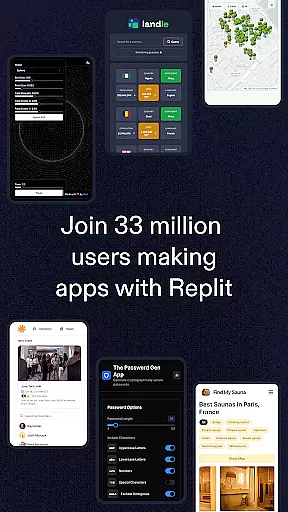
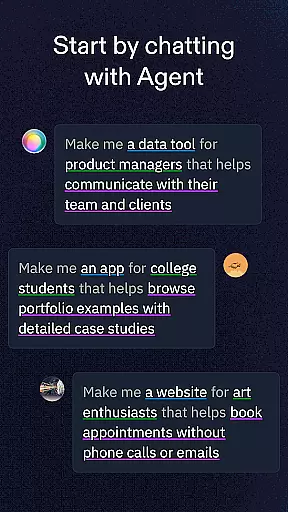
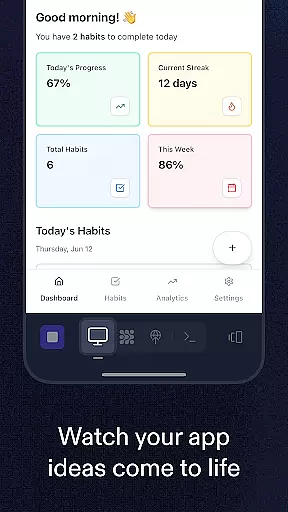
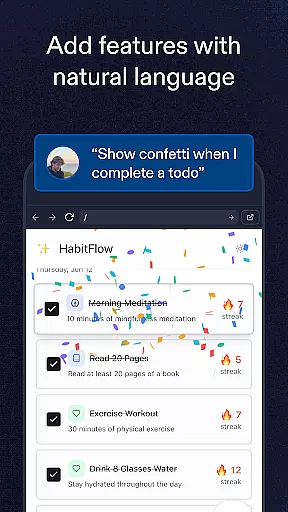
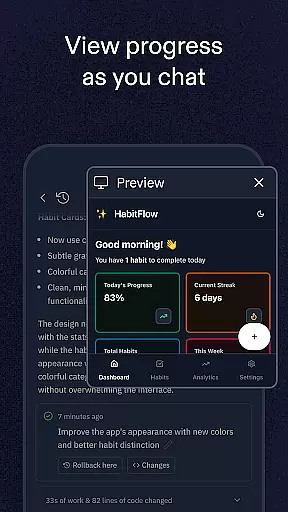
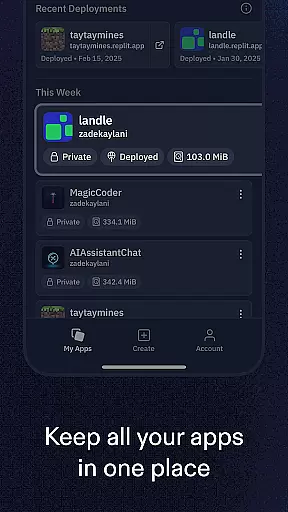
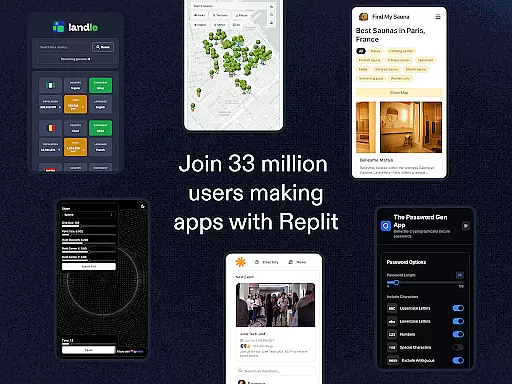
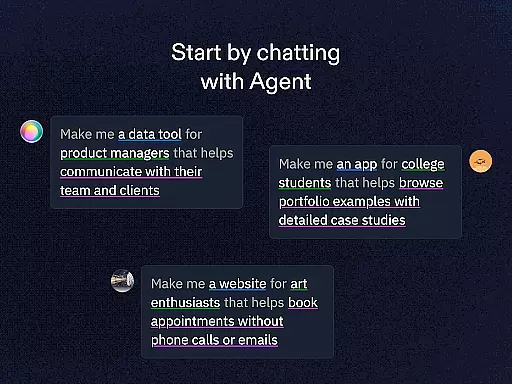
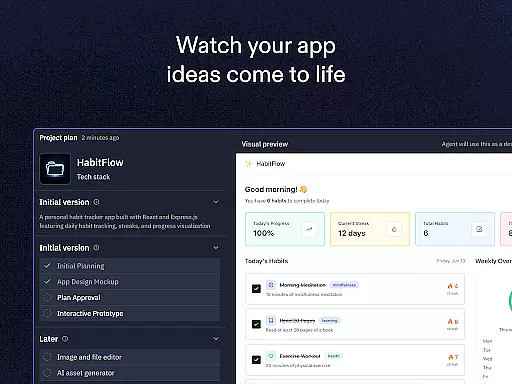
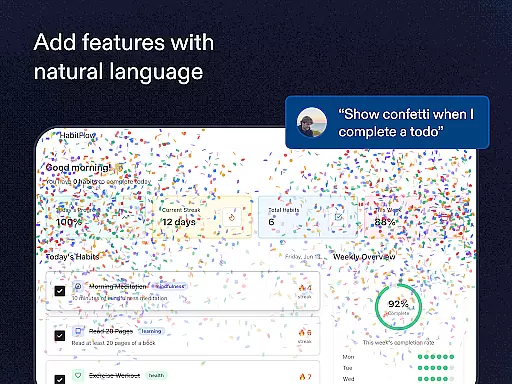
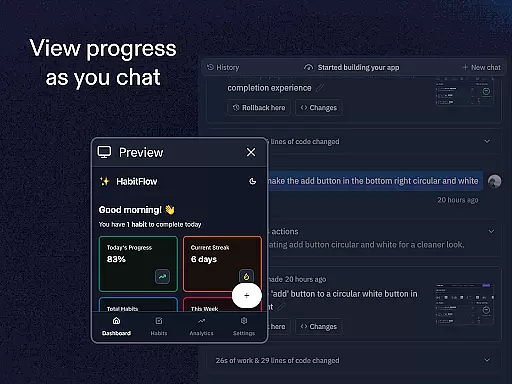
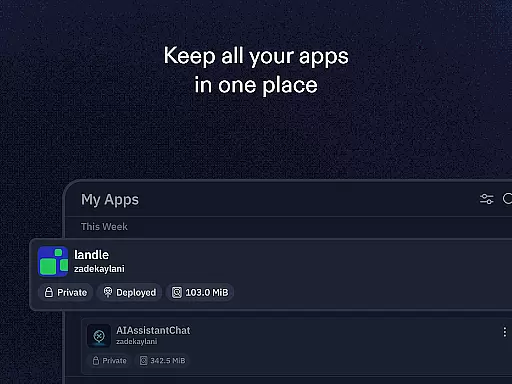
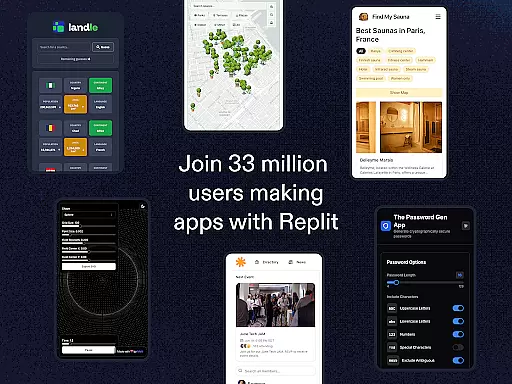
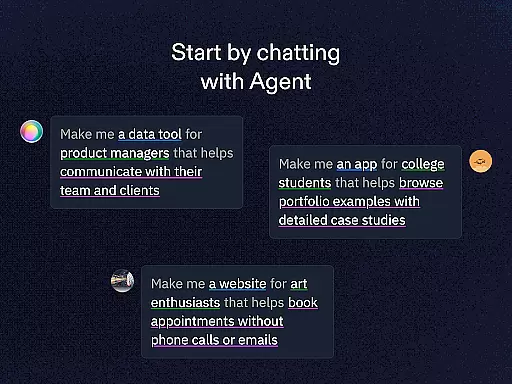
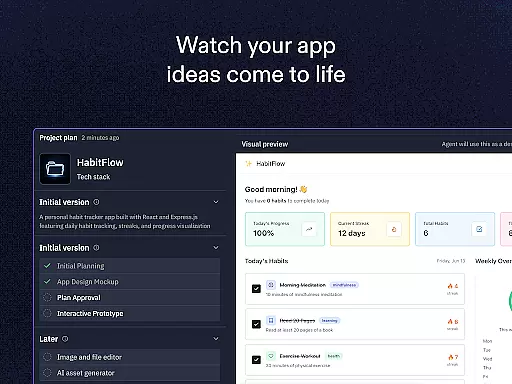
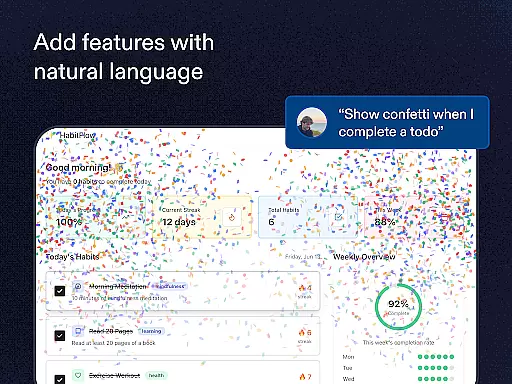
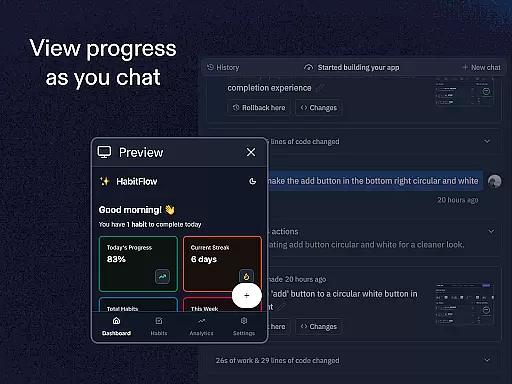
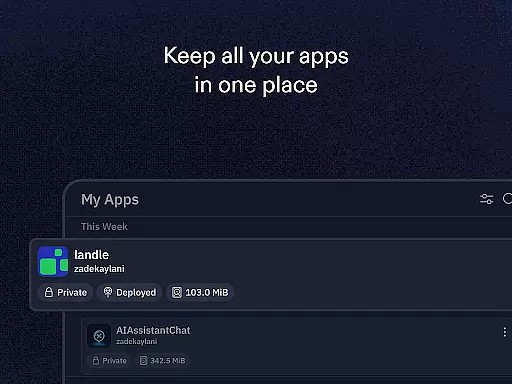
Replit is a powerful productivity application that allows users to create, develop, and deploy various projects directly from their mobile devices. The app supports the creation of websites, applications, and games with minimal setup required. One of its standout features is Replit Agent, which enables users to build apps and websites using natural language prompts without any need for coding. This makes it accessible even to beginners while still offering advanced tools for experienced developers.
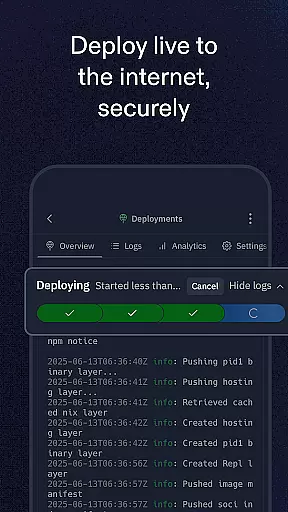
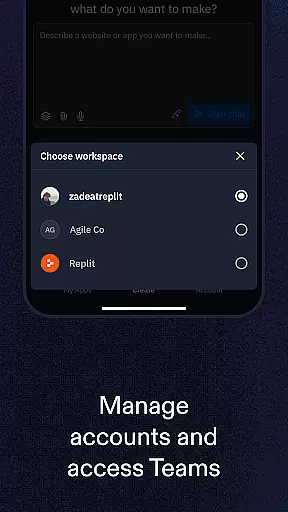
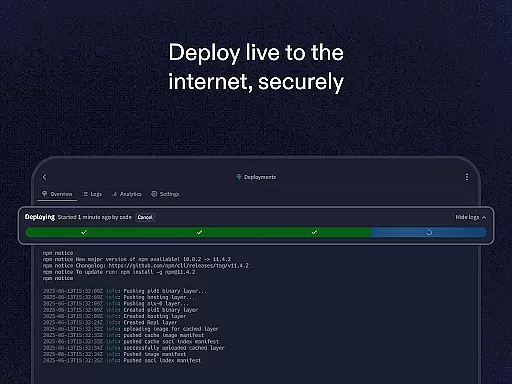
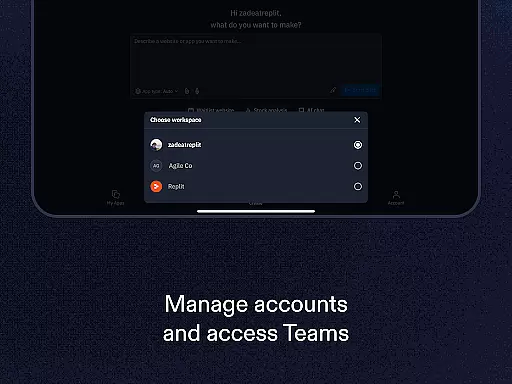
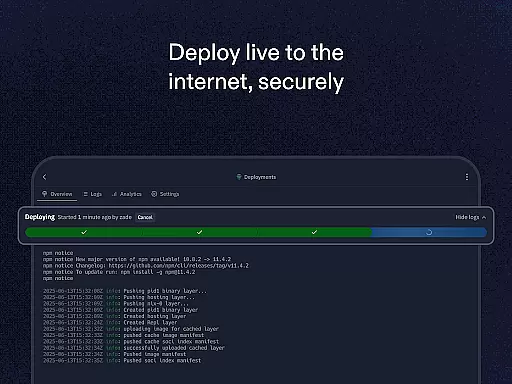
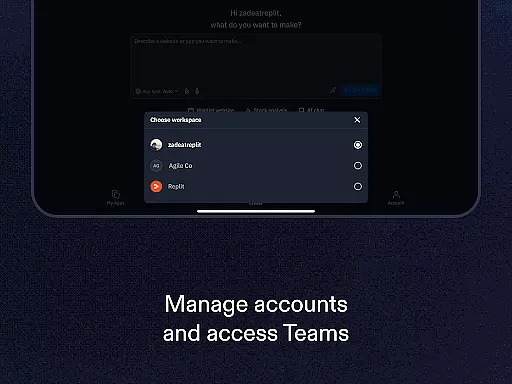
In addition to its development capabilities, Replit offers real-time multiplayer collaboration, allowing multiple users to work on a project simultaneously. It also provides instant hosting with zero setup deployment, custom domain support, and integrated tools like replAuth for user login configuration and ReplDB for database management. These features make it an ideal choice for both individual creators and teams looking to streamline their development process and quickly share their work with others.
Replit stands out in the productivity category due to its comprehensive feature set tailored for developers and creators. A key highlight is Replit Agent, which lets users describe their project ideas in natural language, automatically generating the corresponding code and structure. This functionality significantly lowers the barrier to entry for app and web development, making it possible for anyone to bring their ideas to life without deep technical expertise.
The app also excels in collaboration and deployment. Users can engage in real-time multiplayer sessions, working alongside others as if they were in the same room. Instant hosting means that projects are live immediately after creation, with options for custom domains and easy sharing via unique URLs. Additionally, Replit supports a wide array of programming languages and frameworks, ensuring flexibility and compatibility with virtually any project type. Advanced features such as replAuth and ReplDB further enhance the development experience by simplifying common tasks like user authentication and database setup.
Task management is a critical component of productivity applications like Replit. This feature allows users to organize, prioritize, and track their tasks efficiently, ensuring that projects progress smoothly from inception to completion.
Replit offers robust task management through its intuitive interface and powerful functionalities. Users can create tasks using natural language prompts, instantly host projects with zero setup, and collaborate in real-time with others. These capabilities streamline the development process, making it easier for individuals and teams to stay on top of their work.
The benefits of Replit's task management system are manifold. It empowers users to focus on creation rather than logistics, providing tools that automate and simplify complex processes. Whether you're building websites, apps, or games, Replit ensures that your workflow remains uninterrupted and efficient.
Ultimately, Replit's task management feature enhances productivity by offering an integrated environment where ideas can be transformed into tangible outcomes swiftly and effectively. Its seamless integration with other features such as custom domains and databases further amplifies its utility, making it an indispensable tool for creators at any level.
Cross-device synchronization is essential for modern productivity tools, enabling users to access their projects and data seamlessly across multiple devices. This functionality ensures that work started on one device can be continued effortlessly on another without loss of information or disruption in workflow.
Replit excels in cross-device synchronization by providing reliable and real-time updates. Users can begin coding on their mobile phone during a commute and continue working on the same project from their desktop at home. The platform maintains consistency and accuracy across all synchronized instances, ensuring that every change made is immediately reflected everywhere else.
This reliability significantly enhances user experience by offering flexibility and peace of mind. Knowing that their work is safely stored and accessible from any device encourages users to utilize Replit more frequently and confidently. Additionally, features such as instant hosting and collaborative editing further augment this convenience, allowing teams to work together harmoniously regardless of location.
In summary, Replitu2019s dependable cross-device synchronization not only boosts productivity but also fosters creativity and collaboration among users. By removing barriers related to device dependency, Replit creates an ecosystem where innovation thrives unimpeded by technical constraints.
User-friendly interface
Real-time collaboration
Instant project hosting
Supports multiple languages
Automated app building
Limited offline functionality
Subscription fees for advanced features
Occasional performance lags
Steep learning curve for beginners
Dependent on internet connectivity

A customizable calendar for your Wear OS watch
 4.20
4.20
Planet Free VPN - The best Fast Unlimited and Secure VPN Without Logs
4.50
Make your handwriting beautiful, even more than pen on paper.
3.60
App Lock with fingerprint, password: Lock apps & hide photos with lock screens
4.60
Font maker keyboard with your own handwriting
4.10
Calendar 2023 widget for Android. Appointment scheduler, planner, and reminder
4.60
Scientific calculator for Android - looks and operates like the real thing!
4.90
Lightweight PDF, Word, Excel reader.
4.60
Browse and view your photos and videos from the phone with photo & video hide.
4.10
QuickBooks Workforce lets teams view pay info and track time in one place.
4.70
Absolutely the best CNC machinist speed and feed calculator around. fswizard.com
4.60
Functional QR scanner and barcode reader that requires little storage space.
4.60
Send files, sync SMS, notifications & clipboard across devices via local network
4.40
A Pixel Art watchface inspired by other iconic 90s designs for Wear OS devices!
4.40
Pwnagotchi companion app
4.20
Todo reminder
4.10
Create and edit presentations with Google Slides, part of Google Workspace.
4.00
Simple and reliable communication between inmates, friends and family
3.20
IP Camera Viewer - Android TV : RTSP Surveillance camera viewer for Android TV
4.3


User Reviews