
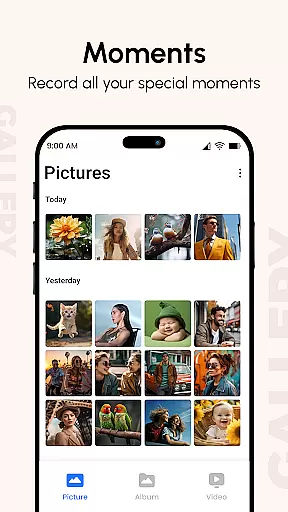
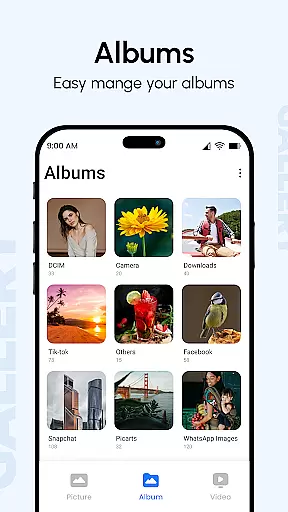
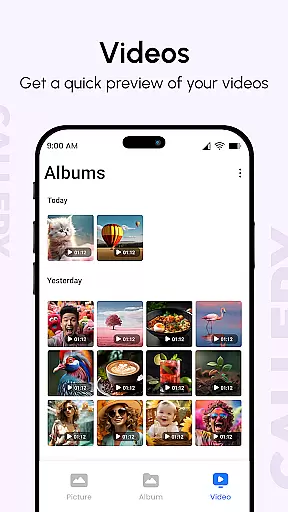
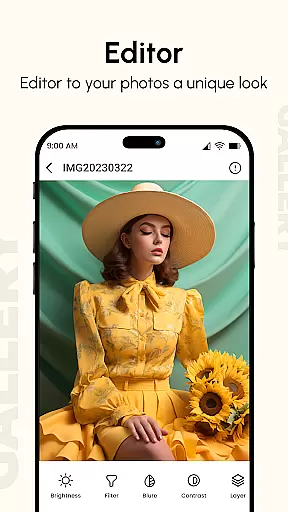
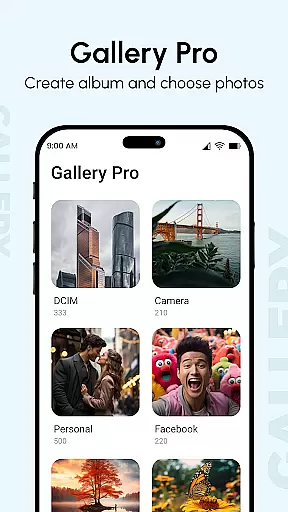
Gallery is a comprehensive photo and video management application designed to enhance your digital memories. This productivity app brings together all your media files from various devices, organizing them into visually appealing albums while enhancing image quality. The app's intelligent organization system sorts photos based on metadata, date, and location, making it easy to find specific memories.
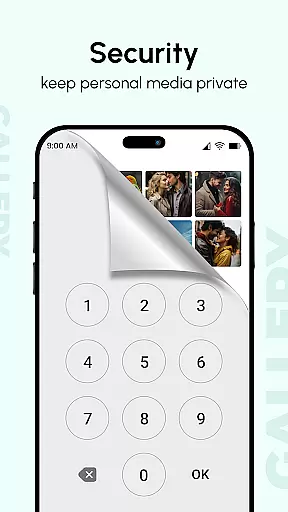
What sets Gallery apart is its robust feature set that includes hidden galleries with PIN protection, metadata-based search capabilities, and slideshow modes with customizable transitions. Users can enjoy advanced functionalities like EXIF data viewing, GIF support, and password-protected locking of sensitive content. The app supports all major image formats, videos, and GIFs, providing a complete solution for managing your digital media collection.
Whether you're a professional photographer or simply someone who wants to keep their personal photos organized, Gallery offers the tools you need to maintain a well-structured digital archive. Its user-friendly interface and powerful features make it an essential productivity tool for anyone who values their digital memories.
Gallery distinguishes itself through its extensive feature set tailored for efficient media management. The app's Smart Mode automatically organizes photos using advanced algorithms that analyze metadata, location data, and image content. This intelligent categorization helps users quickly locate specific images without manual sorting. Additionally, the app's support for EXIF, XMP, and IPTC metadata allows for detailed information display and enhanced search capabilities.
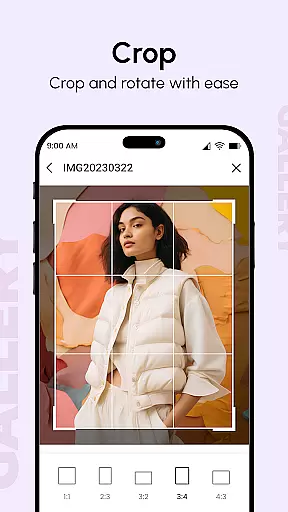
The application's editing tools enable users to enhance their photos with various effects and preview changes in real-time. Its slideshow feature stands out with fully customizable transitions and flexible configuration options. Security-conscious users will appreciate the ability to hide sensitive photos and videos behind password protection, while the app's support for large screens and multi-touch gestures ensures smooth navigation through extensive media collections.
Gallery also excels in sharing capabilities, allowing users to easily distribute their photos through various channels while maintaining privacy controls. The app's performance optimization ensures quick loading times even with large media libraries, and its compatibility with multiple devices enables seamless synchronization across platforms. These features combine to create a powerful yet user-friendly media management solution.
In today's fast-paced digital world, managing your personal media efficiently is crucial. Gallery app excels in core task management by offering a comprehensive suite of features designed to streamline photo and video organization. This app consolidates media from all your devices, enhancing them with advanced editing tools and organizing them into visually appealing albums.
One standout feature is the ability to view additional information about each photo or video, such as location data, camera specifications, and the date taken. This functionality not only enriches your media viewing experience but also simplifies the process of categorizing and retrieving specific memories. The app further supports metadata-based searches, allowing users to quickly locate files using EXIF, XMP, and IPTC data.
Gallery app also incorporates smart organizational tools like tags and folder sorting, ensuring that your media library remains tidy and accessible. With support for various file types including images, GIFs, and videos, this app provides a centralized hub for all your digital memories. Its user-friendly interface and customizable settings make it an indispensable tool for anyone looking to maintain an organized and vibrant media collection.
For users who operate multiple devices, reliable cross-device synchronization is essential. Gallery app addresses this need by seamlessly integrating photos and videos across smartphones, tablets, and computers. This ensures that no matter which device you're using, your complete media library is always at your fingertips.
The synchronization process is both swift and secure, employing robust data encryption methods to protect your personal information during transfers. By automatically backing up new additions to your gallery, the app prevents data loss and keeps your media up-to-date on all linked devices. This feature is particularly beneficial for individuals who frequently capture moments on different gadgets or wish to share their collections with family members.
Moreover, Gallery app offers a unique after-call feature, enabling instant photo sharing and quick replies directly from call screens. This innovative functionality enhances communication by allowing users to exchange visual content effortlessly. Whether you're hiding sensitive media with password protection or creating public albums for friends and family, Gallery app delivers a dependable and versatile solution for managing your digital life across devices.
User-friendly interface
Advanced security features
Comprehensive file support
Intelligent organization
Customizable settings
Occasional sync issues
High storage usage
Limited free features
Complex settings
Battery consumption

AI Video AI Image Private LLM AI Browser Llama Gemma Ollama Connect LLM Studio
 4.3
4.3
Client for Nextcloud Deck
4.60
Take control of your clipboard with Clipper!
3.90
Ads Free App! Editor, Hide File, Copy, Move, Delete and Rename.. all facility av
1.70
The Pro Version of Android's tiniest Notepad app. Just 0.3MB but feature-packed!
4.60
Experience and share your SolidWorks designs on your Android® phone and tablet.
2.50
AT&T Internet customers can use this app to personalize their Wi-Fi network.
4.40
Put a lock on your cloud: Take the security of your data into your own hands
3.70
2026 USPS Alpha/Color coded calendar Sunday/Rotating day off schedules
4.0
Use powerful, industry-leading AI tools to generate visual charts from any data
4.80
Direct Chat without saving contacts & Dual WA Account on Single Device
4.70
A beautiful digital clock with autostart and many other functions
4.70
To do list widget with a notebook organizer, checklist, simple shopping list
4.60
Send files, sync SMS, notifications & clipboard across devices via local network
4.40
Access, manage and transfer files on Android, PC, Mac, NAS and cloud storages.
4.30
Todo reminder
4.10
Wake up & get tasks done! Add alarms & reminders on the Clock Launcher.
4.00
Make your handwriting beautiful, even more than pen on paper.
3.60
Code on-the-go with VScode for Android. Edit,debug and collaborate from mobile!!
3.10


User Reviews