
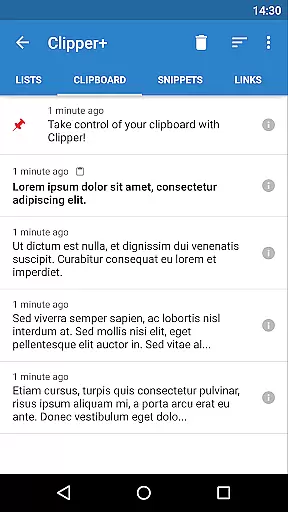
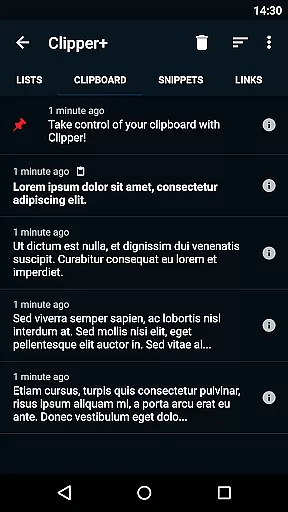
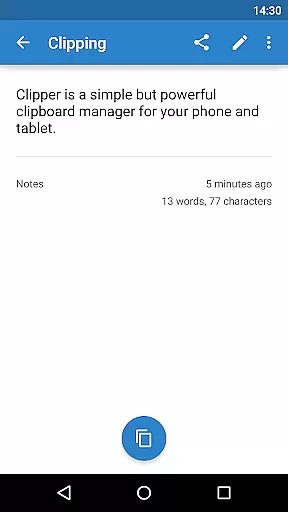
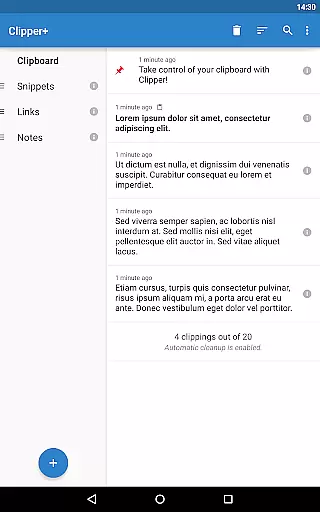
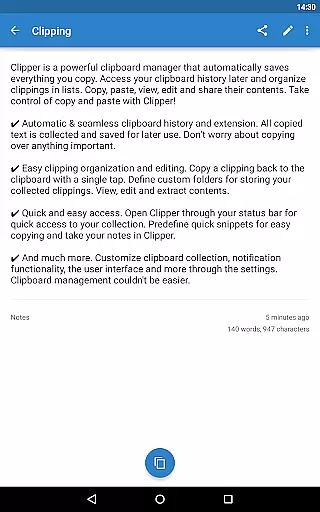
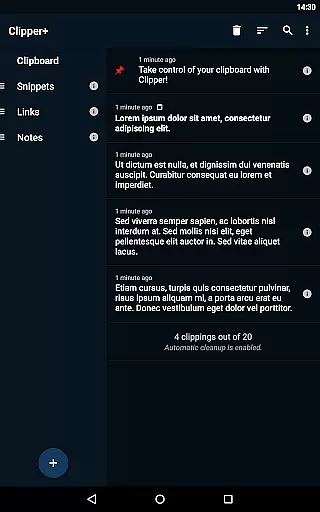
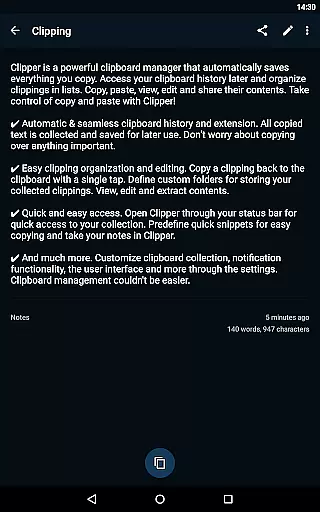
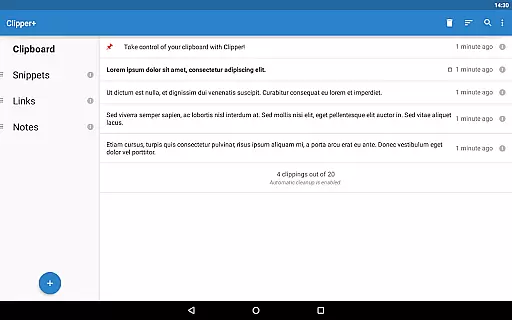
Clipper+: Clipboard Manager is a powerful productivity tool designed to enhance your device's clipboard functionality. This application automatically saves everything you copy, allowing you to access, organize, and manage your collected clippings with ease. Whether it's text snippets, links, or images, Clipper+ ensures you never lose important copied content.
The app offers advanced features like unlimited clipping storage, dynamic values for custom snippets, and robust search capabilities. Users can organize their clippings into folders, edit contents directly, and even set up quick-access snippets for frequently used items. With its seamless integration and user-friendly interface, Clipper+ transforms the way you handle copy-paste operations, making it an essential tool for both personal and professional use.
Clipper+ stands out with its comprehensive feature set tailored for power users. The app provides unlimited storage for collected clippings, allowing you to keep more than just the latest entries. Its dynamic value feature lets you insert current date and time into custom snippets, making it perfect for templated messages or notes.
Organization is made simple with customizable folders and easy editing options. You can search through your clippings quickly, copy them back to the clipboard with a single tap, and even extract specific contents. The app runs ad-free, ensuring an uninterrupted user experience while supporting continued development. These features collectively create a robust clipboard management solution that enhances productivity across various use cases.
Task management is a cornerstone of productivity applications, and Clipper+ excels in this area by offering users an efficient way to handle their clipboard history. The app automatically saves everything you copy, allowing for seamless organization and retrieval of clippings.
Clipper+ provides dynamic features such as the ability to store repetitive pieces of text and organize them into custom folders. This functionality ensures that users can manage their clipboard contents effectively, copying and pasting with ease whenever needed.
With unlimited collected clippings and options to disable automatic cleanup, users have complete control over their clipboard data. The app also supports manual collection settings, giving users the flexibility to decide which clippings are stored.
The true value of Clipper+ lies in its ability to enhance workflow efficiency. By providing quick access through the status bar and predefined snippets, it streamlines the process of managing important information, ultimately boosting productivity.
Cross-device synchronization is vital for users who operate across multiple platforms, ensuring that their clipboard data remains consistent and accessible. Clipper+ addresses this need by offering reliable synchronization capabilities.
While Clipper+ installs as a separate application when upgrading from the free version, it facilitates data migration, ensuring that user information is preserved and synchronized. This feature allows users to maintain continuity in their workflow without losing valuable clipboard entries.
The app's design emphasizes real-time updates, so changes made on one device are quickly reflected on others. This immediacy is crucial for professionals who rely on up-to-date information to make timely decisions.
By supporting import and export backup functionality to internal storage or SD card, Clipper+ further enhances its synchronization reliability. Users can rest assured that their data is secure and easily transferrable, making cross-device management both dependable and hassle-free.
Unlimited clippings
Dynamic snippet values
Powerful search
Customizable folders
Completely ad-free
Paid application
Separate installation
Feature overlap
Learning curve
Limited design

 4.20
4.20
The Pro Version of Android's tiniest Notepad app. Just 0.3MB but feature-packed!
4.60
⏰ Finally a timer app which can run multiple timers simultaneously on your watch
3.90
Functional QR scanner and barcode reader that requires little storage space.
4.60
Secure, open-source, SPICE and SSH Remote Desktop for QEMU KVM virtual machines
4.00
* block pre-roll ads, pop-up and forced redirect ads * Samsung certification app
4.00
A comprehensive suite of tools designed specifically for Lactation Consultants
4.3
AT&T Internet customers can use this app to personalize their Wi-Fi network.
4.40
Put a lock on your cloud: Take the security of your data into your own hands
3.70
Understand anything with a personalized AI research assistant
4.80
App lock - lock apps with fingerprint, password, pin or pattern, protect privacy
4.70
Enjoy classic gameplay with customizable features and retro-style graphics.
4.30
Pwnagotchi companion app
4.20
Make apps & sites with natural language prompts
4.10
Customizable calendar widget for seamless event sync, planning & scheduling.
4.00
The ultimate file manager for rooted devices. The original and still the best.
4.00
Access your phone's notifications, calls, apps, photos & texts on your PC
3.90
Auto-shutoff Alarm with Sunrise, Sunset & Fixed Options.
3.50
AI Video AI Image Private LLM AI Browser Llama Gemma Ollama Connect LLM Studio
4.4


User Reviews