
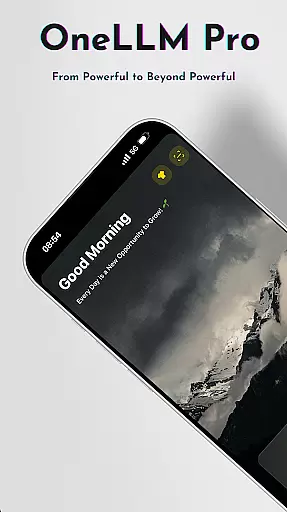
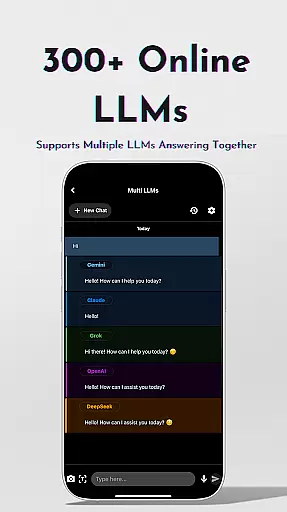
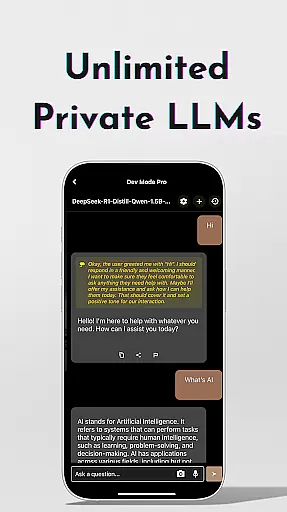
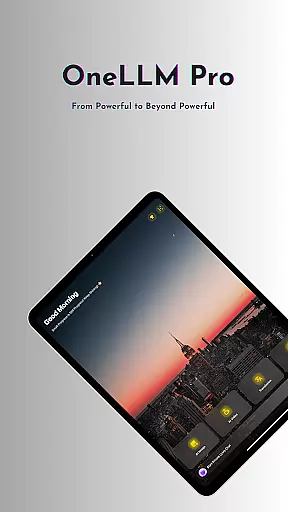
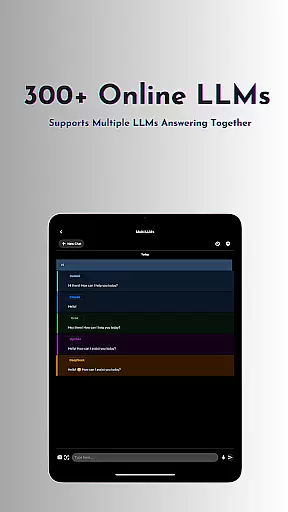
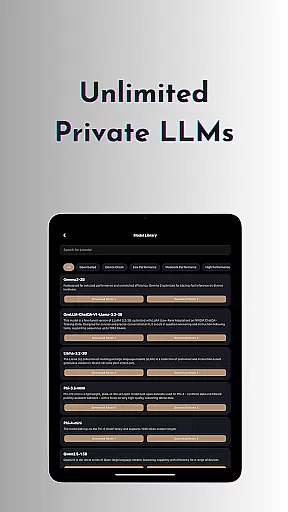
OneLLM Pro is a powerful productivity tool that seamlessly integrates local and cloud AI capabilities, offering users an extensive suite of AI-powered features. Whether offline or online, the app provides access to thousands of fully offline Large Language Models (LLMs) and over 300 online LLMs, including top performers like ChatGPT 4o, Claude, and Llama. Its core strength lies in delivering lightning-fast, secure interactions while ensuring maximum privacy through local processing.
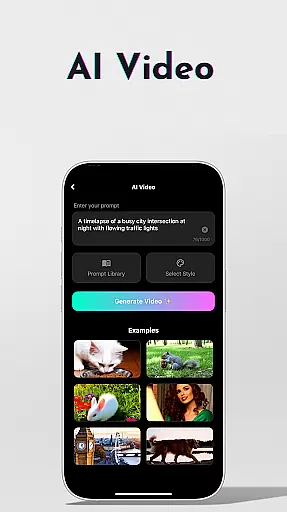
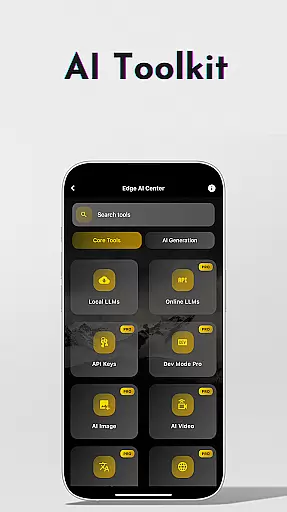
Beyond its robust language models, OneLLM Pro includes specialized AI toolkits for video generation, image creation, document scanning, and more. These tools cater to various use cases, from professional workflows to creative projects. The app also supports advanced functionalities such as multi-LLM simultaneous response mode, study assistance, and private speech-to-text transcription. Optimized for all devices, OneLLM Pro ensures exceptional performance across entry-level to flagship hardware.
With its ad-free experience, customizable AI configurations, and intelligent device optimization, OneLLM Pro empowers users to unlock the full potential of AI in their daily tasks. From developers fine-tuning parameters to casual users seeking smarter interactions, this app adapts to diverse needs while maintaining user privacy and control.
OneLLM Pro stands out with its comprehensive feature set designed to enhance productivity across multiple domains. The app's hallmark is its dual capability of leveraging both local and cloud AI resources. Local processing ensures privacy and speed, making it ideal for sensitive tasks, while cloud integration provides access to demanding computational power when needed. This flexibility allows users to choose the best processing method based on their specific requirements.
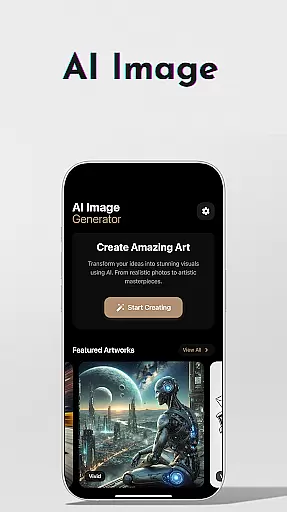
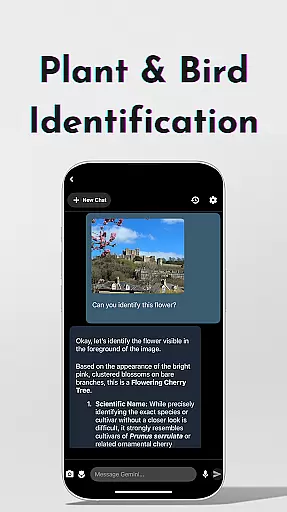
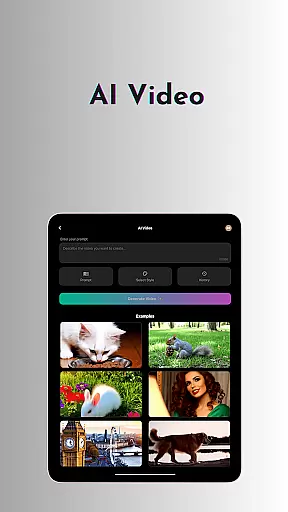
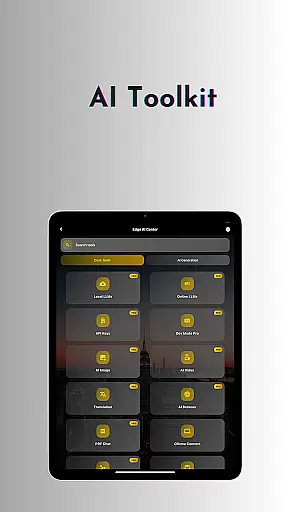
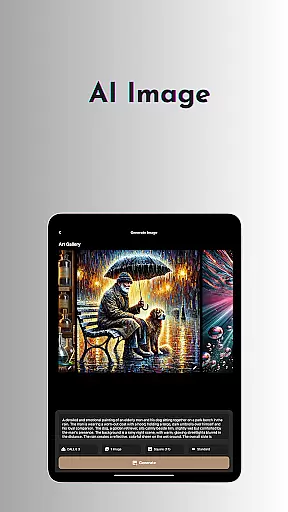
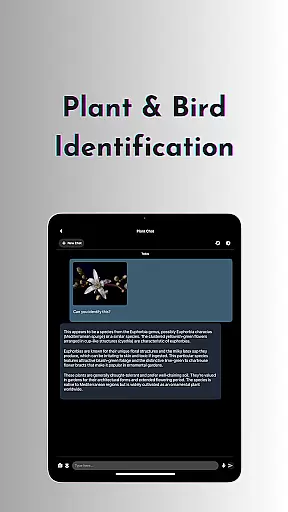
The AI toolkit within OneLLM Pro covers a wide array of applications. For creative professionals, the AI video generation and image creation tools enable the transformation of ideas into cinematic masterpieces and stunning visuals. Business users benefit from features like offline OCR document scanning, private speech-to-text transcription, and an AI browser that simplifies complex content digestion. Additionally, the app offers practical utilities such as password generation, chat with PDF/image functionality, and plant/bird identification.
Advanced users can take advantage of the LLM Dev Mode, which allows fine-tuning of virtually every parameter and saving custom configurations. Smart LLMs matching intelligently recommends models optimized for individual devices, ensuring peak performance without compromising storage or battery life. With Hugging Face integration, privacy controls, and optimization for different devices, OneLLM Pro delivers a versatile and reliable AI experience tailored to modern productivity needs.
Effective task management is essential for productivity applications, serving as the backbone for organizing workflows and personal schedules. OneLLM Pro excels in this area by offering a comprehensive suite of AI tools designed to streamline task handling.
The application provides users with features such as AI Notes for private meetings and lectures, ensuring that important information is accurately captured and easily retrievable. Additionally, its Study Assistant supports various input methods, including text, photo capture, and image uploads, making it versatile for different learning and working styles.
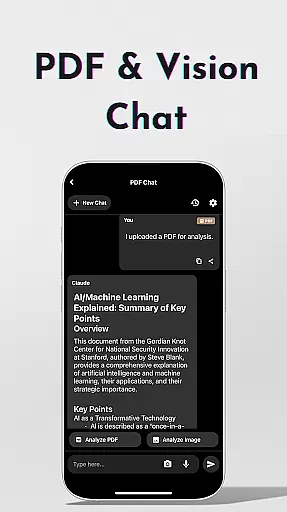
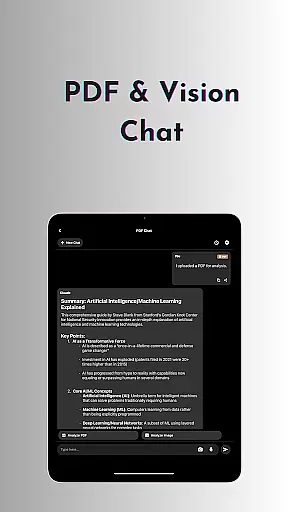
OneLLM Pro also includes functionalities like Chat with PDF & Image, allowing users to analyze documents swiftly and focus on key content. This feature significantly reduces the time spent on document management, thus enhancing overall productivity.
By integrating local and cloud AI capabilities, OneLLM Pro ensures that users can manage their tasks efficiently regardless of their internet connectivity, providing both speed and security in task execution.
Cross-device synchronization is crucial for users who operate across multiple platforms and devices. OneLLM Pro addresses this need by ensuring reliable and real-time updates across all connected devices, maintaining consistency and accessibility of user data.
The app's Smart LLMs Matching feature intelligently recommends models optimized for each deviceu2019s specifications, guaranteeing optimal performance whether on an entry-level or flagship device. This adaptability ensures that users experience seamless transitions between devices without any loss in functionality or performance.
Furthermore, OneLLM Pro leverages both local processing and cloud power to deliver exceptional synchronization. Users can choose between these options based on their privacy preferences and task demands, ensuring that their workflow remains uninterrupted and secure.
With an ad-free experience and robust privacy controls, OneLLM Pro offers a dependable environment where users can focus on their tasks, knowing their data is synchronized and protected across all their devices.
Extensive AI toolkit
Strong privacy controls
Offline functionality
Cloud and local options
Device optimization
Complex for beginners
Requires API setup
High resource usage
Limited free models
Occasional bugs

Experience real multitasking on your Android!
 4.00
4.00
Create study competitions, track your hours, and stay consistent with friends
4.2
Ads Free App! Editor, Hide File, Copy, Move, Delete and Rename.. all facility av
1.70
Protect and view your important info on your phone and tablet with eWallet®
4.80
Simple and reliable communication between inmates, friends and family
3.20
Find and delete junk files & block unwanted notifications & manage files
3.70
The ultimate file manager for rooted devices. The original and still the best.
4.00
Intelligent AI Assistant
4.10
AT&T Internet customers can use this app to personalize their Wi-Fi network.
4.40
Great calculator for Android named one of USA TODAY's "25 Essential Apps".
4.90
A simple Whisper AI keyboard for reliable speech transcription and rewording
4.60
Docker, Kubernetes management over Portainer Mobile
4.40
A Pixel Art watchface inspired by other iconic 90s designs for Wear OS devices!
4.40
Share files & memories safely. Keep your photos and videos secure.
4.40 4.20
4.20
Easily read and manage all your PDF files
4.10
Create and edit presentations with Google Slides, part of Google Workspace.
4.00
Take control of your clipboard with Clipper!
3.90
Auto-shutoff Alarm with Sunrise, Sunset & Fixed Options.
3.50


User Reviews