
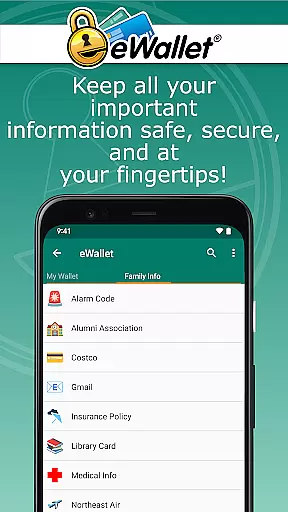
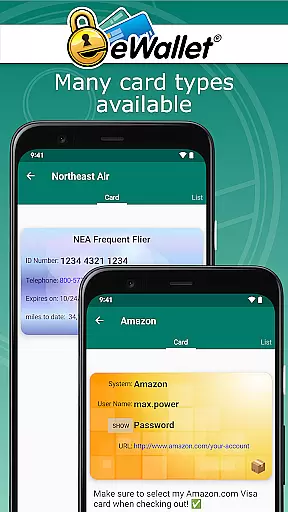
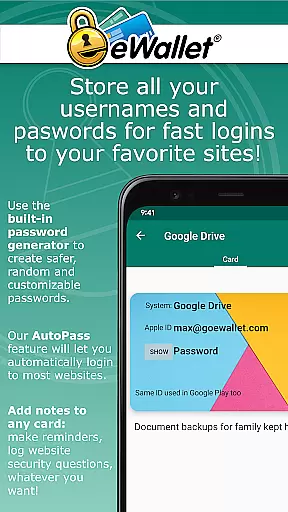
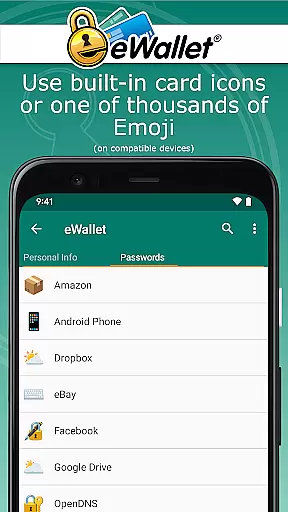
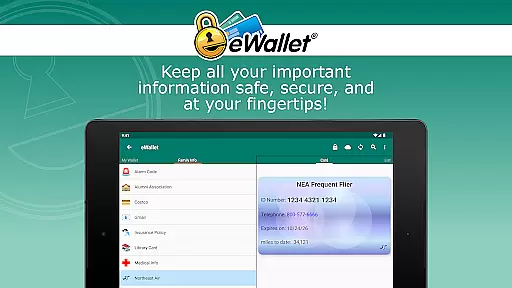
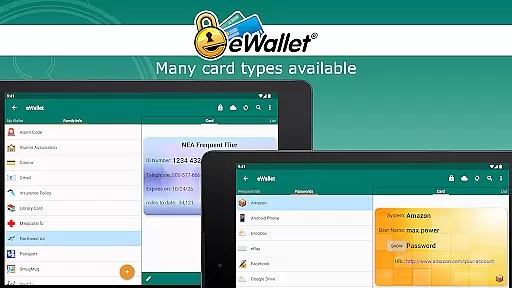
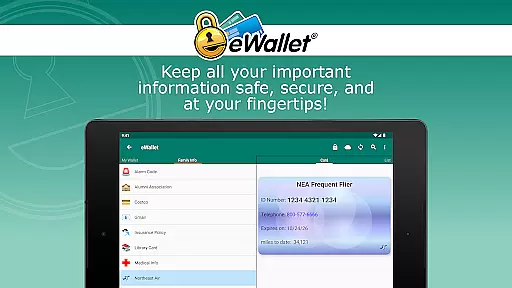
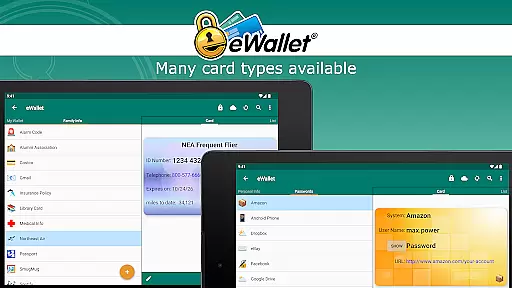
eWallet is a sophisticated password manager app designed for Android devices, offering military-grade encryption to secure sensitive information such as passwords, credit card details, and bank account numbers. The app ensures users can safely carry their digital life in their pocket while maintaining easy access.
One of the standout features of eWallet is its support for biometric authentication methods like fingerprint, facial recognition, and iris scanning, providing both security and convenience. With seamless synchronization across devices via cloud services or Wi-Fi, users can maintain an organized and secure digital lifestyle.
This app is particularly useful for individuals who need to manage multiple accounts and require quick yet secure access to their personal data on-the-go. By using eWallet, users can enhance their online safety without compromising on accessibility or ease of use.
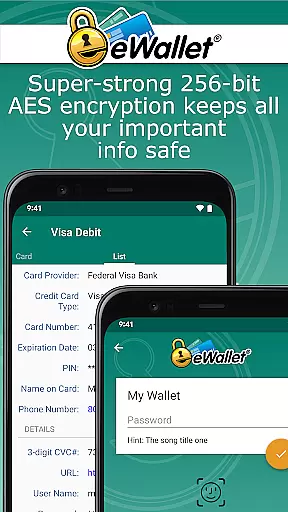
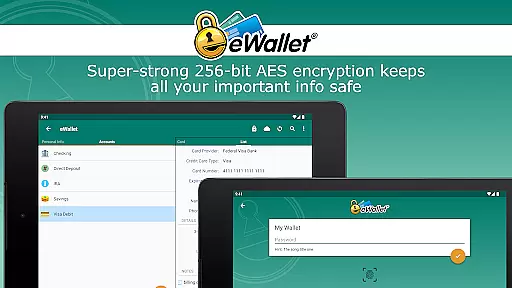
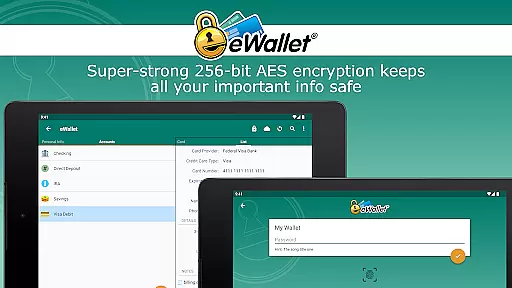
eWallet stands out with its comprehensive set of features tailored for secure password management. It employs 256-bit AES encryption, ensuring top-tier protection for all stored data. Additionally, it supports modern biometric authentication methods, allowing users with compatible devices to unlock their wallets conveniently using fingerprints or facial recognition.
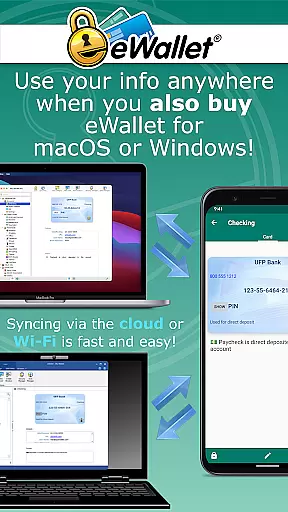
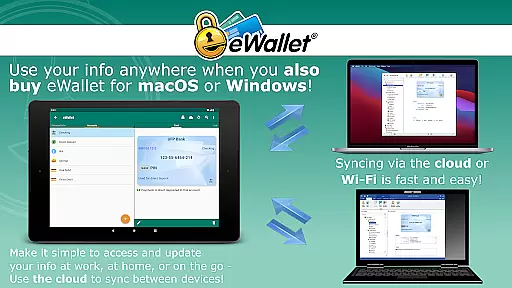
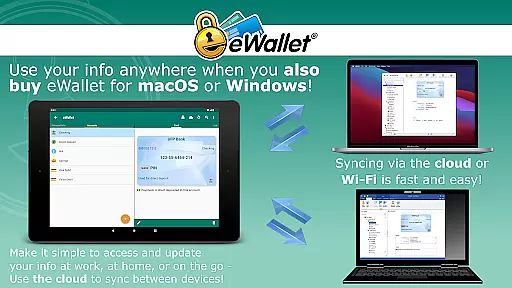
The app offers versatile synchronization options, enabling users to sync data seamlessly over cloud services like Dropbox, Google Drive, and Microsoft OneDrive, or via Wi-Fi with its desktop counterparts on macOS or Windows. This flexibility ensures that users can access their information from multiple devices without hassle.
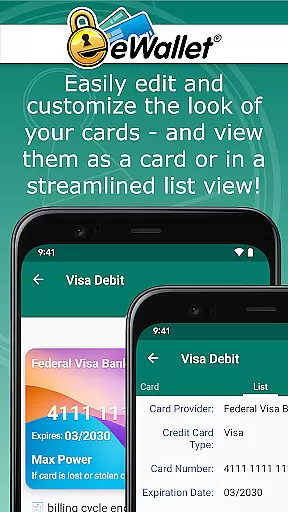
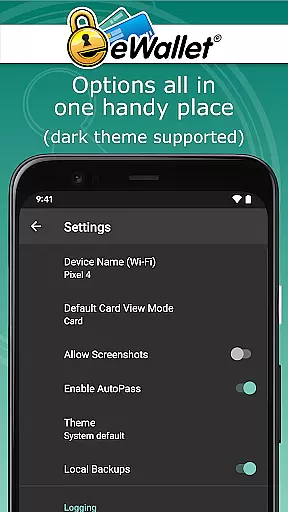
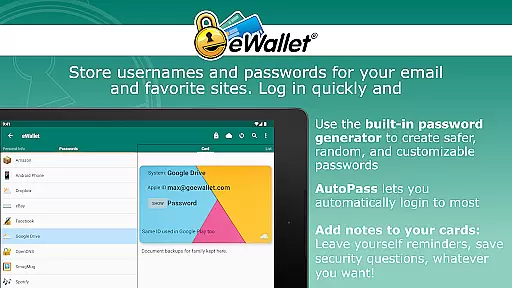
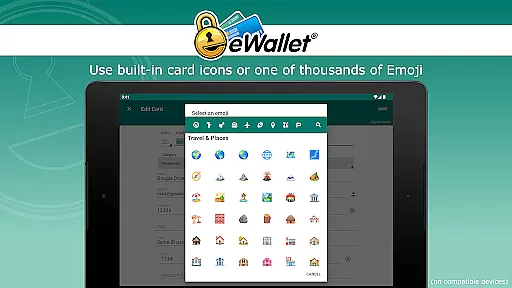
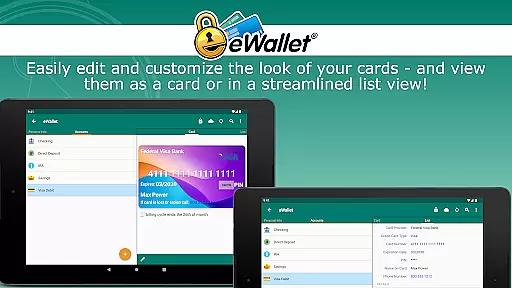
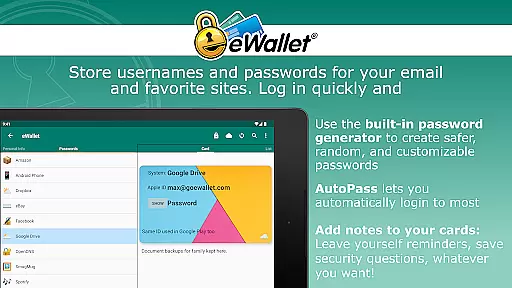
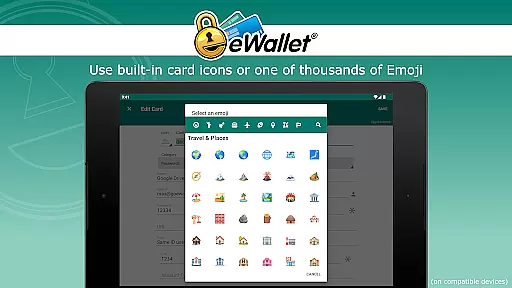
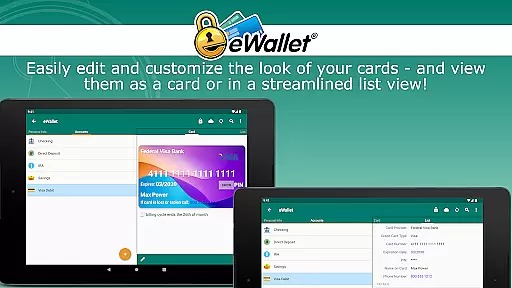
Other notable features include a random password generator, auto-locking functionality, and customizable wallet designs. Users can also benefit from the AutoPass feature, which automatically enters passwords through a built-in browser control, enhancing user experience by simplifying login processes.
In the realm of productivity applications, core task management is pivotal for organizing and executing tasks efficiently. eWallet excels in this area by offering a comprehensive suite of features that cater to the secure management of personal information.
The app provides users with the ability to store sensitive data such as passwords, credit card details, and bank account numbers behind military-grade 256-bit AES encryption. This ensures that users can manage their digital credentials with confidence, knowing their information is safeguarded against unauthorized access.
eWallet further enhances task management through its auto-locking feature and random password generator, which together ensure that users' wallets are not only organized but also secured against breaches. The convenience of accessing all essential information within a single app streamlines the user's digital life.
By integrating biometric authentication methods like fingerprint and facial recognition, eWallet delivers both security and ease of access. Users benefit from a seamless experience that combines robust protection with the simplicity of modern authentication techniques, making daily task management both efficient and secure.
Cross-device synchronization is a cornerstone of modern productivity tools, allowing users to maintain consistency and reliability across multiple devices. eWallet addresses this need by providing impeccable synchronization capabilities that ensure data integrity and availability wherever the user may go.
With support for cloud services such as Dropbox, Google Drive, and Microsoft OneDrive, eWallet enables users to sync their encrypted wallets effortlessly. This means that whether at home, work, or on the move, users have uninterrupted access to their critical data without compromising security.
The app also supports full Wi-Fi synchronization with desktop versions for macOS or Windows, purchased separately. This creates a cohesive ecosystem where changes made on one device are reliably mirrored across all others, ensuring that every piece of information is up-to-date and accurate.
By prioritizing synchronization reliability, eWallet empowers users to focus on their tasks without worrying about data loss or inconsistencies. This harmonious cross-device experience underscores the app's commitment to delivering a dependable and integrated personal data management solution.
Strong encryption
Biometric support
Cloud sync
User-friendly
Customizable
No iOS version
Paid software
Complex setup
Limited free features
Device compatibility

Ads Free App! Editor, Hide File, Copy, Move, Delete and Rename.. all facility av
 1.70
1.70
Unlock AutoNotification
4.00
Easily read and manage all your PDF files
4.10
A lightweight JSON & XML files creator, editor and viewer (Premium Version)
4.40
Device's storage information in a simple and clear graphical form (infographics)
4.10
Make your handwriting beautiful, even more than pen on paper.
3.60
Secure, open-source, SPICE and SSH Remote Desktop for QEMU KVM virtual machines
4.00
Great calculator for Android named one of USA TODAY's "25 Essential Apps".
4.90
Ultimate Virtual AI Character for immersive Roleplay Chat. Perfect Companion
3.90
Seamlessly integrate data and reports to build your presentation to impress
4.80
We're working to become the best machining app on the market! www.cncdirt.com
4.80
QuickBooks Workforce lets teams view pay info and track time in one place.
4.70
App Lock with fingerprint, password: Lock apps & hide photos with lock screens
4.60
A simple Whisper AI keyboard for reliable speech transcription and rewording
4.60
Subscribe to Webcal & .ics calendars and keep them up-to-date!
4.50
When you Focus, so will your Bean in this cozy focus timer
4.30
Font maker keyboard with your own handwriting
4.10
All in one sketching tool. Technical and General drawing. Online Maps support.
3.70
Easiest event planning, volunteer signups & parent teacher conference scheduling
2.20


User Reviews