

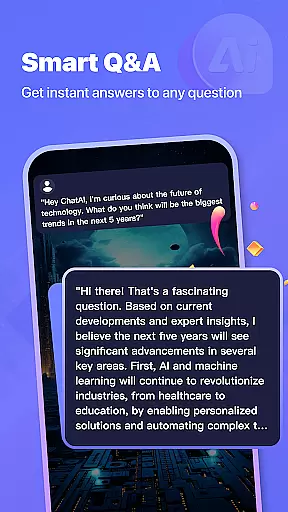

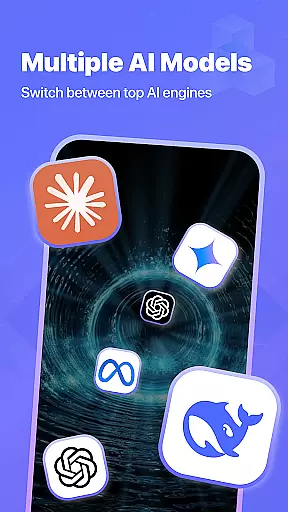


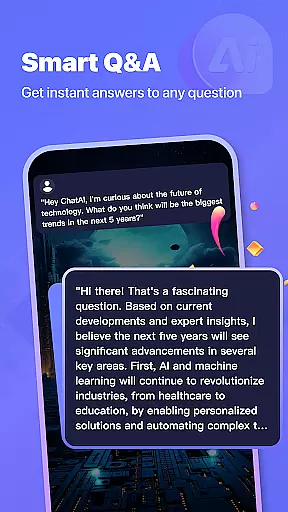

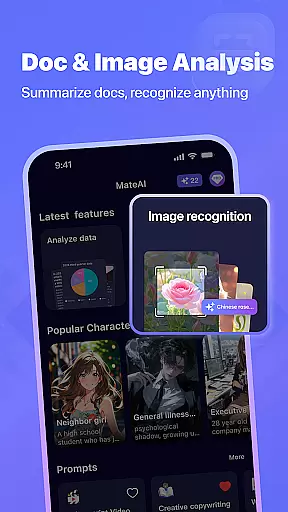
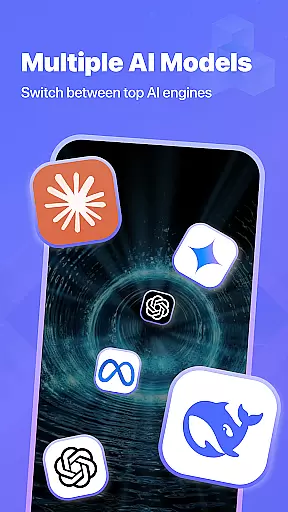


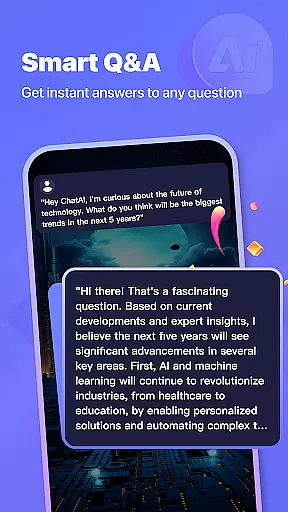
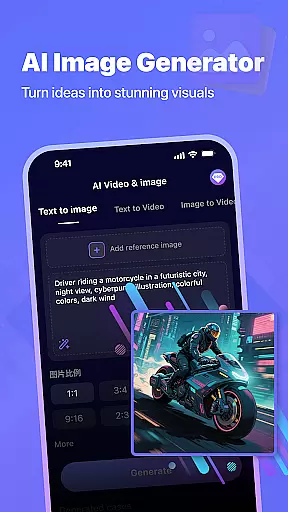

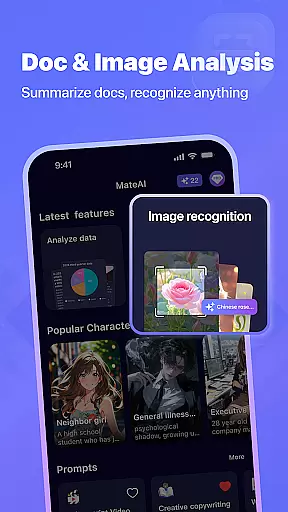
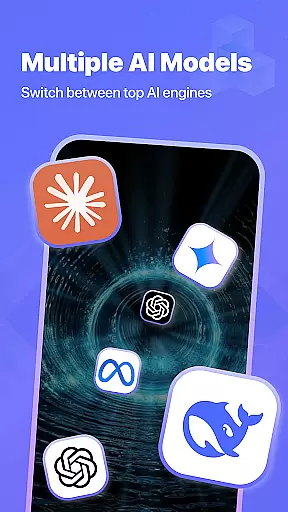

MateAI is an innovative productivity app that combines intelligent chatbot capabilities with advanced content creation tools. At its core, the app features a sophisticated AI chatbot designed for engaging conversations and personalized dialogue based on user preferences. The chatbot supports various conversation styles, roleplay scenarios, and maintains conversation history for continuity.
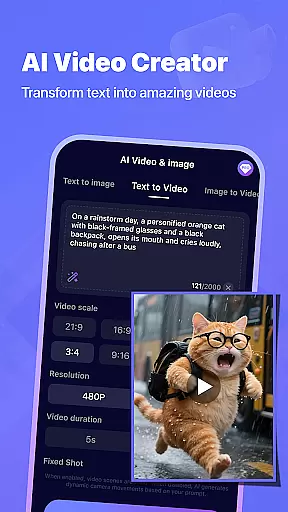
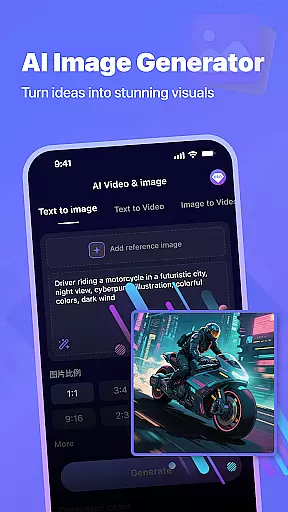
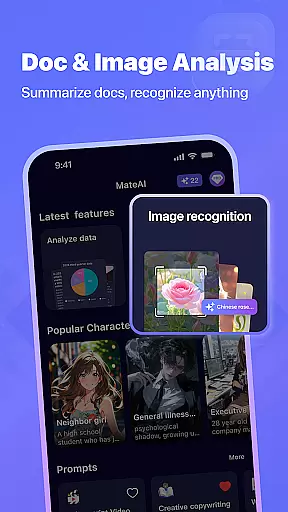
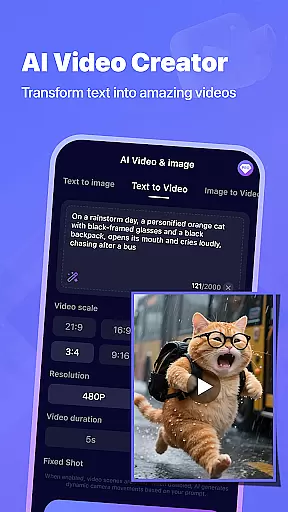
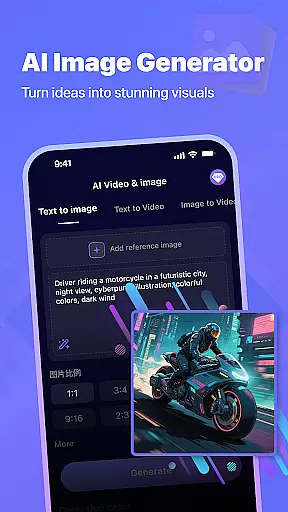
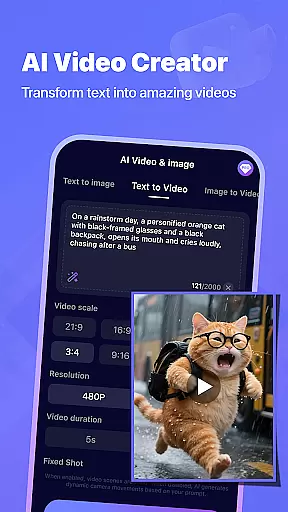
Beyond its conversational capabilities, MateAI serves as a comprehensive creative suite. Users can leverage its AI-powered video generator to create professional-quality videos quickly and easily. The app also includes an advanced image generator that produces unique artwork and designs using neural network technology. These creative tools are complemented by features like face swap and morphing effects, making it a versatile platform for digital content creation.
The app's standout feature is its integration of multiple AI-powered tools into a single platform. The AI chatbot offers intelligent conversational responses, voice-based chat support, and customizable interaction styles. Users can maintain extensive messaging threads with their AI companion, which adapts its personality and responses based on conversation history.
For content creators, MateAI provides professional-grade tools including an AI video generator that simplifies video production for social media and creative projects. Its AI image generator enables users to create custom artwork and unique designs with ease. Additional features include face swap and morphing effects, conversation history retention, and premium options that offer enhanced experiences without advertisements.
All these features are accessible through an intuitive interface that makes advanced AI tools available to both casual users and professionals seeking efficient content creation solutions.
In the realm of productivity, effective task management stands as a cornerstone for success. MateAI revolutionizes this aspect by integrating advanced AI capabilities into its platform, ensuring that users can manage their tasks with unprecedented ease and efficiency.
MateAI's task management feature leverages intelligent algorithms to prioritize tasks based on urgency and user preferences. This smart prioritization allows users to focus on what truly matters, streamlining their workflow and enhancing productivity. The app's AI doesn't just stop at prioritization; it learns from user behavior to offer personalized suggestions, making each interaction more intuitive than the last.
Users benefit from MateAI's seamless integration of task management with its chatbot functionality. This unique combination means that while engaging in entertaining conversations or creative projects, users can effortlessly keep track of their responsibilities. Notifications and reminders are intelligently managed by the AI, ensuring that no deadline is missed without being intrusive.
The true value of MateAI's task management lies in its ability to adapt to individual workflows. Whether you're juggling multiple projects or focusing on singular complex tasks, MateAI provides the tools necessary to maintain control and clarity over your work life. By merging entertainment with productivity, MateAI ensures that managing tasks becomes not just a necessity but an engaging part of your daily routine.
Cross-device synchronization is pivotal for users who operate across multiple platforms and devices. MateAI excels in providing reliable synchronization, ensuring that whether you're switching from your phone to your tablet or desktop, your data, preferences, and ongoing tasks remain consistent and up-to-date.
The synchronization process within MateAI is powered by robust cloud technology, guaranteeing that all user information is securely stored and easily accessible from any device. This seamless transition between devices enhances the user experience, allowing for uninterrupted productivity and entertainment regardless of location or device preference.
Reliability is at the heart of MateAI's synchronization feature. Users can trust that their conversation history, content creations, and task lists are accurately mirrored across all their devices. This reliability fosters a sense of security and confidence, knowing that important data is never lost and always available when needed.
Moreover, MateAI's commitment to synchronization extends beyond mere data transfer. It encompasses maintaining the integrity of user interactions, ensuring that every piece of content created or conversation held is preserved in its original context. This dedication to preserving the user experience underscores MateAI's role not just as a productivity tool but as a comprehensive digital companion.
Advanced AI chatbot
Video generation tools
Image creation features
Face swap effects
Voice-based support
Premium features locked
Requires constant updates
High system demands
Limited offline use
Privacy concerns

Seamlessly integrate data and reports to build your presentation to impress
 4.80
4.80
Stay on top of your to-dos with Google Tasks, part of Google Workspace.
4.60
Find and delete junk files & block unwanted notifications & manage files
3.70
Create and edit presentations with Google Slides, part of Google Workspace.
4.00
A simple Whisper AI keyboard for reliable speech transcription and rewording
4.60
Experience and share your SolidWorks designs on your Android® phone and tablet.
2.50
Access your phone's notifications, calls, apps, photos & texts on your PC
3.90
Understand anything with a personalized AI research assistant
4.80
Put a lock on your cloud: Take the security of your data into your own hands
3.70
Native client for Forgejo and Gitea
5.00
8 custom complications. Custom Time Fonts. Beautiful color schemes. A++ Design.
5.00
Multilingual translator for text, voice, and image translation!
4.90
Scientific calculator for Android - looks and operates like the real thing!
4.90
Android Wallet Password Manager
4.80
Simple notepad & memo. Take notes, to-do list, shopping list with reminders.
4.80
The Pro Version of Android's tiniest Notepad app. Just 0.3MB but feature-packed!
4.60
All document reader, all in one file viewer read PDF, DOCX, XLS, PPT, TXT files.
4.60
Easily read and manage all your PDF files
4.10
Intelligent AI Assistant
4.10


User Reviews