
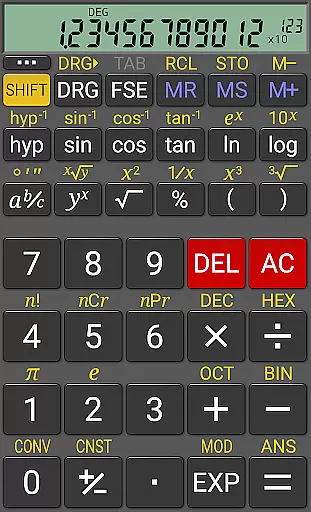
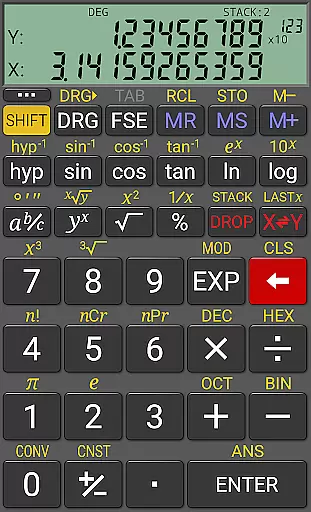
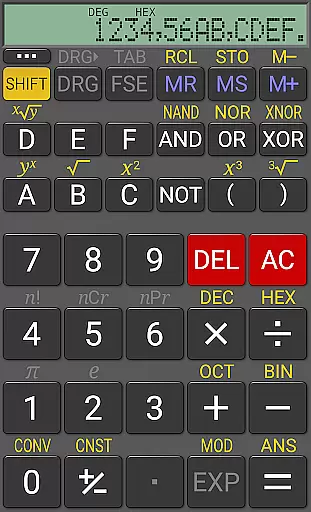
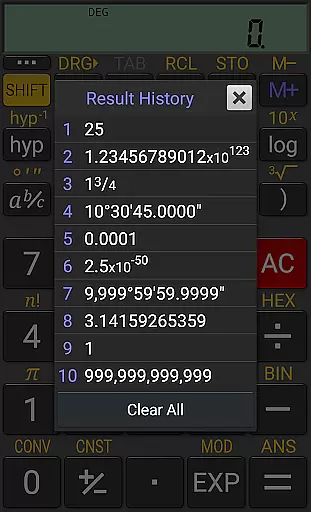
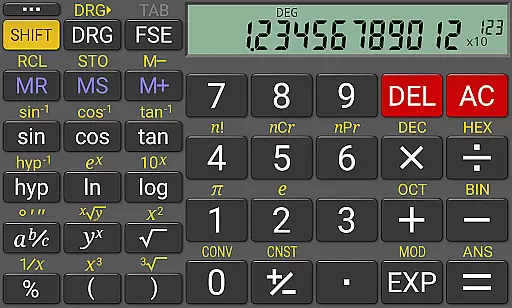
RealCalc Plus is the advanced version of RealCalc, a leading scientific calculator on Android. It mirrors the functionality of a real hand-held calculator and includes all standard scientific functions along with additional capabilities such as fraction calculations, degrees/minutes/seconds conversions, and history tracking.
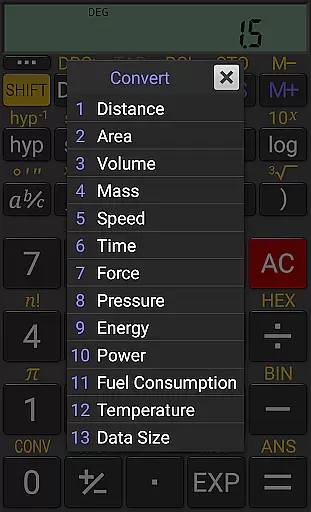
This app stands out with its customizable unit conversions, constants, and support for binary, octal, and hexadecimal calculations. With an optional RPN mode and multiple display styles, it caters to both novice and expert users who need precise calculations in various formats.
Whether you're tackling complex engineering problems or simple everyday calculations, RealCalc Plus offers the tools necessary to get accurate results efficiently. Its user-friendly interface and comprehensive help section make it accessible to all types of users.
RealCalc Plus boasts a wide array of features designed to enhance your calculating experience. The app supports traditional algebraic or RPN operations, allowing users to choose their preferred method of calculation. Fraction calculations and conversions to/from decimal are seamlessly integrated, providing flexibility in how numbers are handled.
One of the standout features is the ability to perform degrees/minutes/seconds calculations and conversions, which is particularly useful for geographical and astronomical computations. The 12-digit display and extended internal precision (up to 32 digits) ensure that even the most intricate calculations are performed accurately.
Additionally, RealCalc Plus offers user-customizable unit conversions and constants, making it adaptable to individual needs. With result history, multiple memories, and support for different number bases, this app provides a versatile toolset for anyone requiring detailed mathematical analysis.
For a productivity app like RealCalc Plus, core task management refers to how effectively it handles various calculation operations and user workflows. The calculator offers both traditional algebraic and RPN operational modes, catering to different user preferences.
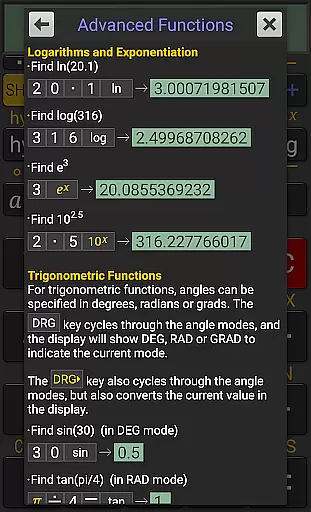
The app allows users to perform complex scientific calculations with ease, including trigonometric functions in degrees, radians, or grads. It also supports fraction calculations, degrees/minutes/seconds conversions, and percentage computations, making it versatile for a wide range of tasks.
RealCalc Plus enhances productivity by providing customizable unit conversions and constants, enabling users to tailor the app to their specific needs. With 10 memories and result history, users can manage multiple calculations without losing track of their work.
Cross-device synchronization is crucial for users who rely on their productivity tools across multiple devices. While RealCalc Plus does not offer cloud-based synchronization, its multi-window support and drag-and-drop functionality ensure that users can efficiently work across different apps on the same device.
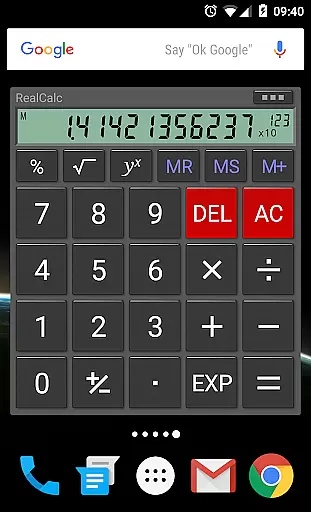
The app includes an intuitive homescreen widget with RPN support, allowing quick access to calculations without needing to open the full application. This feature ensures that users can maintain their workflow even when switching between different tasks or applications.
External keyboard support further enhances cross-device usability, particularly for users who prefer physical keyboards for faster input. Although it doesn't sync across devices, RealCalc Plus maintains high reliability within a single device environment through these thoughtful features.
User-friendly interface
Highly customizable settings
Comprehensive help included
Supports multiple number bases
Accurate and reliable calculations
Paid version only
No graphing capabilities
Limited visual customization
Advanced features may overwhelm beginners
Occasional performance lags

A Revolutionary All-in-One Artificial Intelligence Tools
 3.80
3.80
Wake up & get tasks done! Add alarms & reminders on the Clock Launcher.
4.00
⏰ Finally a timer app which can run multiple timers simultaneously on your watch
3.90
Customizable calendar widget for seamless event sync, planning & scheduling.
4.00
App lock - lock apps with fingerprint, password, pin or pattern, protect privacy
4.70
Intelligent AI Assistant
4.10
Daily processing of PDF documents.
4.40
Set up, print, and get support—in one place
4.20
Browse and view your photos and videos from the phone with photo & video hide.
4.10
Direct Chat without saving contacts & Dual WA Account on Single Device
4.70
aCalendar+ makes your day, week and month
4.70
Client for Nextcloud Deck
4.60
Stay on top of your to-dos with Google Tasks, part of Google Workspace.
4.60
Functional QR scanner and barcode reader that requires little storage space.
4.60
A Pixel Art watchface inspired by other iconic 90s designs for Wear OS devices!
4.40
A customizable calendar for your Wear OS watch
4.20
All in One PDF Reader: Manage, Read and Edit your Documents
4.20
Todo reminder
4.10
Mega cloud explorer plugin for Solid Explorer
3.80


User Reviews