
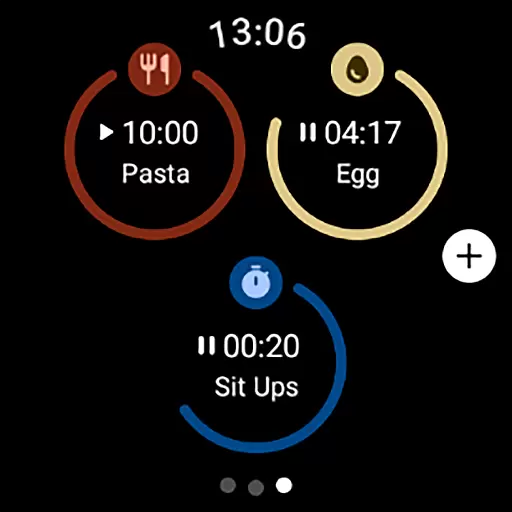
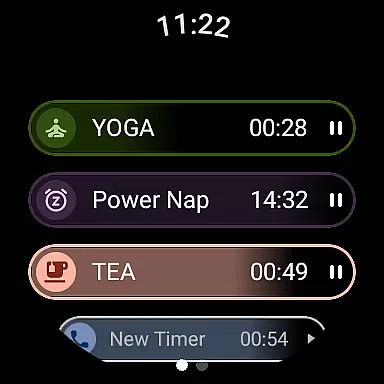
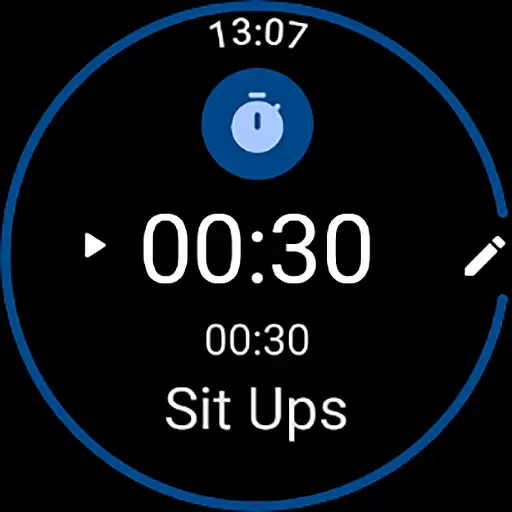
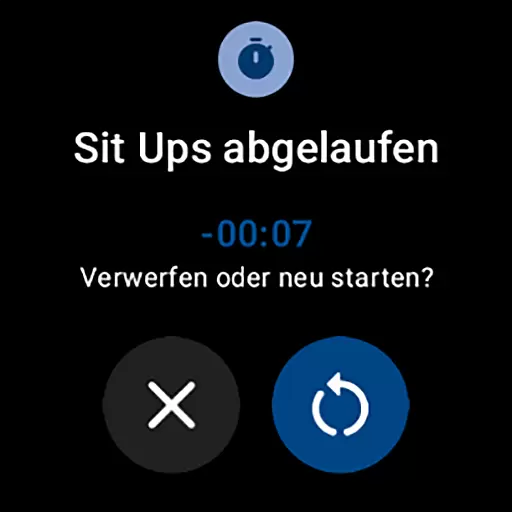
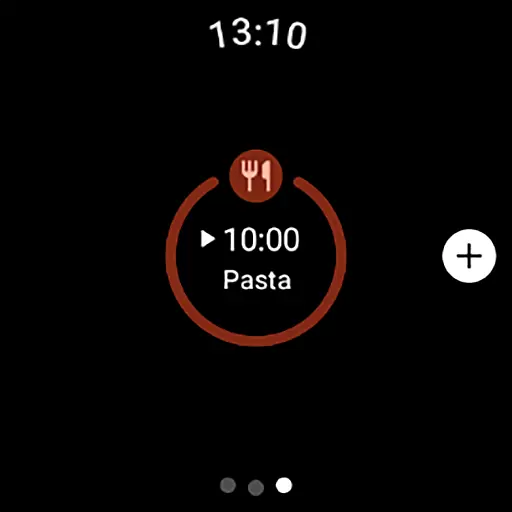
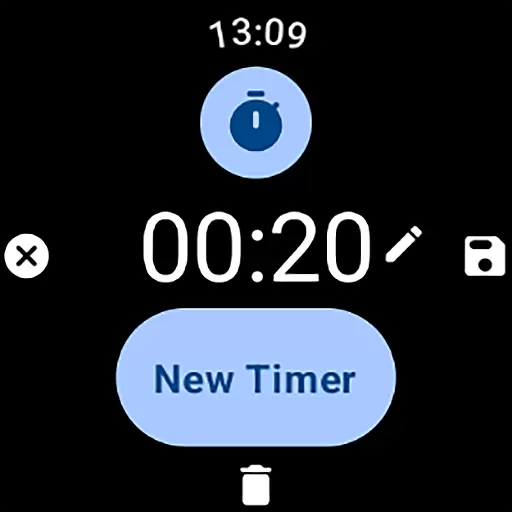
MultiTimerPro is a powerful productivity tool designed for Wear OS, enabling users to manage multiple timers simultaneously. This feature-rich app revolutionizes time management on smartwatches by allowing concurrent timers for various tasks like cooking, workouts, or work sprints.
The app's intuitive interface ensures effortless timer creation and management, while customization options let users personalize each timer with unique names, durations, icons, and colors. With the newly added Tile feature, users can quickly access favorite timers, making multitasking more efficient than ever.
MultiTimerPro stands out with its ability to run multiple timers at once, a functionality absent in most stock apps. The app's user-friendly interface allows seamless navigation and management of numerous timers without any confusion.
Customization is at the core of MultiTimerPro's design. Users can tailor each timer to their specific needs, choosing from various icons and colors. Additionally, sound notifications ensure users never miss a timer alert. These features collectively create an optimal multitasking experience for smartwatch users.
Effective task management is essential for productivity, and MultiTimerPro excels in this area by offering users the ability to handle multiple timers simultaneously. This feature is particularly beneficial for those who need to keep track of various tasks or activities at once.
The app allows users to create and manage several timers at the same time, which is a significant improvement over the standard single-timer functionality found on most devices. Whether you are cooking multiple dishes, timing different phases of a workout, or managing work sprints, MultiTimerPro ensures that you stay on top of your schedule.
With an intuitive interface, users can easily set up and modify timers according to their specific needs. The customization options include naming each timer, setting unique durations, and even choosing different icons and colors for easy identification.
This level of control and organization empowers users to optimize their time management skills, leading to increased efficiency and productivity in their daily routines.
Cross-device synchronization is crucial for users who rely on seamless transitions between their smartwatch and other devices. MultiTimerPro addresses this need by ensuring reliable synchronization across Wear OS devices.
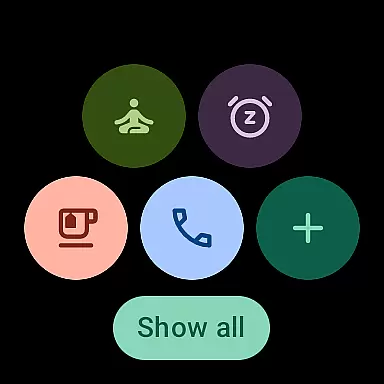
By integrating with the newly added Tile feature, MultiTimerPro allows users to access their favorite timers directly from their smartwatch interface. This immediate access enhances the user experience by providing quick and convenient control over time management tasks.
The app's synchronization capabilities mean that any changes made on one device are accurately reflected on others. Whether adjusting timer settings or checking remaining times, users can trust that their data will be consistent and up-to-date across all platforms.
Ultimately, MultiTimerProu2019s dependable cross-device functionality provides peace of mind, allowing users to focus on their tasks without worrying about discrepancies or lost information between devices.
Multiple timers
Intuitive controls
Customizable options
Sound alerts
Quick-access Tile
Premium version cost
Wear OS only
Learning curve
Limited widgets
No iOS support

A customizable calendar for your Wear OS watch
 4.20
4.20
QuickBooks Workforce lets teams view pay info and track time in one place.
4.70
When you Focus, so will your Bean in this cozy focus timer
4.30
Direct Chat without saving contacts & Dual WA Account on Single Device
4.70
Planet Free VPN - The best Fast Unlimited and Secure VPN Without Logs
4.50
Mind Map and brainstorm, note taking and idea collection
4.80
We're working to become the best machining app on the market! www.cncdirt.com
4.80
Ultimate Virtual AI Character for immersive Roleplay Chat. Perfect Companion
3.90
Intelligent AI Assistant
4.10
The long-awaited modern gallery app for your Nextcloud server
4.70
Client for Nextcloud Deck
4.60
Secure your apps with lock screens, use custom themes and different features.
4.40
Share files & memories safely. Keep your photos and videos secure.
4.40
Enjoy classic gameplay with customizable features and retro-style graphics.
4.30
Total remote control for your Android device, PC and cloud services (IFTTT)!
4.20
Create and edit presentations with Google Slides, part of Google Workspace.
4.00
Secure, open-source, SPICE and SSH Remote Desktop for QEMU KVM virtual machines
4.00
Smart PDF reader & editor to view, organize and manage PDF documents easily.
3.70
Code on-the-go with VScode for Android. Edit,debug and collaborate from mobile!!
3.10


User Reviews