
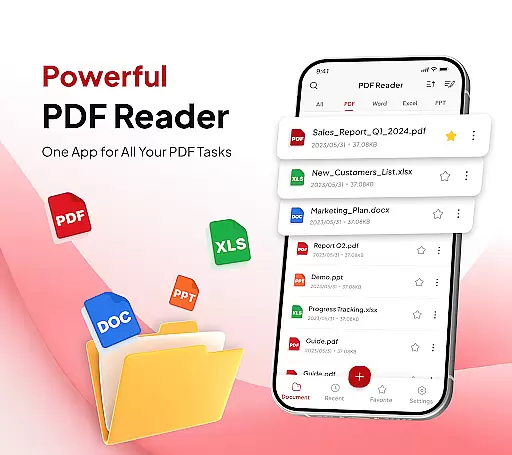
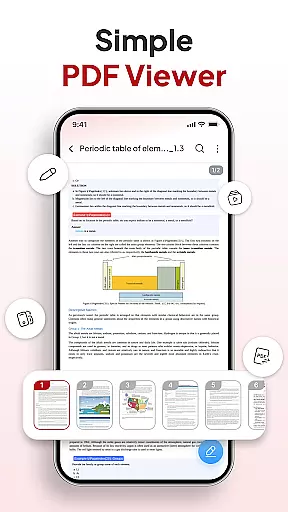
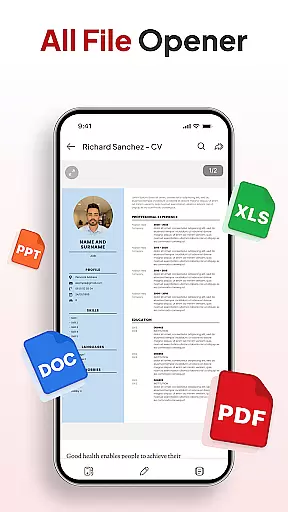
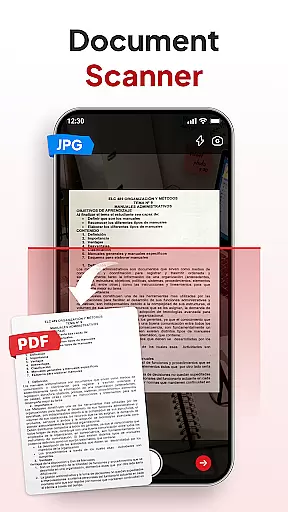
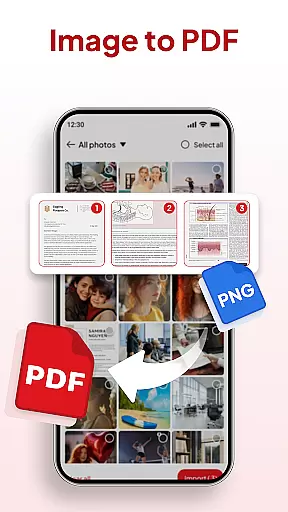
PDF Reader - Document Editor is a comprehensive productivity tool designed to simplify document management. This app allows users to read, edit, organize, and convert PDF files with ease. Whether you're a student, professional, or casual user, the app offers a seamless experience for handling various document types.
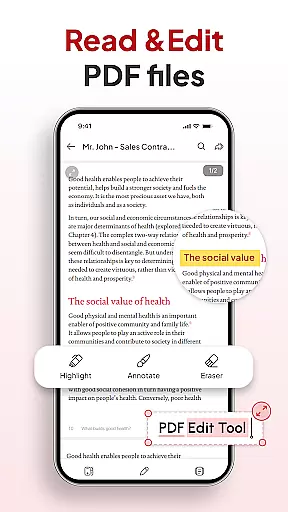
The application supports multiple file formats including PDF, XLS, DOCX, and PPT, making it versatile for different needs. With features like smooth scrolling, zoom functionality, and text highlighting, users can efficiently navigate through documents. Additionally, its smart conversion tools allow for scanning physical documents and converting images into PDFs, enhancing accessibility and convenience.
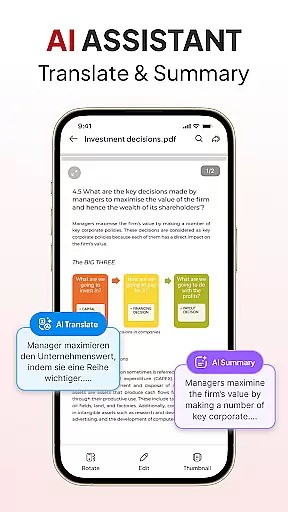
PDF Reader - Document Editor is particularly useful in office settings where document management is crucial. Its ability to add signatures, organize files, and enable instant sharing streamlines workflows and boosts productivity. The AI assistant feature further enriches the user experience by providing summarization and translation capabilities, making it an indispensable tool for modern professionals.
PDF Reader - Document Editor boasts an array of powerful features tailored for productivity enthusiasts. One standout feature is its all-in-one PDF toolkit, which includes smooth reading experiences with lag-free scrolling and zooming capabilities. Users can highlight important text and manage multiple file types such as XLS, DOCX, and PPT.
The app's smart PDF conversion tools are another highlight. It includes a document scanner for transforming physical notes into digital PDFs and an image-to-PDF converter for creating professional-quality documents from photos. These features ensure that users can easily adapt to various document handling scenarios.
Additionally, the app provides robust file management options. Users can organize their storage with folders, sort and search documents by various criteria, and add signatures effortlessly. The instant sharing capability and AI assistant for document summarization and translation further enhance its utility, making it a top choice for efficient document management.
Task management is a cornerstone of productivity applications, and PDF Reader - Document Editor excels in this area. This app provides users with an all-in-one solution for handling PDF documents, which includes reading, editing, organizing, and converting files.
The app's functionality allows users to open, view, and scroll through PDFs effortlessly, regardless of file size. With features such as zoom for details, text highlighting, and support for multiple file types like XLS, DOCX, and PPT, it ensures a seamless experience that enhances the user's ability to manage tasks efficiently.
PDF Reader - Document Editor also offers smart tools such as a document scanner and image to PDF conversion, which streamline the process of creating and managing digital documents. These capabilities contribute to a productive workflow by reducing the time and effort required to handle various document formats.
Ultimately, the app empowers users to declutter their storage with a file organizer, sort and search functions, signature addition, and instant sharing options. By integrating these features, the app becomes an indispensable tool for anyone looking to optimize their document-related tasks.
Cross-device synchronization is vital for users who operate in multi-device environments, ensuring that their data is accessible and up-to-date across all their devices. PDF Reader - Document Editor addresses this need by providing reliable synchronization that keeps documents consistent and current.
With the app's cloud-based infrastructure, users can seamlessly transition between their phone, tablet, and computer, picking up right where they left off. This means that any edits, annotations, or organizational changes made on one device are immediately reflected on all others, maintaining coherence in their workflow.
In addition to document synchronization, the app supports instant sharing via various platforms, making collaboration straightforward and efficient. Users can send their PDFs with a single tap, ensuring that their colleagues or friends receive the latest version without compatibility issues.
By focusing on synchronization reliability, PDF Reader - Document Editor not only simplifies document management but also enhances team productivity and communication, establishing itself as a robust tool for both individual and collaborative work environments.
User-friendly interface
Multi-format support
Smart conversion tools
Efficient file management
AI-powered assistance
Limited free features
Occasional bugs
Ads in free version
Subscription cost
Learning curve

Client for Nextcloud Deck
 4.60
4.60
Wake up & get tasks done! Add alarms & reminders on the Clock Launcher.
4.00
Secure, fast, open-source, Remote Desktop Client for Windows and Linux with SSH
4.60
Cloud storage, automatic phone backup, and more.
4.10
Docker, Kubernetes management over Portainer Mobile
4.40
The ultimate file manager for rooted devices. The original and still the best.
4.00
Experience and share your SolidWorks designs on your Android® phone and tablet.
2.50
Secure your apps with lock screens, use custom themes and different features.
4.40
AI Chatbot and AI writing assistant powered by ChatGPT.
4.60
Simple notepad & memo. Take notes, to-do list, shopping list with reminders.
4.80
The long-awaited modern gallery app for your Nextcloud server
4.70
Direct Chat without saving contacts & Dual WA Account on Single Device
4.70
Absolutely the best CNC machinist speed and feed calculator around. fswizard.com
4.60
PDF scanner & converter for files, photos, lottery, QR codes. One swipe away!
4.50
A customizable calendar for your Wear OS watch
4.20
Device's storage information in a simple and clear graphical form (infographics)
4.10
Customizable calendar widget for seamless event sync, planning & scheduling.
4.00
Ultimate Virtual AI Character for immersive Roleplay Chat. Perfect Companion
3.90
Code on-the-go with VScode for Android. Edit,debug and collaborate from mobile!!
3.10


User Reviews