
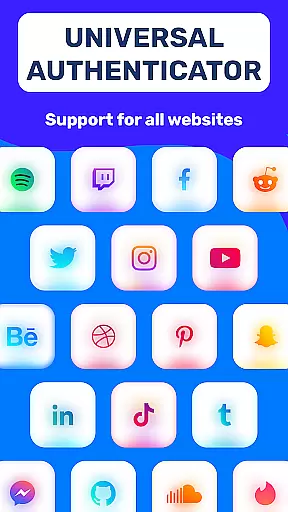
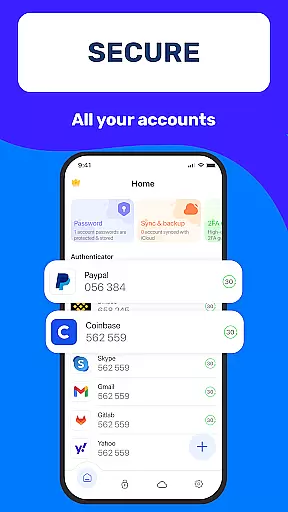
Authenticator App 2FA - Password Manager is a comprehensive productivity tool designed to enhance both security and convenience in managing digital accounts. The app integrates two-factor authentication (2FA) with advanced password management, ensuring users can protect their online presence while streamlining login processes.
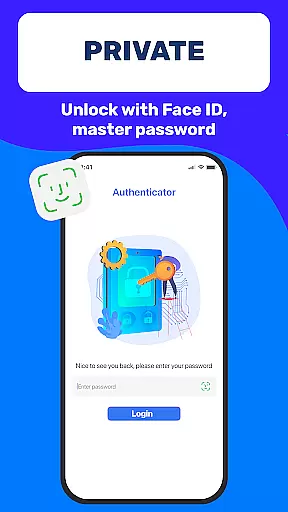
Key features include QR code scanning for 2FA, secure password storage with autofill capabilities, and biometric unlocking through Master Password and Touch ID. Additionally, the app supports cross-device data synchronization, dark mode for comfortable usage, and cloud-based data storage to prevent information loss. These functionalities make it an ideal solution for individuals seeking robust account protection and efficient data management across multiple platforms.
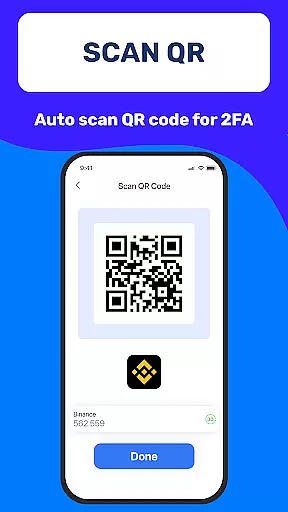
One of the standout aspects of Authenticator App 2FA - Password Manager is its multifunctional design that combines security and usability. The Scan QR 2FA feature simplifies the login process by enabling quick and secure access to accounts, eliminating the need to manually enter authentication codes.
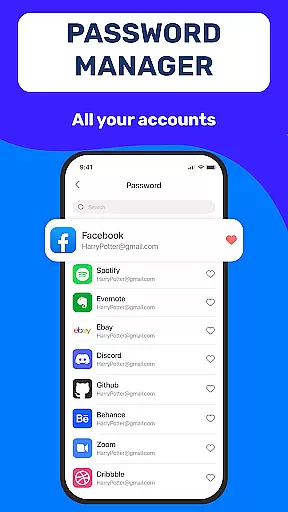
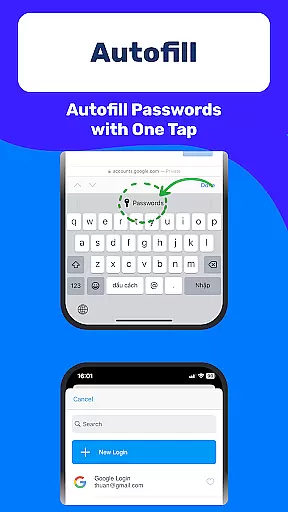
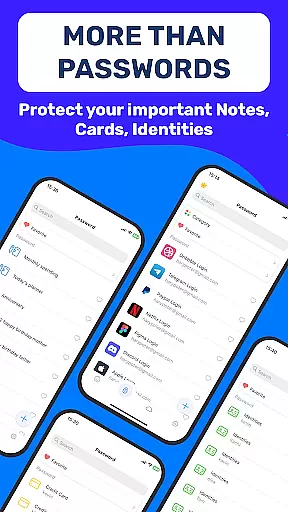
The app also excels in data management with its Backup & Sync functionality, which ensures seamless transitions between devices. Its Password Manager not only stores credentials but also integrates Autofill, reducing input errors and saving time. Furthermore, the inclusion of Import and Export Data options provides flexibility for users migrating from other authenticator apps. With added features like Dark Mode and secure storage for sensitive information such as credit card details, the app offers a complete package for modern productivity needs.
Task management is a critical aspect of productivity applications, and Authenticator App 2FA - Password Manager excels in this area. The app integrates various features that streamline the process of managing multiple accounts securely and efficiently.
The application's core functionality revolves around its ability to handle two-factor authentication (2FA) through QR code scanning, ensuring that users can log into their accounts with an added layer of security. This feature not only simplifies the login process but also enhances account protection against unauthorized access.
Additionally, the app offers a comprehensive password management system. With secure storage and autofill capabilities, it significantly reduces the time and effort required to manage numerous credentials. Users can rely on the app to automatically input their login details across different websites, minimizing errors and maximizing convenience.
By consolidating these essential task management features, Authenticator App 2FA - Password Manager provides a robust solution for users seeking to enhance both their productivity and security. The seamless integration of 2FA, password management, and secure data storage ensures that users can focus on their tasks without compromising on safety or efficiency.
Cross-device synchronization is a vital feature for users who operate multiple devices and need consistent access to their data. Authenticator App 2FA - Password Manager addresses this need by providing reliable backup and sync functionalities that ensure data integrity across all user devices.
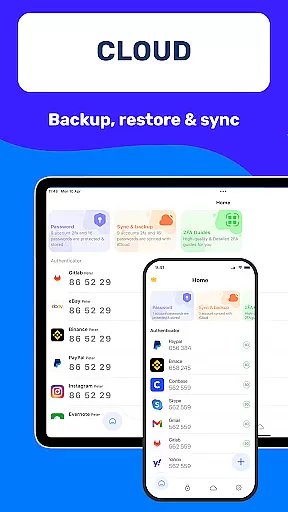
The Backup & Sync feature guarantees that users will not lose their valuable data when switching devices or reinstalling the app. This function maintains up-to-date copies of user information, including 2FA codes, passwords, and other sensitive data, allowing for a seamless transition between devices without any loss of information.
Moreover, the app supports importing and exporting data from various authenticator applications, enhancing its flexibility and compatibility. This means users can easily migrate their existing authentication data to Authenticator App 2FA - Password Manager, regardless of their previous app preferences.
With cloud-based data storage, the app further reinforces its commitment to reliable cross-device synchronization. Users can rest assured that their information is safely stored and accessible from any device, eliminating concerns about data loss due to hardware failure or device changes. This level of reliability empowers users to manage their accounts confidently and efficiently, no matter where they are or which device they use.
Enhanced Security
User-Friendly Interface
Cross-Device Sync
Efficient Autofill
Flexible Migration Options
Premium Features Locked
Occasional Sync Delays
Limited Free Storage
No Web Version
Biometric Glitches

Planet Free VPN - The best Fast Unlimited and Secure VPN Without Logs
 4.50
4.50
8 custom complications. Custom Time Fonts. Beautiful color schemes. A++ Design.
5.00
Android Wallet Password Manager
4.80
Mind Map and brainstorm, note taking and idea collection
4.80
Make your handwriting beautiful, even more than pen on paper.
3.60
App Lock with fingerprint, password: Lock apps & hide photos with lock screens
4.60
Docker, Kubernetes management over Portainer Mobile
4.40
This small app MUST BE INSTALLED after purchase, else license won't work
4.40
Share files & memories safely. Keep your photos and videos secure.
4.40
Understand anything with a personalized AI research assistant
4.80
aCalendar+ makes your day, week and month
4.70
Calendar 2023 widget for Android. Appointment scheduler, planner, and reminder
4.60
CalenGoo is a very flexible and feature-rich calendar app
4.40
Pwnagotchi companion app
4.20
Device's storage information in a simple and clear graphical form (infographics)
4.10
Secure, open-source, SPICE and SSH Remote Desktop for QEMU KVM virtual machines
4.00
⏰ Finally a timer app which can run multiple timers simultaneously on your watch
3.90
Find and delete junk files & block unwanted notifications & manage files
3.70
A comprehensive suite of tools designed specifically for Lactation Consultants
4.1


User Reviews