
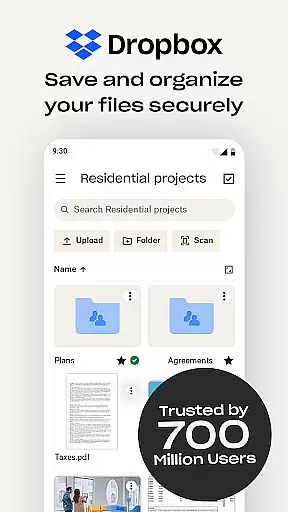
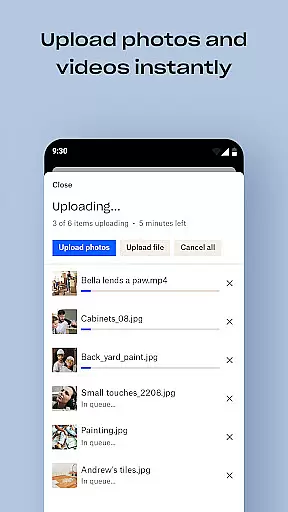
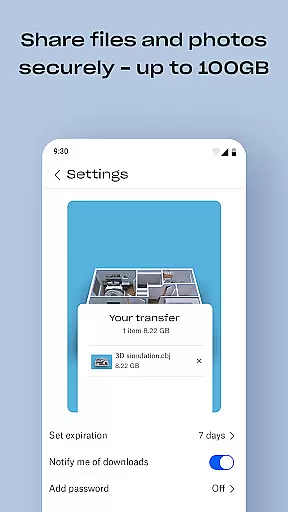
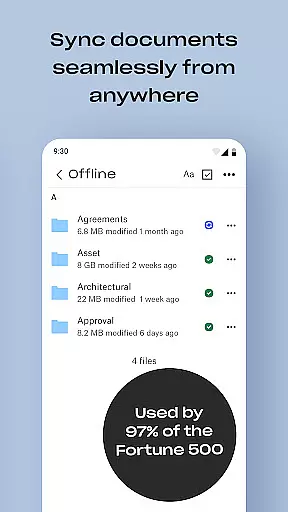
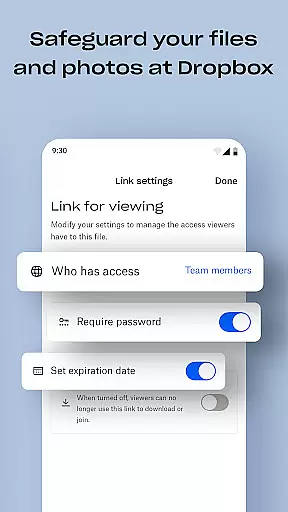
Dropbox is a leading cloud storage solution that allows users to securely backup, access, and manage essential files from any location. With over 700 million registered users, it provides reliable and private file management for individuals and teams. The app offers automatic photo uploads, offline file access, and easy sharing of large files through simple links.
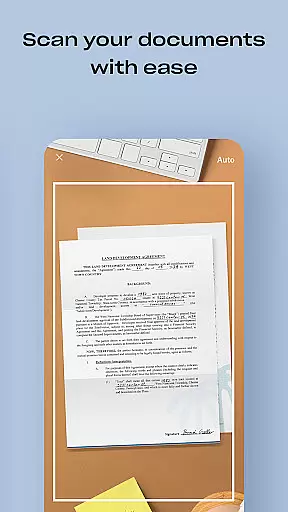
One of Dropbox's standout features is its ability to sync folders across devices, providing version history and file recovery options. It also includes document scanning capabilities, transforming mobile-captured images into high-quality PDFs. Dropbox Plus subscribers gain access to additional features like password management, secure vaults for sensitive documents, and the ability to rewind account changes. These tools make Dropbox an ideal productivity solution for both personal and professional use.
Dropbox offers a comprehensive set of features designed to enhance productivity and streamline file management. The app automatically uploads photos from your camera roll to cloud storage, making them easily shareable. Users can access any file in their account, even offline, and preview over 175 file types without needing special software. Sharing large files is simplified through shareable links, which can be accessed by anyone, even without a Dropbox account.
For document management, Dropbox allows users to scan receipts, IDs, and other documents using their mobile device, converting them into high-quality PDFs. Its computer backup feature syncs folders on PCs or Macs, enabling file recovery and version history tracking. Dropbox Plus subscribers benefit from advanced features like password syncing, secure vaults for sensitive data, and the ability to rewind account changes for up to 30 days. These robust functionalities ensure seamless collaboration and secure data management.
Task management is a cornerstone of productivity applications like Dropbox. This feature allows users to organize, prioritize, and track their tasks efficiently within the app.
Dropbox enhances task management by integrating file access, sharing, and storage capabilities directly into users' workflows. Users can create to-do lists linked with files that need attention, ensuring no critical task is overlooked.
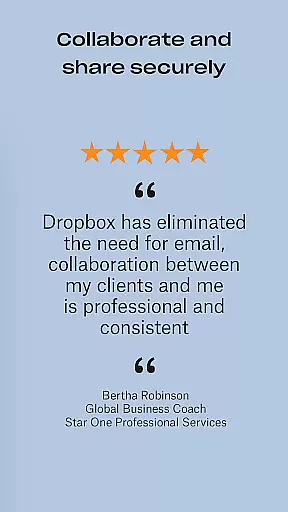
The benefit for users is significant. They can manage projects more effectively, set reminders for deadlines, and collaborate seamlessly with team members through shared folders and links.
This comprehensive approach to task management ensures that individuals and teams can maintain high productivity levels while keeping all necessary resources at their fingertips.
Cross-device synchronization is vital for users who operate across multiple devices. It ensures that any file change or update made on one device is reliably reflected on all others connected to the same account.
Dropbox excels in this area by providing real-time sync capabilities. Whether you're editing documents on your PC, Mac, or mobile device, changes are instantly updated across all platforms, maintaining consistency and accuracy.
Users gain peace of mind knowing their data is always up-to-date, regardless of the device they use. This reliability supports flexible working conditions, allowing seamless transitions between devices without missing a beat.
With robust cross-device synchronization, Dropbox empowers users to work efficiently and stay productive, enhancing both individual and collaborative efforts.
User-friendly interface
Secure file sharing
Offline file access
Automatic photo backup
Cross-device syncing
Limited free storage
Paid subscription required
Occasional sync delays
No built-in editing tools
Basic mobile functionality

Seamlessly integrate data and reports to build your presentation to impress
 4.80
4.80
Native client for Forgejo and Gitea
5.00
8 custom complications. Custom Time Fonts. Beautiful color schemes. A++ Design.
5.00
Automates browsing any website and notifies you of important changes or events
4.30
We're working to become the best machining app on the market! www.cncdirt.com
4.80
Docker, Kubernetes management over Portainer Mobile
4.40
Access your phone's notifications, calls, apps, photos & texts on your PC
3.90
Lightweight PDF, Word, Excel reader.
4.60
QuickEdit is a fast, stable and full featured text and code editor.
4.20
Understand anything with a personalized AI research assistant
4.80
QuickBooks Workforce lets teams view pay info and track time in one place.
4.70
Secure, fast, open-source, Remote Desktop Client for Windows and Linux with SSH
4.60
App Lock with fingerprint, password: Lock apps & hide photos with lock screens
4.60
A simple Whisper AI keyboard for reliable speech transcription and rewording
4.60
Tally and goal counter for Wear OS & mobile
4.50
Secure your apps with lock screens, use custom themes and different features.
4.40
Intelligent AI Assistant
4.10
Unlock AutoNotification
4.00
Experience and share your SolidWorks designs on your Android® phone and tablet.
2.50


User Reviews