
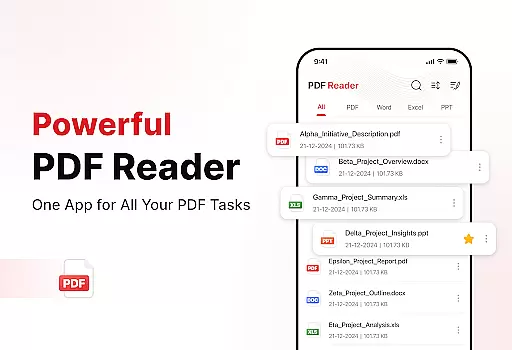
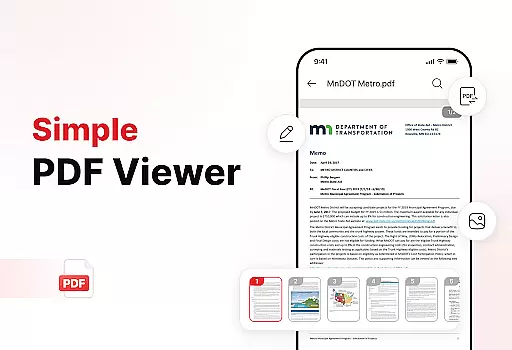
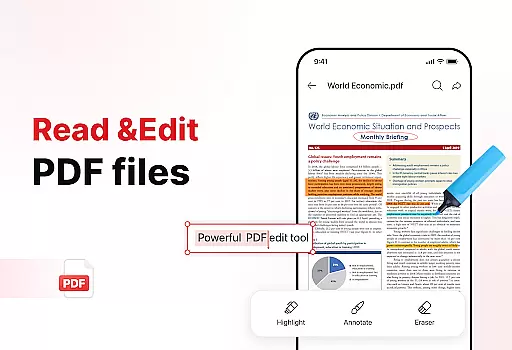
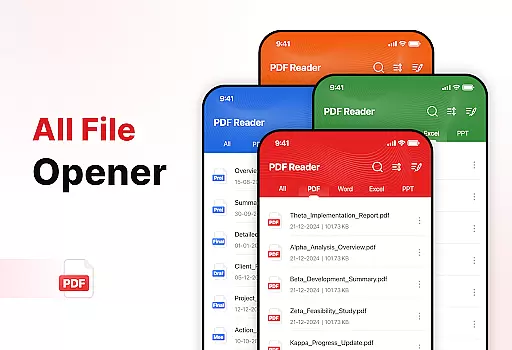
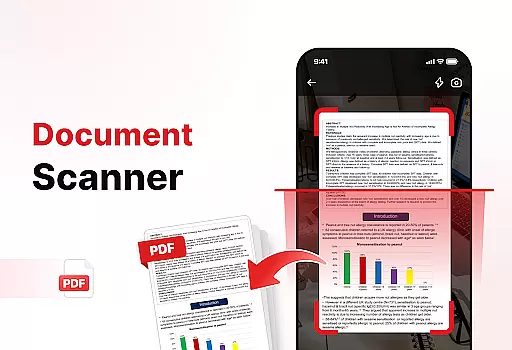
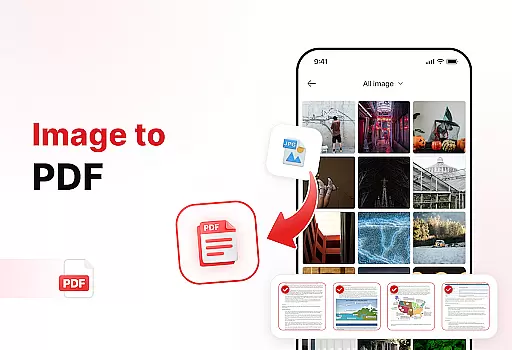
PDF Reader - Edit & View is a comprehensive document management solution designed to simplify how you handle, organize, and convert files. This productivity app offers versatile PDF reading capabilities, allowing users to open, read, and navigate through PDFs of any size with ease. The intuitive interface supports multiple file formats including XLS, DOCX, and PPT, making it an essential tool for students, professionals, and anyone who frequently works with documents.
The app's powerful document converter transforms scanned documents and images into high-quality PDFs. With enhanced productivity tools like file sorting, bookmarking, and effortless sharing options, users can efficiently manage their digital documents. The ability to add signatures to PDFs further streamlines document workflows. Whether you need to quickly locate files or keep your storage organized, this app provides the necessary tools to boost productivity and save valuable time.
PDF Reader - Edit & View stands out with its diverse feature set tailored for document management. The app's versatile PDF reader allows seamless navigation through documents, with zoom functionality for detailed viewing and highlighting tools for important information. Its support for various file formats makes it a complete solution for different document types.
One of the app's key strengths is its powerful document conversion capabilities. Users can scan physical documents and convert them into digital PDFs, or transform images and screenshots into professional-grade PDF files. The enhanced productivity tools include advanced file sorting options, bookmark management, and quick search functionality. These features, combined with the ability to add electronic signatures and share documents effortlessly, create a robust ecosystem for managing all types of digital documents efficiently.
In today's fast-paced digital environment, effective task management is crucial for productivity. PDF Reader - Edit & View addresses this need by offering a comprehensive suite of tools designed to streamline document handling.
The app allows users to manage and organize their files with remarkable ease. With features like file sorting, users can arrange documents by name, date, or size, ensuring quick access to needed files. The ability to delete unnecessary files and use bookmarks for rapid retrieval further enhances the document management experience.
Moreover, the app supports multiple file formats including XLS, DOCX, and PPT, making it a versatile tool for both personal and professional use. This compatibility ensures that users can handle all their document types within a single platform.
By integrating powerful productivity tools such as document scanning and image-to-PDF conversion, PDF Reader - Edit & View not only simplifies task management but also significantly boosts overall efficiency, saving users valuable time.
For individuals and teams managing documents across multiple devices, reliable cross-device synchronization is essential. PDF Reader - Edit & View excels in this area, providing users with seamless access to their files regardless of the device they are using.
The app ensures that every change made on one device is instantly updated across all others. Whether you're editing a document on your phone during a commute or reviewing it on a tablet at home, you can trust that your work is up-to-date and consistent.
Sharing documents becomes effortless with this app. Users can instantly share PDFs and other files with colleagues, friends, or family, directly from their preferred device. This feature fosters collaboration and ensures that everyone has access to the latest version of a document.
PDF Reader - Edit & View combines reliable synchronization with a user-friendly interface, making it an indispensable tool for anyone looking to maintain productivity and organization across all their devices.
User-friendly interface
Multi-format support
Powerful conversion tools
Advanced organization features
Effortless sharing options
Basic features only in free version
Occasional performance lag
Limited cloud integration
Ads in free version
Subscription required for full access

Mega cloud explorer plugin for Solid Explorer
 3.80
3.80
Android Wallet Password Manager
4.80
PDF scanner & converter for files, photos, lottery, QR codes. One swipe away!
4.50
Subscribe to Webcal & .ics calendars and keep them up-to-date!
4.50
Secure, open-source, SPICE and SSH Remote Desktop for QEMU KVM virtual machines
4.00
Calendar 2023 widget for Android. Appointment scheduler, planner, and reminder
4.60
Code on-the-go with VScode for Android. Edit,debug and collaborate from mobile!!
3.10
* block pre-roll ads, pop-up and forced redirect ads * Samsung certification app
4.00
This small app MUST BE INSTALLED after purchase, else license won't work
4.40
Great calculator for Android named one of USA TODAY's "25 Essential Apps".
4.90
Scientific calculator for Android - looks and operates like the real thing!
4.90
aCalendar+ makes your day, week and month
4.70
Quickly and easily keep track of your work shifts
4.70
App Lock with fingerprint, password: Lock apps & hide photos with lock screens
4.60
Docker, Kubernetes management over Portainer Mobile
4.40
Share files & memories safely. Keep your photos and videos secure.
4.40
Experience real multitasking on your Android!
4.00
Access your phone's notifications, calls, apps, photos & texts on your PC
3.90
Make your handwriting beautiful, even more than pen on paper.
3.60


User Reviews