
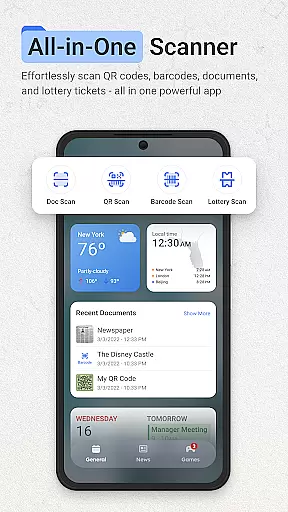
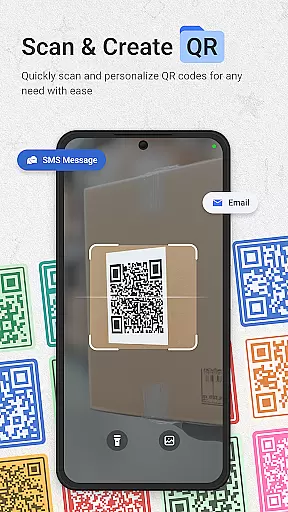
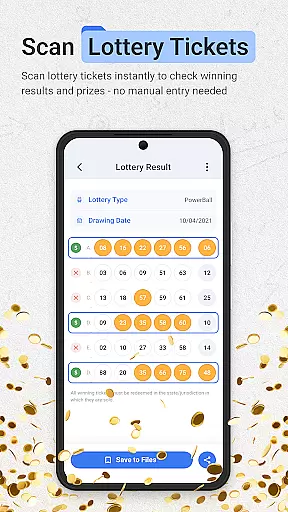
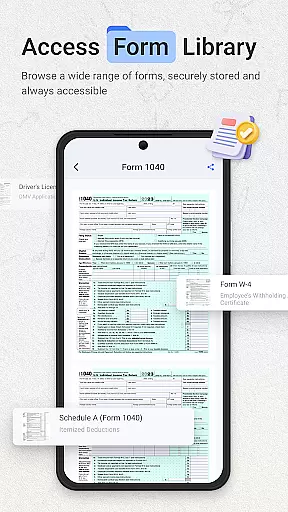
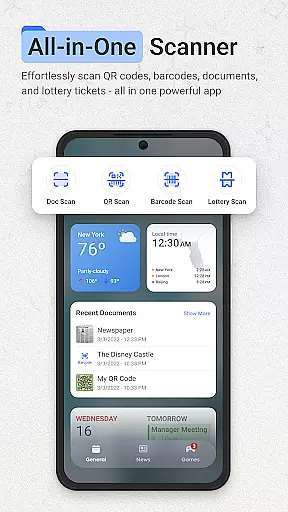
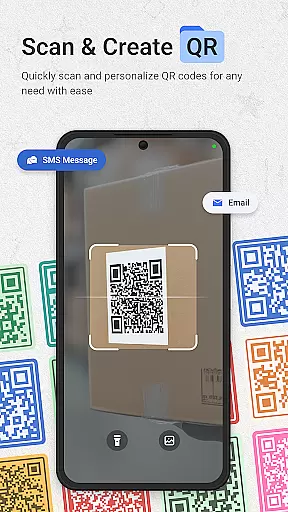
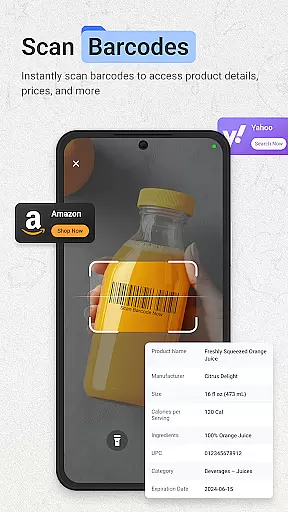
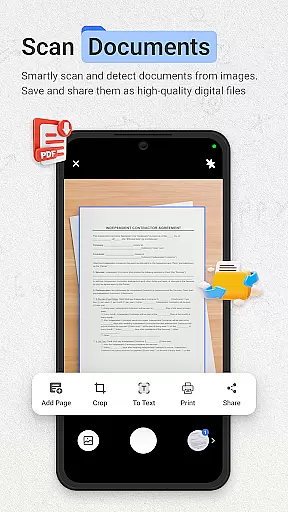
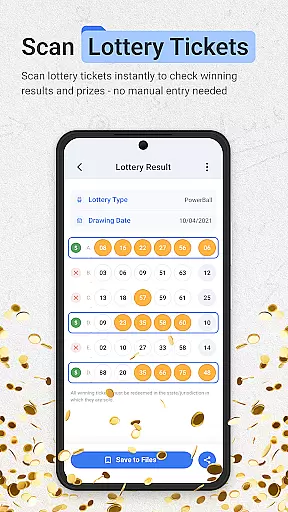
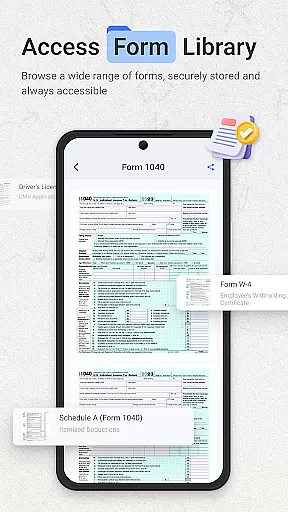
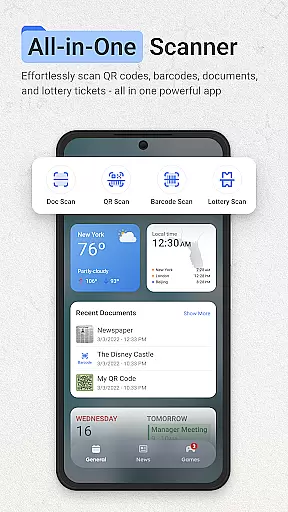
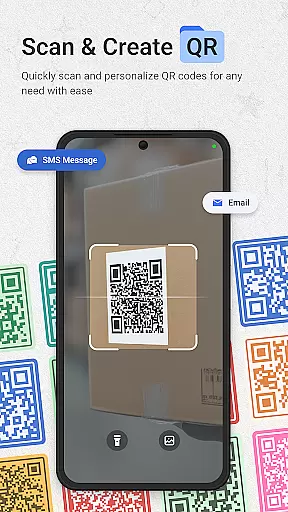
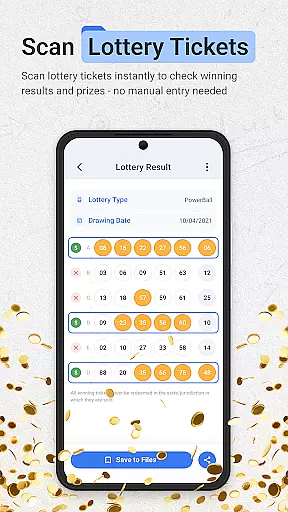
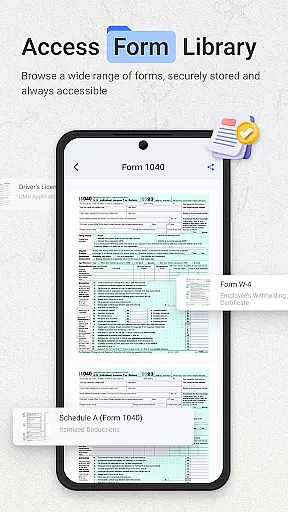
ScanNow Home revolutionizes productivity by integrating advanced scanning tools directly into your home screen experience. This innovative app combines a powerful document scanner, barcode and QR code reader, and lottery ticket validator with a customizable launcher interface.
The application's standout feature is its seamless integration of scanning capabilities within the launcher environment. Users can instantly digitize documents, scan barcodes for price comparisons, or validate lottery tickets without switching between multiple apps. The clean material design interface with adaptive icon support and dark mode makes it suitable for both casual and power users seeking an efficient workflow.
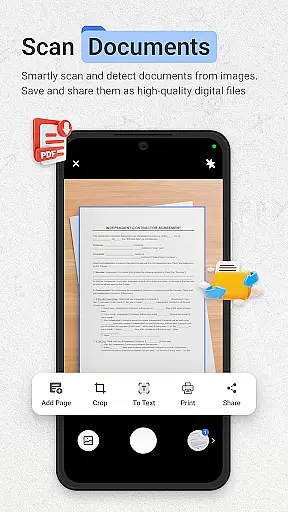
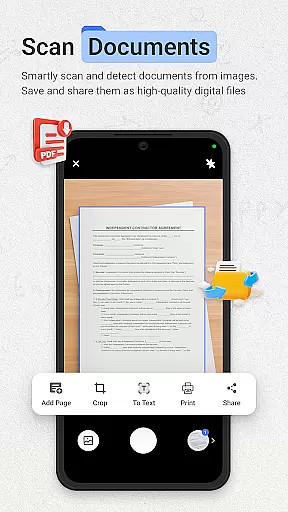
This productivity tool proves especially valuable in office settings where quick document digitization and organization are crucial. Its batch scanning capability and multi-page support enable professionals to efficiently manage paperwork while maintaining high-quality results through advanced image enhancement technology.
ScanNow Home distinguishes itself through its comprehensive feature set that extends beyond basic scanning capabilities. The document scanner offers professional-grade functions including auto-edge detection, perspective correction, and advanced image enhancement, ensuring crystal-clear results every time.
The integrated Yahoo search functionality provides quick access to information while the smart app categorization system helps maintain an organized home screen. The launcher's adaptive icon support and dark mode create a comfortable user experience across different lighting conditions. Additionally, the app's battery optimization features ensure these powerful tools don't compromise device performance.
What sets ScanNow Home apart is its unique combination of productivity tools with essential launcher functions. The ability to save scan histories, track lottery playing records, and export reports demonstrates the app's commitment to helping users maintain organized digital workflows while enjoying a customized home screen experience.
ScanNow Home revolutionizes productivity by integrating essential scanning tools directly into your home screen experience. This innovative approach to task management allows users to instantly access powerful document, barcode, and lottery ticket scanning features without switching between multiple apps.
The application's core functionality is designed around efficiency and organization. The document scanner offers auto-edge detection, perspective correction, and batch scanning with multi-page support, enabling users to digitize their paperwork systematically. Advanced image enhancement ensures crystal-clear results while export options including PDF, JPG, or searchable text formats help maintain an organized digital archive.
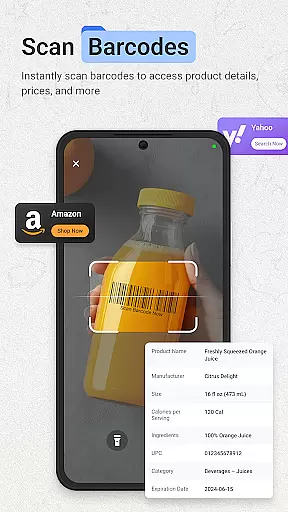
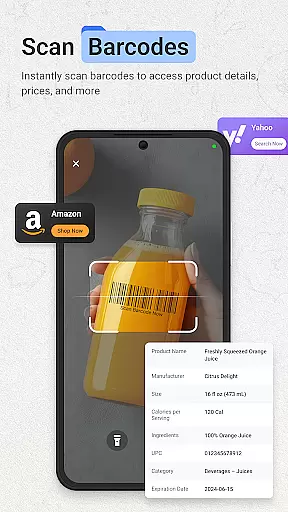
Barcode and QR code scanning capabilities further enhance task management by providing instant access to product information and URLs. The app maintains a comprehensive scan history with search functionality, allowing users to efficiently track and manage their scanned content. This feature proves particularly valuable for price comparison and inventory management tasks.
While primarily designed as a launcher with integrated scanning tools, ScanNow Home offers reliable cross-device synchronization through its cloud-based features. Users can seamlessly access their scanned documents, barcodes, and lottery tickets across multiple devices, ensuring their productivity data remains consistent and up-to-date regardless of which device they use.
The application employs robust cloud infrastructure to maintain synchronization accuracy. When users scan documents or tickets, the app automatically uploads them to secure servers, making them accessible from any authorized device. This real-time synchronization capability ensures that important scans and data are never lost and always available when needed.
Furthermore, the app's synchronization extends to user preferences and settings. Customized configurations, such as preferred export formats and scanning options, are maintained across devices, providing a consistent user experience. This comprehensive approach to cross-device functionality makes ScanNow Home a reliable solution for users who work across multiple devices while maintaining high productivity standards.
Instant access to scanning tools
Customizable launcher interface
Advanced document processing
Comprehensive barcode support
Integrated search functionality
Requires multiple permissions
Some features need in-app purchases
Only compatible with Android 8.0+
May drain battery faster
Interface might feel cluttered

Send files, sync SMS, notifications & clipboard across devices via local network
 4.40
4.40
A simple, portable logger for POTA, SOTA, Field Day, and more
4.4
Mind Map and brainstorm, note taking and idea collection
4.80
Remotely view listen control and record cameras.
3.70
App lock - lock apps with fingerprint, password, pin or pattern, protect privacy
4.70
Find and delete junk files & block unwanted notifications & manage files
3.70
Functional QR scanner and barcode reader that requires little storage space.
4.60
Translate text/voice/photos in 150+ languages. Offline & fast translator app.
4.50
Okta MFA
4.70
QuickBooks Workforce lets teams view pay info and track time in one place.
4.70
Direct Chat without saving contacts & Dual WA Account on Single Device
4.70
The AI assistant that thinks with you - write, code, and solve complex tasks
4.60
A simple Whisper AI keyboard for reliable speech transcription and rewording
4.60
Docker, Kubernetes management over Portainer Mobile
4.40
When you Focus, so will your Bean in this cozy focus timer
4.30
Make apps & sites with natural language prompts
4.10
Unlock AutoNotification
4.00
Ultimate Virtual AI Character for immersive Roleplay Chat. Perfect Companion
3.90
The upgraded version of Name Wheel with AI and the power to add your own wheels.
4.3


User Reviews