
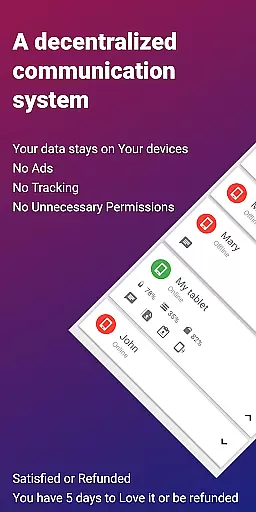
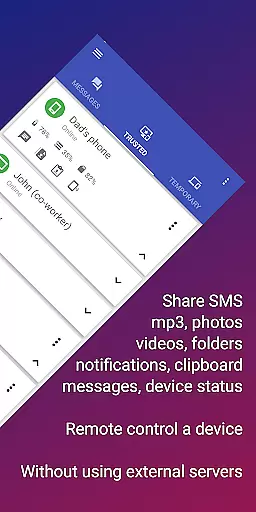
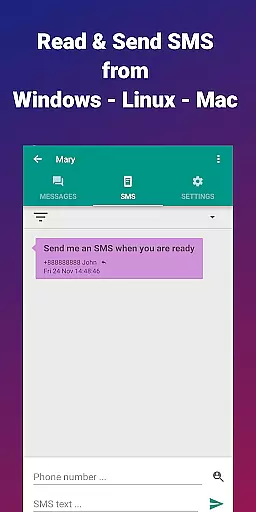
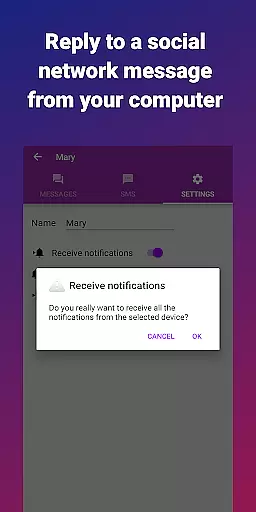
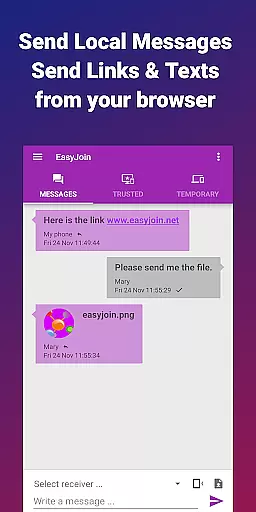

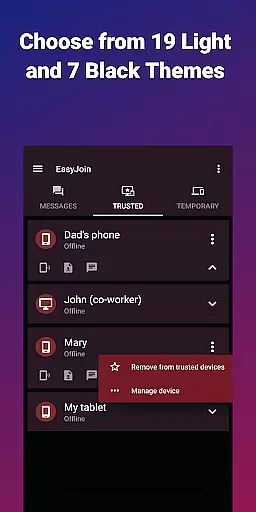
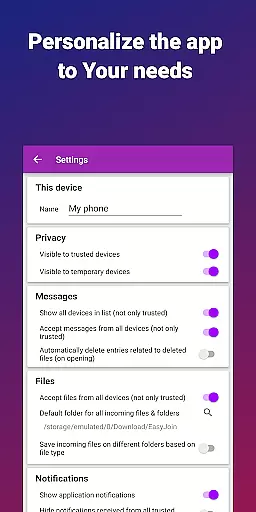
EasyJoin is a productivity-focused application designed to seamlessly connect your devices and transfer files instantly without relying on cloud services, advertisements, or tracking mechanisms. The app enables users to send files, sync clipboards, manage SMS, read notifications, and control devices using only their local network. With end-to-end encryption, all data remains private and secure on your devices, ensuring complete user privacy.
Perfect for both personal and professional use, EasyJoin supports fast file transfers between phones, PCs, and tablets, clipboard synchronization across multiple platforms, remote notifications, and even local network messaging. Its cross-platform compatibility includes support for Android, Windows, macOS, Linux, iPhone, iPad, and browser extensions, making it an ideal tool for those seeking efficient workflows while maintaining top-tier security.
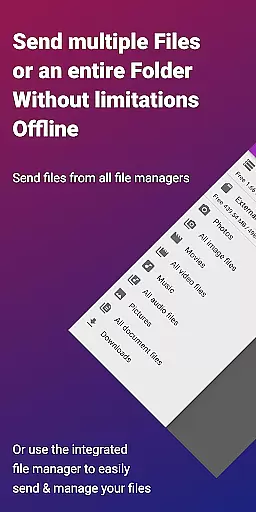
EasyJoin stands out with its comprehensive feature set tailored for maximum productivity. One of its core functionalities is the ability to transfer files such as photos, videos, documents, and folders instantly between devices without requiring internet access, cloud storage, or external servers. This ensures that your data never leaves your local network, providing both speed and security.
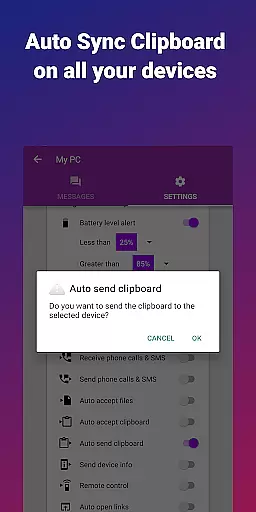
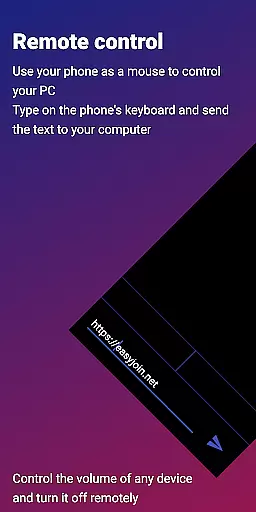
Another notable feature is clipboard synchronization, which allows users to copy content on one device and paste it on another, regardless of platform. Additionally, the app offers peer-to-peer encrypted sharing, remote SMS management, and the ability to use your phone as a keyboard or mouse for your PC. These features are further enhanced by local network messaging and cross-platform support, creating a versatile ecosystem for managing tasks efficiently while prioritizing user privacy.
Task management is a cornerstone of productivity applications, and EasyJoin excels in this area by offering a suite of features that streamline device connectivity and file sharing.
The app enables users to send files, sync clipboards, manage SMS, and even control devices directly over the local network, ensuring all data remains private and encrypted on your devices. This comprehensive approach to task management ensures that users can handle multiple tasks without relying on cloud services or external servers.
EasyJoin's ability to perform these functions across various platforms including Android, Windows, macOS, iPhone, iPad, and Linux makes it an indispensable tool for those looking to maintain productivity without compromising privacy. The seamless integration between different devices allows for efficient multitasking and collaboration.
By providing a secure environment with end-to-end encryption, EasyJoin not only enhances productivity but also instills confidence in users who are concerned about data security. With no need for internet access or cloud storage, the app offers a reliable solution for managing tasks within a trusted local network.
Cross-device synchronization is crucial for maintaining workflow continuity, and EasyJoin provides a robust solution that ensures data consistency across all connected devices.
With features like fast file transfer, clipboard sync, and remote notifications, users can effortlessly move between their phone, PC, tablet, and other devices without losing any information. This level of synchronization reliability supports a seamless transition from one task to another, regardless of the device being used.
EasyJoin stands out by offering cross-platform support, which means whether you're using Windows, macOS, Linux, or mobile operating systems, the synchronization process remains smooth and uninterrupted. This flexibility empowers users to choose their preferred device without worrying about compatibility issues.
Moreover, the application's commitment to privacy-first principles means that while enjoying the benefits of cross-device synchronization, users can rest assured that their data stays secure and never leaves the local network. This dual focus on reliability and security makes EasyJoin a top choice for individuals seeking dependable productivity tools.
Fast file transfer
Clipboard sync
P2P encryption
Cross-platform
No subscriptions
Limited offline help
Wi-Fi required
Paid version
Setup complexity
Fewer visual aids

Client for Nextcloud Deck
 4.60
4.60
QuickBooks Workforce lets teams view pay info and track time in one place.
4.70
Wake up & get tasks done! Add alarms & reminders on the Clock Launcher.
4.00
Planet Free VPN - The best Fast Unlimited and Secure VPN Without Logs
4.50
Cloud storage, automatic phone backup, and more.
4.10
Functional QR scanner and barcode reader that requires little storage space.
4.60
ID.me Authenticator is a simple and free Two Factor Authentication solution
3.50
Docker, Kubernetes management over Portainer Mobile
4.40
Scientific calculator for Android - looks and operates like the real thing!
4.90
Best Tool for the professionals Electrician, Electrical contractors, etc.
4.90
Use powerful, industry-leading AI tools to generate visual charts from any data
4.80
The long-awaited modern gallery app for your Nextcloud server
4.70
App Lock with fingerprint, password: Lock apps & hide photos with lock screens
4.60
All document reader, all in one file viewer read PDF, DOCX, XLS, PPT, TXT files.
4.60
Calendar 2023 widget for Android. Appointment scheduler, planner, and reminder
4.60
Access, manage and transfer files on Android, PC, Mac, NAS and cloud storages.
4.30
Make apps & sites with natural language prompts
4.10
Customizable calendar widget for seamless event sync, planning & scheduling.
4.00
⏰ Finally a timer app which can run multiple timers simultaneously on your watch
3.90


User Reviews