
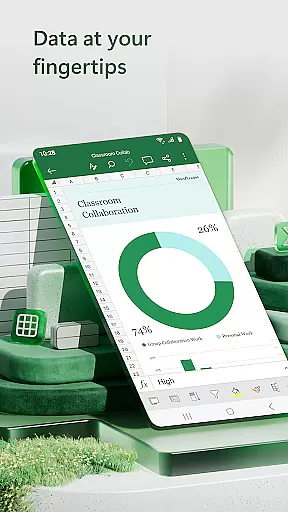

Microsoft Excel is the leading spreadsheet application that empowers users to create, edit, and manage data files with advanced formatting tools. The app provides a comprehensive suite of features for budgeting, chart creation, and data analytics, making it an essential tool for both personal and professional use. With its robust calculation engine and familiar formulas, Excel allows users to perform complex financial analysis and accounting tasks on-the-go.
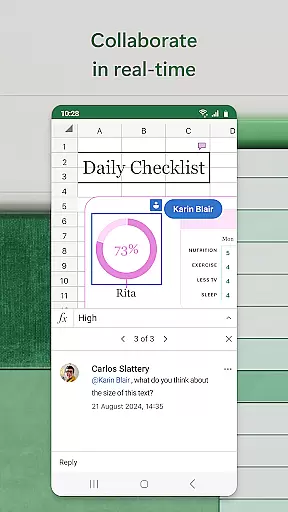
The application's intuitive interface offers seamless integration across devices, ensuring consistent functionality whether you're using a phone, tablet, or desktop computer. Excel's collaboration features enable real-time teamwork, allowing multiple users to work on the same document simultaneously. From creating detailed budgets to generating insightful pivot charts, Microsoft Excel delivers powerful productivity tools right at your fingertips.
Excel stands out with its extensive collection of modern templates designed for various tasks like budgeting, task management, and financial analysis. The built-in accounting calculator and data analysis tools provide users with everything needed to run accurate calculations and generate meaningful insights from their data. Rich formatting options ensure that workbooks and charts are not only functional but also visually appealing.
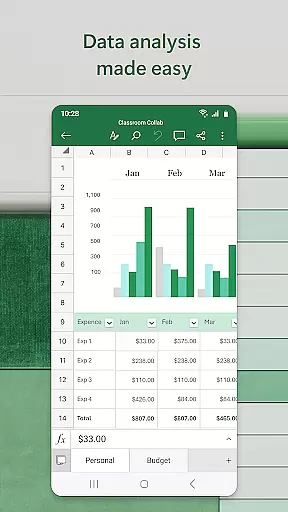
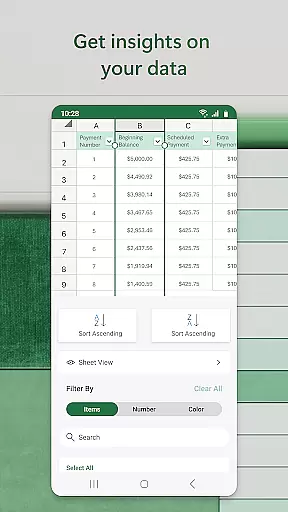
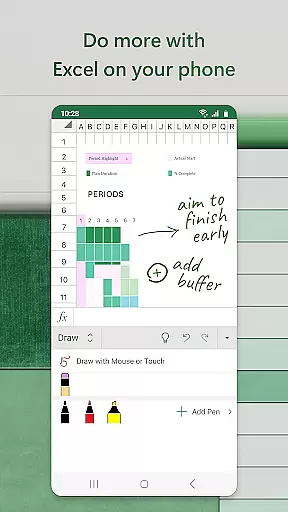
Data visualization is made easy with Excel's chart maker and annotation capabilities. Users can create dynamic charts and graphs that bring their data to life, while pivot tables offer digestible formats for complex datasets. The review and edit features allow for efficient collaboration, enabling users to sort, filter, and annotate documents with ease. Additionally, the draw tab on touch-enabled devices provides creative ways to interact with worksheets.
Microsoft Excel revolutionizes core task management by providing users with a comprehensive suite of tools to handle spreadsheets, calculations, and data analytics efficiently. The app's modern templates allow for the creation of budgets, task lists, and financial analyses that cater to both personal and professional needs.
With its familiar formulas and workbook sheets, Excel ensures consistency across devices, enabling users to run complex calculations and manage their tasks seamlessly. Whether it is accounting or financial analysis, the robust formatting options enhance productivity by making charts and sheets not only functional but also visually comprehensible.
Excel's ability to integrate budget and expense tracking on-the-go further amplifies its utility as a task management tool. Users can confidently track expenses, compile charts, and analyze data from their mobile devices, ensuring they stay on top of their financial goals while benefiting from the convenience of mobile access.
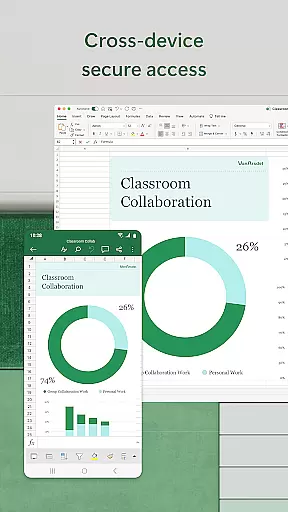
Cross-device synchronization is a cornerstone of Microsoft Excel's productivity enhancement features. By allowing users to create, view, edit, and share files from any device, Excel ensures that your data is always up-to-date and accessible wherever you are. This reliable synchronization capability means that whether you're switching between your phone, tablet, or PC, your spreadsheets remain consistent and current.
The app facilitates collaboration by enabling users to share files and Excel sheets effortlessly. With just a few taps, you can invite others to edit, view, or comment on your workbooks, streamlining teamwork and boosting productivity. This ease of access and sharing makes cross-device workflows smoother and more efficient.
Furthermore, Excelu2019s integration with Microsoft 365 ensures that subscribers enjoy an uninterrupted experience, with automatic updates and cloud storage that safeguard your data against loss. This reliability in synchronization and collaboration underscores Excel's commitment to providing a seamless user experience across all devices.
Powerful data analysis
Wide range of templates
Real-time collaboration
Cross-device compatibility
Robust formatting tools
Complex for beginners
Resource-intensive
Subscription required
Limited offline features
Steep learning curve

Experience real multitasking on your Android!
 4.00
4.00
Protect and view your important info on your phone and tablet with eWallet®
4.80
App Lock with fingerprint, password: Lock apps & hide photos with lock screens
4.60
Multilingual translator for text, voice, and image translation!
4.90
Translate text/voice/photos in 150+ languages. Offline & fast translator app.
4.50
Create and edit presentations with Google Slides, part of Google Workspace.
4.00
Subscribe to Webcal & .ics calendars and keep them up-to-date!
4.50
* block pre-roll ads, pop-up and forced redirect ads * Samsung certification app
4.00
Seamlessly read, manage, and organize all your PDF files solution in one place
4.40
8 custom complications. Custom Time Fonts. Beautiful color schemes. A++ Design.
5.00
Best Tool for the professionals Electrician, Electrical contractors, etc.
4.90
Functional QR scanner and barcode reader that requires little storage space.
4.60
A lightweight JSON & XML files creator, editor and viewer (Premium Version)
4.40
All in One PDF Reader: Manage, Read and Edit your Documents
4.20
Device's storage information in a simple and clear graphical form (infographics)
4.10
Activate Two Factor Authentication (2FA or Multi OTP), Password manager and more
4.10
Take control of your clipboard with Clipper!
3.90
Easiest event planning, volunteer signups & parent teacher conference scheduling
2.20
IP Camera Viewer - Android TV : RTSP Surveillance camera viewer for Android TV
4.4


User Reviews