
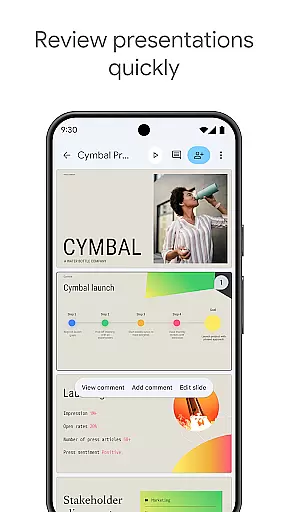
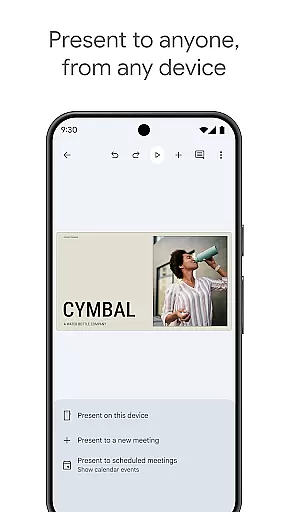
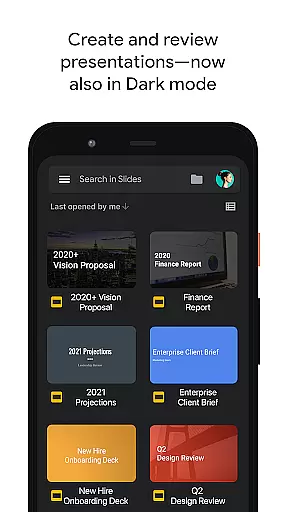
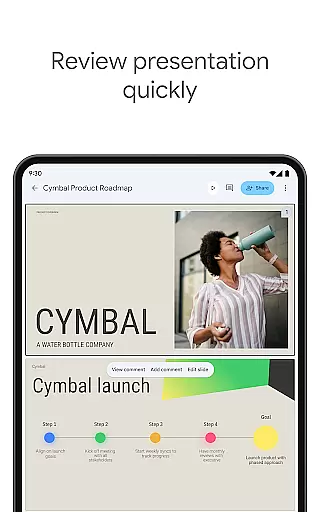
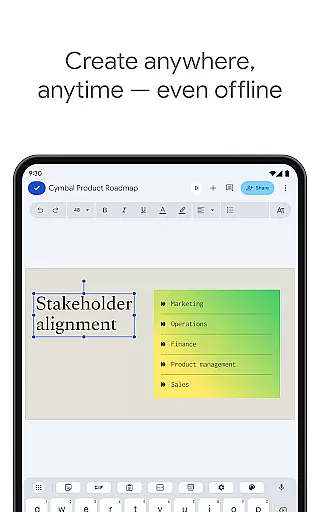
Google Slides is a powerful productivity application that allows users to create, edit, and collaborate on presentations directly from their Android devices. The app offers a comprehensive set of features including real-time collaboration, offline working capabilities, and automatic saving functionality. Users can add and respond to comments, format text and shapes, and even present slides directly from their mobile device.
The application stands out with its smart suggestions feature that helps users create visually appealing slides instantly. It also integrates seamlessly with Google Workspace, making it an ideal tool for teams of all sizes who need to work together efficiently. Whether you're creating a new presentation or editing an existing one, Google Slides ensures your work is always up-to-date and accessible across multiple devices.
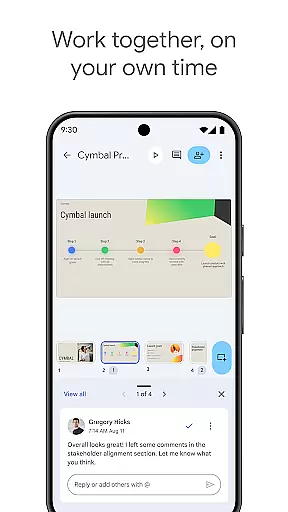
Google Slides offers an impressive array of features designed to enhance productivity and collaboration. One of its key strengths is the ability to collaborate in real-time, allowing multiple users to work on the same presentation simultaneously. This feature is particularly useful for team projects where members are located in different places.
In addition to collaboration, the app provides extensive formatting options. Users can add and rearrange slides, format text and shapes, and enhance their presentations with videos, images, and smooth transitions. The app also supports PowerPoint files, enabling users to open, edit, and save these files without compatibility issues. With automatic saving and cloud storage integration, users never have to worry about losing their work.
Another notable feature is the ability to present slides during video calls, which is especially relevant in today's remote working environment. This functionality allows users to schedule meetings that automatically appear within the app, streamlining the presentation process. Overall, Google Slides combines powerful editing tools with seamless integration across devices, making it an essential tool for modern professionals.
Task management is a critical component of productivity applications, enabling users to organize, track, and execute tasks efficiently. Google Slides excels in this area by offering features that go beyond basic presentation creation.
The app allows real-time collaboration, where multiple users can work on the same presentation simultaneously. This feature streamlines workflow and ensures that teams can efficiently manage tasks related to creating and editing slides.
Users benefit from automatic saving, which eliminates the risk of losing work, and the ability to add and respond to comments directly within the presentation. These capabilities ensure that feedback loops and task assignments are seamlessly integrated into the presentation process.
With smart suggestions for beautiful slides and access to additional features for Google Workspace subscribers, such as enhanced collaboration tools and templates, Google Slides provides a comprehensive task management solution tailored for productive presentation development.
Cross-device synchronization is essential for users who require access to their presentations across multiple devices without any loss of functionality or data integrity. Google Slides addresses this need with robust synchronization capabilities.
Whether working on an Android phone, tablet, PC, or Mac, users can create or edit presentations with the assurance that their work will be updated across all devices. This seamless integration ensures that whether at home, in the office, or on-the-go, your presentation is always up-to-date.
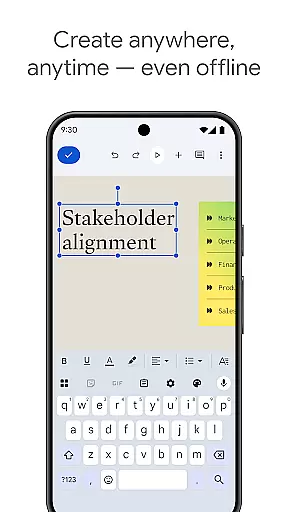
Offline mode adds another layer of reliability, allowing users to continue working even without an internet connection. Once online, changes sync automatically, ensuring consistency and coherence across all platforms.
This reliable cross-device experience empowers users to practice and present from any device, providing flexibility and peace of mind that their work is always current and accessible wherever they are.
User-friendly interface
Real-time collaboration
Automatic saving
Offline access
Cross-device compatibility
Limited advanced features
Requires internet for full functionality
Fewer templates compared to competitors
Basic animation options
Dependent on Google ecosystem

Unlock AutoNotification
 4.00
4.00
8 custom complications. Custom Time Fonts. Beautiful color schemes. A++ Design.
5.00
Secure, fast, open-source, Remote Desktop Client for Windows and Linux with SSH
4.60
Pwnagotchi companion app
4.20
Todo reminder
4.10
Stay on top of your to-dos with Google Tasks, part of Google Workspace.
4.60
Font maker keyboard with your own handwriting
4.10
Enjoy classic gameplay with customizable features and retro-style graphics.
4.30
QuickEdit is a fast, stable and full featured text and code editor.
4.20
Android Wallet Password Manager
4.80
Protect and view your important info on your phone and tablet with eWallet®
4.80
QuickBooks Workforce lets teams view pay info and track time in one place.
4.70
The long-awaited modern gallery app for your Nextcloud server
4.70
Functional QR scanner and barcode reader that requires little storage space.
4.60
Planet Free VPN - The best Fast Unlimited and Secure VPN Without Logs
4.50
CalenGoo is a very flexible and feature-rich calendar app
4.40
Total remote control for your Android device, PC and cloud services (IFTTT)!
4.20
Device's storage information in a simple and clear graphical form (infographics)
4.10
Make your handwriting beautiful, even more than pen on paper.
3.60


User Reviews