
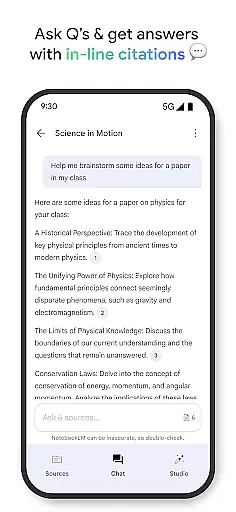
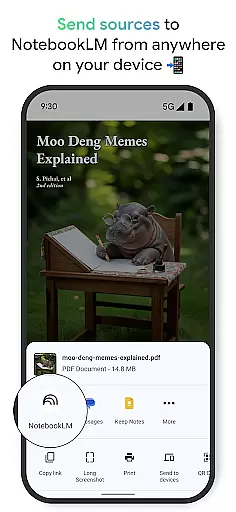
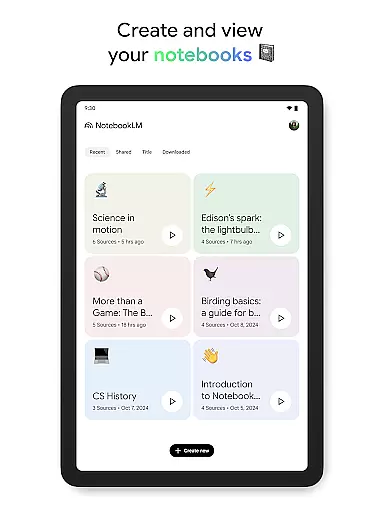
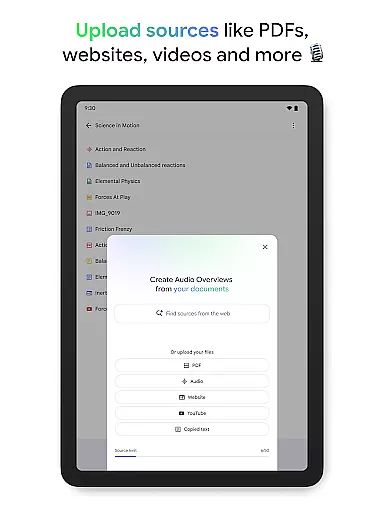
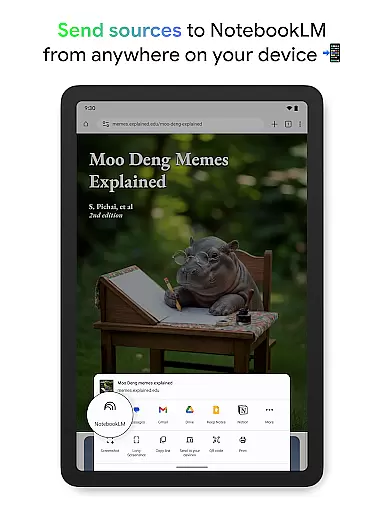
NotebookLM is a productivity app designed to simplify complex information management. It allows users to upload various sources like PDFs, websites, and videos, transforming them into easily digestible formats. The app's AI capabilities provide trusted insights by analyzing uploaded content and making meaningful connections.
The application is particularly useful for students, researchers, and professionals who need to process large amounts of information. Users can create audio overviews of their content, access materials offline, and receive expert-level summaries. This makes knowledge acquisition more efficient and accessible across different learning styles.
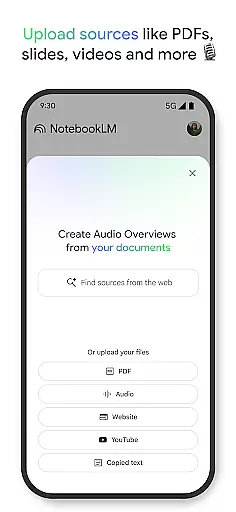
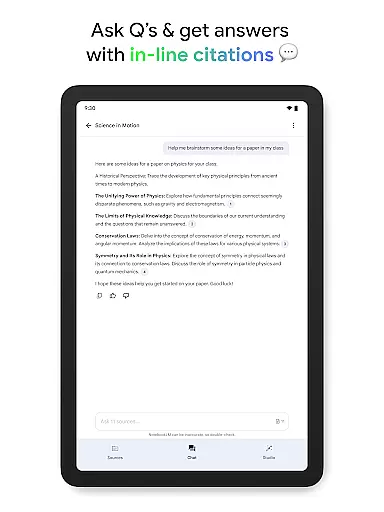
NotebookLM stands out with its comprehensive feature set tailored for knowledge workers. The app's source processing capability handles multiple formats including PDFs, web pages, and video content. Its AI-powered analysis generates reliable insights while maintaining source citations for verification.
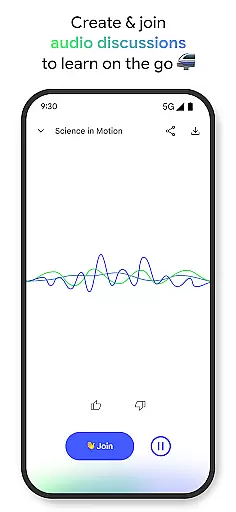
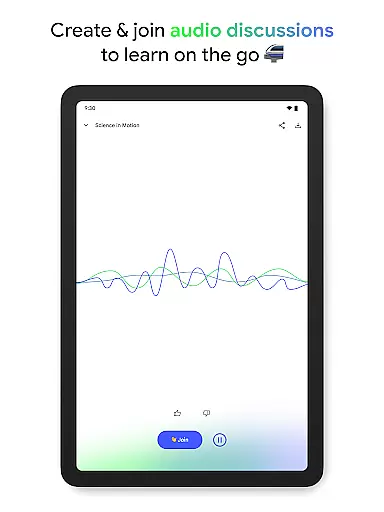
A key innovation is the Audio Overview feature, which transforms written content into podcast-style discussions. Users can engage with two AI hosts or participate in the conversation directly. The app also supports background playback and offline access, making it versatile for various learning environments and schedules.
Effective task management is crucial for productivity applications, serving as the backbone for organizing and prioritizing work. NotebookLM excels in this area by transforming complex information into manageable insights.
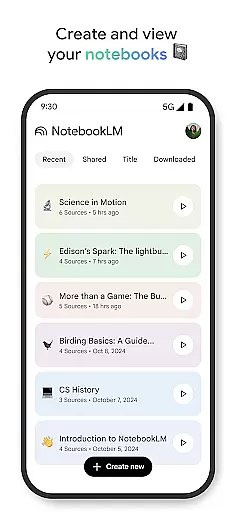
The app allows users to upload various sources such as PDFs, websites, and videos, turning them into structured notebooks. This feature simplifies the task of managing extensive research or project materials by consolidating them into easily navigable formats.
Users benefit from NotebookLM's ability to summarize content and draw connections between different pieces of information. This functionality not only saves time but also enhances understanding, allowing users to focus on critical aspects of their work.
By enabling users to ask questions about the uploaded content and providing trustworthy answers with cited sources, NotebookLM ensures that task management is not just about organizing data but also about enhancing knowledge acquisition and application.
In today's interconnected world, reliable cross-device synchronization is essential for maintaining workflow continuity. NotebookLM addresses this need by ensuring seamless access to notebooks across multiple devices.
With background playback and offline support, users can listen to Audio Overviews or review notes without an active internet connection. This flexibility is particularly beneficial for individuals who are frequently on the move or have limited connectivity.
The app's capability to sync data reliably means that any updates made on one device are instantly available on others. This real-time synchronization ensures that all devices reflect the most current version of the user's notebooks, promoting consistency and coherence in their work.
By offering a robust synchronization mechanism, NotebookLM empowers users to transition smoothly between different devices without losing momentum or access to vital information, thereby enhancing overall productivity.
Powerful AI analysis
Multiple format support
Offline functionality
Trusted source citations
Innovative audio features
Limited free features
Requires Google account
Complex interface
Occasional AI errors
Background playback issues

Experience real multitasking on your Android!
 4.00
4.00
Create study competitions, track your hours, and stay consistent with friends
4.0
Send files, sync SMS, notifications & clipboard across devices via local network
4.40
A simple, portable logger for POTA, SOTA, Field Day, and more
4.4
App Lock with fingerprint, password: Lock apps & hide photos with lock screens
4.60
Make apps & sites with natural language prompts
4.10
Lightweight PDF, Word, Excel reader.
4.60
Daily processing of PDF documents.
4.40
Set up, print, and get support—in one place
4.20
Simple notepad & memo. Take notes, to-do list, shopping list with reminders.
4.80
Secure, fast, open-source, VNC and SSH Remote Desktop for Windows, Linux and Mac
4.70
aCalendar+ makes your day, week and month
4.70
Functional QR scanner and barcode reader that requires little storage space.
4.60
Enjoy classic gameplay with customizable features and retro-style graphics.
4.30 4.20
4.20
Intelligent AI Assistant
4.10
Code on-the-go with VScode for Android. Edit,debug and collaborate from mobile!!
3.10
Experience and share your SolidWorks designs on your Android® phone and tablet.
2.50
IP Camera Viewer - Android TV : RTSP Surveillance camera viewer for Android TV
4.5


User Reviews