
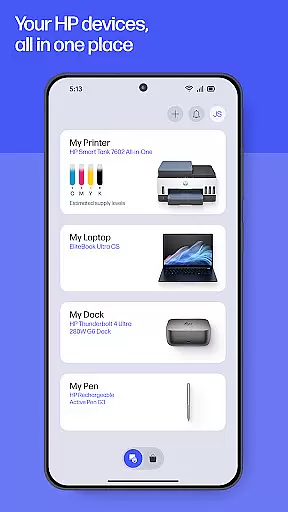
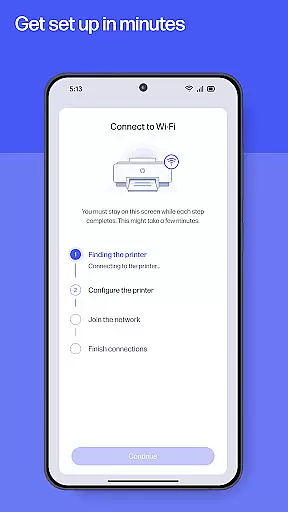
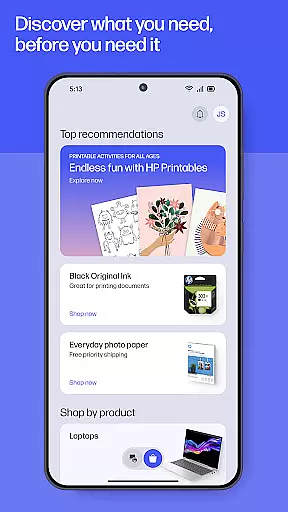
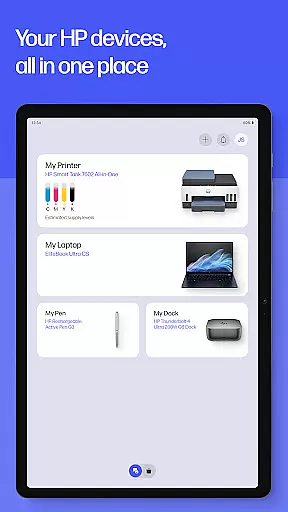
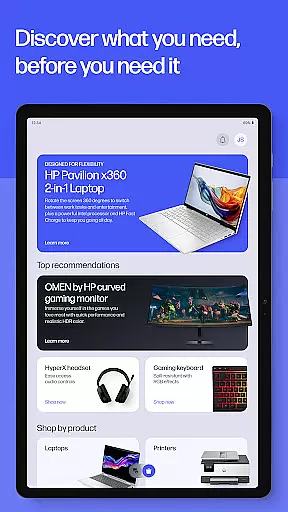
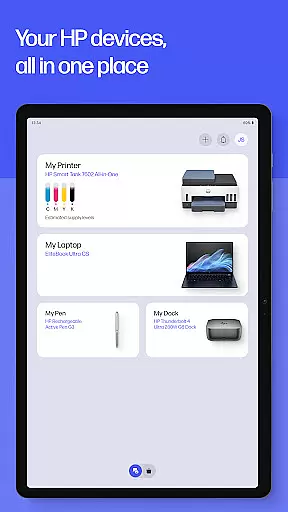
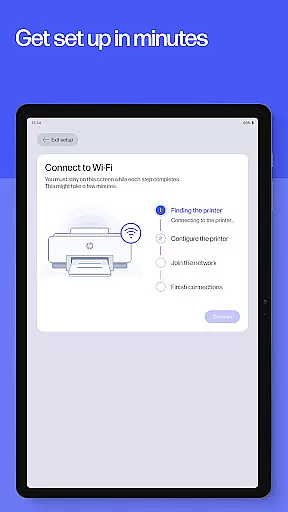
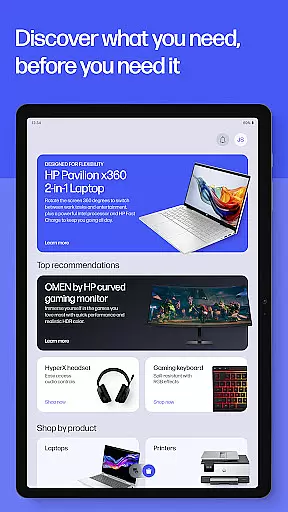
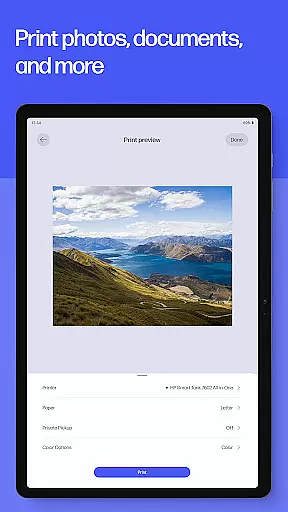
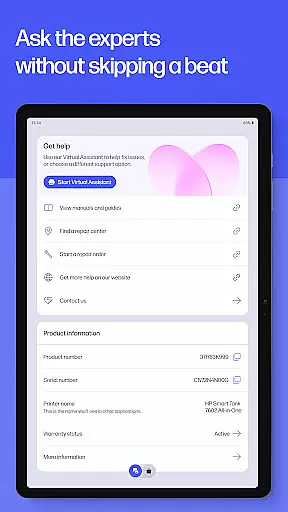
HP is a comprehensive productivity app designed to maximize the potential of your HP devices. The application serves as an all-in-one solution for managing printers and computers, offering functionalities such as guided setup for new devices, checking ink levels, and personalized recommendations. It enables users to adjust device settings, discover matching HP products, and stay informed about their tech ecosystem.
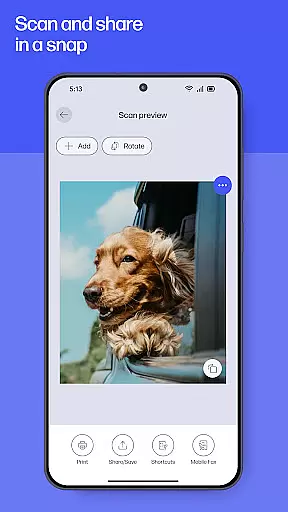
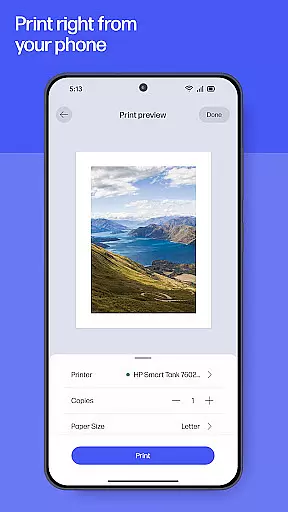
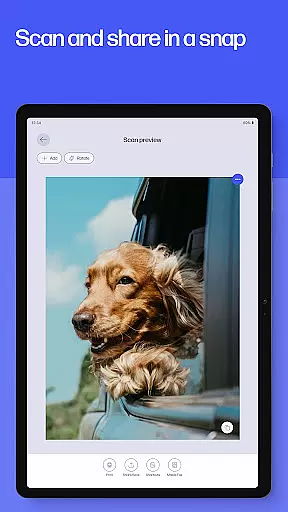
The app provides essential tools for daily tasks including printing, scanning, and faxing. Users can print documents and photos directly from their devices, scan receipts or documents in seconds, and send faxes without needing additional hardware. With instant help features like live chat and phone support, assistance is readily available whenever needed. Whether at home or in the office, HP ensures that completing print tasks is just a click away.
By integrating innovative features like HP Printables, Print Shortcuts, and Print Supplies notifications, the app enhances user experience by unlocking creativity and ensuring uninterrupted productivity. These capabilities make HP an indispensable tool for both personal and professional use, streamlining workflows and maintaining device efficiency.
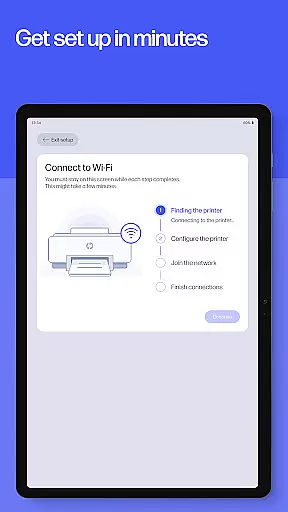
HP offers a rich set of features designed to enhance productivity and streamline device management. One standout feature is the guided setup, which simplifies the process of setting up new printers and computers. This functionality walks users through each step, ensuring a smooth and hassle-free experience. Additionally, the app provides real-time monitoring of ink levels and print supplies, alerting users when replenishment is needed.
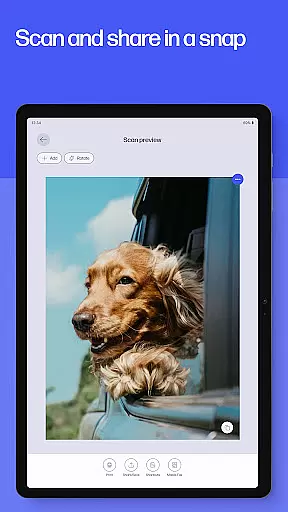
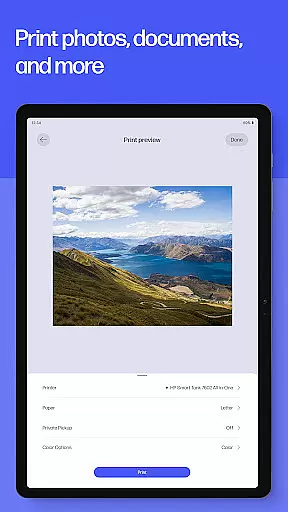
The app excels in its print and scan capabilities. Users can print high-quality photos and documents directly from their devices, adjust and edit scans before printing, and even digitize documents for easy sharing and storage. The inclusion of HP Printables adds a creative dimension, offering access to cards, coloring pages, educational worksheets, and fun crafts projects. Furthermore, the Print Shortcuts feature allows users to create custom shortcuts for frequently used print tasks, saving time and effort.
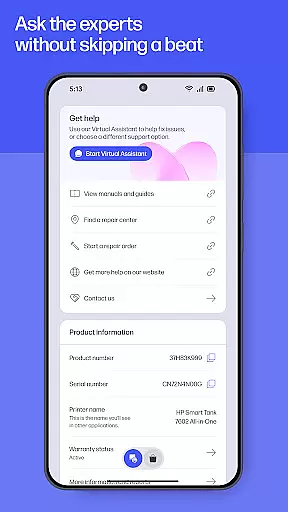
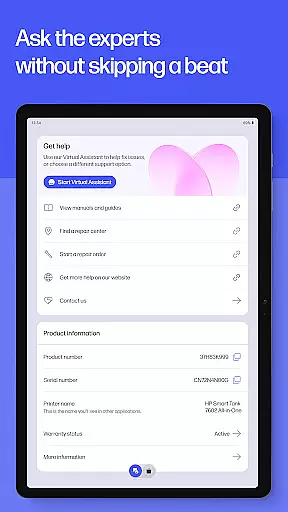
Another significant aspect is the robust support system integrated into the app. Instant help options include live chat, phone support, and an extensive FAQ section, ensuring users receive timely assistance. Features like HP Warranty Check enable users to keep track of their device warranties, adding another layer of convenience. Overall, these features collectively enhance user experience by providing practical solutions tailored to individual needs.
Task management is a cornerstone of productivity applications, and the HP app excels in this area by offering users comprehensive tools to manage their printing, scanning, and device maintenance tasks efficiently.
The app provides an intuitive interface where users can easily set up new devices with guided instructions, ensuring that even those with minimal technical knowledge can get their HP devices up and running quickly. This setup process is crucial for maintaining workflow continuity and enhancing overall productivity.
Moreover, the HP app allows users to create custom print shortcuts for frequently used tasks, streamlining the printing process and saving valuable time. With features like checking ink levels and ordering supplies directly through the app, users can prevent interruptions in their work, thus maintaining a smooth operational flow.
By integrating these core task management features, the HP app not only simplifies device management but also empowers users to focus on more critical aspects of their work, knowing that their peripheral tasks are handled efficiently.
Cross-device synchronization is vital for users who operate in multi-device environments, and the HP app ensures reliable and seamless integration across various devices.
Whether you're switching from your mobile phone to a tablet or managing tasks between your home and office computers, the HP app maintains consistent data updates and settings across all platforms. This reliability means that users can start a print job on one device and finish it on another without missing a beat, providing unparalleled convenience and flexibility.
In addition to basic synchronization, the app supports advanced functionalities such as cloud printing and scanning, allowing documents to be accessed and managed from anywhere. This feature is particularly beneficial for users who require remote access to their files and need to perform tasks on-the-go.
By prioritizing cross-device synchronization reliability, the HP app enhances user productivity and ensures that all devices work in harmony, delivering a cohesive and efficient user experience regardless of the working environment.
User-friendly interface
Comprehensive device management
Real-time supply alerts
Innovative printables library
Instant customer support
Limited to HP devices
Some features English-only
Internet connection required
Potential future charges
Country-specific limitations

Take control of your clipboard with Clipper!
 3.90
3.90
Unlock AutoNotification
4.00
8 custom complications. Custom Time Fonts. Beautiful color schemes. A++ Design.
5.00
The Pro Version of Android's tiniest Notepad app. Just 0.3MB but feature-packed!
4.60
Code on-the-go with VScode for Android. Edit,debug and collaborate from mobile!!
3.10
Best Tool for the professionals Electrician, Electrical contractors, etc.
4.90
Secure your apps with lock screens, use custom themes and different features.
4.40
Lightweight PDF, Word, Excel reader.
4.60
Browse and view your photos and videos from the phone with photo & video hide.
4.10
Native client for Forgejo and Gitea
5.00
Seamlessly integrate data and reports to build your presentation to impress
4.80
Android Wallet Password Manager
4.80
QuickBooks Workforce lets teams view pay info and track time in one place.
4.70
Quickly and easily keep track of your work shifts
4.70
Scan paperwork into PDF/JPG, generate your own e-signature and send fax or email
4.70
App Lock with fingerprint, password: Lock apps & hide photos with lock screens
4.60 4.20
4.20
Mega cloud explorer plugin for Solid Explorer
3.80
ID.me Authenticator is a simple and free Two Factor Authentication solution
3.50


User Reviews