
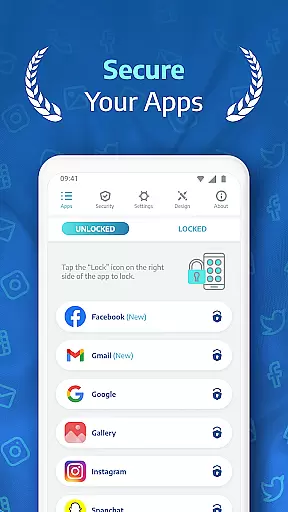
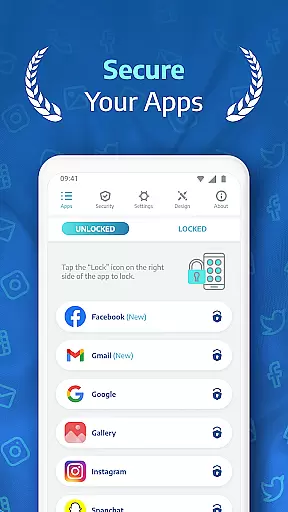
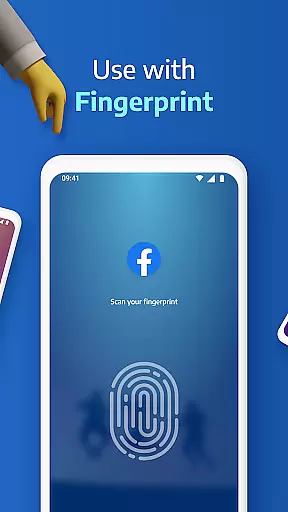
AppLock Pro is a premier productivity application designed to secure your personal data by locking apps and photos. This app provides an essential layer of privacy protection, allowing users to safeguard sensitive information from unauthorized access. With millions of users trusting AppLock Pro, it stands as a reliable solution for anyone looking to protect their private messages, social media accounts, or confidential images.
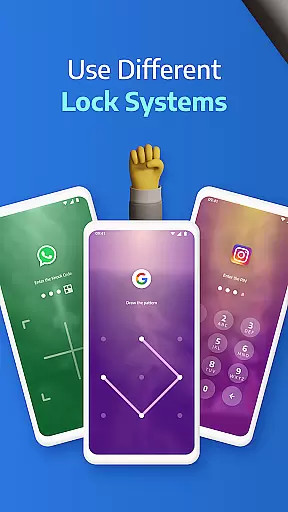
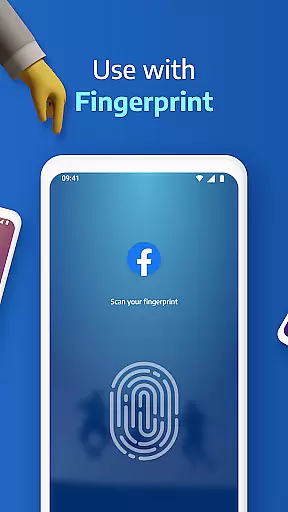
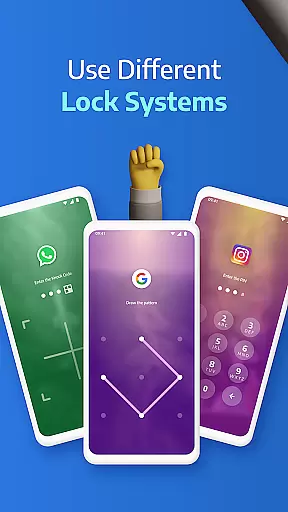
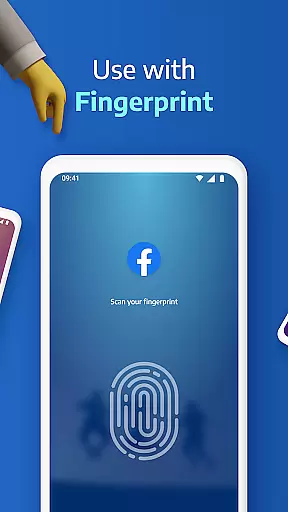
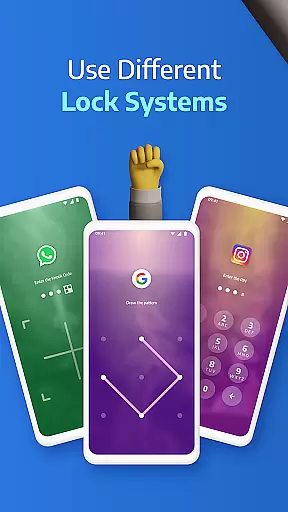
The app offers a variety of lock types including PIN, pattern, fingerprint (if supported by the device), and KnockCode, ensuring that only authorized individuals can access your protected content. Whether you're at home, work, or on the go, AppLock Pro delivers peace of mind by keeping your digital life private and secure.
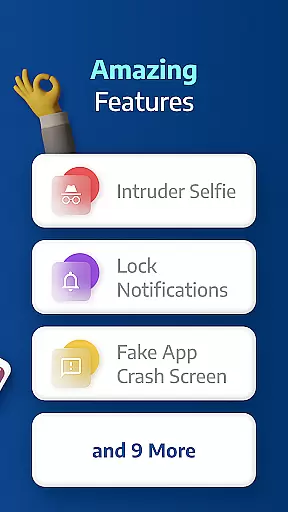
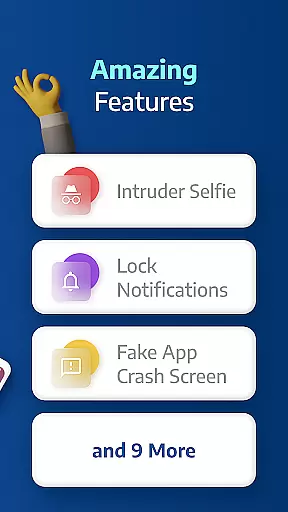
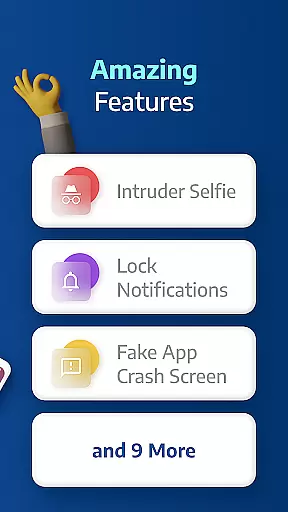
AppLock Pro boasts an array of sophisticated features tailored to enhance user security and customization. One standout feature is the Spy Camera Protection, which discreetly captures a photo of anyone attempting to unlock your apps with incorrect credentials. Additionally, the Fake Error Message function adds another layer of deception by displaying a bogus error screen instead of revealing that an app is locked.
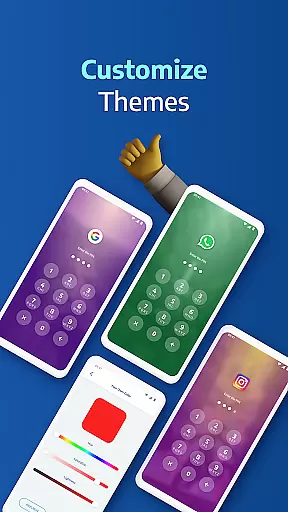
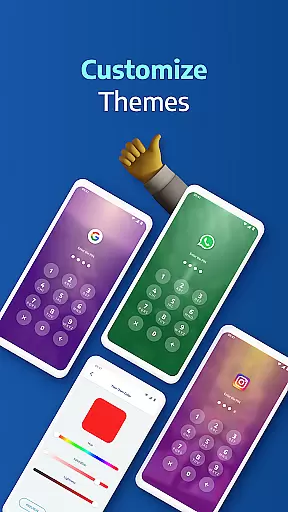
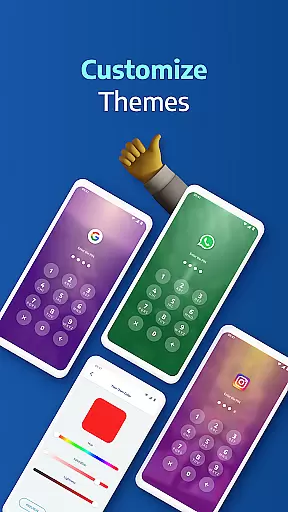
For those concerned about notifications, AppLock Pro allows you to hide or block alerts from secured applications, maintaining your privacy even when your device is in view of others. The inclusion of a customizable lock timer and auto re-lock option ensures that your apps remain protected during specified periods or after brief intervals of inactivity. Moreover, users can personalize their experience with custom themes and backgrounds, making security both functional and aesthetically pleasing.
Task management is a critical aspect of productivity applications like AppLock Pro. This feature allows users to organize, prioritize, and track tasks related to app security.
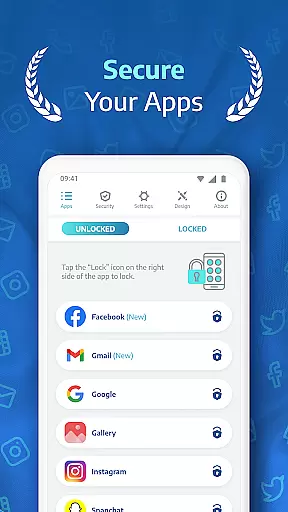
AppLock Pro implements core task management through its comprehensive locking system. Users can lock any app using various methods such as PIN, pattern, fingerprint, or KnockCode. The ability to customize lock types for different apps ensures that users maintain control over their device's security without compromising convenience.
The benefits of this robust task management system are significant. Users can protect sensitive information within messaging apps, social media platforms, and photo galleries. Additionally, features like auto-relock and lock timers provide flexibility in managing when and how apps remain accessible.
This level of control directly translates to enhanced privacy protection. By enabling users to manage which apps are accessible and under what conditions, AppLock Pro empowers individuals to safeguard their personal data effectively.
Cross-device synchronization is essential for modern productivity tools, ensuring that user preferences and settings remain consistent across multiple devices. While primarily designed for single-device use, AppLock Pro incorporates elements of cross-device functionality through its cloud-based features.
The application achieves reliable synchronization through its secure backup system. Users can store their lock configurations and settings in the cloud, allowing them to restore their security preferences when switching devices or after a factory reset. This feature maintains consistency in app protection measures across different devices.
Users benefit from this synchronization capability in several ways. First, it eliminates the need to reconfigure security settings manually when changing devices. Second, the cloud backup provides peace of mind knowing that security preferences are safely stored and easily retrievable.
The reliability of this synchronization system enhances the overall user experience. By maintaining consistent security measures across devices, AppLock Pro ensures that users' privacy remains protected regardless of which device they're using, contributing to a seamless and secure mobile experience.
Highly secure
User-friendly interface
Customizable lock options
Lightweight performance
Trusted by millions
Limited free features
Requires permissions
Premium version costs
Occasional bugs
Device compatibility issues

Create study competitions, track your hours, and stay consistent with friends
 4.1
4.1
Automates browsing any website and notifies you of important changes or events
4.30
The Pro Version of Android's tiniest Notepad app. Just 0.3MB but feature-packed!
4.60
A lightweight JSON & XML files creator, editor and viewer (Premium Version)
4.40
Absolutely the best CNC machinist speed and feed calculator around. fswizard.com
4.60
Create and edit presentations with Google Slides, part of Google Workspace.
4.00
The ultimate file manager for rooted devices. The original and still the best.
4.00
Ultimate Virtual AI Character for immersive Roleplay Chat. Perfect Companion
3.90
Seamlessly read, manage, and organize all your PDF files solution in one place
4.40
Native client for Forgejo and Gitea
5.00
Scientific calculator for Android - looks and operates like the real thing!
4.90
A beautiful digital clock with autostart and many other functions
4.70
Scan paperwork into PDF/JPG, generate your own e-signature and send fax or email
4.70
Secure, fast, open-source, Remote Desktop Client for Windows and Linux with SSH
4.60
Experience Reading - Night Mode for Documents
4.40
A customizable calendar for your Wear OS watch
4.20
Experience real multitasking on your Android!
4.00
Mega cloud explorer plugin for Solid Explorer
3.80
The upgraded version of Name Wheel with AI and the power to add your own wheels.
4.5


User Reviews