
Web Alert (Pro) is a powerful productivity tool designed for professionals in web development, automation, and anyone needing to monitor web pages for changes. With a one-time lifetime purchase, users can access advanced features that enhance their monitoring capabilities significantly.
The app's core functionality revolves around detecting changes on web pages and notifying users accordingly. For instance, it can alert you when the price of a product in an online store drops or when specific keywords appear or disappear. It also supports parallel checks, custom check frequencies, and text filtering, making it versatile for various use cases.
Web Alert (Pro) is particularly beneficial for professionals who need detailed insights into web page changes. Its ability to monitor specific numbers, apply filters using regular expressions (RegEx), and integrate with automation tools like Tasker adds immense value to users who require precision and flexibility in their workflows.
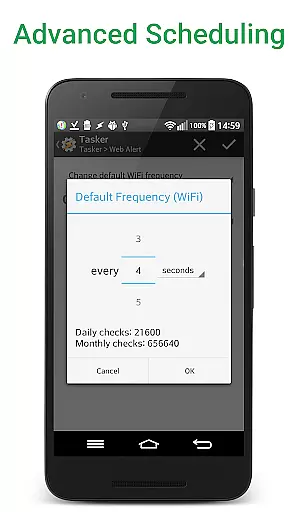
Web Alert (Pro) boasts an extensive array of features tailored to meet the needs of power users and professionals. One standout feature is the ability to set any custom frequency for checks, ranging from every few seconds to specific time intervals, ensuring timely notifications.
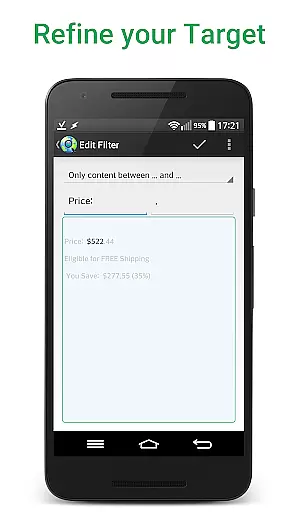
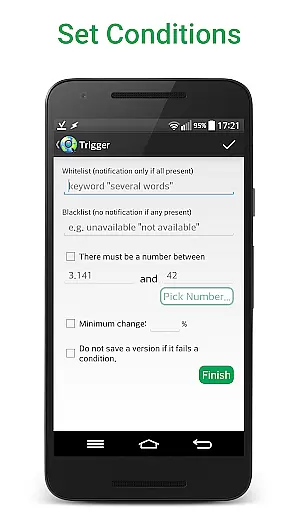
In addition to parallel checks and text filtering, the app allows users to monitor numerical changes, such as product prices, and define time ranges without checks or notifications. Advanced filtering options enable change notifications based on the presence or absence of certain keywords, while SSL certificate problem handling ensures uninterrupted monitoring.
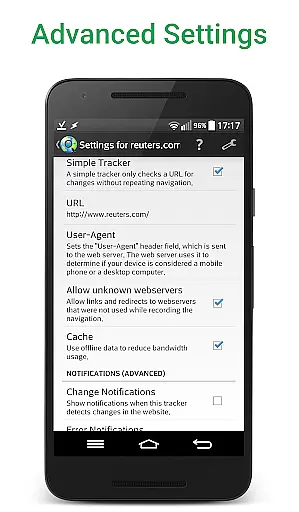
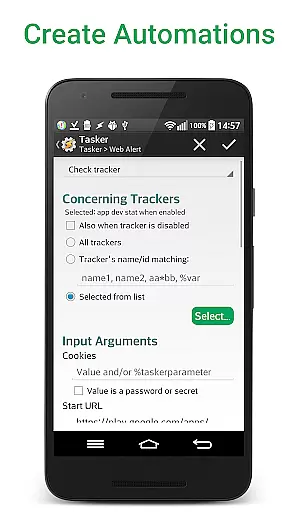
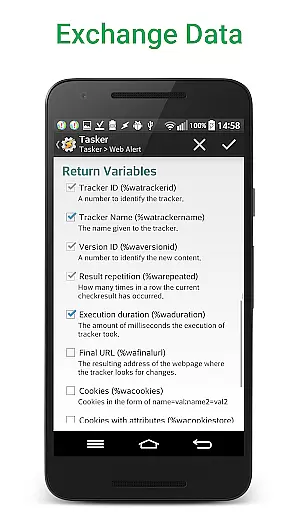
For professionals in web development and automation, Web Alert (Pro) offers robust tools like CSS and jQuery selectors, HTML source code monitoring, and integration with Tasker through an extensive plugin. These features provide programmable control over many app aspects without requiring programming knowledge, thus enhancing productivity and efficiency.
Web Alert (Pro) offers advanced features for monitoring web pages and managing tasks with precision. The core task management functionality allows users to set custom frequencies for checks, ranging from every few seconds to specific time intervals that suit their needs.
This application supports parallel checks, enabling the simultaneous monitoring of multiple web pages without any degradation in performance. Users can filter text and focus on specific segments of a page, ensuring they only receive notifications for relevant changes.
Professionals in web development or automation will appreciate the ability to use CSS and jQuery selectors, as well as filter content with regular expressions (RegEx). These features allow for granular control over what changes trigger alerts, making it an indispensable tool for those who need to stay updated with specific web page modifications.
Cross-device synchronization is crucial for users who operate on multiple platforms. Web Alert (Pro) ensures reliable synchronization across devices, allowing users to maintain consistency and access their alerts regardless of the device in use.
The app provides export and import functionalities for alerts, which means users can easily transfer their configurations between devices. This feature guarantees that all user-defined settings, such as custom check frequencies and filters, are preserved and function seamlessly on any device.
Moreover, Web Alert (Pro) includes a Tasker plugin, enhancing programmability and integration capabilities with other applications like Tasker, Automate, and Automagic. This connectivity ensures that changes and updates are reliably reflected across all integrated systems, providing a robust solution for professionals seeking efficient cross-device operations.
Highly customizable
Real-time alerts
Advanced filtering
Professional-grade tools
Tasker integration
One-time fee required
Complex for beginners
Limited free version
Requires technical knowledge
No iOS support

A customizable calendar for your Wear OS watch
 4.20
4.20
Auto-shutoff Alarm with Sunrise, Sunset & Fixed Options.
3.50
Mind Map and brainstorm, note taking and idea collection
4.80
Find and delete junk files & block unwanted notifications & manage files
3.70
All document reader, all in one file viewer read PDF, DOCX, XLS, PPT, TXT files.
4.60
Translate text/voice/photos in 150+ languages. Offline & fast translator app.
4.50
Secure, open-source, SPICE and SSH Remote Desktop for QEMU KVM virtual machines
4.00
Intelligent AI Assistant
4.10
AI Chatbot and AI writing assistant powered by ChatGPT.
4.60
Android Wallet Password Manager
4.80
Simple notepad & memo. Take notes, to-do list, shopping list with reminders.
4.80
QuickBooks Workforce lets teams view pay info and track time in one place.
4.70
Stay on top of your to-dos with Google Tasks, part of Google Workspace.
4.60
Docker, Kubernetes management over Portainer Mobile
4.40
Total remote control for your Android device, PC and cloud services (IFTTT)!
4.20
The ultimate file manager for rooted devices. The original and still the best.
4.00
All in one sketching tool. Technical and General drawing. Online Maps support.
3.70
Remotely view listen control and record cameras.
3.70
Code on-the-go with VScode for Android. Edit,debug and collaborate from mobile!!
3.10


User Reviews