
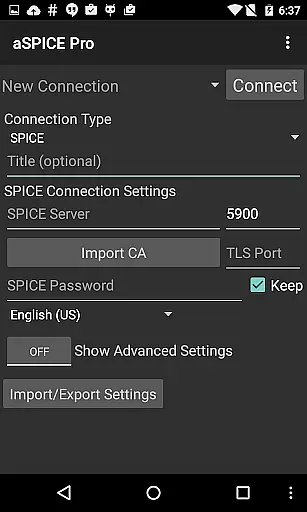
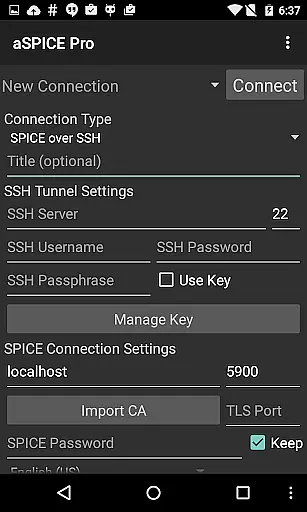
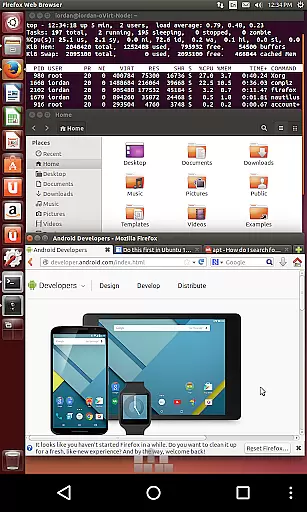
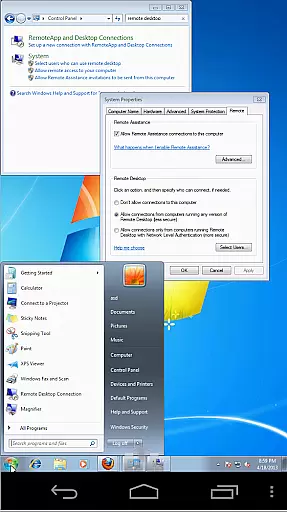
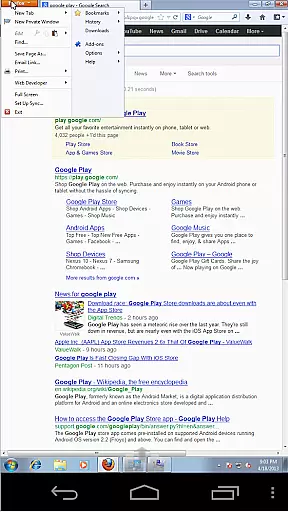
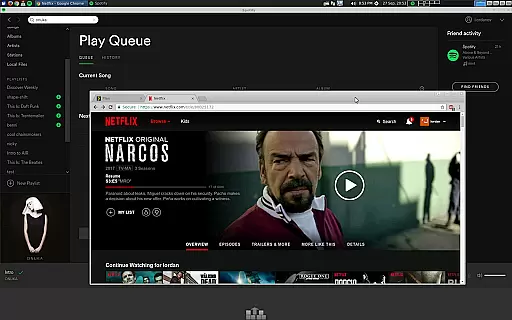
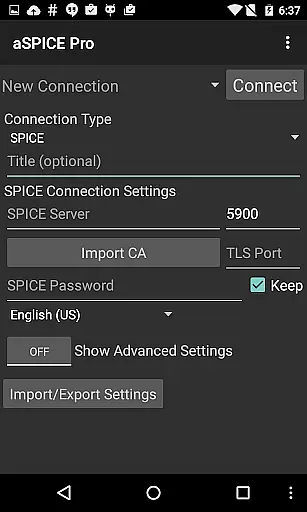
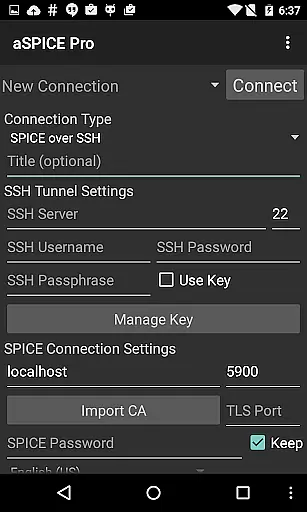
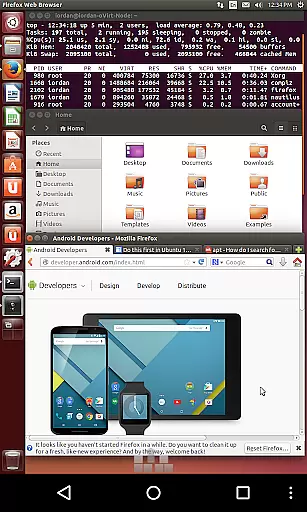
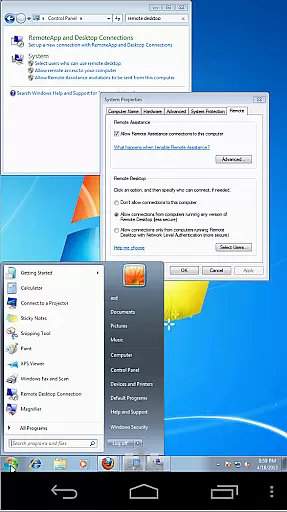
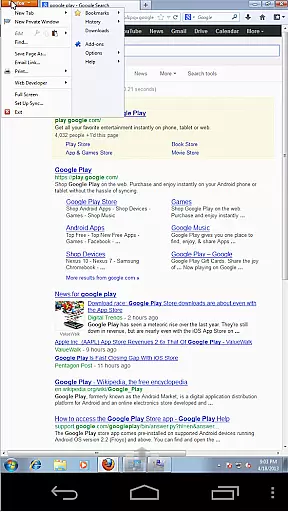
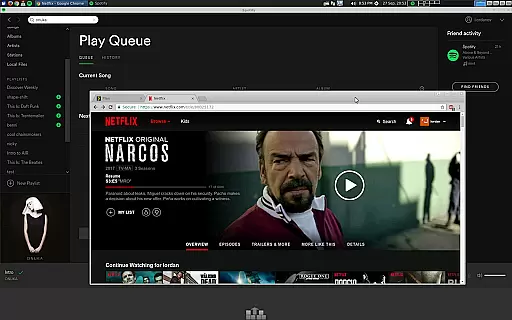
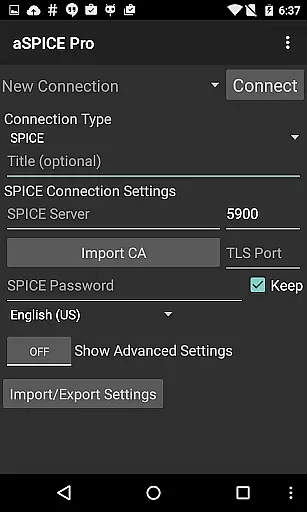
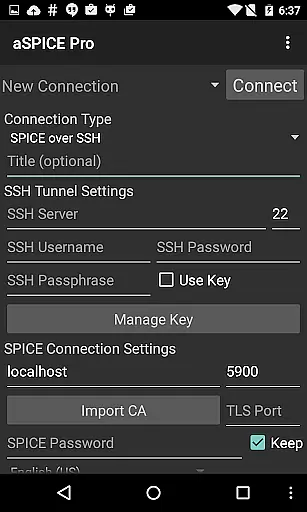
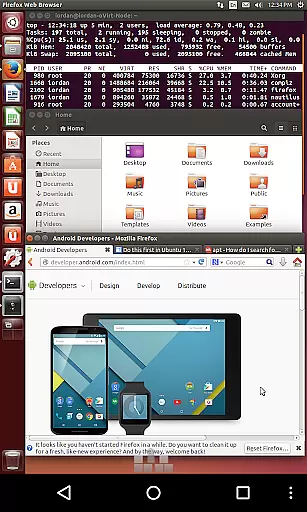
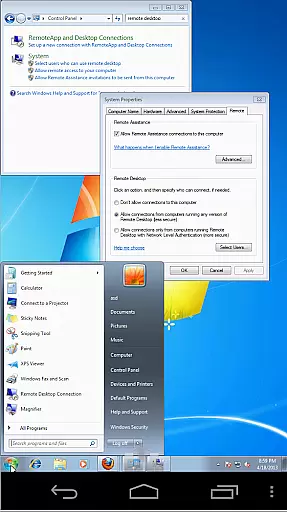
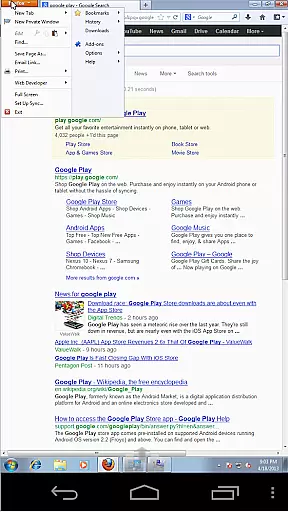
aSPICE Pro Secure SPICE Client is a powerful productivity tool designed for secure remote desktop access. This application enables users to control any SPICE-enabled virtual machine regardless of the guest operating system, making it an essential utility for IT professionals and tech enthusiasts. With support for SSH tunneling, multi-factor authentication, and USB redirection, the app ensures both security and functionality.
The client offers an impressive set of features including dynamic resolution changes, multi-touch controls, and full mouse support on Android 4.0+. Users can benefit from advanced input modes like Simulated Touchpad and Single-handed mode, as well as stowable on-screen keys for Ctrl/Alt/Tab/Super functions. The app also supports various scaling modes and automatic session saving, providing flexibility and convenience in managing remote connections.
Whether you're accessing virtual machines from BIOS to OS or need to work with different screen sizes, aSPICE Pro delivers optimal performance. Its intuitive interface and comprehensive feature set make it suitable for both smartphone and tablet use, ensuring productive remote sessions across devices.
aSPICE Pro stands out with its robust feature set tailored for efficient remote desktop management. One of its key strengths is the support for Master Password and Multi-Factor Authentication (MFA/2FA) through SSH, providing enhanced security for sensitive connections. The inclusion of USB redirection and audio support further extends its capabilities, allowing for versatile interaction with virtual environments.
The application excels in touch-based navigation with multi-touch controls that enable natural gestures such as pinch-zooming, scrolling with two-finger drag, and distinct tap actions for left, right, and middle clicks. These features are complemented by dynamic resolution adjustment and full rotation support, giving users complete control over their remote desktop experience. Additionally, the app's SSH tunneling capability allows secure access even to machines behind firewalls.
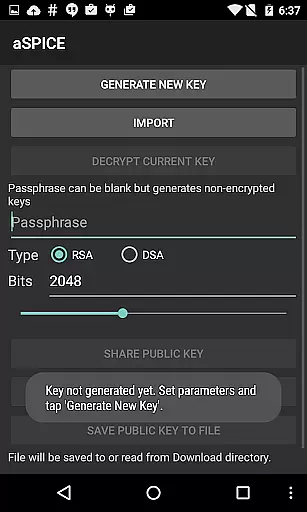
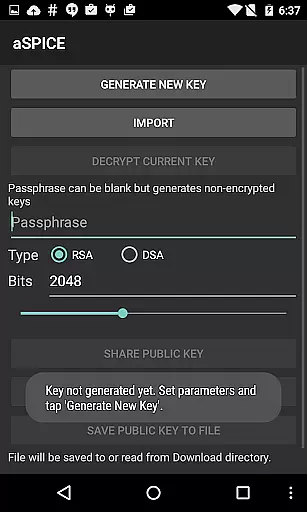
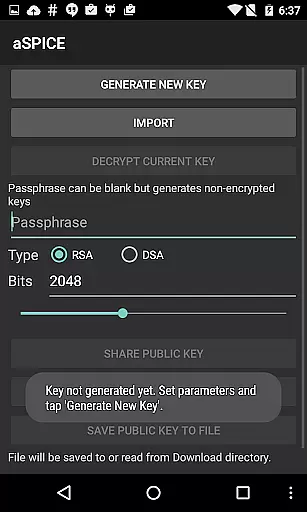
For power users, aSPICE Pro offers advanced options like importing encrypted RSA keys, Samsung multi-window support, and specialized keyboard handling including D-pad rotation for Bluetooth keyboards. The availability of on-device help menus and tested compatibility with Hackerskeyboard demonstrates the developer's commitment to user-friendly design and technical excellence.
In the realm of productivity, core task management is pivotal for organizing and executing tasks efficiently. aSPICE Pro Secure SPICE Client excels in this area by providing users with robust tools to manage remote computing sessions seamlessly.
The application supports multi-touch control over the remote mouse, enabling intuitive interactions such as one-finger tap for left-clicks, two-finger tap for right-clicks, and three-finger tap for middle-clicks. This functionality streamlines task execution on virtual machines, making it easier to navigate and interact with the desktop environment.
Additionally, aSPICE offers dynamic resolution changes, allowing users to reconfigure their desktop while connected. This feature ensures that users can adapt their workspace to different tasks and screen sizes, enhancing productivity whether they are working from a smartphone or a tablet.
By integrating SSH tunneling, aSPICE adds a layer of security that is crucial for managing sensitive tasks remotely. The ability to reach machines behind firewalls further extends its utility, ensuring that users can maintain productivity regardless of network restrictions.
Cross-device synchronization is essential for maintaining workflow continuity across different devices. aSPICE Pro Secure SPICE Client addresses this need by offering reliable synchronization features that ensure a seamless experience whether you're using an iOS device, Mac OS X, or Android.
One of the standout features of aSPICE is its support for automatic connection session saving. This means that users can pick up right where they left off, regardless of the device they switch to. Such reliability is critical for professionals who require consistent access to their virtual machines without losing progress or context.
Furthermore, aSPICE provides UI optimizations tailored for various screen sizes, ensuring that the interface remains user-friendly and efficient on both tablets and smartphones. Samsung multi-window support enhances this flexibility, allowing users to multitask effectively within the same device.
With full mouse support on Android 4.0+ and comprehensive keyboard compatibility, including FlexT9 and hardware keyboard support, aSPICE guarantees that input methods remain consistent and reliable across devices. This cross-device reliability empowers users to focus on their tasks without being hindered by inconsistent performance or usability issues.
Secure SSH connections
Multi-touch controls
Dynamic resolution
Automatic session saving
Comprehensive input modes
No clipboard integration
Complex setup process
Limited language options
Advanced features require technical knowledge
Occasional connection issues

Total remote control for your Android device, PC and cloud services (IFTTT)!
 4.20
4.20
Easily read and manage all your PDF files
4.10
Automates browsing any website and notifies you of important changes or events
4.30
The upgraded version of Name Wheel with AI and the power to add your own wheels.
4.4
A lightweight JSON & XML files creator, editor and viewer (Premium Version)
4.40
Mind Map and brainstorm, note taking and idea collection
4.80
We're working to become the best machining app on the market! www.cncdirt.com
4.80
Simple notepad & memo. Take notes, to-do list, shopping list with reminders.
4.80
QuickEdit is a fast, stable and full featured text and code editor.
4.20
8 custom complications. Custom Time Fonts. Beautiful color schemes. A++ Design.
5.00
Scientific calculator for Android - looks and operates like the real thing!
4.90
Seamlessly integrate data and reports to build your presentation to impress
4.80
Client for Nextcloud Deck
4.60
The Pro Version of Android's tiniest Notepad app. Just 0.3MB but feature-packed!
4.60
Absolutely the best CNC machinist speed and feed calculator around. fswizard.com
4.60
PDF scanner & converter for files, photos, lottery, QR codes. One swipe away!
4.50
Access, manage and transfer files on Android, PC, Mac, NAS and cloud storages.
4.30
A customizable calendar for your Wear OS watch
4.20
Ads Free App! Editor, Hide File, Copy, Move, Delete and Rename.. all facility av
1.70


User Reviews