


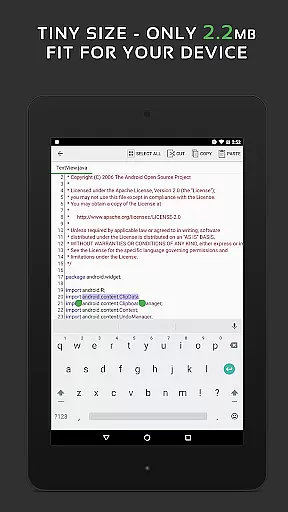
QuickEdit Text Editor Pro is a premium text editing solution designed for both casual users and programming professionals. This productivity app combines the functionality of a standard notepad with advanced code editing capabilities, making it suitable for various text-based tasks.
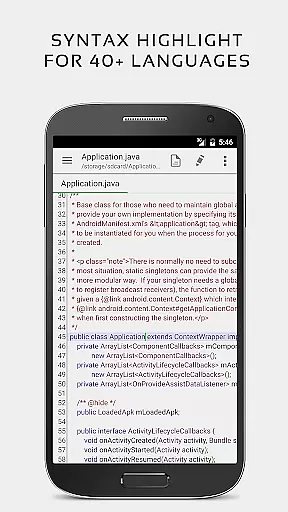
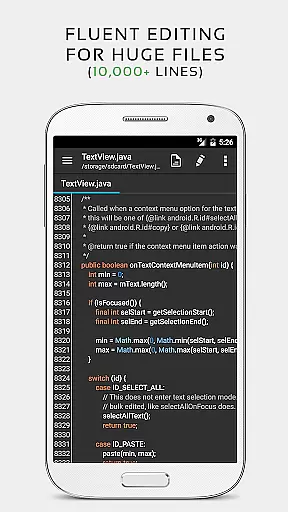
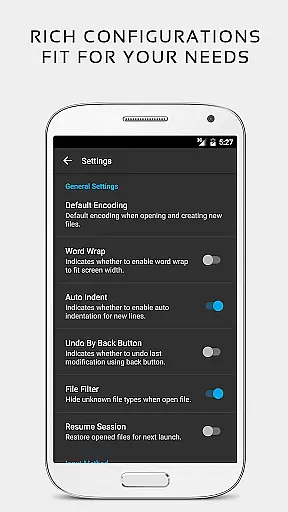
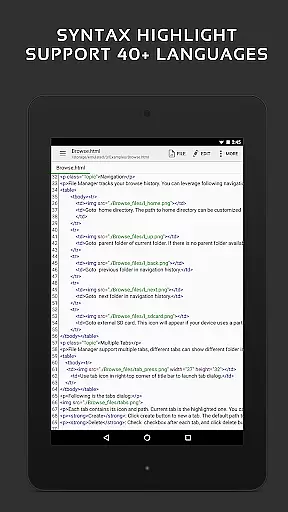
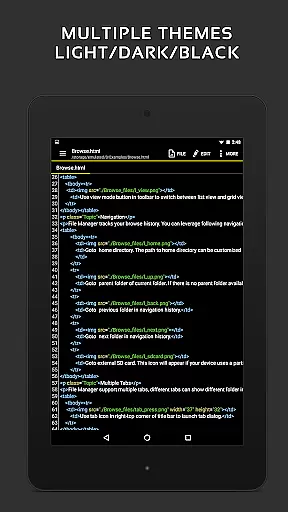
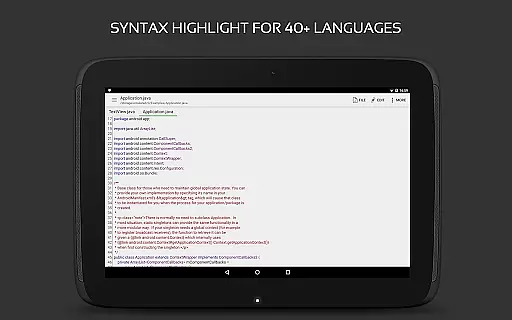
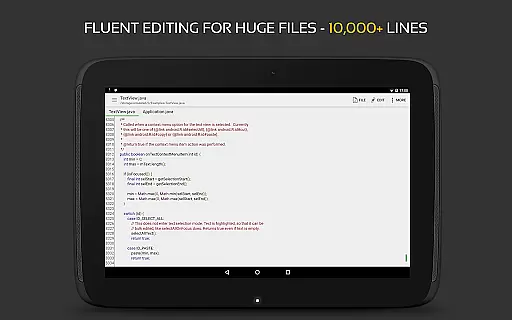
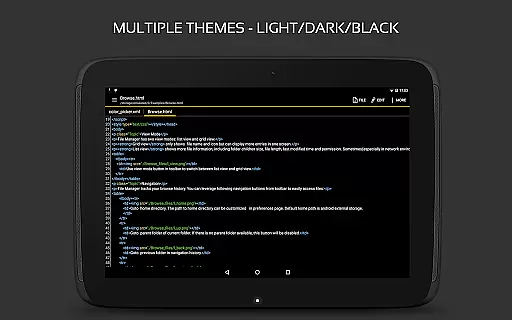
The editor supports syntax highlighting for over 170 programming languages and includes an integrated online compiler for more than 30 languages. Its optimized performance ensures smooth operation even with large files containing thousands of lines. The application's interface offers customizable display options including line numbers, indentation guides, and multiple themes.
QuickEdit stands out in professional environments where efficient code editing and document management are crucial. Users can seamlessly work with files from various cloud services while enjoying features like unlimited undo/redo, quick search and replace, and smooth scrolling in all directions.
QuickEdit Text Editor Pro distinguishes itself through its comprehensive feature set tailored for productivity enthusiasts. The application's enhanced notepad functionality goes beyond basic text editing by incorporating advanced coding tools and performance optimizations.
Among its notable features is the robust syntax highlighting engine that supports 170+ programming languages, coupled with an online compiler for over 30 languages. The editor maintains exceptional responsiveness even with large documents, while offering precise control over text formatting through features like automatic indentation and line number display.
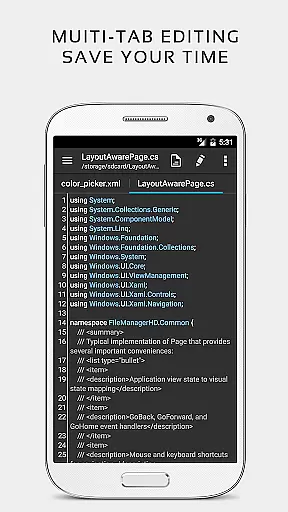
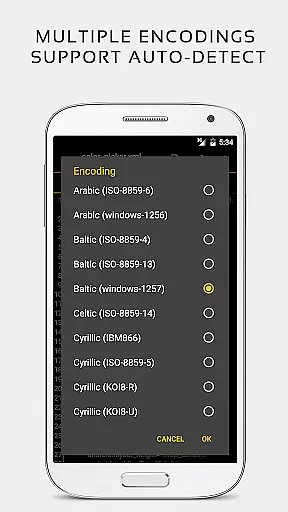
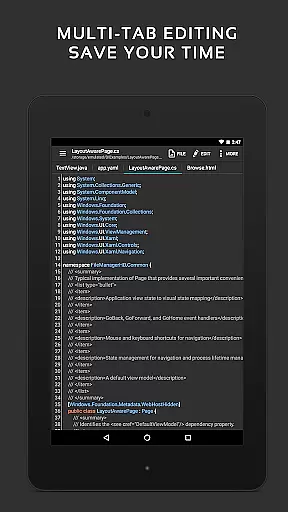
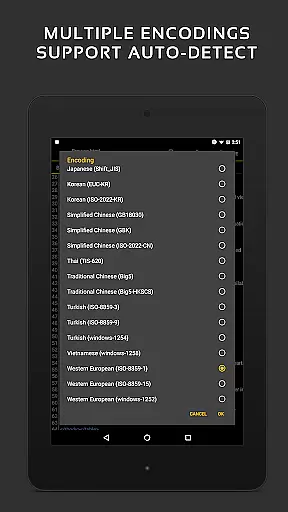
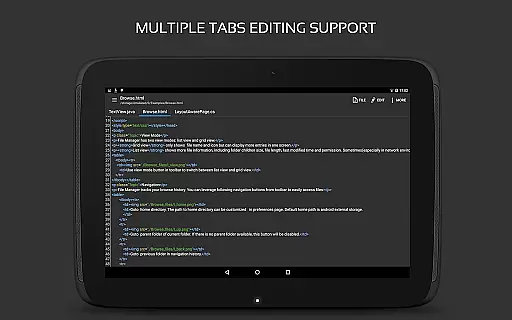
Professional users benefit from advanced capabilities including multi-tab navigation, hex color input assistance, and integration with cloud storage services. The application's versatility extends to its support for various file types, encoding detection, and preview functionality for HTML, CSS, AsciiDoc, and markdown files.
When evaluating a productivity app like QuickEdit Text Editor Pro, the accuracy and effectiveness of its core functions are paramount. This application excels in providing a robust text editing experience that caters to both general users and programming professionals.
The app supports syntax highlighting for over 170 languages, including C++, Java, Python, and many more. This feature ensures that code is not only readable but also free from syntax errors through visual cues. Additionally, the inclusion of an online compiler for over 30 languages allows users to test their code directly within the app, streamlining the development process.
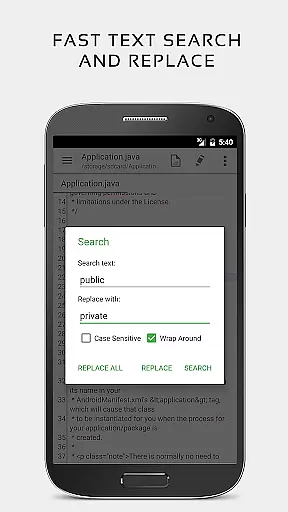
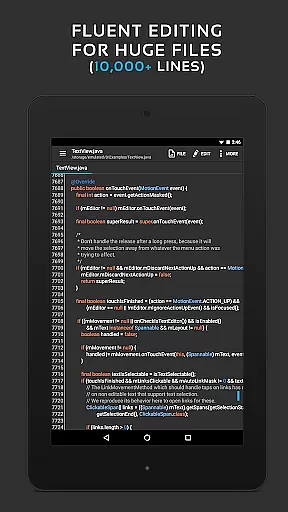
QuickEdit handles large files with ease, offering high performance even when working with documents containing more than 10,000 lines. The ability to undo and redo changes without limit, coupled with advanced search and replace functionality, makes editing both efficient and precise.
These features collectively ensure that users can rely on QuickEdit for a wide range of text editing tasks, from simple note-taking to complex code development, enhancing productivity across various use cases.
A user-friendly interface is crucial for productivity tools, and QuickEdit Text Editor Pro delivers an intuitive experience that simplifies text editing tasks. The layout is designed to be clean and uncluttered, allowing users to focus on their content without unnecessary distractions.
One of the standout features is the seamless navigation between multiple open tabs, which mirrors the experience of using a desktop text editor. Users can easily switch between different files, making multitasking straightforward and efficient. The option to show or hide line numbers adds another layer of customization, catering to individual preferences.
Physical keyboard support, including key combinations, enhances the editing experience for users who prefer hardware keyboards. Smooth scrolling in both vertical and horizontal directions ensures that navigating through lengthy documents is effortless.
Overall, QuickEdit's interface strikes a balance between powerful functionality and ease of use, ensuring that both novice and experienced users can achieve their goals efficiently and effectively.
Extensive language support
Integrated compiler
High-performance editing
Cloud service integration
Professional-grade features
Premium price point
Complex for beginners
No collaborative features
Limited mobile optimization
Advanced technical requirements

The long-awaited modern gallery app for your Nextcloud server
 4.70
4.70
Easily read and manage all your PDF files
4.10
Send files, sync SMS, notifications & clipboard across devices via local network
4.40
Easiest event planning, volunteer signups & parent teacher conference scheduling
2.20
App Lock with fingerprint, password: Lock apps & hide photos with lock screens
4.60
Stay on top of your to-dos with Google Tasks, part of Google Workspace.
4.60
All document reader, all in one file viewer read PDF, DOCX, XLS, PPT, TXT files.
4.60
Tally and goal counter for Wear OS & mobile
4.50
Browse and view your photos and videos from the phone with photo & video hide.
4.10
Best Tool for the professionals Electrician, Electrical contractors, etc.
4.90
Mind Map and brainstorm, note taking and idea collection
4.80
Quickly and easily keep track of your work shifts
4.70
To do list widget with a notebook organizer, checklist, simple shopping list
4.60
Subscribe to Webcal & .ics calendars and keep them up-to-date!
4.50
Secure your apps with lock screens, use custom themes and different features.
4.40
Professional calendar app for Google Calendar, MS Outlook & Exchange
4.20
Remotely view listen control and record cameras.
3.70
Make your handwriting beautiful, even more than pen on paper.
3.60
A comprehensive suite of tools designed specifically for Lactation Consultants
4.2


User Reviews