
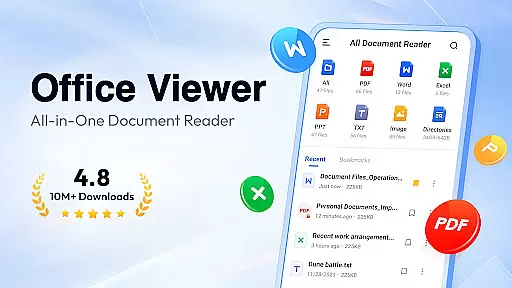
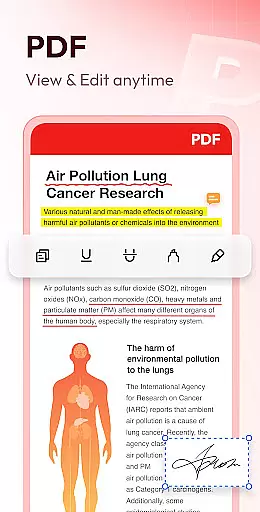
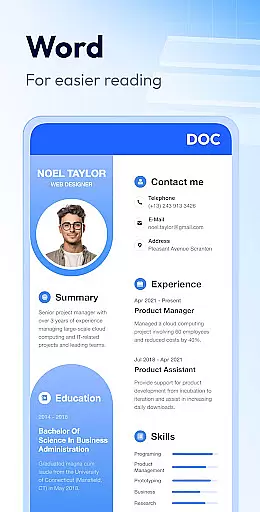
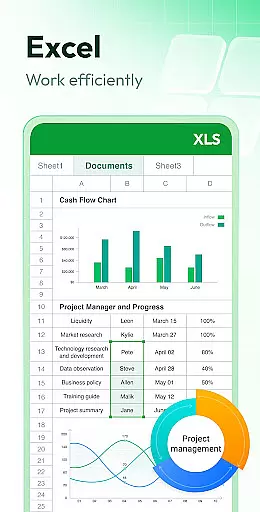
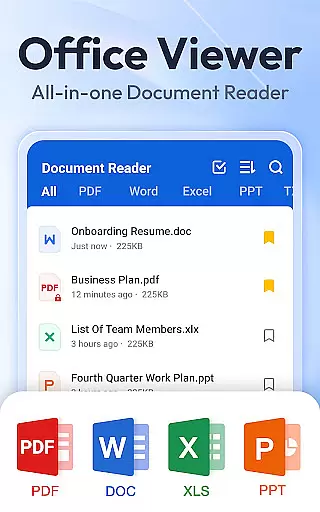
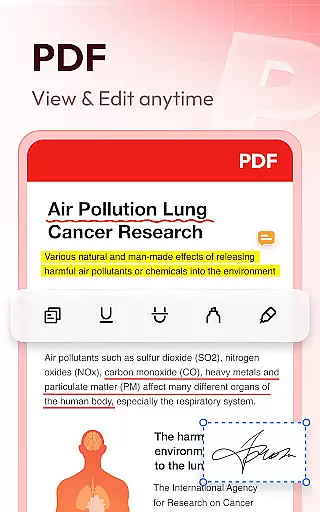
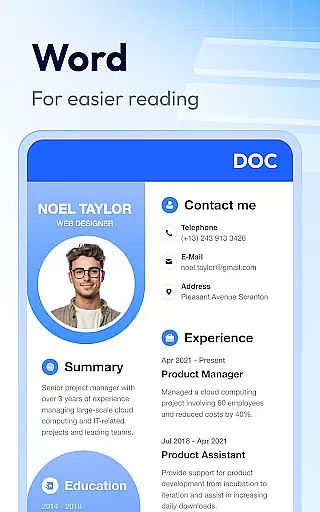
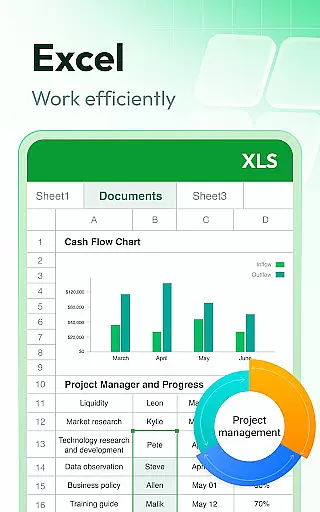
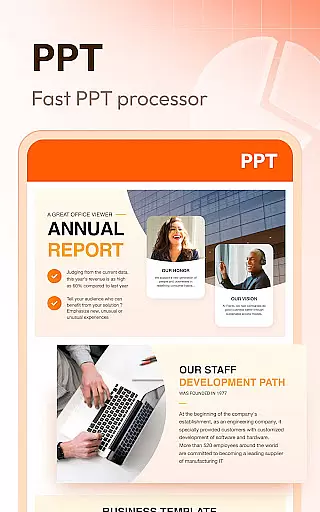
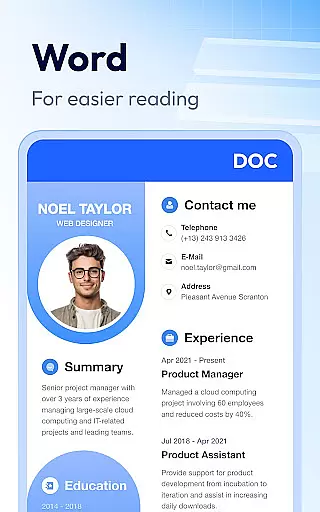
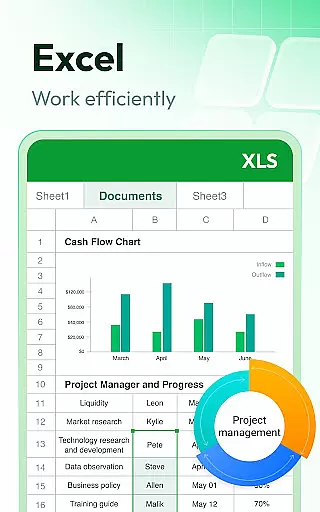
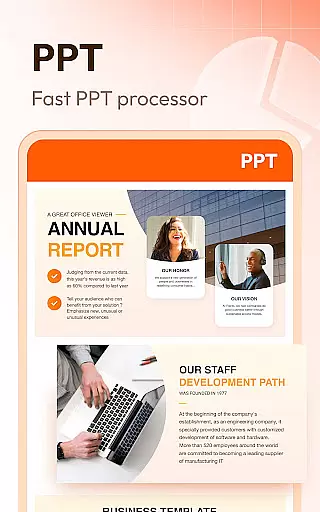
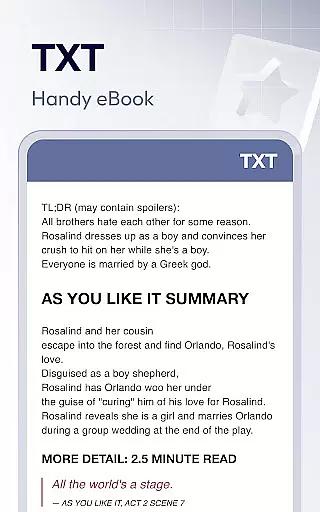
Document Reader & PDF Editor is a versatile productivity tool designed for seamless document management across various formats. This all-in-one solution supports PDF, Word, Excel, PPT, and TXT files, providing users with comprehensive viewing and organizing capabilities. Its intuitive interface allows for quick navigation through well-structured file directories, making document retrieval effortless.
The application's standout feature is its offline functionality, enabling users to access their important files without internet dependency. Whether you need to review a contract on the go or manage multiple office documents from a single platform, this app ensures smooth performance and maintains high-quality display across all supported formats. The inclusion of bookmarking and advanced search options further enhances user productivity.
Ideal for professionals and students alike, Document Reader & PDF Editor streamlines workflow by consolidating document management tasks into one accessible location. From zooming in on PDF details to sorting Word documents by various parameters, this app delivers essential tools that cater to diverse document handling needs while maintaining a lightweight footprint on your device.
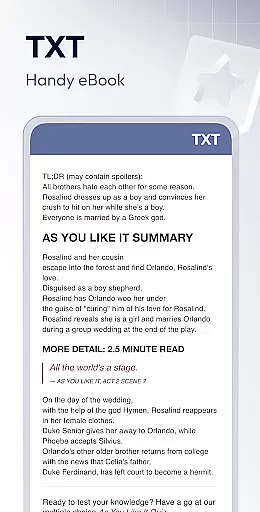
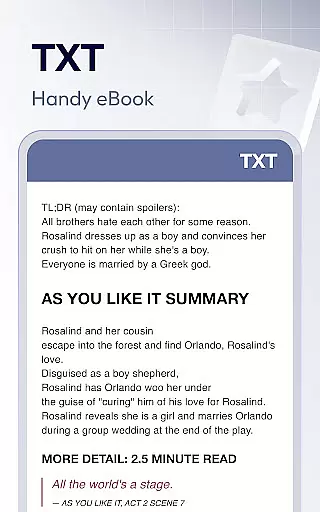
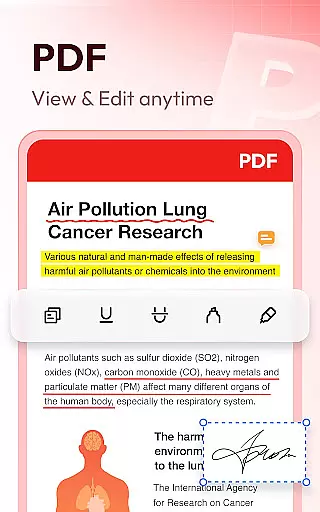
This productivity application distinguishes itself through its extensive format compatibility and specialized viewing modes. The PDF Reader component offers sophisticated features including customizable zoom levels, direct page navigation, and flexible orientation switching between landscape and portrait modes. These tools ensure optimal reading experiences regardless of document complexity or length.
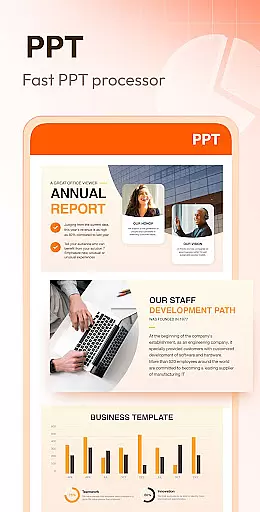
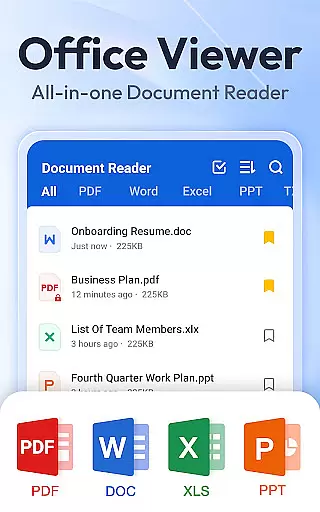
For office document management, the app provides robust organizational functions. Users can sort files across multiple parameters such as path, size, name, and modification date. The Word viewer maintains formatting integrity while offering efficient search capabilities, while the Excel viewer enables precise data location within spreadsheets. Additionally, the PPT viewer guarantees high-definition presentation viewing with stable performance.
Advanced functionality extends to offline access, document bookmarking, and planned future enhancements like image-to-PDF conversion and expanded format support. These features collectively create a comprehensive document management ecosystem that addresses various professional and personal use cases while maintaining system efficiency through its lightweight design.
Task management is a critical aspect of productivity applications, and Document Reader & PDF Editor excels in this area by offering users an efficient way to handle their documents. The app supports all major file formats including PDF, DOC, XLS, and PPT, making it a versatile tool for managing various types of tasks.
The application's interface is designed to simplify the process of organizing and accessing files. With features like quick search, users can easily locate specific documents among numerous files. This functionality ensures that individuals can swiftly find and manage their work, thereby enhancing overall productivity.
Document Reader goes beyond basic file management by providing options such as bookmarking important documents for rapid access later on. This feature proves invaluable when dealing with large volumes of information where time-saving measures are essential. Additionally, the ability to sort documents by different criteria helps maintain an orderly workspace.
By integrating these comprehensive task management capabilities, Document Reader & PDF Editor not only streamlines document handling but also contributes significantly to a user's daily workflow efficiency. Whether at home or in the office, this app stands out as an indispensable companion for anyone looking to optimize their task management processes.
Cross-device synchronization is a key feature for modern productivity tools, allowing users to seamlessly transition between devices without losing progress or data integrity. Document Reader & PDF Editor addresses this need by ensuring reliable syncing across multiple platforms, which is crucial for professionals who rely on consistent access to their documents.
This app provides peace of mind through its robust offline capabilities; users can read and edit documents even without an internet connection. Once connectivity is restored, changes are automatically updated across all linked devices, maintaining version control and coherence throughout oneu2019s digital library.
Furthermore, compatibility with Android 11's storage permissions enhances the appu2019s ability to manage files effectively while respecting user privacy. By requesting only necessary permissions, Document Reader upholds security standards while delivering uninterrupted serviceu2014a balance that fosters trust and confidence among its users.
Incorporating dependable cross-device synchronization into its suite of features, Document Reader & PDF Editor empowers users to stay productive regardless of location or device used. This reliability makes it an ideal choice for those seeking a seamless experience when working from various locations or sharing resources within teams.
User-friendly interface
Multi-format support
Offline functionality
Efficient file organization
Lightweight performance
Limited editing tools
No cloud integration
Premium features locked
Interface customization limited
Advanced tools require update

Experience Reading - Night Mode for Documents
 4.40
4.40
Create study competitions, track your hours, and stay consistent with friends
4.2
A simple, portable logger for POTA, SOTA, Field Day, and more
4.1
We're working to become the best machining app on the market! www.cncdirt.com
4.80
Make your handwriting beautiful, even more than pen on paper.
3.60
Remotely view listen control and record cameras.
3.70
Secure, fast, open-source, Remote Desktop Client for Windows and Linux with SSH
4.60
A simple Whisper AI keyboard for reliable speech transcription and rewording
4.60
Browse and view your photos and videos from the phone with photo & video hide.
4.10
Native client for Forgejo and Gitea
5.00
Great calculator for Android named one of USA TODAY's "25 Essential Apps".
4.90
Best Tool for the professionals Electrician, Electrical contractors, etc.
4.90
Seamlessly integrate data and reports to build your presentation to impress
4.80
Absolutely the best CNC machinist speed and feed calculator around. fswizard.com
4.60
The AI assistant that thinks with you - write, code, and solve complex tasks
4.60
Docker, Kubernetes management over Portainer Mobile
4.40
When you Focus, so will your Bean in this cozy focus timer
4.30
Automates browsing any website and notifies you of important changes or events
4.30
Customizable calendar widget for seamless event sync, planning & scheduling.
4.00


User Reviews