

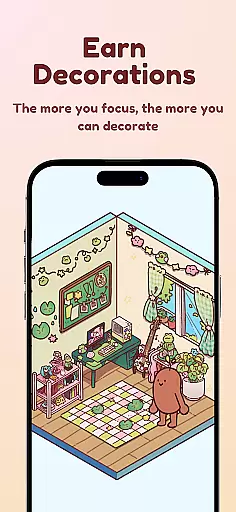

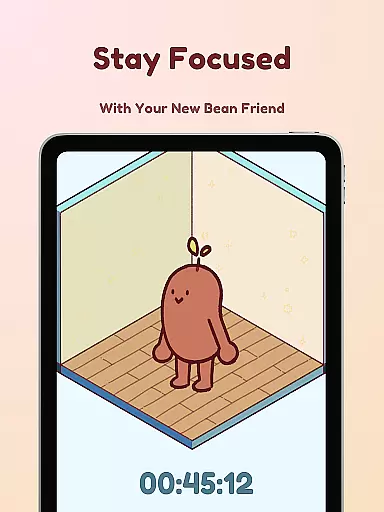
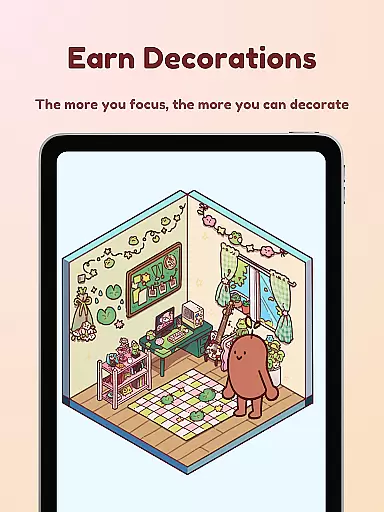
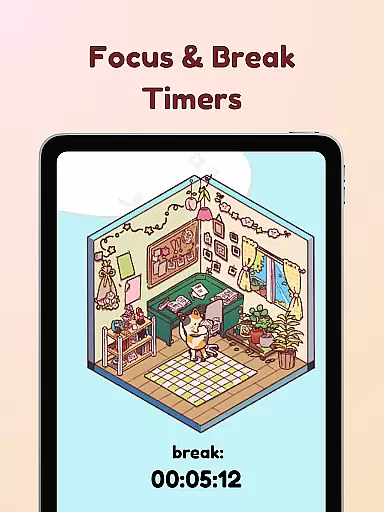

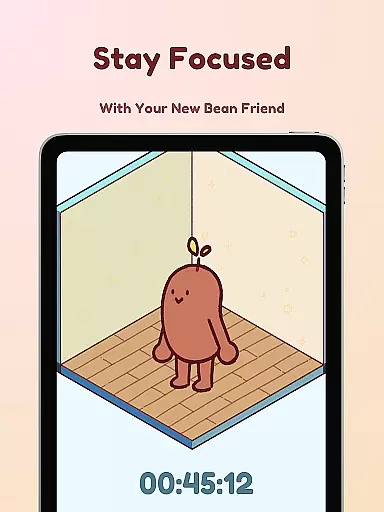
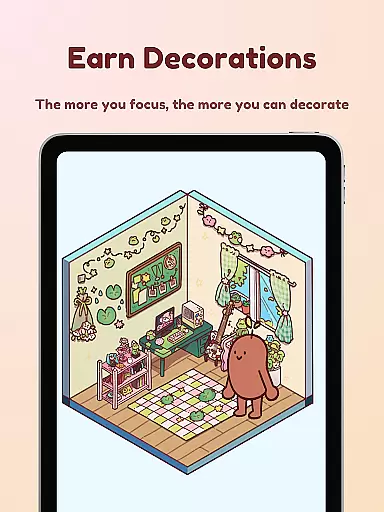

Focus Friend is a productivity app designed to help users maintain focus during work or study sessions through gamification. Developed by online educator Hank Green, this app features a unique 'Bean Friend' character that mirrors the user's focus habits. When you stay focused, your Bean Friend thrives; if you interrupt the session, the Bean becomes sad. The app rewards users with prizes for completing focus sessions, which can be used to decorate the Bean's room.
The app offers several productivity-enhancing features including live activity tracking, deep focus mode that locks distracting apps, and break timers based on the Pomodoro technique. With hundreds of decoration options and various Bean skins to choose from, Focus Friend provides both motivation and customization. It's an ideal tool for students and professionals who struggle with maintaining concentration over long periods.
Focus Friend stands out with its innovative approach to productivity by incorporating gamification elements. The app's core feature is the Bean Friend character, which reacts emotionally to the user's focus behavior. This creates a fun and engaging way to build better focus habits. The app also includes a Live Activity function that allows users to track their timer progress even when the phone is locked.
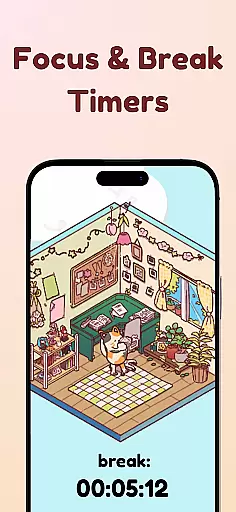
Another key feature is the Deep Focus Mode, which helps users avoid distractions by locking access to other apps during focus sessions. The app also supports the Pomodoro method with built-in break timers, allowing users to decorate their Bean's room during breaks. With hundreds of decoration items and multiple Bean skins available, including special Hank and John Green versions, users can extensively personalize their experience while developing productive work habits.
At the heart of Focus Friend lies its robust core task management system, designed to help users structure their work and study sessions effectively. This productivity app provides a unique approach by integrating gamification elements into traditional task management.
The timer functionality is ingeniously paired with the Bean Friend character, creating an emotional connection that motivates users to maintain their focus sessions. The implementation of both focus and break timers follows the Pomodoro technique, a proven method for enhancing productivity while preventing burnout.
Users benefit from clear visual cues through the Live Activity feature, which displays timer progress even when the phone is locked. This constant visibility helps maintain accountability and awareness of time management throughout the day.
While Focus Friend primarily operates on mobile devices, its reliability extends beyond simple timer functions. The application ensures consistent performance across different Android devices, maintaining accurate timer synchronization and user data integrity.
The Deep Focus Mode demonstrates particular attention to digital well-being by allowing users to lock distracting applications during their focus sessions. This feature creates a controlled environment that enhances concentration without external interruptions.
Although cross-device synchronization isn't explicitly mentioned, the app maintains reliable session tracking through its various features. Users can trust that their progress, earned rewards, and customization choices will be consistently available regardless of which Android device they use.
User-friendly interface
Engaging gamification
Effective focus tool
Variety of customizations
Fun reward system
Limited free decorations
Premium features costly
Android only
Occasional bugs
Learning curve

Automates browsing any website and notifies you of important changes or events
 4.30
4.30
A lightweight JSON & XML files creator, editor and viewer (Premium Version)
4.40
Make your handwriting beautiful, even more than pen on paper.
3.60
App Lock with fingerprint, password: Lock apps & hide photos with lock screens
4.60
Translate text/voice/photos in 150+ languages. Offline & fast translator app.
4.50
A comprehensive suite of tools designed specifically for Lactation Consultants
4.4
Quickly and easily keep track of your work shifts
4.70
AT&T Internet customers can use this app to personalize their Wi-Fi network.
4.40
2026 USPS Alpha/Color coded calendar Sunday/Rotating day off schedules
4.4
Seamlessly integrate data and reports to build your presentation to impress
4.80
Planet Free VPN - The best Fast Unlimited and Secure VPN Without Logs
4.50
Tally and goal counter for Wear OS & mobile
4.50
A customizable calendar for your Wear OS watch
4.20
Easily read and manage all your PDF files
4.10
Make apps & sites with natural language prompts
4.10
Intelligent AI Assistant
4.10
Access your phone's notifications, calls, apps, photos & texts on your PC
3.90
All in one sketching tool. Technical and General drawing. Online Maps support.
3.70
IP Camera Viewer - Android TV : RTSP Surveillance camera viewer for Android TV
4.2


User Reviews