
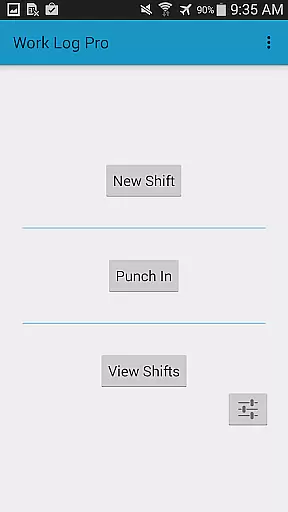
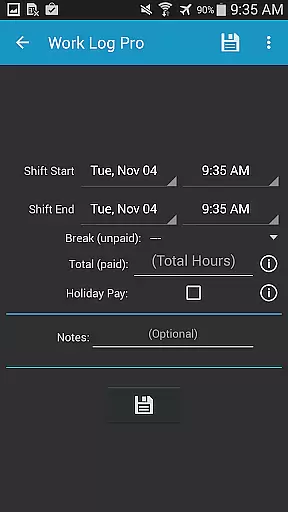
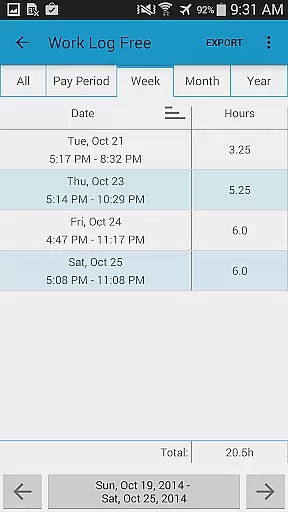
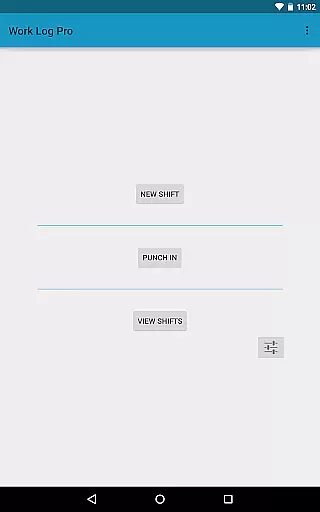
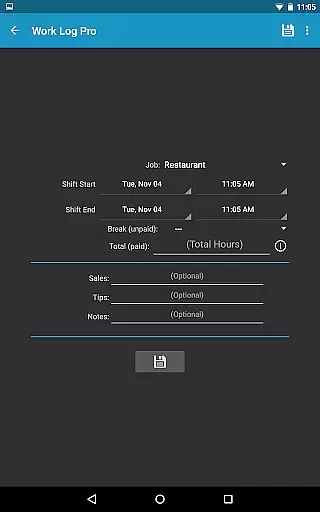
Work Log Pro is a comprehensive productivity tool designed for professionals who need to efficiently track their work hours and manage multiple jobs. The app offers an intuitive interface that allows users to punch in and out, manually enter shift hours, and customize various settings to suit individual preferences. With support for overtime tracking, automatic break deductions, and paycheck calculations including bonuses and deductions, it provides a complete solution for time management.
The application stands out with its advanced features such as exporting shifts in spreadsheet or PDF formats, importing and exporting backups, and removing ads. It also supports multiple jobs, each with customizable settings like 24-hour formatting and pay period configurations. Work Log Pro ensures data safety through easy backup and restore options, making it ideal for transitioning between devices while maintaining accurate records of work history and earnings.
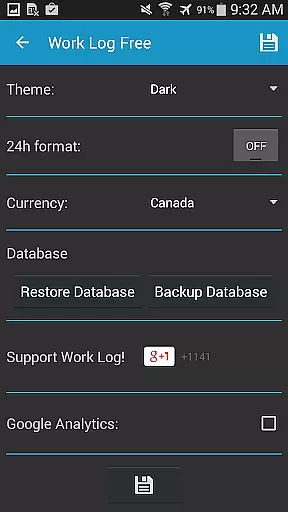
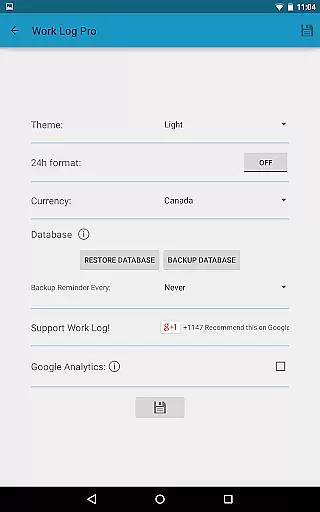
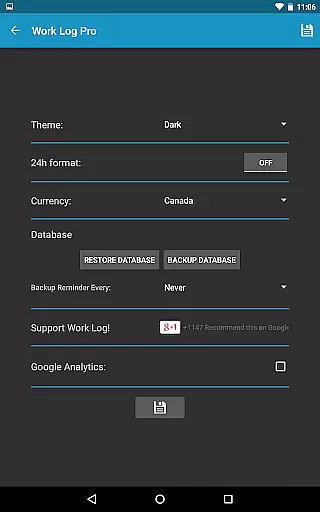
Work Log Pro boasts an array of features that cater to diverse user needs. One of its key strengths is the ability to customize nearly every aspect of the time tracking process. Users can choose between light and dark themes, display times in 12-hour or 24-hour formats, and select currency symbols from over 100 countries. The app also allows setting reminders for regular backups and configuring pay periods by weeks, months, or half-months.
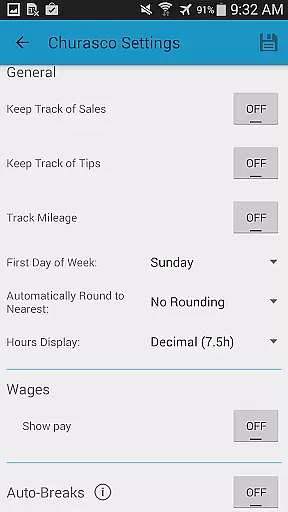
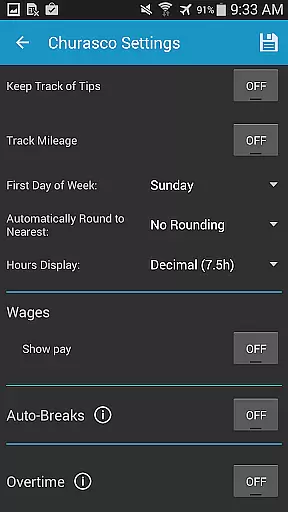
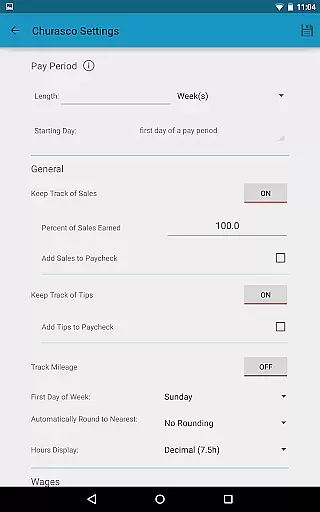
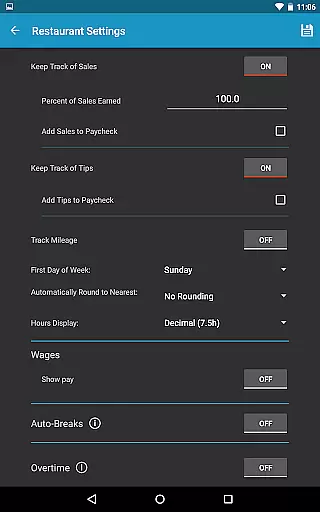
Advanced functionalities include automatic rounding of shifts to specific increments, displaying hours in decimal or hours:minutes format, and applying flat rate or percentage-based deductions and bonuses to paycheck calculations. Additionally, users can track up to two overtime rates, apply sales or tips to paychecks, and utilize widgets for quick access. These features collectively ensure that Work Log Pro adapts to various work scenarios, providing both flexibility and precision in managing professional timekeeping.
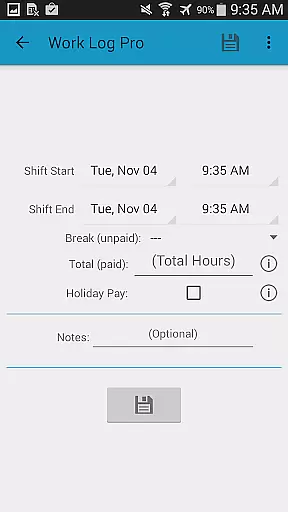
Effective task management is essential for productivity applications, and Work Log Pro excels in this area by providing users with a comprehensive set of tools to track work hours efficiently. The app allows users to punch in and out or manually enter shift hours, ensuring that all worked time is accurately recorded.
The application goes beyond simple time tracking by offering advanced features such as automatic break deductions and pay period settings. These features save time and reduce the likelihood of errors, making it easier for users to focus on their work rather than administrative tasks.
Work Log Pro supports multiple jobs, each with customizable settings, allowing users to manage different roles or projects effortlessly. This flexibility ensures that users can tailor the app to fit their unique work scenarios, enhancing overall productivity and organization.
Cross-device synchronization is crucial for users who rely on consistent access to their data across multiple devices. Work Log Pro addresses this need by providing reliable backup and restore functionalities, ensuring that all shift data remains safe and accessible no matter where the user is.
Users can easily back up their database through email directly from the app's General Settings using the Backup Database option. This feature allows seamless transfer of data between devices, simply by opening the emailed attachment on the target device.
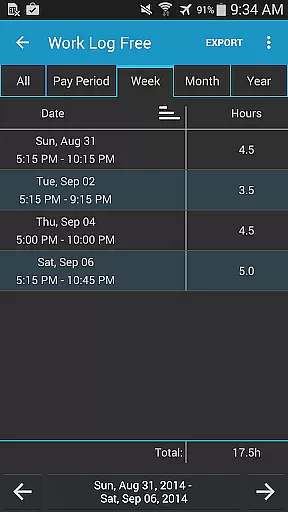
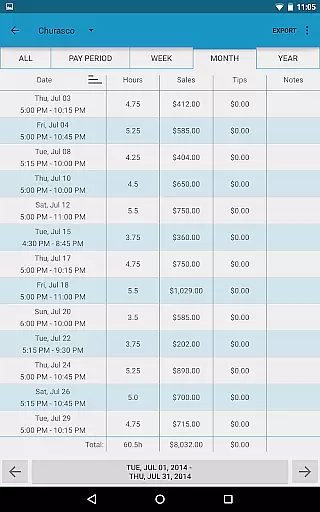
In addition to backups, the app offers export capabilities for recorded shifts as spreadsheets or PDFs. This not only facilitates data portability but also provides users with versatile options for record-keeping and reporting, further solidifying the appu2019s role as a dependable productivity tool.
Comprehensive feature set
Highly customizable
Multiple job support
Data backup and restore
Export options
Requires free version
No standalone use
Paid upgrade
Complex setup
Learning curve

Unlock AutoNotification
 4.00
4.00
Professional calendar app for Google Calendar, MS Outlook & Exchange
4.20
Easily read and manage all your PDF files
4.10
App Lock with fingerprint, password: Lock apps & hide photos with lock screens
4.60
Enjoy classic gameplay with customizable features and retro-style graphics.
4.30
Create and edit presentations with Google Slides, part of Google Workspace.
4.00
Scientific calculator for Android - looks and operates like the real thing!
4.90
Ultimate Virtual AI Character for immersive Roleplay Chat. Perfect Companion
3.90
AI Chatbot and AI writing assistant powered by ChatGPT.
4.60
Native client for Forgejo and Gitea
5.00
Great calculator for Android named one of USA TODAY's "25 Essential Apps".
4.90
Mind Map and brainstorm, note taking and idea collection
4.80
The long-awaited modern gallery app for your Nextcloud server
4.70
Client for Nextcloud Deck
4.60
The Pro Version of Android's tiniest Notepad app. Just 0.3MB but feature-packed!
4.60
All in One PDF Reader: Manage, Read and Edit your Documents
4.20
* block pre-roll ads, pop-up and forced redirect ads * Samsung certification app
4.00
Auto-shutoff Alarm with Sunrise, Sunset & Fixed Options.
3.50
Ads Free App! Editor, Hide File, Copy, Move, Delete and Rename.. all facility av
1.70


User Reviews