
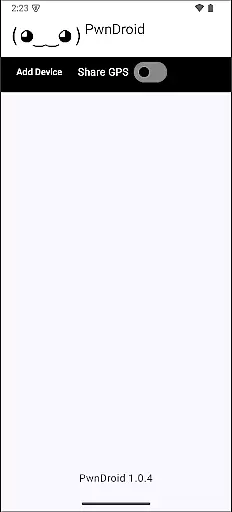
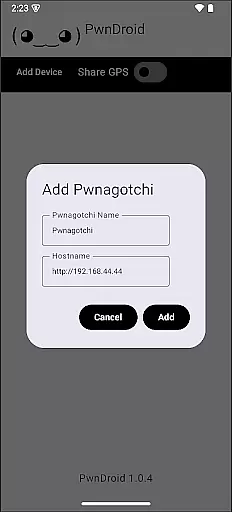
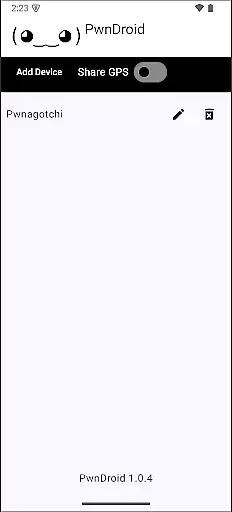
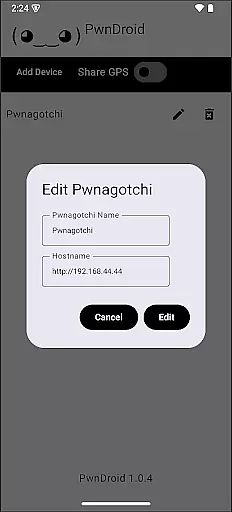
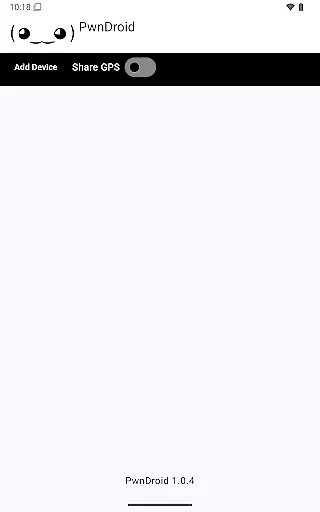
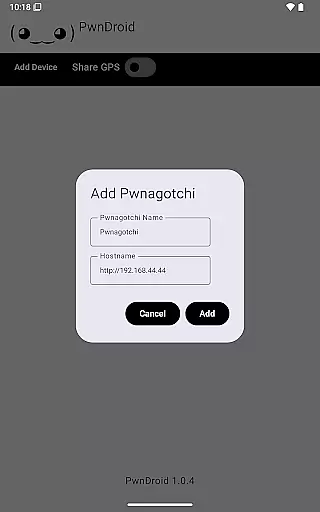
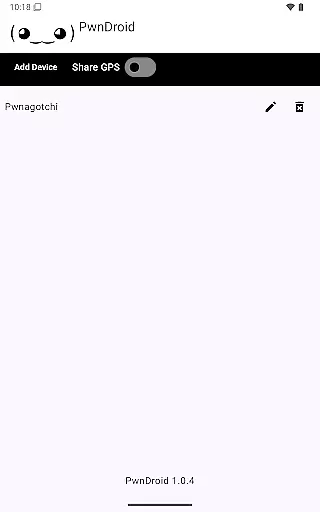
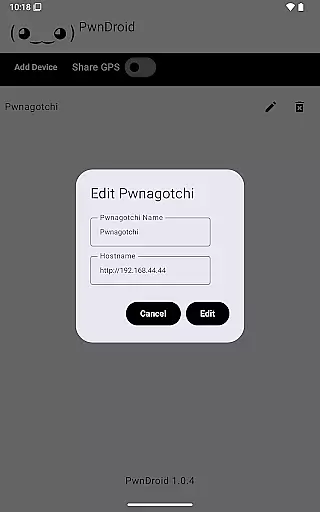
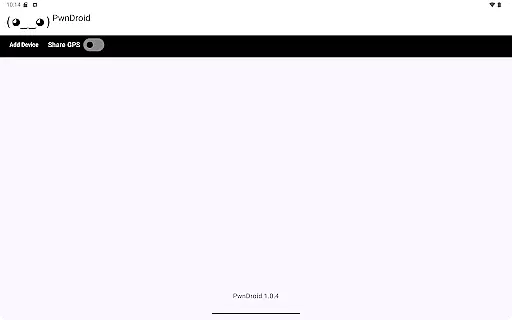
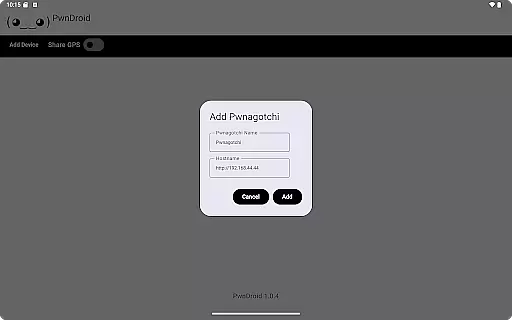
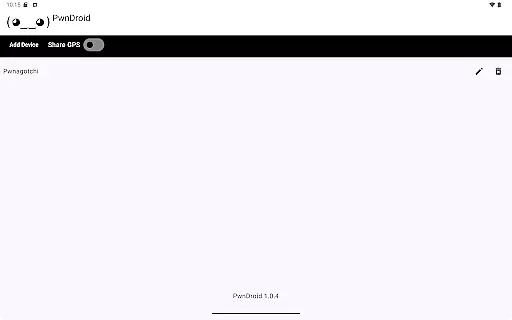
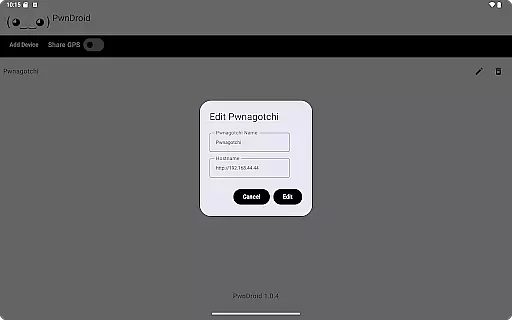
PwnDroid is a productivity-focused application designed to enhance the management of your Pwnagotchi devices. This innovative app allows users to conveniently add their Pwnagotchi units and access the web UI through an integrated in-app web browser. With its streamlined interface, the app ensures that managing and monitoring your devices is both efficient and user-friendly.
Whether you are a cybersecurity professional or an enthusiast, PwnDroid provides a seamless experience by bringing all essential controls to your fingertips. The ability to interact with the web UI without leaving the app significantly boosts productivity, making it easier than ever to stay on top of your device management tasks.
PwnDroid boasts a variety of features tailored to improve your device management workflow. One of the standout functionalities is the built-in web browser, which allows for direct access to the Pwnagotchi web UI. This eliminates the need to switch between multiple apps or browsers, thus streamlining the entire process.
In addition to the integrated browser, PwnDroid offers a simplified method for adding and organizing your Pwnagotchi devices. This feature ensures that even those new to device management can efficiently handle their units. By focusing on usability and efficiency, PwnDroid sets itself apart as a crucial tool for anyone invested in maintaining their Pwnagotchi ecosystem.
Task management is a cornerstone of productivity applications, and PwnDroid excels in this area by offering users the ability to efficiently handle their Pwnagotchi devices. The app provides an intuitive interface that allows users to add and manage multiple devices with ease.
The application's design emphasizes clarity and control, ensuring that users can maintain an organized workflow. By integrating device management features directly into the main interface, PwnDroid streamlines the process of handling various tasks associated with Pwnagotchi devices.
Users benefit from real-time updates and notifications about their devices' status, allowing them to respond promptly to any changes or issues. This proactive approach to task management enhances overall productivity and ensures that users are always informed about their devices.
Cross-device synchronization is vital for maintaining consistency across different platforms, and PwnDroid ensures reliable data exchange between your Pwnagotchi devices and the app. This synchronization capability guarantees that all information displayed in the app's web UI is up-to-date and accurate.
The app employs robust protocols to ensure that data transfers occur seamlessly and without errors. Users can trust that their interactions with the web UI will be reflected accurately on their connected devices, providing peace of mind and confidence in the app's performance.
By prioritizing synchronization reliability, PwnDroid supports a seamless user experience where actions taken within the app translate directly to changes on the physical devices. This feature is particularly beneficial for users who rely on consistent access to their Pwnagotchi devices from various locations.
User-friendly interface
Integrated web browser
Efficient device management
Streamlined workflow
Enhanced productivity
Limited to Pwnagotchi devices
No offline functionality
Requires internet connection
Few customization options
Specific user base

Seamlessly integrate data and reports to build your presentation to impress
 4.80
4.80
All in one sketching tool. Technical and General drawing. Online Maps support.
3.70
Android Wallet Password Manager
4.80
Automates browsing any website and notifies you of important changes or events
4.30
Mind Map and brainstorm, note taking and idea collection
4.80
aCalendar+ makes your day, week and month
4.70
Simple and reliable communication between inmates, friends and family
3.20
Find and delete junk files & block unwanted notifications & manage files
3.70
All document reader, all in one file viewer read PDF, DOCX, XLS, PPT, TXT files.
4.60
Multilingual translator for text, voice, and image translation!
4.90
Understand anything with a personalized AI research assistant
4.80
The long-awaited modern gallery app for your Nextcloud server
4.70
The Pro Version of Android's tiniest Notepad app. Just 0.3MB but feature-packed!
4.60
Subscribe to Webcal & .ics calendars and keep them up-to-date!
4.50
Tally and goal counter for Wear OS & mobile
4.50
Intelligent AI Assistant
4.10
Customizable calendar widget for seamless event sync, planning & scheduling.
4.00
* block pre-roll ads, pop-up and forced redirect ads * Samsung certification app
4.00
Make your handwriting beautiful, even more than pen on paper.
3.60


User Reviews