
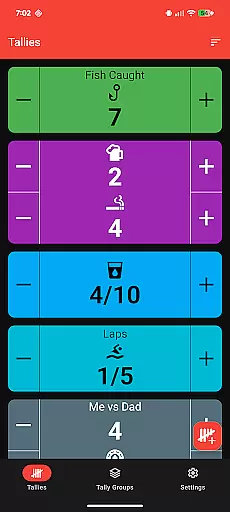
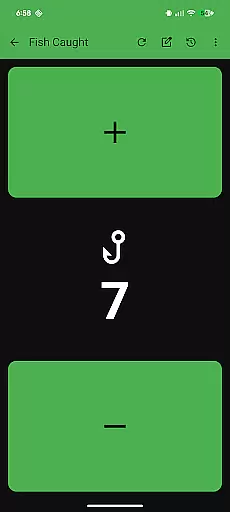
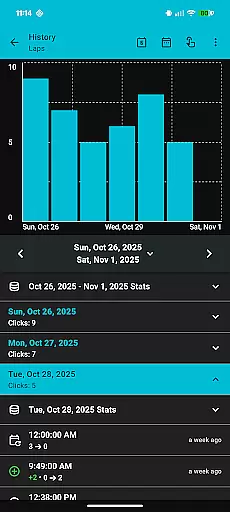
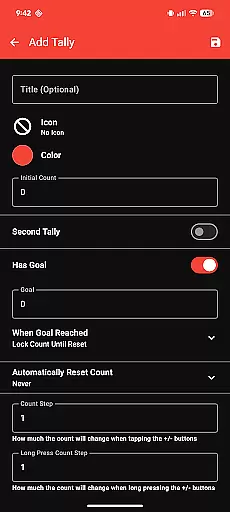
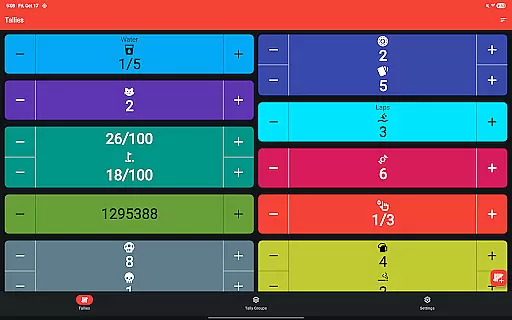
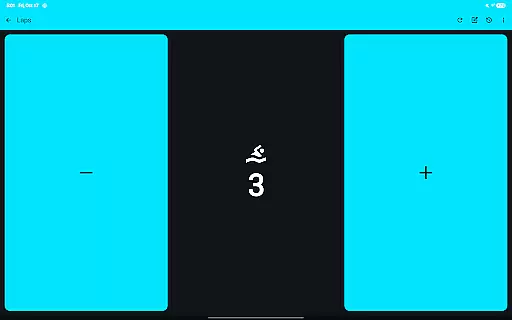
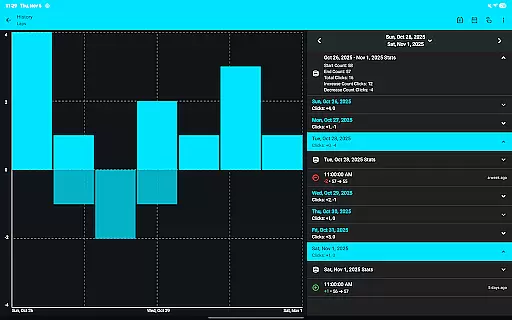
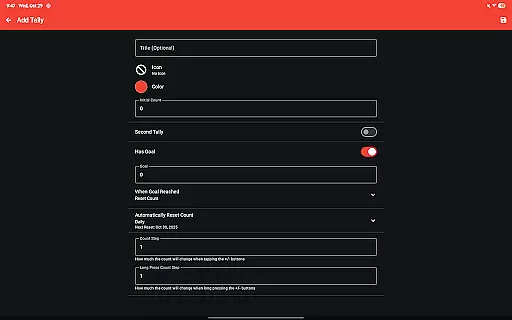
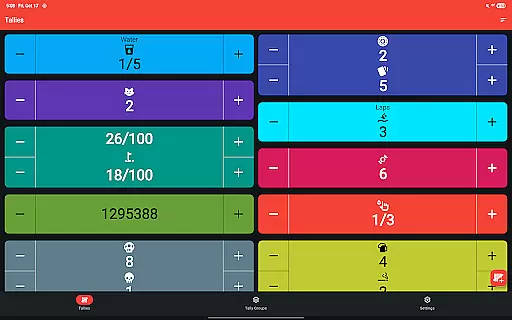
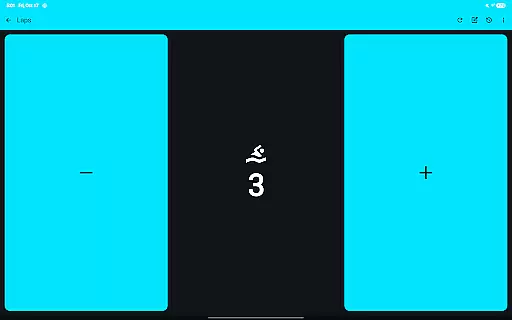
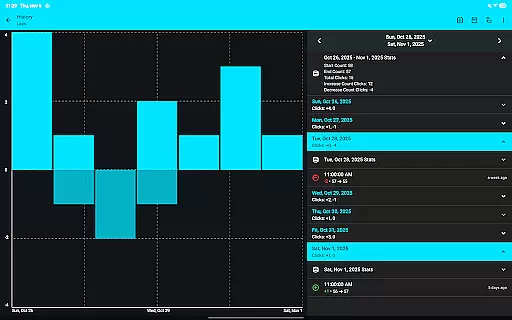
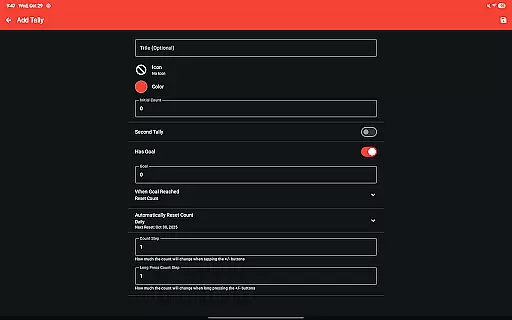
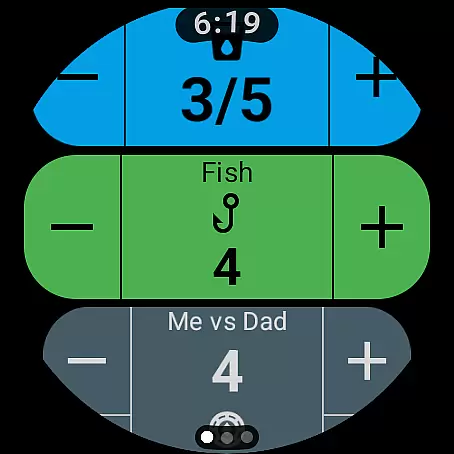
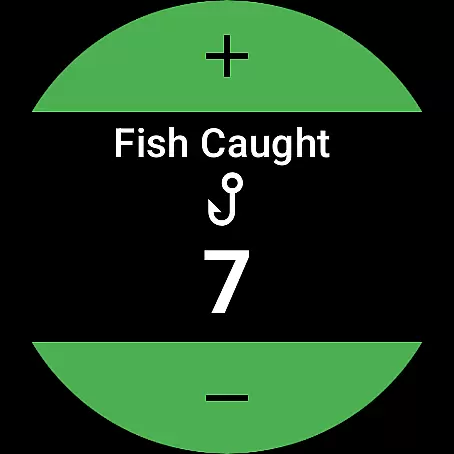
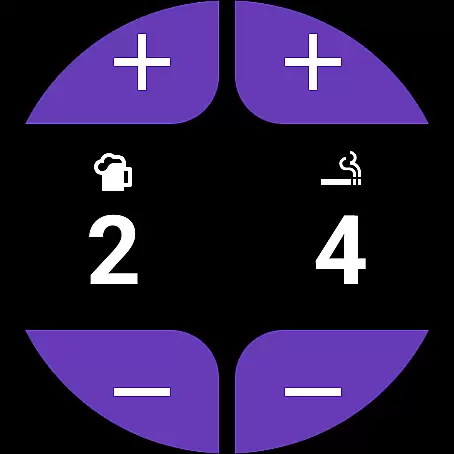
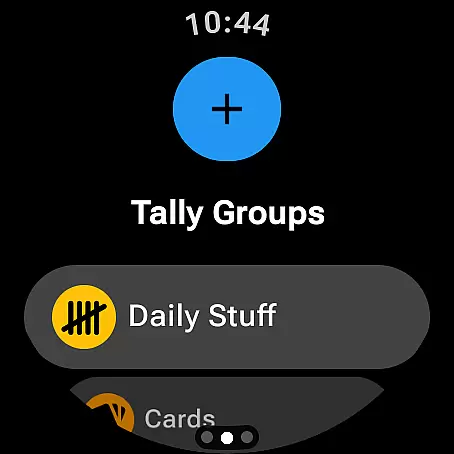
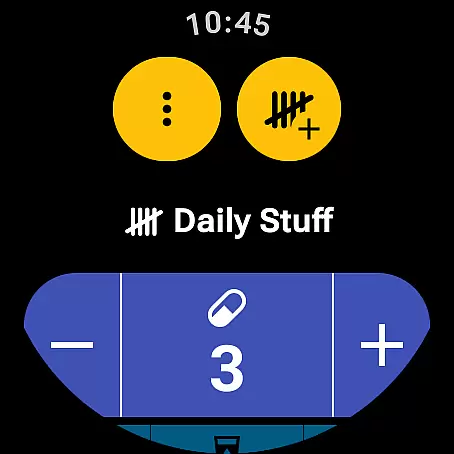
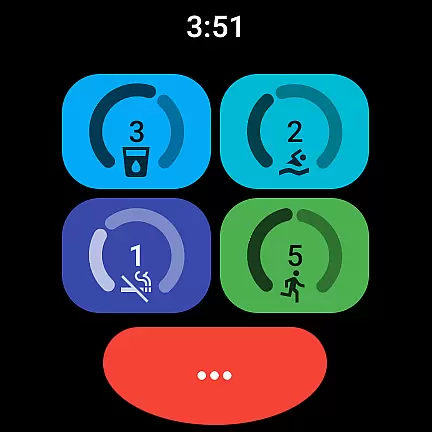
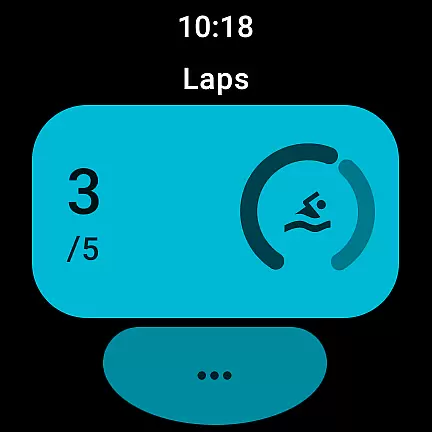
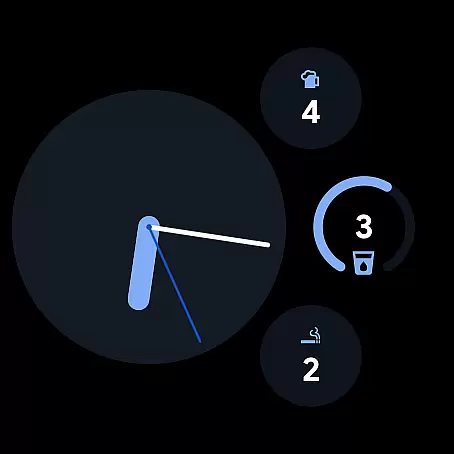
Tallies is a versatile productivity tool designed for both Wear OS and mobile devices, offering users an intuitive way to track counts and achieve goals. The app provides multiple tally counters with ongoing and goal-based options, allowing users to monitor progress with precision.
With features like automatic resets, history tracking, and CSV export, Tallies ensures comprehensive data management. Its customizable interface, complete with themes and icons, enhances user experience while synchronization across devices streamlines workflow efficiency.
Tallies stands out with its extensive feature set tailored for productivity enthusiasts. The app includes double and single tally counters, ongoing counts, and goal tallies with flexible reset options. Users can benefit from automated daily, weekly, monthly, or yearly tally resets.
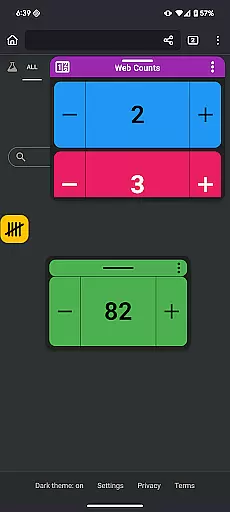
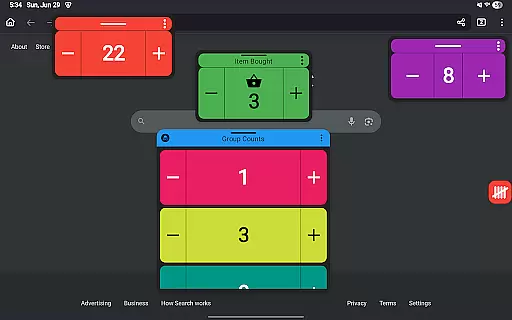
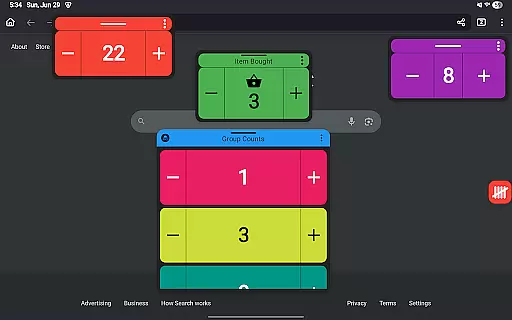
Advanced functionalities include tally groups, full history visualization with graphs and stats, and seamless sync between phone and Wear OS devices. With complications, tiles, widgets, and floating windows, Tallies offers unmatched accessibility and customization for various use cases.
Task management is at the heart of productivity applications, and Tallies excels in this area by providing users with a versatile tally and goal counter. This app allows you to track ongoing counts, set goals for your tallies, and offers options to lock or reset the count upon reaching those goals.
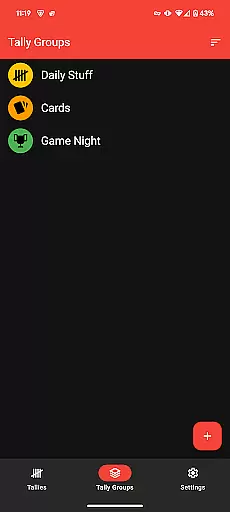
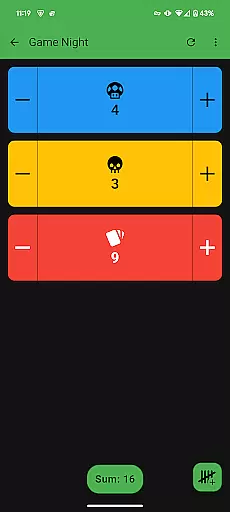
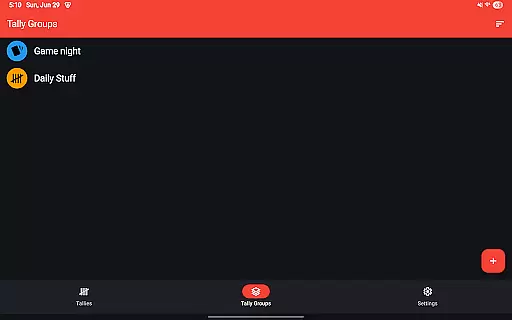
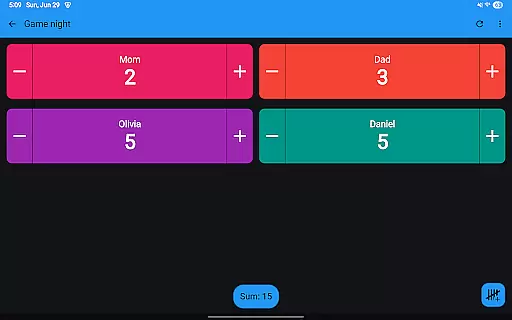
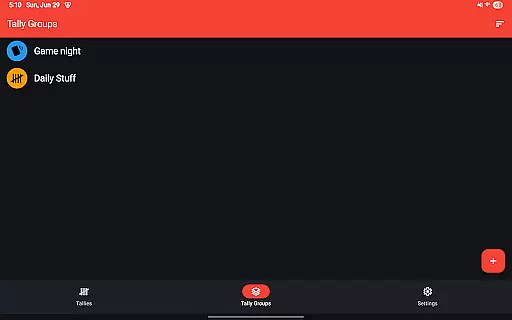
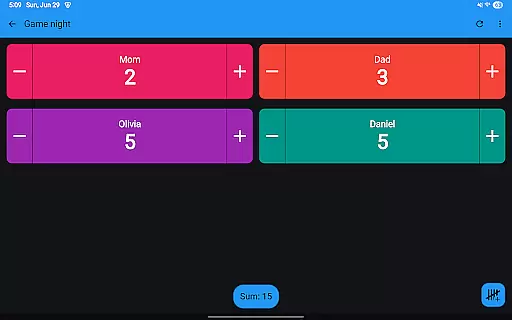
The application goes beyond simple counting by offering automatic reset options that can be configured daily, weekly, monthly, or yearly. With features like Tally Groups and the ability to show a sum for these groups, it ensures that users can manage complex tasks with ease.
For users who need to analyze their progress over time, Tallies provides history viewing on the phone, complete with multiple graphs, selectable intervals, and stats. The synchronization of tally history from watch to phone when changes occur further enhances its utility as a comprehensive task management tool.
Cross-device synchronization is crucial for users who operate across different platforms, and Tallies delivers reliable sync between smartphones and Wear OS watches. To ensure seamless operation, the app must be installed on both devices, allowing data to be updated in real-time as users log their tallies.
This synchronization extends to various features such as Ongoing Tally watch complications and Goal tally watch complications, which keep users informed at a glance. Quick Tally Tiles and shortcut tiles provide instant access to tallies and groups right from the watch face or home screen.
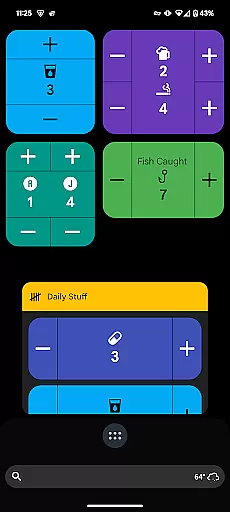
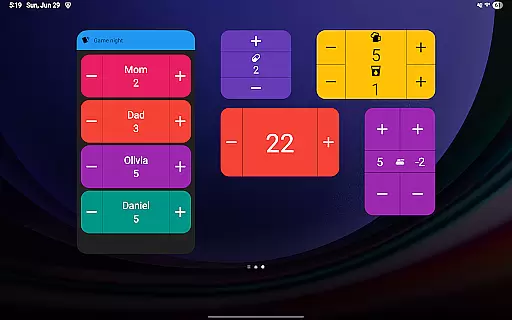
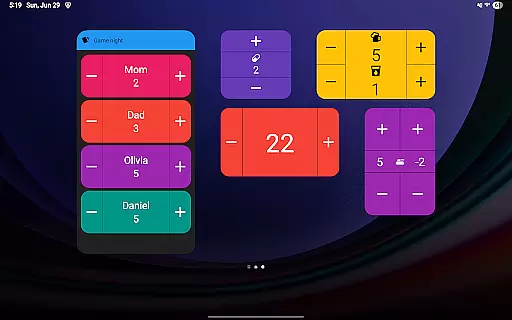
On mobile devices, Tallies supports vertical and horizontal tally widgets, list widgets, and group widgets, ensuring that your data is accessible no matter where you are or what device you're using. This cross-device functionality solidifies Tallies' position as an indispensable tool for managing tasks efficiently across all your devices.
User-friendly interface
Extensive customization
Cross-device sync
No subscription model
Comprehensive tally options
Watch sync requires installation on both devices
Floating windows need Android 14+
Limited to productivity use cases
Premium price point
Feature overload for casual users

When you Focus, so will your Bean in this cozy focus timer
 4.30
4.30
Planet Free VPN - The best Fast Unlimited and Secure VPN Without Logs
4.50
Device's storage information in a simple and clear graphical form (infographics)
4.10
App lock - lock apps with fingerprint, password, pin or pattern, protect privacy
4.70
Activate Two Factor Authentication (2FA or Multi OTP), Password manager and more
4.10
ID.me Authenticator is a simple and free Two Factor Authentication solution
3.50
* block pre-roll ads, pop-up and forced redirect ads * Samsung certification app
4.00
Use powerful, industry-leading AI tools to generate visual charts from any data
4.80
Seamlessly read, manage, and organize all your PDF files solution in one place
4.40
Best Tool for the professionals Electrician, Electrical contractors, etc.
4.90
Mind Map and brainstorm, note taking and idea collection
4.80
Secure, fast, open-source, VNC and SSH Remote Desktop for Windows, Linux and Mac
4.70
A beautiful digital clock with autostart and many other functions
4.70
Experience Reading - Night Mode for Documents
4.40
Send files, sync SMS, notifications & clipboard across devices via local network
4.40 4.20
4.20
Customizable calendar widget for seamless event sync, planning & scheduling.
4.00
Smart PDF reader & editor to view, organize and manage PDF documents easily.
3.70
A comprehensive suite of tools designed specifically for Lactation Consultants
4.2


User Reviews