
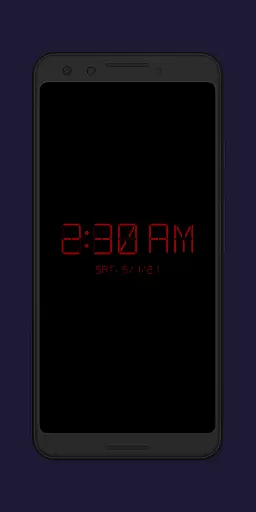
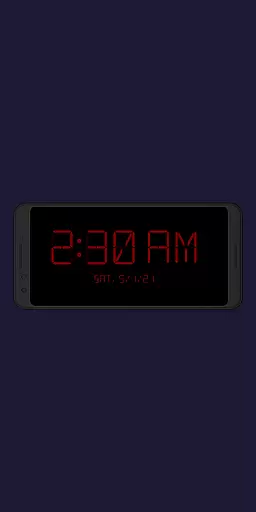
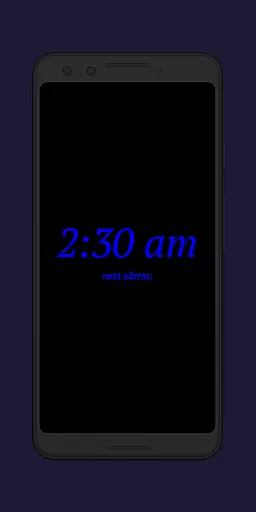
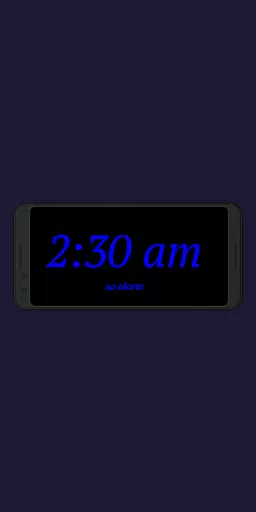
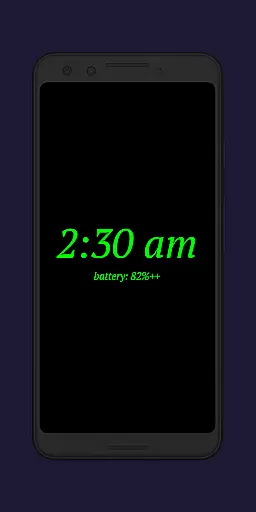
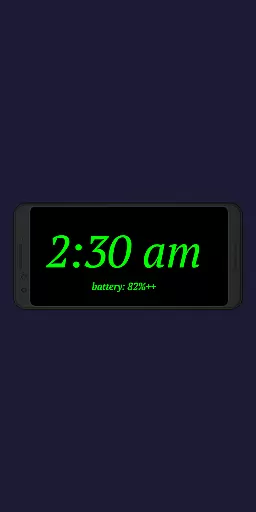
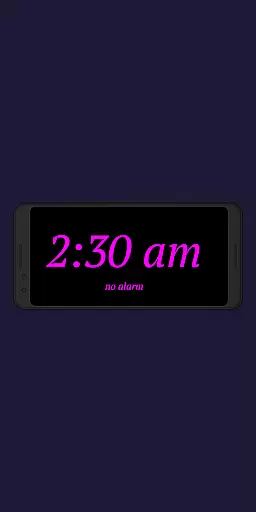
Night Clock + is a versatile digital clock application designed to serve as both a bedside night clock and a daylight mode display. The app transforms any unused device into an elegant timepiece, suitable for both day and night use. Its primary function is to provide users with a clear, customizable digital clock interface that includes practical features like a built-in flashlight for nighttime convenience.
The app stands out with its supporter version offering all features without limitations. Users can enjoy the flexibility of setting automatic night clock activation when connecting a power cord or at a preset time. This makes it particularly useful for those who want a hassle-free experience when using their devices as dedicated clocks in various settings, whether at home or office.
Night Clock + boasts an impressive array of features that enhance user experience. One key aspect is the ability to choose from four different font types, allowing personalized customization of the clock's appearance. Additionally, users have complete control over font color and brightness levels, ensuring optimal visibility during nighttime hours.
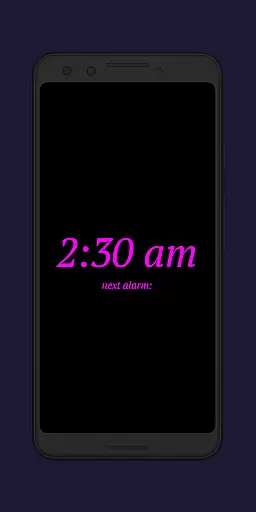
The app also offers advanced functionalities such as displaying the next alarm time set in the Android system and providing an integrated screensaver feature where the clock moves slowly across the screen. These features not only improve usability but also add aesthetic value to the overall presentation. Furthermore, the automatic night clock start options and daylight mode with adjustable brightness make this app adaptable to various lighting conditions throughout the day.
In the realm of productivity applications, core task management is pivotal for organizing daily activities efficiently. Night Clock + integrates essential task management features that cater to both simplicity and functionality.
This app provides users with the unique ability to set and view their next alarm time directly on the night clock display. This feature ensures that users are always aware of their upcoming schedules without having to navigate away from the main screen.
Additionally, the application offers an automatic start function which can be triggered by connecting a power cord or setting a specific time. These capabilities allow for seamless integration into users' routines, ensuring the night clock is ready when needed most.
The true value lies in its capacity to enhance user productivity by simplifying access to critical information and automating routine tasks, thus allowing users to focus on more important aspects of their day.
Cross-device synchronization is crucial for maintaining consistency and reliability across multiple devices. Night Clock + addresses this need by providing features that ensure dependable performance regardless of the device in use.
One standout feature is the app's compatibility with older or unused devices, transforming them into functional digital clocks. This not only extends the life of these devices but also creates a synchronized environment where all devices display the same accurate time and settings.
Moreover, the daylight mode offers adjustable brightness levels throughout the day, ensuring visual comfort and readability. By allowing fixed brightness values during certain periods, it maintains uniformity across different screens and environments.
Ultimately, Night Clock + delivers reliable cross-device synchronization that enhances user experience by providing consistent functionality and appearance, making it an indispensable tool for managing time effectively across various devices.
User-friendly interface
Highly customizable settings
Automatic night mode activation
Integrated flashlight functionality
Daylight mode with brightness control
Limited to Android devices
No iOS version available
Some features locked in free version
Requires permissions for full functionality
May drain battery faster

Experience real multitasking on your Android!
 4.00
4.00
Total remote control for your Android device, PC and cloud services (IFTTT)!
4.20
Mind Map and brainstorm, note taking and idea collection
4.80
Absolutely the best CNC machinist speed and feed calculator around. fswizard.com
4.60
App lock - lock apps with fingerprint, password, pin or pattern, protect privacy
4.70
The AI assistant that thinks with you - write, code, and solve complex tasks
4.60
Best Tool for the professionals Electrician, Electrical contractors, etc.
4.90
Scan paperwork into PDF/JPG, generate your own e-signature and send fax or email
4.70
Browse and view your photos and videos from the phone with photo & video hide.
4.10
Understand anything with a personalized AI research assistant
4.80
We're working to become the best machining app on the market! www.cncdirt.com
4.80
Simple notepad & memo. Take notes, to-do list, shopping list with reminders.
4.80
QuickBooks Workforce lets teams view pay info and track time in one place.
4.70
To do list widget with a notebook organizer, checklist, simple shopping list
4.60
Automates browsing any website and notifies you of important changes or events
4.30
A customizable calendar for your Wear OS watch
4.20
Activate Two Factor Authentication (2FA or Multi OTP), Password manager and more
4.10
Ultimate Virtual AI Character for immersive Roleplay Chat. Perfect Companion
3.90
IP Camera Viewer - Android TV : RTSP Surveillance camera viewer for Android TV
4.4


User Reviews