

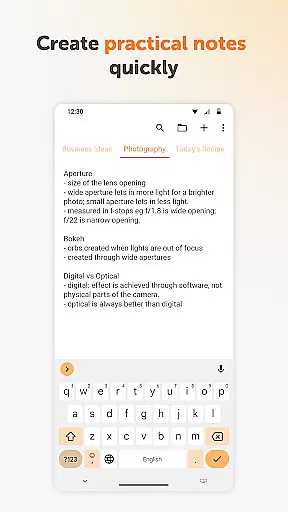
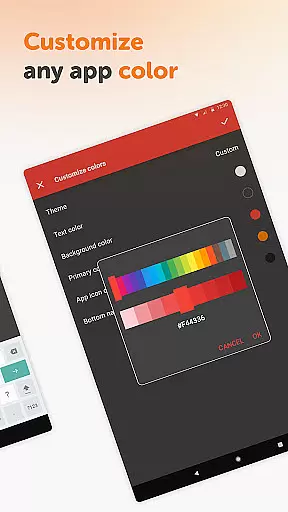
Simple Notes Pro is a productivity-focused note-taking application designed to help users manage their daily tasks and organize their thoughts efficiently. This app allows you to create quick lists, checklists, and backup notes for various purposes such as shopping lists, reminders, or startup ideas.
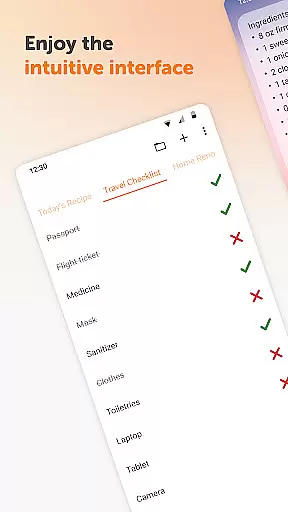
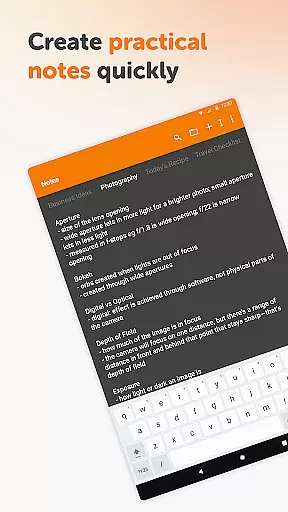
The standout feature of Simple Notes Pro is its simplicity and ease of use. With an intuitive interface, users can tap the screen and immediately start typing their notes without any complicated setup steps. The app supports multiple independent plain text notes and lists, making it versatile for different types of note-taking needs.
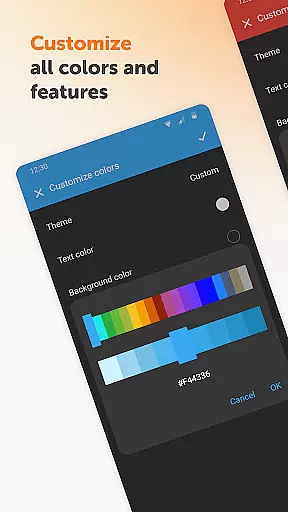
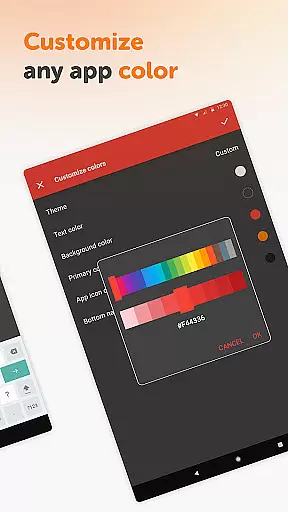
Whether you need to remember important meeting details or organize your grocery shopping list, Simple Notes Pro serves as an invaluable tool. Its user-friendly design, combined with customizable colors and a resizable widget, ensures that you can tailor the app to fit your personal preferences while maintaining privacy and security.
Simple Notes Pro offers a variety of features that enhance the note-taking experience. One of the key functionalities is the autosave feature, which ensures that you never lose your changes by mistake. This provides peace of mind and reliability when managing important information.
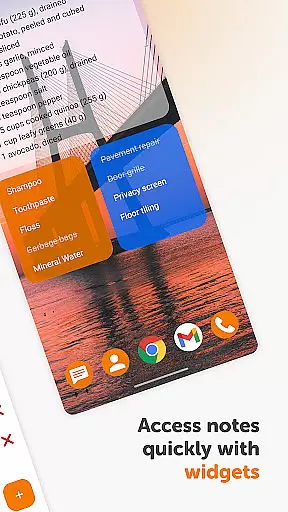
In addition to supporting multiple independent plain text notes, the app includes a customizable and resizable widget. This widget allows users to access their lists and organize their to-do items quickly and efficiently. By opening the app with just a tap, users can streamline their workflow and boost productivity.
Another notable feature is the app's commitment to privacy and security. Simple Notes Pro does not require internet access, thus offering more privacy compared to other apps. Furthermore, it contains no ads or unnecessary permissions, ensuring a seamless and distraction-free experience. The inclusion of material design and a dark theme enhances usability, providing a great user experience in various lighting conditions.
Task management is a cornerstone of productivity applications, and Simple Notes Pro excels in this area by providing users with an intuitive platform for organizing their daily activities. The app allows you to create multiple independent plain text notes and lists rapidly, ensuring that your ideas and tasks are captured efficiently without any unnecessary complexity.
The customizable and resizable widget further enhances the task management experience. With just a tap on the widget, users can access their lists and organize their to-do items swiftly. This seamless interaction ensures that managing tasks doesn't become a chore in itself but rather a natural extension of your daily routine.
Simple Notes Pro also features an autosave functionality, which means users never have to worry about losing their changes due to accidental exits or mishaps. This feature provides peace of mind and encourages users to focus on their tasks without the constant need to manually save progress, making task management both reliable and stress-free.
Cross-device synchronization is vital for users who operate across multiple devices and need consistent access to their notes and lists. Simple Notes Pro addresses this need by ensuring that all data is reliably synced across devices, allowing users to pick up right where they left off, regardless of the device they are using.
This synchronization process happens in the background, maintaining high performance and stability without compromising the user's workflow. The lack of internet access requirement not only boosts privacy and security but also guarantees that users can access their notes even when offline, providing unmatched convenience.
Moreover, Simple Notes Pro offers a consistent experience with material design and dark theme support, ensuring that the look and feel remain uniform across devices. This attention to detail in both functionality and design underscores the app's commitment to delivering a dependable cross-device experience, enhancing both usability and user satisfaction.
User-friendly interface
Autosave functionality
No ads or unnecessary permissions
Fully opensource
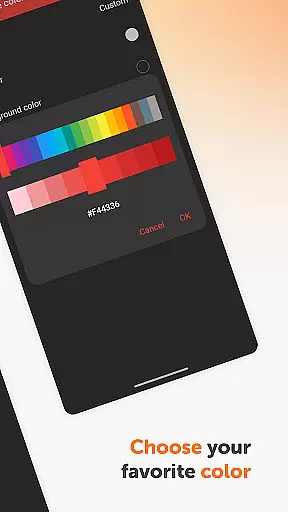
Customizable colors
Limited advanced features
No cloud sync option
Basic design aesthetics
Independent plain text only
No collaboration tools

Create study competitions, track your hours, and stay consistent with friends
 4.4
4.4
Easily read and manage all your PDF files
4.10
Automates browsing any website and notifies you of important changes or events
4.30
PDF scanner & converter for files, photos, lottery, QR codes. One swipe away!
4.50
The AI assistant that thinks with you - write, code, and solve complex tasks
4.60
Tally and goal counter for Wear OS & mobile
4.50
Okta MFA
4.70
AI Chatbot and AI writing assistant powered by ChatGPT.
4.60
AT&T Internet customers can use this app to personalize their Wi-Fi network.
4.40
Use powerful, industry-leading AI tools to generate visual charts from any data
4.80
Absolutely the best CNC machinist speed and feed calculator around. fswizard.com
4.60
App Lock with fingerprint, password: Lock apps & hide photos with lock screens
4.60
Subscribe to Webcal & .ics calendars and keep them up-to-date!
4.50
Access, manage and transfer files on Android, PC, Mac, NAS and cloud storages.
4.30
Font maker keyboard with your own handwriting
4.10
Intelligent AI Assistant
4.10
Unlock AutoNotification
4.00
Find and delete junk files & block unwanted notifications & manage files
3.70
Code on-the-go with VScode for Android. Edit,debug and collaborate from mobile!!
3.10


User Reviews