
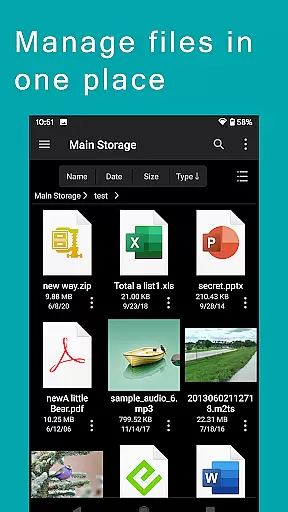
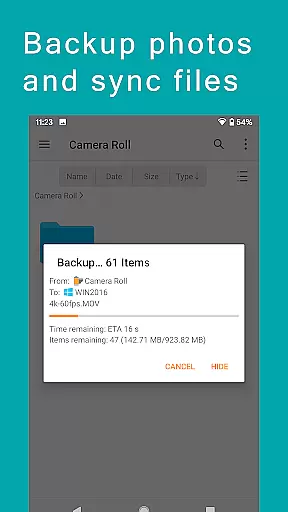
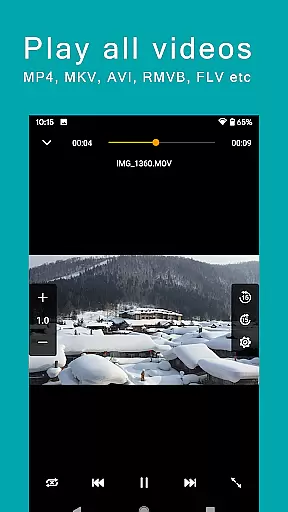
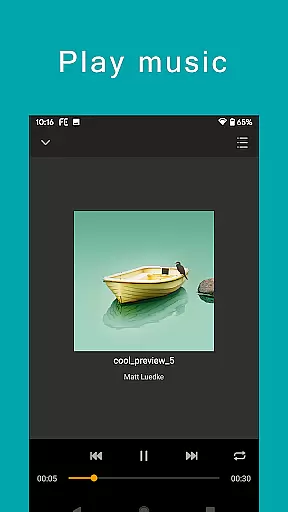
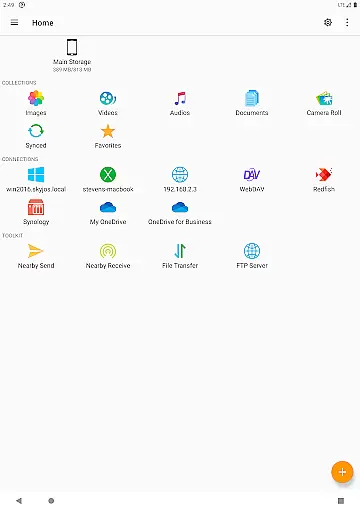
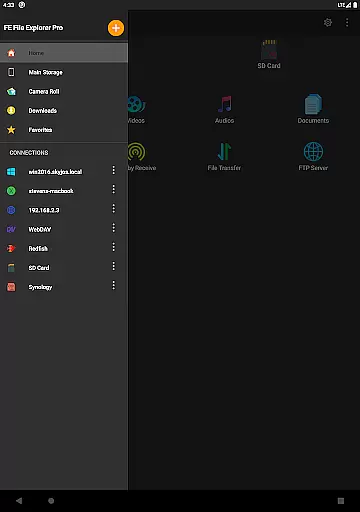
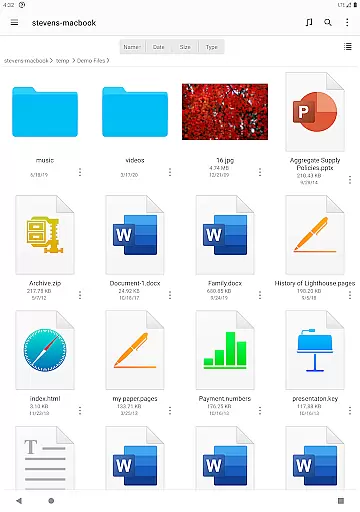
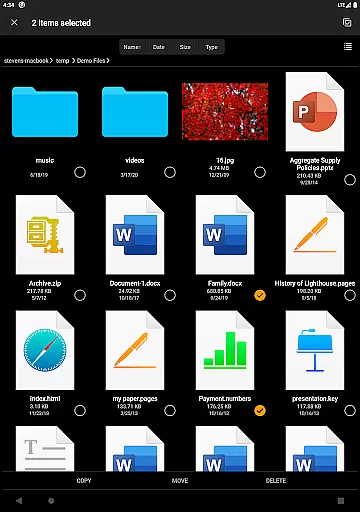
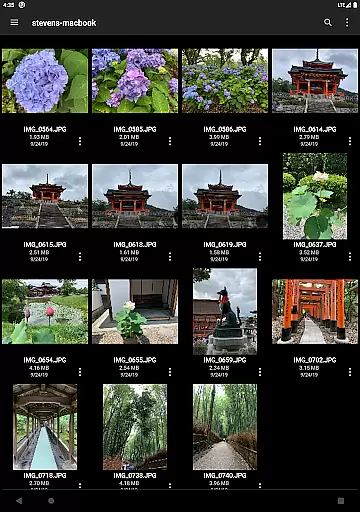

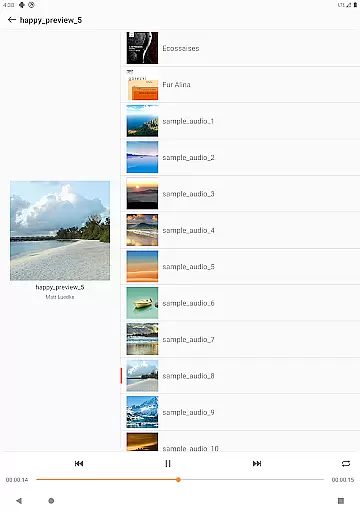
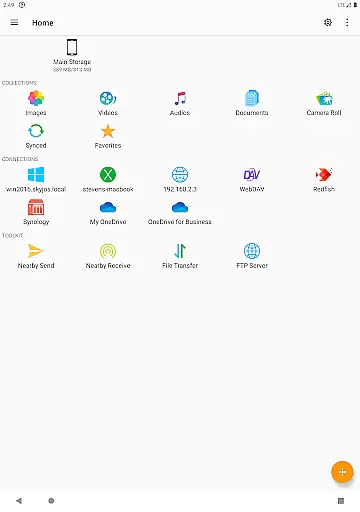
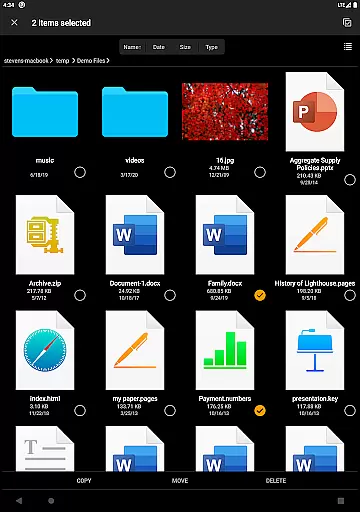
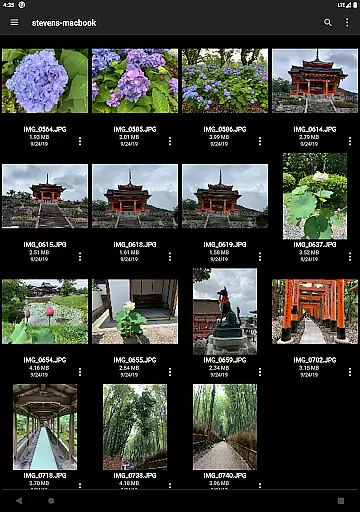

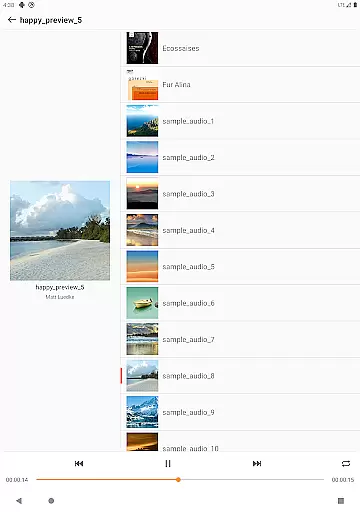
FE File Explorer Pro is a versatile file management application designed for both Android and iOS users. This app allows you to access local files, network shares, and cloud storage services seamlessly. With its powerful features, you can transfer files between different locations, stream multimedia content, and manage documents directly without the need for downloading.
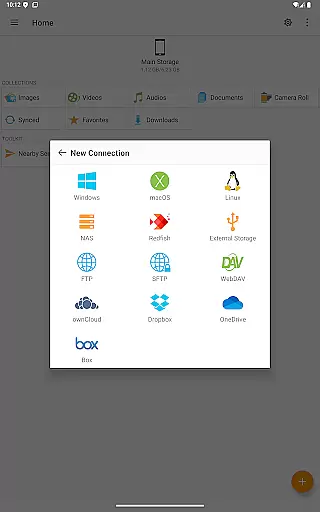
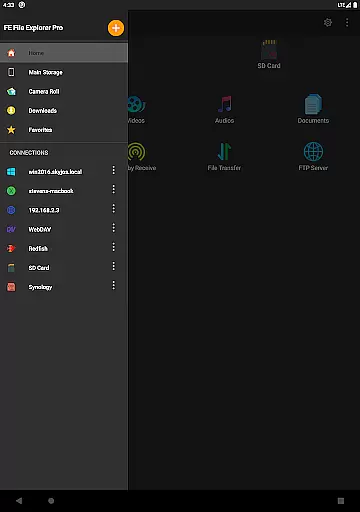
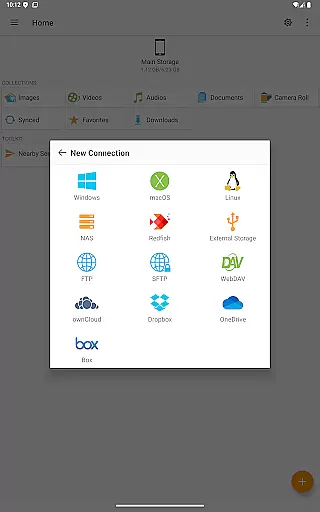
The app supports multiple protocols including SMB/CIFS, WebDAV, FTP, and SFTP, enabling you to connect to various devices such as macOS, Windows, Linux, and NAS systems. Additionally, it integrates with popular cloud services like OwnCloud, Dropbox, OneDrive, and more. Whether you're managing files on your Android's internal storage or external SD card, FE File Explorer Pro provides an all-in-one solution for efficient file handling.
For professionals who require remote access and management capabilities, this app offers direct viewing and editing of documents stored on remote servers. Its ability to automatically save changes back to the server ensures that your data remains up-to-date across all devices. The app also includes advanced functionalities such as archiving/unarchiving ZIP, RAR, and 7zip files, making it an indispensable tool for productivity.
One of the standout features of FE File Explorer Pro is its extensive connectivity options. It supports SMB/CIFS protocol for accessing network shares on macOS, Windows, Linux, and NAS devices. Additionally, it can connect to WebDAV, FTP, and SFTP servers, providing unparalleled flexibility in managing files across different platforms.
Another key feature is its integration with major cloud storage providers such as OwnCloud, Dropbox, OneDrive, and OneDrive for Business. This allows users to access their cloud files directly from the app, eliminating the need for separate applications. Furthermore, the app supports automatic discovery of computers and NAS when setting up new connections, simplifying the process of connecting to remote storage.
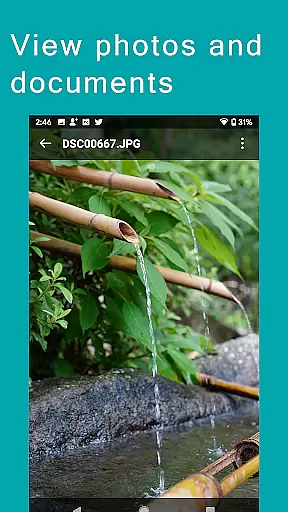
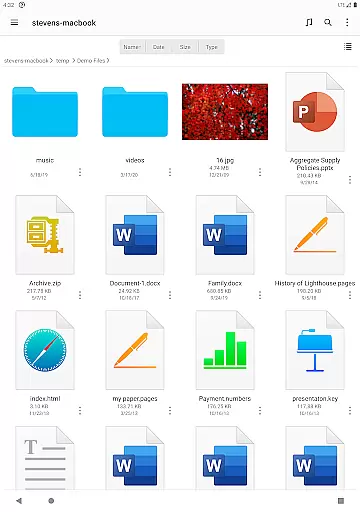
FE File Explorer Pro also excels in file management capabilities. Users can copy, move, rename, and delete files directly on their Android device. The app supports viewing and managing documents, photos, and multimedia files. Its Edit-in-Place functionality enables users to edit documents located on remote storage using another app, with changes automatically saved back to the server. Additional features include archive management, file searching, and streaming multimedia content from remote storages.
FE File Explorer Pro excels in core task management by offering a comprehensive suite of tools for file handling across various platforms. This powerful app allows users to access and manage files not only on their local Android device but also on remote computers, NAS systems, and cloud storages.
The app supports multiple protocols including SMB/CIFS, WebDAV, FTP, and SFTP, providing seamless integration with macOS, Windows, Linux, and NAS environments. It also connects effortlessly with popular cloud services like OwnCloud, Dropbox, and OneDrive, ensuring that all your files are within reach regardless of their location.
With FE File Explorer Pro, users can perform essential file operations such as copying, moving, renaming, and deleting directly from their Android device. The ability to stream media and view documents without downloading enhances productivity by saving time and storage space.
Cross-device synchronization is a standout feature of FE File Explorer Pro, enabling reliable and efficient file transfers between different storage locations. Whether you need to move files from your Android device to a remote server or vice versa, this app ensures data integrity and consistency across all devices.
The app's sync functionality allows users to keep their files up-to-date automatically. By setting up synchronization tasks, users can ensure that changes made on one device are reflected on another, maintaining a cohesive and current file system.
Additionally, FE File Explorer Pro offers advanced features like automatic discovery of networked computers and NAS systems, support for Windows Domain and Active Directory, and the ability to edit documents located on remote storage directly. These capabilities enhance the reliability of cross-device operations, making it an indispensable tool for both personal and professional use.
Powerful file management
Wide range of protocol support
Seamless cloud integration
Efficient remote access
User-friendly interface
Occasional connection issues
Limited free version
Advanced features may overwhelm beginners
Requires stable internet for remote access
Some features need technical knowledge

The Pro Version of Android's tiniest Notepad app. Just 0.3MB but feature-packed!
 4.60
4.60
A simple, portable logger for POTA, SOTA, Field Day, and more
4.2
Absolutely the best CNC machinist speed and feed calculator around. fswizard.com
4.60
Pwnagotchi companion app
4.20
Secure, open-source, SPICE and SSH Remote Desktop for QEMU KVM virtual machines
4.00
* block pre-roll ads, pop-up and forced redirect ads * Samsung certification app
4.00
Best Tool for the professionals Electrician, Electrical contractors, etc.
4.90
To do list widget with a notebook organizer, checklist, simple shopping list
4.60
Understand anything with a personalized AI research assistant
4.80
App lock - lock apps with fingerprint, password, pin or pattern, protect privacy
4.70
Client for Nextcloud Deck
4.60
Functional QR scanner and barcode reader that requires little storage space.
4.60
A simple Whisper AI keyboard for reliable speech transcription and rewording
4.60
Make apps & sites with natural language prompts
4.10
Cloud storage, automatic phone backup, and more.
4.10
Customizable calendar widget for seamless event sync, planning & scheduling.
4.00
Take control of your clipboard with Clipper!
3.90
Ultimate Virtual AI Character for immersive Roleplay Chat. Perfect Companion
3.90
A comprehensive suite of tools designed specifically for Lactation Consultants
4.5


User Reviews