
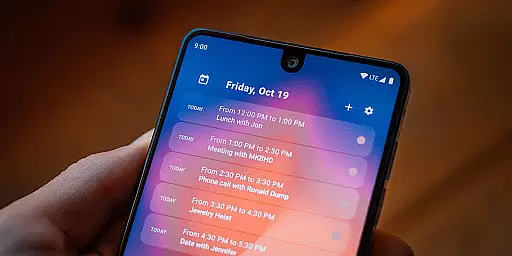
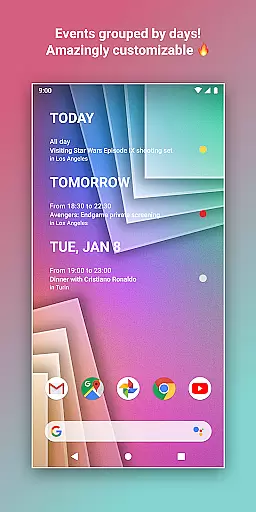
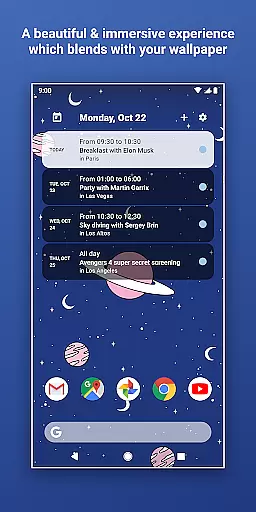
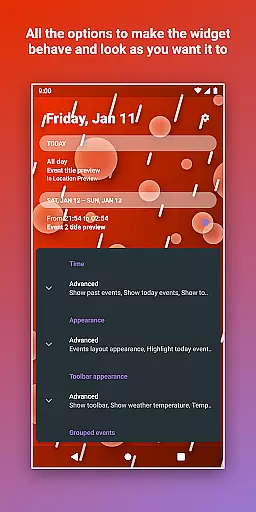
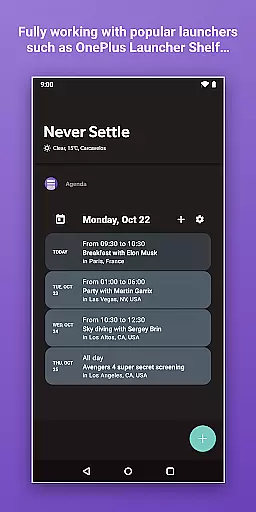
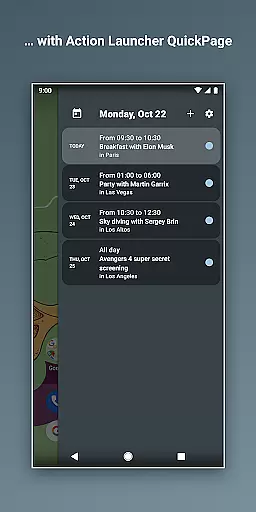
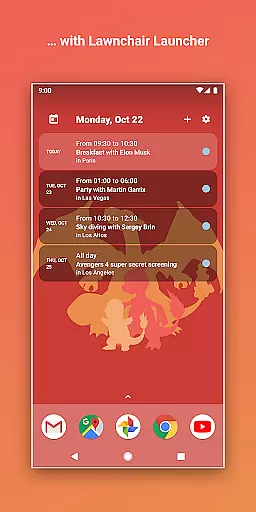
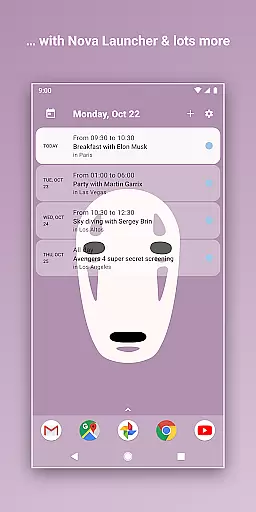
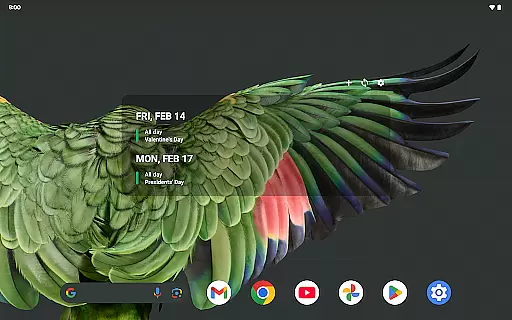
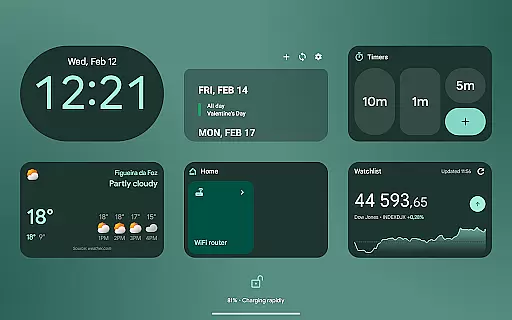
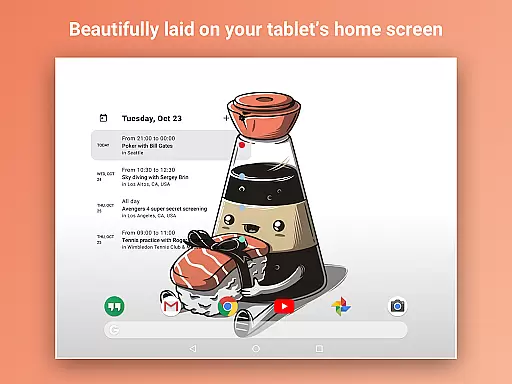
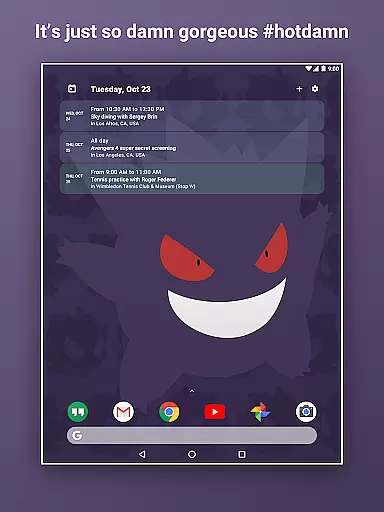
Home Agenda is a powerful productivity tool designed to streamline your daily planning and organization. This customizable calendar widget, agenda, and planner for Android offers seamless integration with popular calendar services like Google Calendar and Outlook.
The app's standout feature is its high degree of customization. Users can create personalized themes, adjust widget sizes, and tailor the appearance to match their preferences. Its instant synchronization capability ensures that all events and appointments are always up-to-date across devices.
Whether you're managing work projects or personal commitments, Home Agenda helps you stay organized while maintaining complete control over your data privacy. The app operates entirely locally, ensuring your information remains secure without any tracking or advertisements.
Home Agenda distinguishes itself through several innovative features that enhance productivity. The app's custom design functionality allows users to build unique themes and adjust widget dimensions to fit their home screen perfectly.
Its instant sync feature connects seamlessly with major calendar platforms including Google Calendar and Outlook, enabling real-time updates of events and appointments. The easy planning interface lets users quickly view, add, and modify schedule entries with minimal effort.
Notably, Home Agenda maintains optimal performance with minimal battery impact. The developers have implemented efficient coding practices that ensure smooth operation throughout the day. Additionally, the app provides real-time notifications to keep users informed about upcoming events.
Task management is at the heart of any productivity app, and Home Agenda excels in this area. The application allows users to effortlessly sync events from multiple calendar services such as Google Calendar and Outlook.
This seamless integration ensures that all your important dates are centralized in one accessible location. With instant updates and real-time notifications, you can trust that your schedule will always be up-to-date.
Users benefit from an intuitive interface where they can quickly view, add, and edit events. This ease of planning helps maintain organization and ensures you never miss an appointment or deadline again.
The true value lies in its ability to keep you on track without unnecessary distractions. By focusing on what matters mostu2014your tasksu2014it provides a streamlined experience that boosts overall productivity while maintaining simplicity.
Cross-device synchronization is crucial for users who operate across multiple platforms. Home Agenda offers reliable syncing capabilities that ensure your data remains consistent whether you're accessing it from your phone, tablet, or computer.
The app's optimized performance guarantees low battery impact while maintaining high efficiency during data transfers between devices. This means you wonu2019t have to worry about excessive power consumption when managing your schedule.
By providing hassle-free integration with popular calendar services like Google Calendar and Outlook, Home Agenda makes sure all your events are updated in real time across every connected device. This level of reliability supports seamless transitions between different gadgets throughout your day.
Ultimately, the robust synchronization feature empowers users to stay organized no matter where they are or which device they choose to use. Itu2019s about delivering peace of mind through dependable technology designed around modern lifestyles.
User-friendly interface
Highly customizable widgets
Instant calendar synchronization
Local data processing
Battery-efficient performance
Limited reminder functionality
No public API access
Premium features require purchase
Occasional sync delays
Complex initial setup

Native client for Forgejo and Gitea
 5.00
5.00
Ads Free App! Editor, Hide File, Copy, Move, Delete and Rename.. all facility av
1.70
Protect and view your important info on your phone and tablet with eWallet®
4.80
Make your handwriting beautiful, even more than pen on paper.
3.60
App Lock with fingerprint, password: Lock apps & hide photos with lock screens
4.60
Stay on top of your to-dos with Google Tasks, part of Google Workspace.
4.60
Find and delete junk files & block unwanted notifications & manage files
3.70
This small app MUST BE INSTALLED after purchase, else license won't work
4.40
Browse and view your photos and videos from the phone with photo & video hide.
4.10
Quickly and easily keep track of your work shifts
4.70
Absolutely the best CNC machinist speed and feed calculator around. fswizard.com
4.60
Translate text/voice/photos in 150+ languages. Offline & fast translator app.
4.50
Send files, sync SMS, notifications & clipboard across devices via local network
4.40
Share files & memories safely. Keep your photos and videos secure.
4.40 4.20
4.20
All in One PDF Reader: Manage, Read and Edit your Documents
4.20
Unlock AutoNotification
4.00
Create study competitions, track your hours, and stay consistent with friends
4.1
A comprehensive suite of tools designed specifically for Lactation Consultants
4.5


User Reviews