
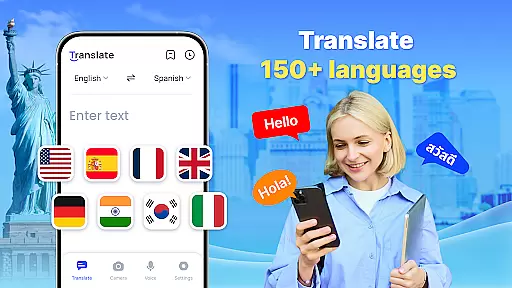

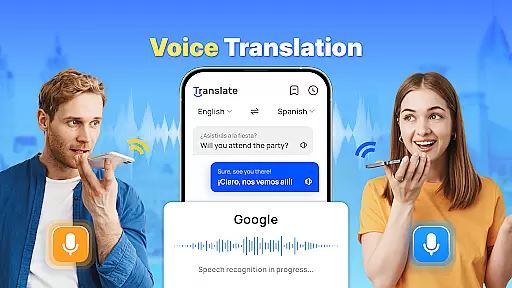
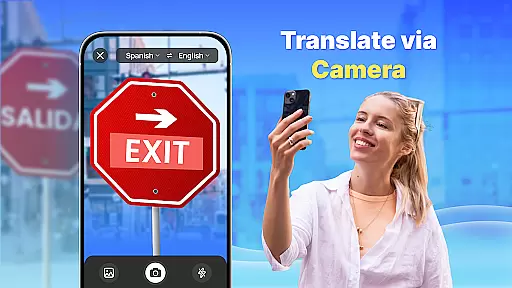

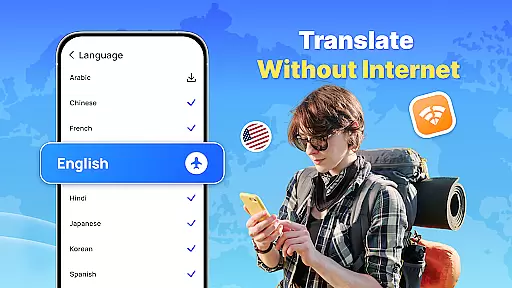
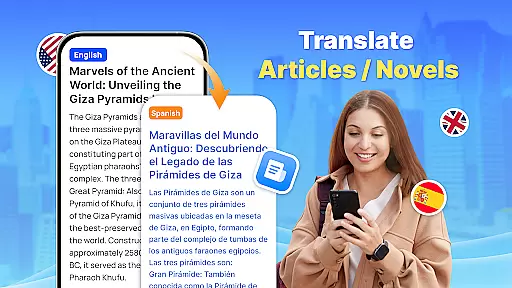
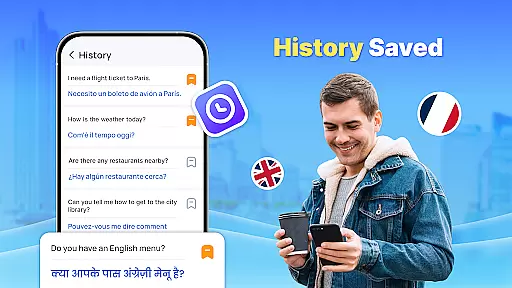
Translate - Translator is a versatile productivity app designed to break language barriers through its comprehensive translation capabilities. This free translator app supports text, voice, and photo translation across 150+ languages, making it an essential tool for travelers, students, and professionals alike. The app's standout feature is its offline functionality, allowing users to translate languages without an internet connection, which proves invaluable in areas with weak signals or during international travel.
In addition to basic text translation, the app offers advanced features like real-time voice translation using intelligent voice recognition technology, AI-powered photo translation for capturing foreign language materials, and a floating ball for quick full-screen translations. Users can also create translation collections to save important translations for future reference. Whether you're communicating with foreign friends, preparing for business negotiations, or learning new languages, this app provides accurate and fast translations that cater to various needs.
The Translate - Translator app distinguishes itself through a range of innovative features designed to enhance user experience. One of its core strengths is the ability to translate text across 150+ languages instantly, catering to diverse scenarios such as travel, business, and education. The app incorporates advanced technologies like AI-powered photo translation, which allows users to capture images of foreign language materials and extract text for translation. This feature is particularly useful when dealing with menus, product descriptions, or any printed content in unfamiliar languages.
Another significant advantage is the app's real-time voice translation capability. Using intelligent voice recognition, users can engage in seamless conversations with foreigners by speaking into their device. The app translates spoken words instantly, facilitating smooth communication. Additionally, the offline translation feature ensures uninterrupted service regardless of internet availability, while the floating ball option enables quick access to full-screen translations. These features collectively make Translate - Translator a powerful tool for overcoming language obstacles efficiently and effectively.
Task management is a cornerstone of productivity applications, and Translate excels in this area by offering users a comprehensive suite of translation tools that streamline communication across different languages. The app supports over 150 languages, providing text, voice, and photo translation capabilities that cater to various user needs.
The application's core task management feature lies in its ability to handle multiple translation tasks efficiently. Users can enter text manually, speak into the microphone for real-time voice translation, or even capture images containing text for AI-powered photo translation. This versatility ensures that whether you're traveling, conducting business, or learning a new language, Translate has a solution tailored for you.
Translate also offers offline functionality, allowing users to access translations without an internet connection. This feature is particularly beneficial when users find themselves in areas with limited connectivity, ensuring that language barriers do not hinder their communication. Additionally, the app's capacity to save and share translation results adds another layer of convenience, making it an indispensable tool for anyone looking to manage cross-lingual interactions effectively.
Cross-device synchronization is vital for users who operate on multiple platforms and need consistent access to their data. Translate addresses this requirement by ensuring reliable synchronization across devices, which enhances the user experience significantly. Whether switching from a smartphone to a tablet or desktop, users can expect seamless transitions with all their saved translations and preferences intact.
The app employs advanced algorithms to auto-detect input languages and provides reverse translation options, which are synchronized across devices. This means that regardless of the device being used, users will receive the same high-quality translation service they have come to rely on. Furthermore, the quick translation via floating ball feature remains accessible, maintaining productivity levels wherever the user may be.
Translate's commitment to synchronization extends to its support for creating translation collections. Users can save important translations as favorites on one device and retrieve them on another, streamlining workflows and personal study routines alike. With such robust cross-device support, Translate stands out as a reliable companion for those seeking efficient language solutions in today's interconnected world.
User-friendly interface
Offline functionality
AI-powered translations
Voice recognition accuracy
Wide language support
Limited advanced features
Occasional inaccuracies
Ads in free version
Requires permissions
Large file size

Unlock AutoNotification
 4.00
4.00
Mega cloud explorer plugin for Solid Explorer
3.80
8 custom complications. Custom Time Fonts. Beautiful color schemes. A++ Design.
5.00
A lightweight JSON & XML files creator, editor and viewer (Premium Version)
4.40
Secure, fast, open-source, Remote Desktop Client for Windows and Linux with SSH
4.60
App Lock with fingerprint, password: Lock apps & hide photos with lock screens
4.60
ID.me Authenticator is a simple and free Two Factor Authentication solution
3.50
Ultimate Virtual AI Character for immersive Roleplay Chat. Perfect Companion
3.90
Okta MFA
4.70
Understand anything with a personalized AI research assistant
4.80
QuickBooks Workforce lets teams view pay info and track time in one place.
4.70
Stay on top of your to-dos with Google Tasks, part of Google Workspace.
4.60
The AI assistant that thinks with you - write, code, and solve complex tasks
4.60
Send files, sync SMS, notifications & clipboard across devices via local network
4.40
CalenGoo is a very flexible and feature-rich calendar app
4.40
Docker, Kubernetes management over Portainer Mobile
4.40
Enjoy classic gameplay with customizable features and retro-style graphics.
4.30
All in one sketching tool. Technical and General drawing. Online Maps support.
3.70
Code on-the-go with VScode for Android. Edit,debug and collaborate from mobile!!
3.10


User Reviews