
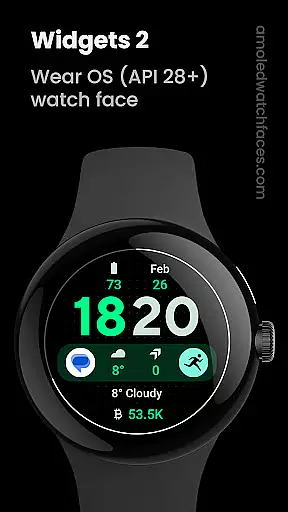
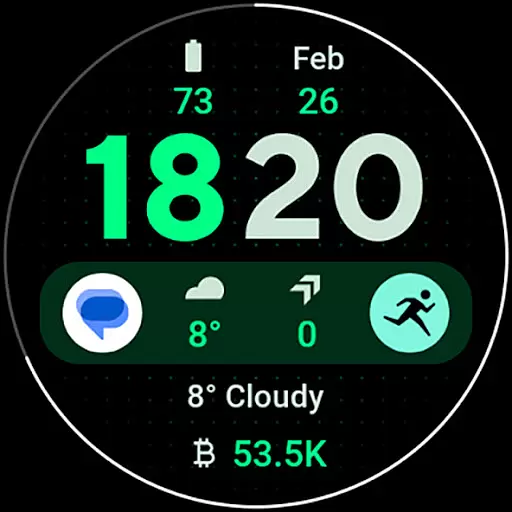
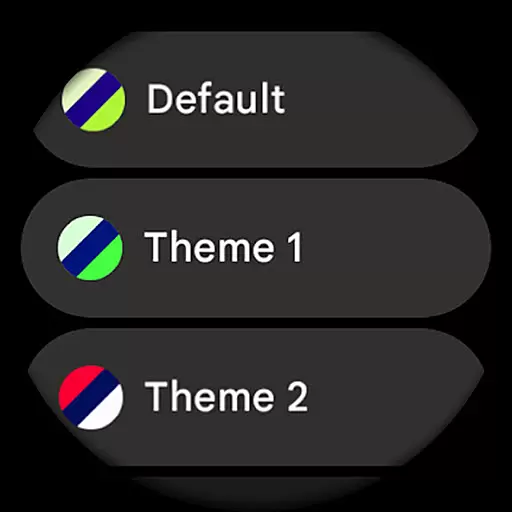
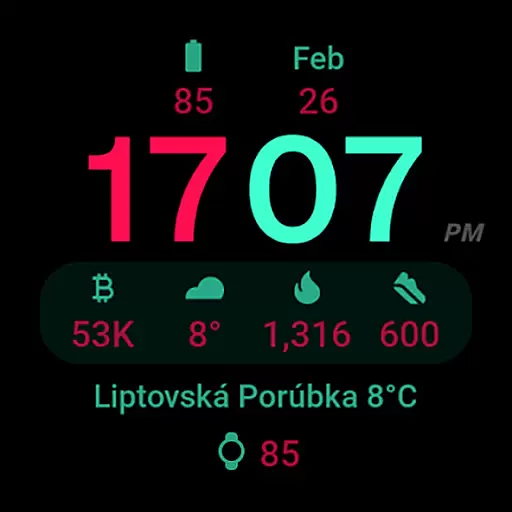
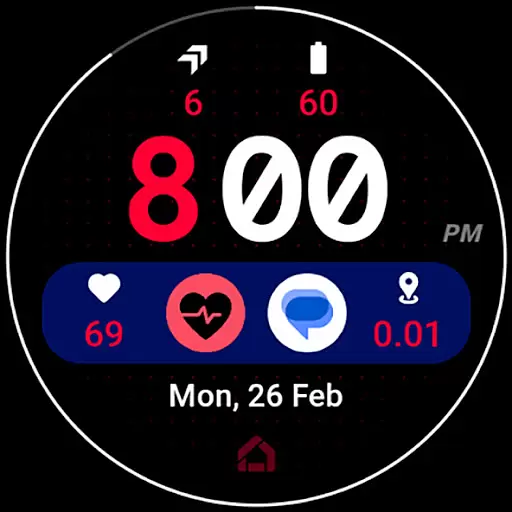
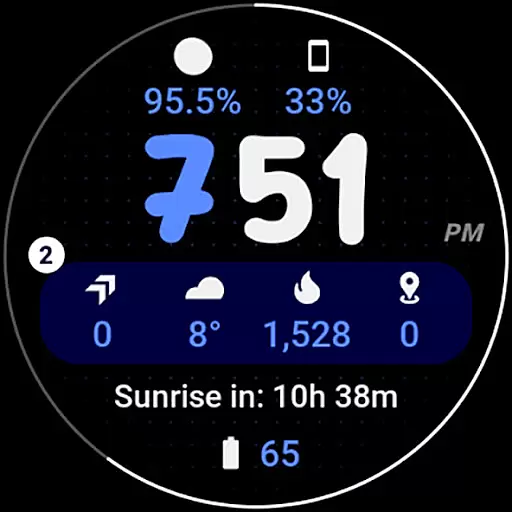
Widgets 2 is a feature-rich productivity app designed exclusively for Wear OS 4+ devices. This innovative application offers users advanced watch face customization options, making it an ideal tool for personalizing smartwatches while maintaining optimal performance. The app supports true black backgrounds and high-resolution displays, ensuring excellent visibility and battery efficiency.
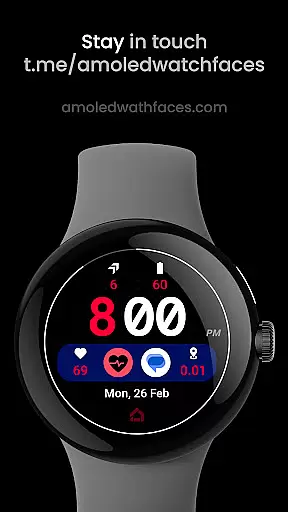
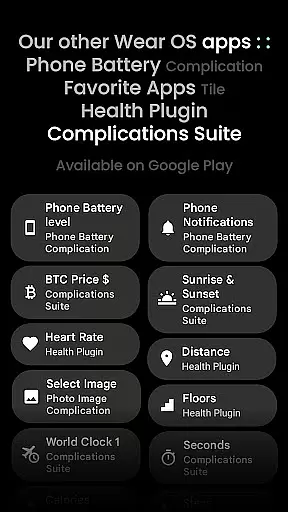
One of the key highlights of Widgets 2 is its compatibility with custom complication apps, allowing users to display phone notifications directly on their watch faces. With support for 8 custom complication slots and unique color themes, this app provides exceptional flexibility in creating personalized watch faces. Its burn-in protection feature and progress bar seconds indicator make it particularly suitable for users who want both functionality and style in their wearable devices.
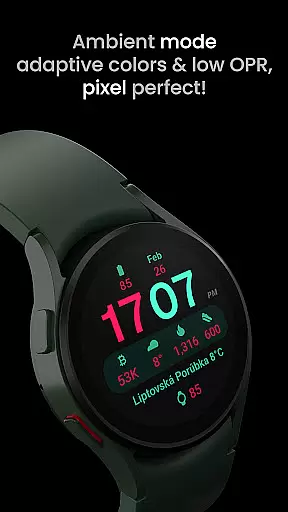
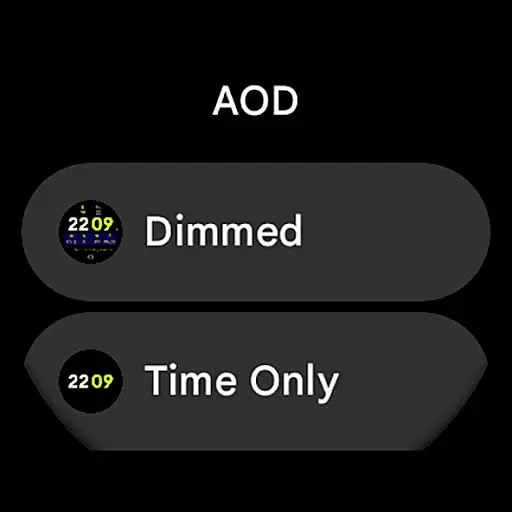
Widgets 2 stands out with its comprehensive set of features tailored for power users of Wear OS devices. The application implements Watch Face Format 1, ensuring full compatibility with the latest Wear OS versions. Its unique ambient mode operates with low OPR and adaptive colors, providing both aesthetic appeal and practicality during use.
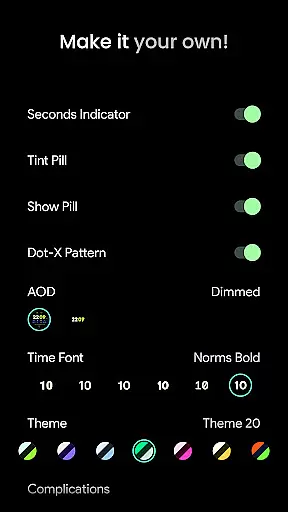
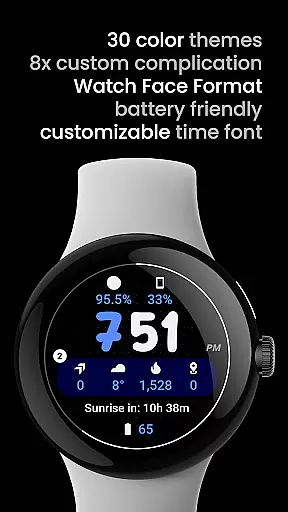
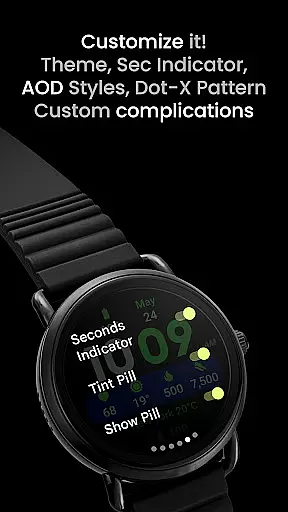
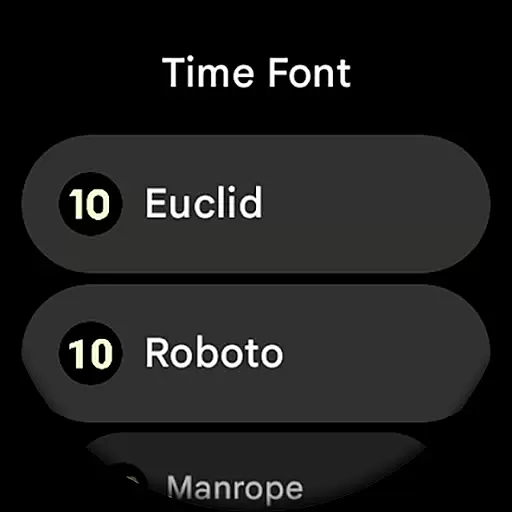
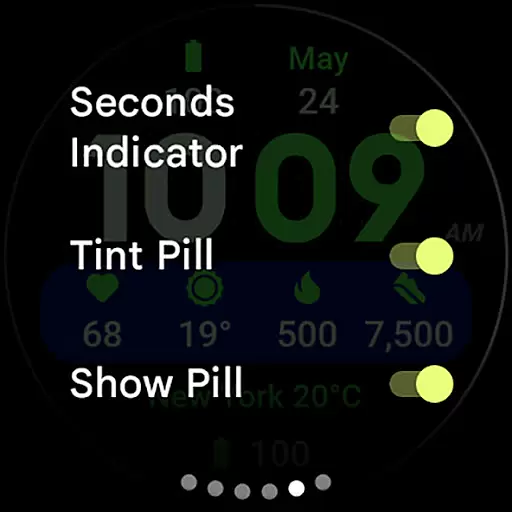
The app's customization capabilities are extensive, offering users 30 different themes, 7 time font options, and various AOD styles. Users can toggle features like seconds indicators, tint pills, and dot-X patterns according to their preferences. The inclusion of 8 custom complication slots enables seamless integration with other productivity apps, while the customizable time font allows for personal expression. These features collectively create a powerful tool that enhances both the functionality and visual appeal of Wear OS devices.
Task management is a cornerstone of productivity applications, and Widgets 2 excels in providing users with the tools necessary for efficient task organization. This app offers a comprehensive suite of features that cater to the needs of users who require meticulous control over their schedules and tasks.
Widgets 2 provides up to eight customizable complication slots, allowing users to prioritize and manage tasks effectively. Each slot can be tailored to display different types of information relevant to the user's workflow, such as time, notifications, or specific app data, ensuring that the most critical information is always at hand.
The true power of this application lies in its seamless integration with the latest Wear OS devices, offering unique color themes and an ambient mode that adapts to user preferences and environments. These features not only enhance usability but also contribute to a personalized and engaging experience that can lead to improved productivity and task management.
Cross-device synchronization is vital for users who operate across multiple platforms and need reliable access to their data at all times. Widgets 2 addresses this need by ensuring that all user configurations and custom complications are accurately synchronized across Wear OS devices.
With support for high-resolution displays and true black backgrounds, Widgets 2 delivers a consistent visual experience that preserves the integrity of the user's data presentation. The synchronization process is robust, maintaining the quality and accuracy of the displayed information, whether it pertains to time, notifications, or other app-specific details.
Moreover, Widgets 2 incorporates burn-in protection and adaptive colors in its ambient mode, which safeguards the device screen while maintaining readability. Users can trust that their widgets will remain functional and visually appealing, regardless of the device they are using, thus enhancing the overall reliability of cross-device operations.
User-friendly interface
Extensive customization
Burn-in protection
High resolution support
Unique color themes
Not for rectangular watches
Wear OS 4+ only
Separate app required
Complex setup process
Premium features locked

A customizable calendar for your Wear OS watch
 4.20
4.20
The long-awaited modern gallery app for your Nextcloud server
4.70
A simple, portable logger for POTA, SOTA, Field Day, and more
4.1
App lock - lock apps with fingerprint, password, pin or pattern, protect privacy
4.70
PDF scanner & converter for files, photos, lottery, QR codes. One swipe away!
4.50
Enjoy classic gameplay with customizable features and retro-style graphics.
4.30
Secure, open-source, SPICE and SSH Remote Desktop for QEMU KVM virtual machines
4.00
AT&T Internet customers can use this app to personalize their Wi-Fi network.
4.40
Set up, print, and get support—in one place
4.20
Use powerful, industry-leading AI tools to generate visual charts from any data
4.80
Share files & memories safely. Keep your photos and videos secure.
4.40
A Pixel Art watchface inspired by other iconic 90s designs for Wear OS devices!
4.40 4.20
4.20
Total remote control for your Android device, PC and cloud services (IFTTT)!
4.20
All in One PDF Reader: Manage, Read and Edit your Documents
4.20
Remotely view listen control and record cameras.
3.70
ID.me Authenticator is a simple and free Two Factor Authentication solution
3.50
Code on-the-go with VScode for Android. Edit,debug and collaborate from mobile!!
3.10
A comprehensive suite of tools designed specifically for Lactation Consultants
4.0


User Reviews