
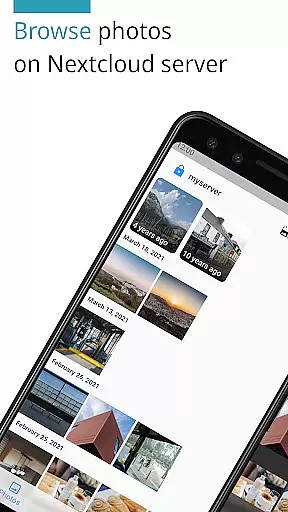
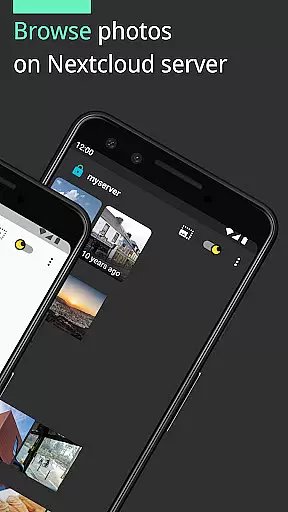
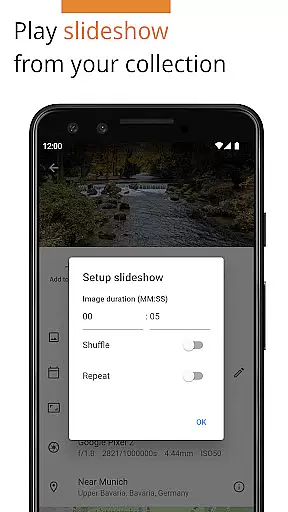
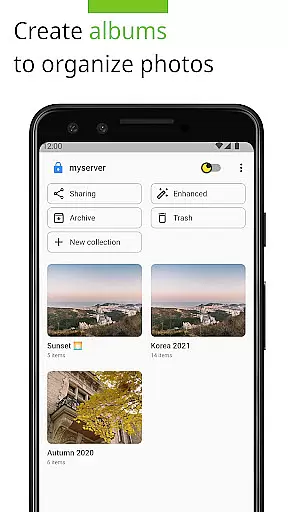
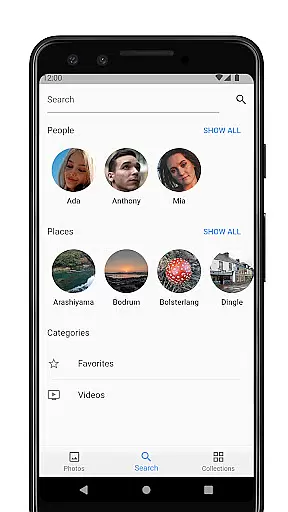

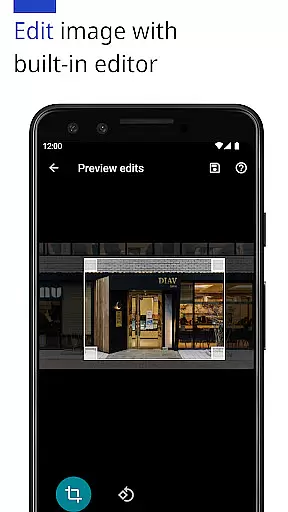
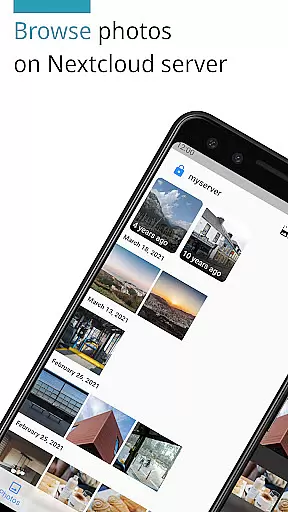
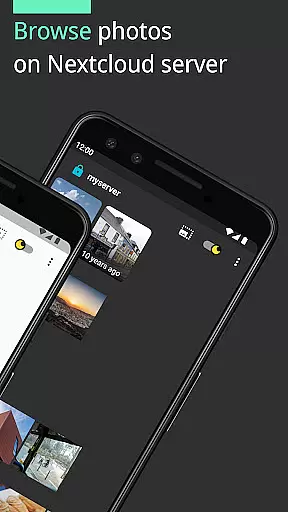
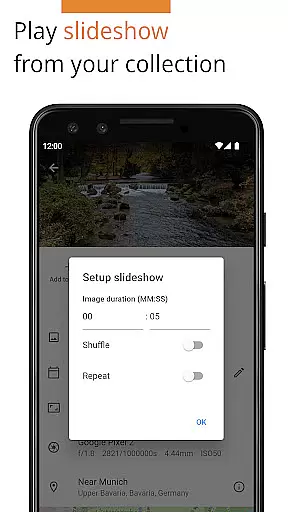
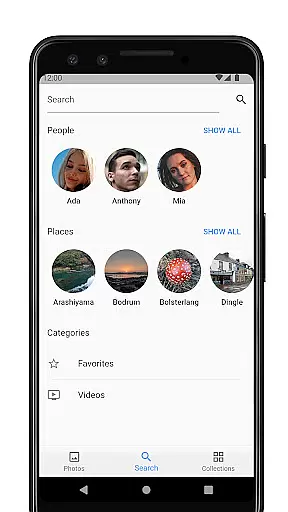
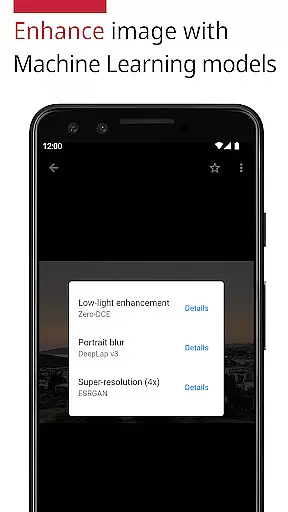
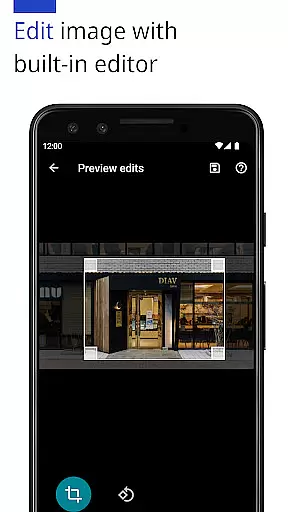
Photos for Nextcloud is a powerful productivity app designed to enhance photo management on the Nextcloud platform. This app offers advanced features such as JPEG XL support, client-side EXIF extraction, and machine learning-based photo enhancement. Users can edit photos with the built-in editor, create flexible albums, and even perform reverse geocoding.
The app supports multiple sign-in servers and allows experimental shared albums with users on the same server. With support for various formats including JPEG, PNG, WebP, HEIC, GIF, JPEG XL, MP4, and WebM, it ensures broad compatibility. Its integration with Nextcloud apps like Face Recognition adds another layer of functionality, making it an essential tool for efficient photo management.
One of the standout features of Photos for Nextcloud is its extensive format support and advanced photo handling capabilities. The app supports JPEG XL, extracts EXIF data on the client side, and uses machine learning models to enhance photos. It also includes a built-in editor for direct photo editing.
Album management is more flexible than ever, allowing users to organize their collections efficiently. Additionally, the app supports signing in to multiple servers and creating shared albums, which is ideal for collaborative projects. Being open source, it provides transparency and opportunities for community contributions, ensuring continuous improvement and adaptation to user needs.
Task management is a cornerstone of productivity applications, and Photos for Nextcloud excels in this area by offering users the ability to efficiently organize their digital assets. The app supports a variety of formats including JPEG, PNG, WebP, HEIC, GIF, JPEG XL for images, and MP4, WebM for videos, ensuring that all user media can be centrally managed.
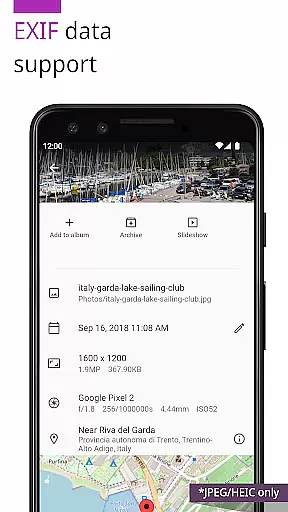
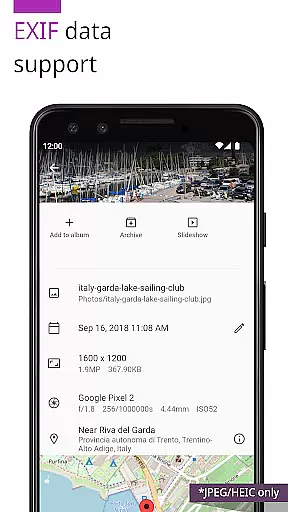
The application provides advanced features such as client-side EXIF extraction, which allows users to maintain metadata even for file types not natively supported by the server. This ensures that important information like geotags and timestamps are preserved, enhancing the overall organization and searchability of photos.
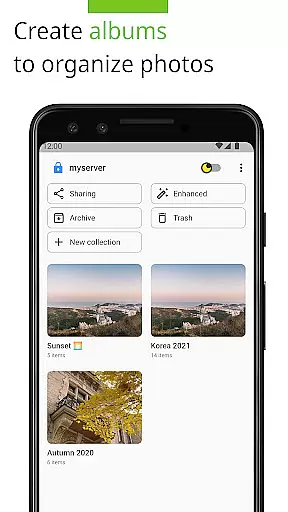
Additionally, Photos for Nextcloud offers flexible album creation and reverse geocoding capabilities, empowering users to categorize and locate their images with ease. These tools contribute to a streamlined workflow, allowing users to focus on their creative processes rather than getting bogged down by cumbersome organizational tasks.
Cross-device synchronization is vital for maintaining consistency and accessibility across multiple platforms, and Photos for Nextcloud delivers reliable performance in this domain. Users can sign in to multiple servers, ensuring that their photo libraries are synchronized and up-to-date regardless of the device they are using.
This app also supports shared albums with users on the same server, an experimental feature that promotes collaboration and easy sharing among teams or family members. By enabling real-time updates and interactions, it enhances connectivity and ensures everyone has access to the latest content.
Furthermore, being open source adds another layer of trust and transparency to its synchronization processes. Users can verify the integrity of the code themselves, providing peace of mind when it comes to data security and reliability. Overall, these features make Photos for Nextcloud a robust solution for managing digital assets across various devices seamlessly.
User-friendly interface
Advanced photo editing
Multiple server support
Flexible album creation
Open-source platform
Limited codec support
Experimental sharing
No offline mode
Paid version only
Complex setup

The Pro Version of Android's tiniest Notepad app. Just 0.3MB but feature-packed!
 4.60
4.60
A simple, portable logger for POTA, SOTA, Field Day, and more
4.0
Translate text/voice/photos in 150+ languages. Offline & fast translator app.
4.50
Create and edit presentations with Google Slides, part of Google Workspace.
4.00
Tally and goal counter for Wear OS & mobile
4.50
Lightweight PDF, Word, Excel reader.
4.60
Daily processing of PDF documents.
4.40
Set up, print, and get support—in one place
4.20
Note taking, handwriting, record audio, PDF annotation, planner & journal
4.20
Mind Map and brainstorm, note taking and idea collection
4.80
Android Wallet Password Manager
4.80
Absolutely the best CNC machinist speed and feed calculator around. fswizard.com
4.60
To do list widget with a notebook organizer, checklist, simple shopping list
4.60
Planet Free VPN - The best Fast Unlimited and Secure VPN Without Logs
4.50
Experience Reading - Night Mode for Documents
4.40
A lightweight JSON & XML files creator, editor and viewer (Premium Version)
4.40
Experience real multitasking on your Android!
4.00
Access your phone's notifications, calls, apps, photos & texts on your PC
3.90
Smart PDF reader & editor to view, organize and manage PDF documents easily.
3.70


User Reviews