
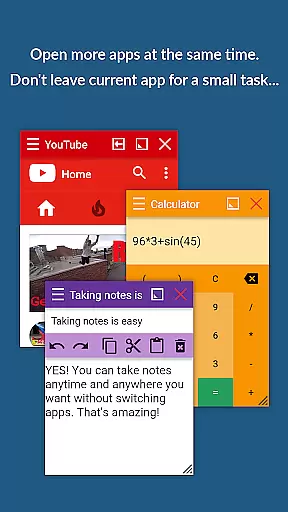
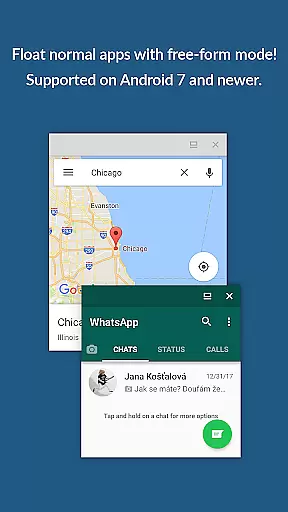
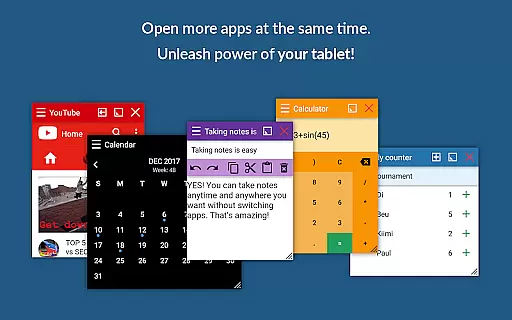
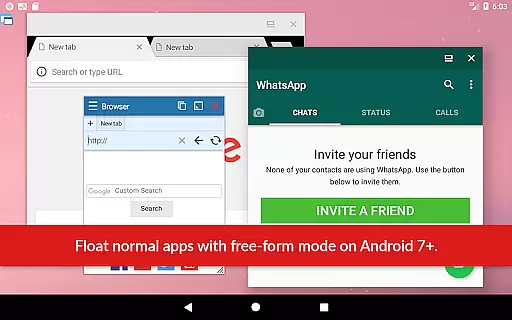
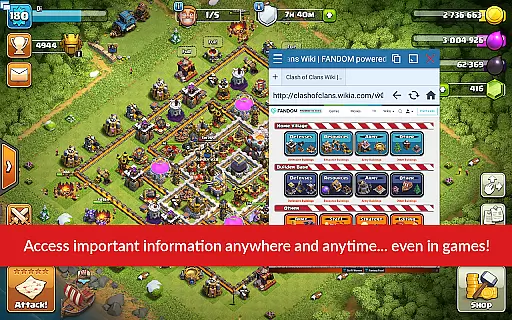
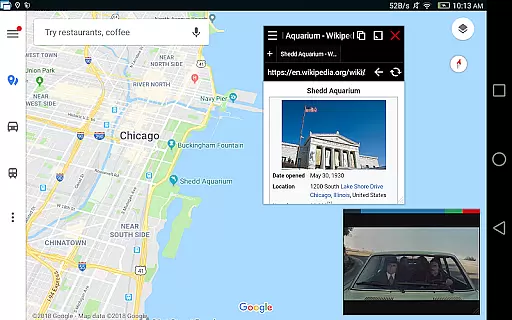
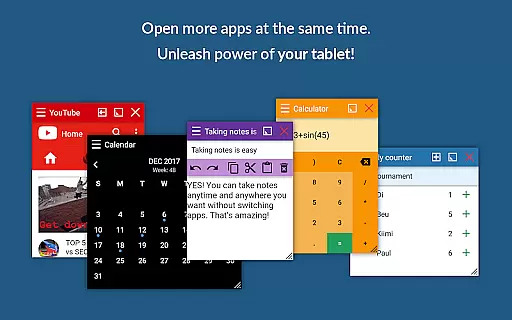
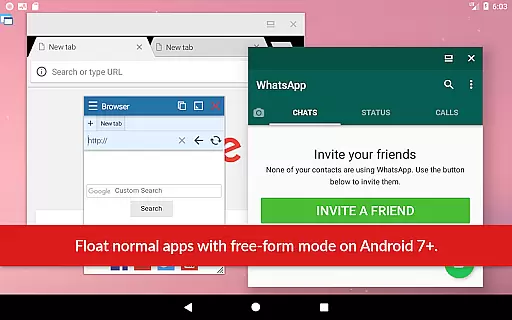
Floating Apps revolutionizes multitasking on Android devices by enabling users to run multiple apps simultaneously in floating windows. This productivity tool allows seamless integration of tasks without the need to switch between applications, thus optimizing workflow and efficiency.
Key functionalities include watching videos, taking notes, viewing documents, and accessing email attachments without leaving the current app. With support for over 41 floating mini-apps including a browser, document viewer, YouTube, calculator, and more, it caters to diverse user needs. Additionally, its customization options allow users to create their own floating apps from widgets and URLs.
Ideal for professionals and students alike, Floating Apps enhances productivity by allowing concurrent task management. Its intuitive interface and advanced features like window resizing, transparency control, and one-tap access via Floating Menu make it an indispensable tool for efficient multitasking.
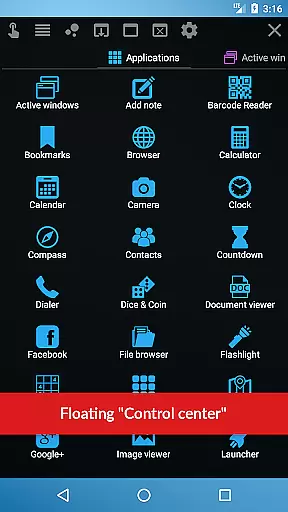
Floating Apps stands out with its extensive collection of over 41 built-in floating mini-apps, ranging from essential utilities like a floating browser, document viewer, and calculator to entertainment options such as YouTube and Facebook. Each mini-app is designed to operate independently within a floating window, providing unparalleled multitasking capabilities.
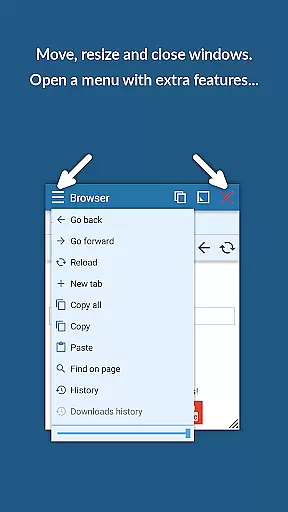
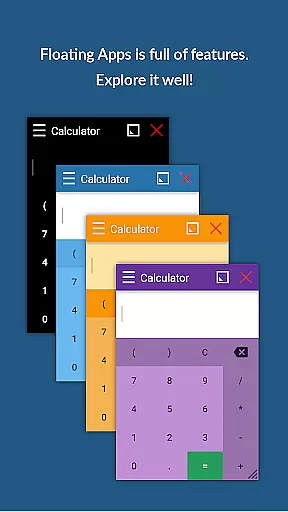
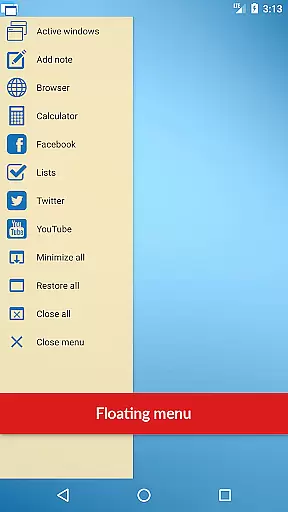
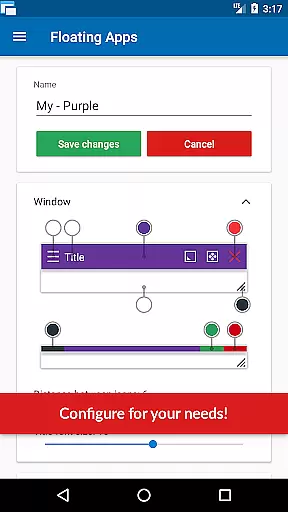
The app's innovative features include the ability to convert home screen widgets and URLs into custom floating apps, maximizing user flexibility. The powerful Floating Menu and Quick Launch functions enable instant access to both floating and regular apps, enhancing usability. Users can easily manipulate window size and position, adjust transparency, and utilize context menus for advanced controls.
Furthermore, Floating Apps supports real-time multitasking across various scenarios, whether it's for work-related tasks like document editing or leisure activities such as video streaming. Its compatibility with all Android devices ensures broad accessibility, while the developer's commitment to continuous improvement guarantees a reliable and evolving user experience.
Floating Apps revolutionizes the way users handle multiple tasks on their Android devices by enabling real multitasking. This is achieved through its innovative floating window system, which allows users to open and manage more apps simultaneously without minimizing or closing the current application.
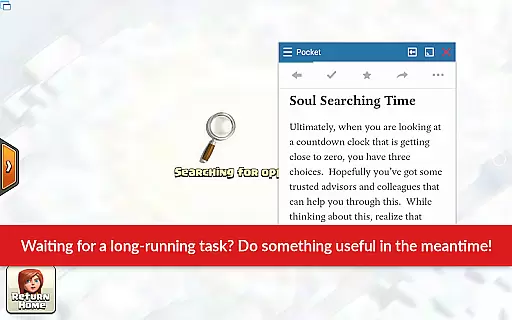
The app comes equipped with over 41 built-in floating mini-apps, ranging from a floating browser, document viewer, calculator, to multimedia players. Each of these can be accessed and used in a floating window, allowing users to perform auxiliary tasks while still engaged in their primary activity, such as watching a YouTube video while checking emails.
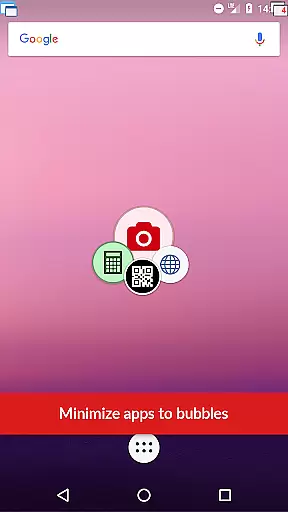
With features like Floating Menu and Quick Launch, accessing these floating apps is seamless and instant. Users can easily tap on the always-on-top quick launch icon to open any floating app, ensuring that task management does not interfere with the user's main workflow.
This sophisticated approach to multitasking significantly enhances productivity, as it minimizes the time and effort required to switch between tasks. Whether for personal or professional use, Floating Apps streamlines operations and optimizes the user's multitasking capabilities on their mobile device.
Cross-device synchronization is crucial for users who operate on multiple devices and need their data and applications to be up-to-date across all platforms. Floating Apps addresses this need by providing reliable synchronization features that ensure a consistent experience whether on a phone, tablet, or other Android devices.
While the primary function of Floating Apps is to facilitate multitasking through floating windows, it also supports creating custom floating apps from home screen widgets and URLs. This means users can synchronize their personalized workflows and app shortcuts across devices, maintaining a uniform workspace.
Although specific details about cloud integration or automatic sync features are not highlighted in the app description, the ability to replicate one's multitasking environment on any Android device is implied through the appu2019s versatile functionality. This ensures that users can rely on Floating Apps to deliver a dependable cross-device experience.
By empowering users to have a synchronized and efficient working environment across different devices, Floating Apps not only boosts productivity but also offers peace of mind knowing that their floating app configurations and associated tasks are reliably mirrored wherever they go.
User-friendly interface
Extensive app collection
Customizable floating windows
Advanced multitasking features
Wide language support
May consume significant memory
Some features require learning
Premium version costs extra
Occasional performance lags
Not all apps are equally useful

Ads Free App! Editor, Hide File, Copy, Move, Delete and Rename.. all facility av
 1.70
1.70
Mega cloud explorer plugin for Solid Explorer
3.80
8 custom complications. Custom Time Fonts. Beautiful color schemes. A++ Design.
5.00
Automates browsing any website and notifies you of important changes or events
4.30
A simple, portable logger for POTA, SOTA, Field Day, and more
4.2
Secure, fast, open-source, Remote Desktop Client for Windows and Linux with SSH
4.60
All document reader, all in one file viewer read PDF, DOCX, XLS, PPT, TXT files.
4.60
Great calculator for Android named one of USA TODAY's "25 Essential Apps".
4.90
Lightweight PDF, Word, Excel reader.
4.60
Multilingual translator for text, voice, and image translation!
4.90
Okta MFA
4.70
Client for Nextcloud Deck
4.60
Share files & memories safely. Keep your photos and videos secure.
4.40
A customizable calendar for your Wear OS watch
4.20
All in One PDF Reader: Manage, Read and Edit your Documents
4.20
⏰ Finally a timer app which can run multiple timers simultaneously on your watch
3.90
Ultimate Virtual AI Character for immersive Roleplay Chat. Perfect Companion
3.90
Auto-shutoff Alarm with Sunrise, Sunset & Fixed Options.
3.50
AI Video AI Image Private LLM AI Browser Llama Gemma Ollama Connect LLM Studio
4.4


User Reviews