
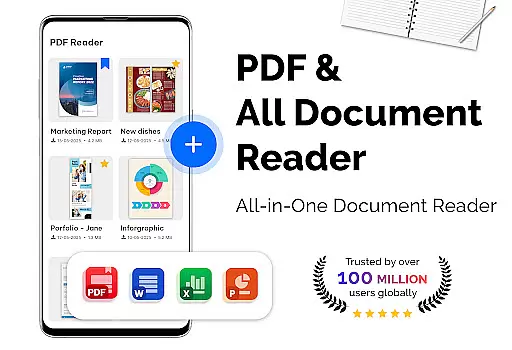
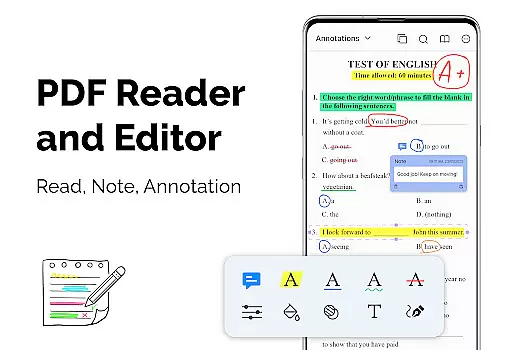
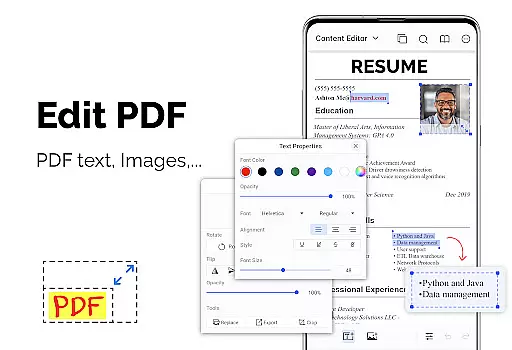
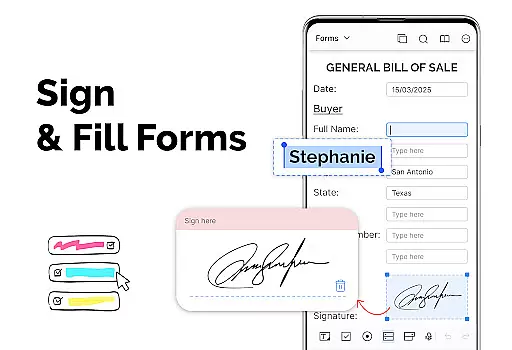
PDF Reader - PDF Viewer is a versatile productivity app designed for seamless document management. This application allows users to read all types of PDF files, even those with password protection, directly from their mobile devices. With its lightweight design and advanced technology, the app ensures quick loading and smooth display of large PDF documents.
The app offers multiple viewing modes including single page, two-page layout, book mode, and full-screen options. Users can easily navigate through documents using features like quick page moving and bookmarks. Additionally, it provides customization options such as theme selection and orientation preferences, making it suitable for both professional and casual use.
PDF Reader - PDF Viewer stands out with its comprehensive feature set tailored for efficient document handling. The app's quick display technology enables rapid loading of even large PDF files, while various display modes cater to different reading preferences. Users can choose between vertical and horizontal views and create bookmarks for easy navigation.
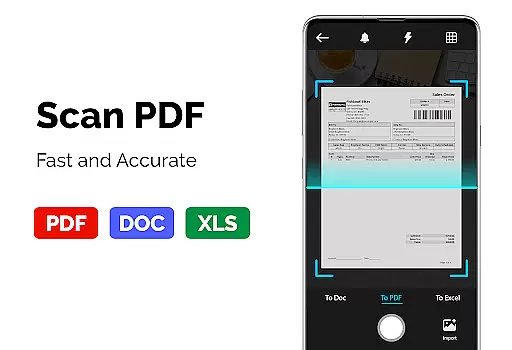
Beyond basic viewing capabilities, this app functions as a powerful PDF converter and scanner. It can transform images, receipts, and notes into PDF format and convert PDFs into JPG images with annotations. The built-in PDF creator allows users to generate PDF documents from multiple image formats including PNG, JPG, TIFF, and GIF.
Notably, the app maintains exceptional performance when handling large files, supporting PDFs over 300MB in size without compromising speed or functionality. This makes it particularly valuable for professionals who regularly work with extensive documentation.
In the realm of productivity applications, effective task management is crucial. PDF Reader u2013 PDF Viewer excels in organizing and handling PDF documents with utmost efficiency. The app's quick display technology ensures that even large files load swiftly, providing users immediate access to their content.
The application supports a variety of display modes including single page, two-page spread, book mode, and full-screen options. This flexibility allows users to customize their reading experience according to their preferences or the requirements of the document they are viewing.
Additionally, features such as quick page moving and bookmarks enhance navigation through lengthy or complex PDFs. Users can jump to specific pages or create bookmarks for easy reference, streamlining the process of managing multiple documents or revisiting key sections.
For professionals and students alike, having reliable cross-device synchronization is a game-changer. PDF Reader u2013 PDF Viewer offers seamless integration across devices, ensuring that your PDF library is always up-to-date regardless of where you make changes.
Whether you're converting images to PDFs, creating new PDFs from various image formats, or transforming PDFs into JPGs for sharing purposes, these actions sync effortlessly. This means any edits or creations done on one device will reflect on all others linked to your account.
This level of synchronization not only saves time but also provides peace of mind knowing that important documents are accessible and consistent across all platforms. With support for password-protected files and an intuitive interface, PDF Reader u2013 PDF Viewer stands out as a dependable tool for anyone needing robust document management capabilities.
User-friendly interface
Advanced PDF support
Fast file loading
Comprehensive conversion tools
Customizable viewing options
Limited collaboration features
No cloud integration
Basic editing capabilities
Occasional compatibility issues
Premium feature lock

 4.20
4.20
Find and delete junk files & block unwanted notifications & manage files
3.70
Activate Two Factor Authentication (2FA or Multi OTP), Password manager and more
4.10
Functional QR scanner and barcode reader that requires little storage space.
4.60
Calendar 2023 widget for Android. Appointment scheduler, planner, and reminder
4.60
A beautiful digital clock with autostart and many other functions
4.70
A Pixel Art watchface inspired by other iconic 90s designs for Wear OS devices!
4.40
Daily processing of PDF documents.
4.40
Put a lock on your cloud: Take the security of your data into your own hands
3.70
Best Tool for the professionals Electrician, Electrical contractors, etc.
4.90
Multilingual translator for text, voice, and image translation!
4.90
Android Wallet Password Manager
4.80
Client for Nextcloud Deck
4.60
A lightweight JSON & XML files creator, editor and viewer (Premium Version)
4.40
Device's storage information in a simple and clear graphical form (infographics)
4.10
Experience real multitasking on your Android!
4.00
Create and edit presentations with Google Slides, part of Google Workspace.
4.00
Auto-shutoff Alarm with Sunrise, Sunset & Fixed Options.
3.50
Experience and share your SolidWorks designs on your Android® phone and tablet.
2.50


User Reviews