
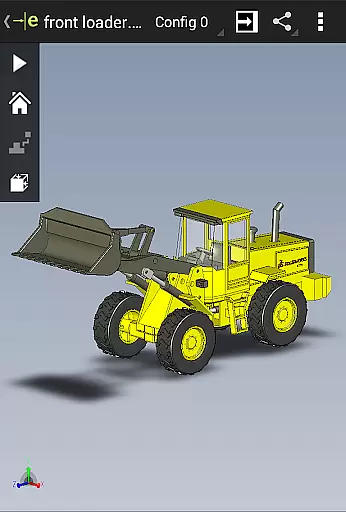
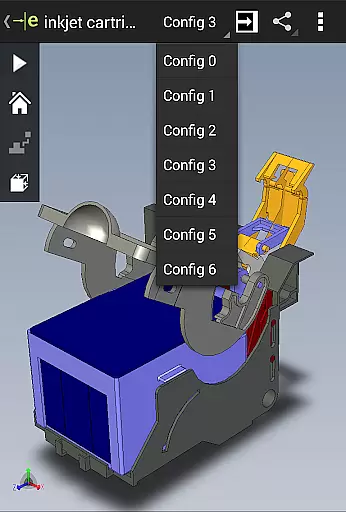
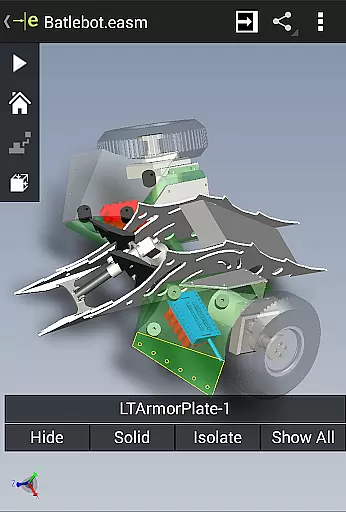
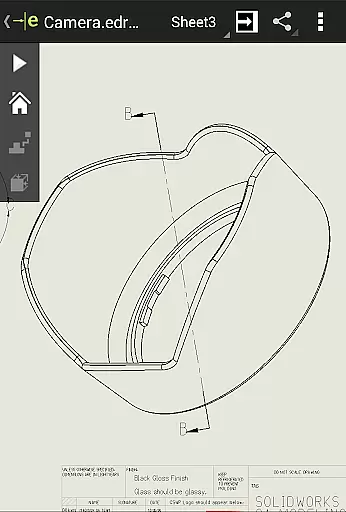
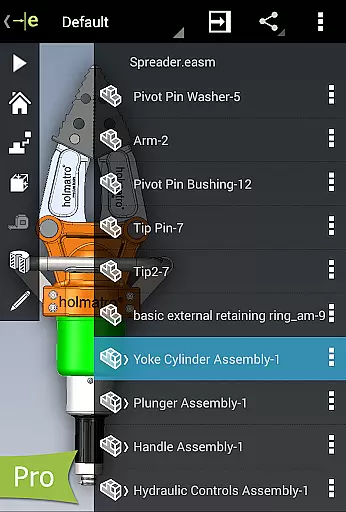
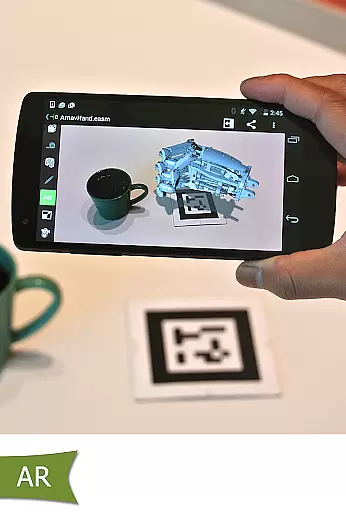
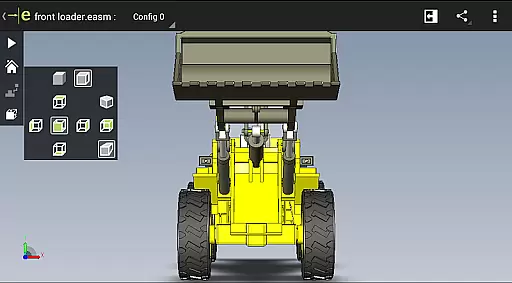
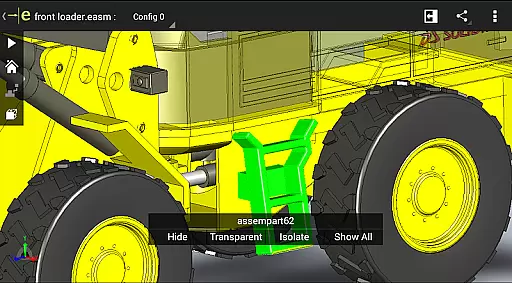
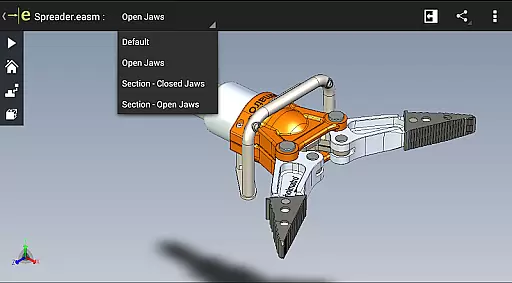
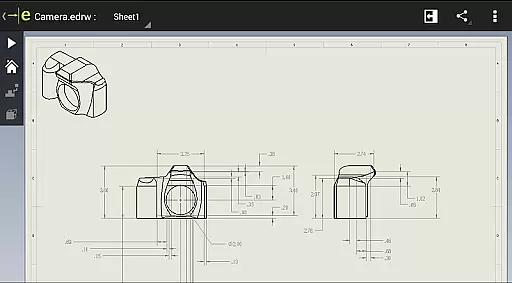
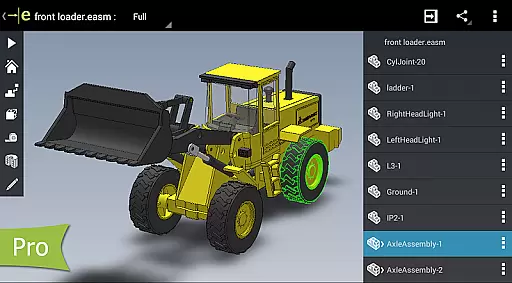
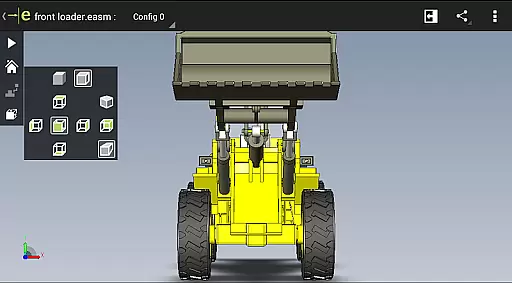
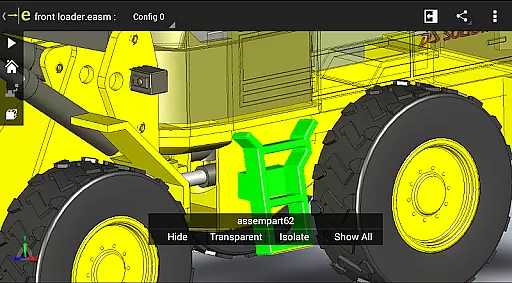
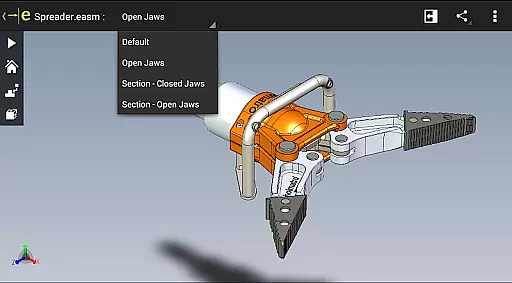
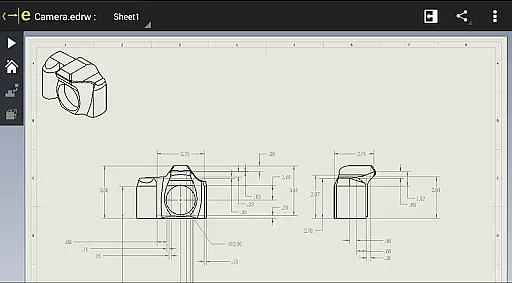
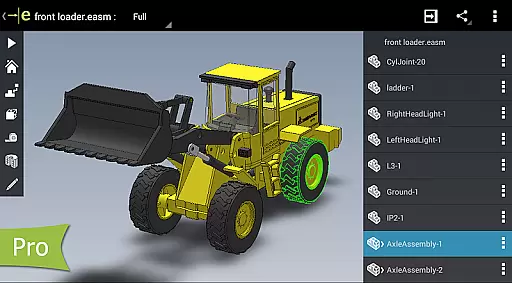
eDrawings is a powerful CAD viewer designed for Android devices, enabling users to view native eDrawings files as well as SolidWorks parts, assemblies, and drawings. This app revolutionizes the way product design information is shared by allowing users to load and send files via email, making collaboration seamless even with non-CAD users.
With multi-touch gestures, users can easily pan, zoom, and rotate models. The app supports drawing sheets and exploded views from SolidWorks, providing an intuitive experience for interpreting 2D and 3D designs. Its capabilities make it an essential tool for anyone involved in product development.
eDrawings offers an intuitive and user-friendly interface that supports various file formats including 3D (EASM, EPRT, SLDASM) and 2D (EDRW, SLDDRW) files. Users can open files from multiple sources such as email attachments, cloud storage services like Dropbox and Google Drive, web and FTP sites, and network folders.
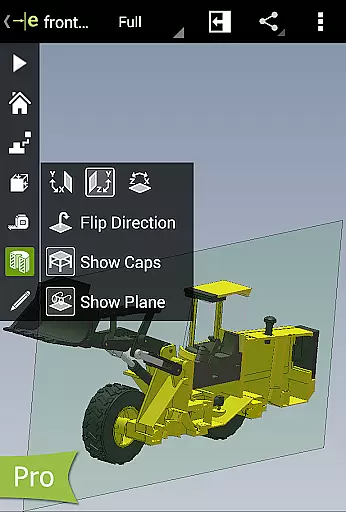
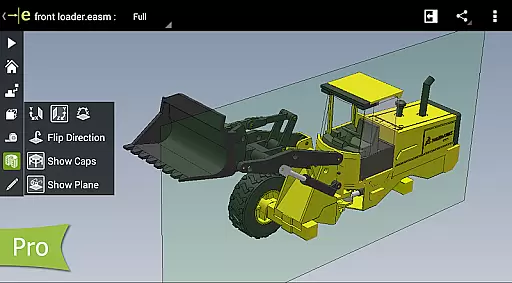
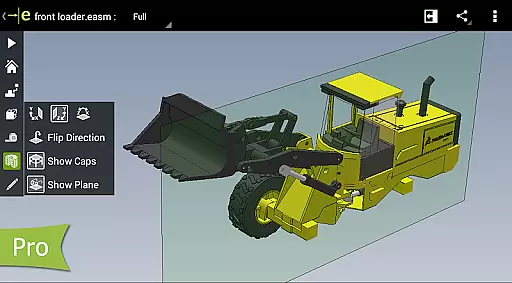
The app allows users to animate standard views, browse drawing sheets, and view designs in full screen. With the Pro version available through in-app purchase, users can measure designs, view dynamic cross-sections, create markups, and share these marked-up files for further review, enhancing collaboration and productivity.
Task management is a critical component of productivity applications like eDrawings. This feature allows users to organize, track, and manage their design projects efficiently.
eDrawings provides an intuitive interface for handling CAD files, enabling users to open, review, and collaborate on both 2D and 3D designs. With capabilities to load files from various sources including email attachments and cloud storage services, it ensures that all project stakeholders can access the necessary information without hassle.
The ability to animate views, browse drawing sheets, and visualize designs in full screen enhances the user's capacity to scrutinize every detail of their work. These functions streamline the design review process, making certain that nothing is overlooked during development stages.
By upgrading to eDrawings Pro through an in-app purchase, users unlock advanced features such as measurement tools and dynamic cross-section viewing which are essential for comprehensive task management within complex engineering projects.
Cross-device synchronization is vital for professionals who use multiple devices throughout their day-to-day operations. It ensures that any changes made on one device are reliably reflected across all others, maintaining consistency and up-to-date information at all times.
In eDrawings, this reliability is demonstrated by its seamless integration with different file sources such as Dropboxu2122, Google Drive, and other cloud storage solutions. Users can easily send files via email or share them directly from the app, ensuring that everyone involved in product development has the latest version of the design.
Moreover, eDrawings supports multi-touch gestures for panning, zooming, and rotating models, providing a consistent experience whether you're using a phone or tablet. The application's support for exploded views and drawing sheets further guarantees that detailed information is preserved during transitions between devices.
With these robust synchronization capabilities, eDrawings facilitates effective collaboration among team members regardless of their physical location or preferred device type, thus enhancing overall productivity within distributed teams.
Easy-to-use interface
Supports multiple file formats
Enhances collaboration
Multi-touch gestures
Pro version upgrades
Limited free features
In-app purchases required
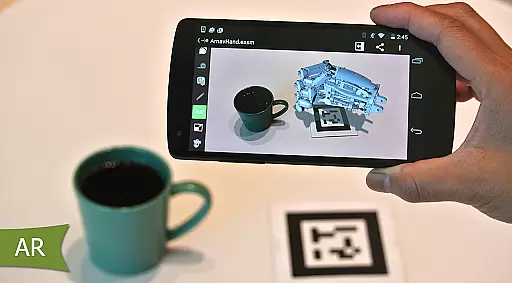
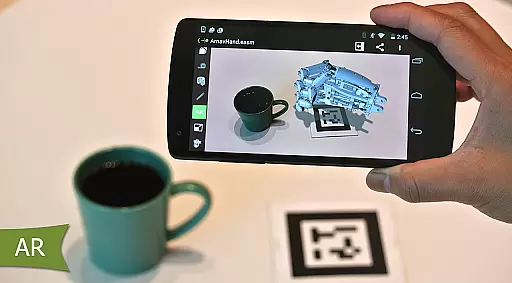
Occasional AR issues
Complex for beginners
Device compatibility

A Revolutionary All-in-One Artificial Intelligence Tools
 3.80
3.80
Total remote control for your Android device, PC and cloud services (IFTTT)!
4.20
Mega cloud explorer plugin for Solid Explorer
3.80
Device's storage information in a simple and clear graphical form (infographics)
4.10
Make your handwriting beautiful, even more than pen on paper.
3.60
Easiest event planning, volunteer signups & parent teacher conference scheduling
2.20
Functional QR scanner and barcode reader that requires little storage space.
4.60
A comprehensive suite of tools designed specifically for Lactation Consultants
4.1
Ultimate Virtual AI Character for immersive Roleplay Chat. Perfect Companion
3.90
Great calculator for Android named one of USA TODAY's "25 Essential Apps".
4.90
Client for Nextcloud Deck
4.60
Planet Free VPN - The best Fast Unlimited and Secure VPN Without Logs
4.50
Subscribe to Webcal & .ics calendars and keep them up-to-date!
4.50
CalenGoo is a very flexible and feature-rich calendar app
4.40
All in One PDF Reader: Manage, Read and Edit your Documents
4.20
Cloud storage, automatic phone backup, and more.
4.10
Simple and reliable communication between inmates, friends and family
3.20
AI Video AI Image Private LLM AI Browser Llama Gemma Ollama Connect LLM Studio
4.5
A simple, portable logger for POTA, SOTA, Field Day, and more
4.5


User Reviews