
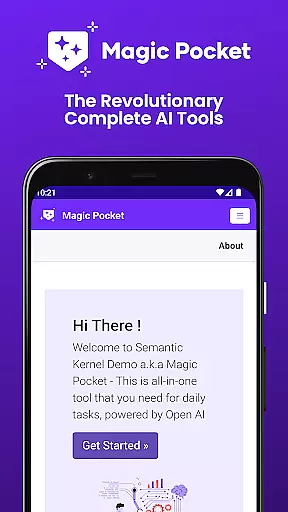
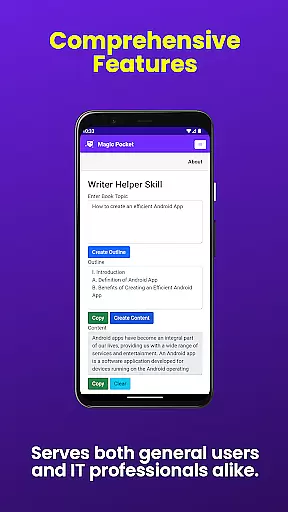
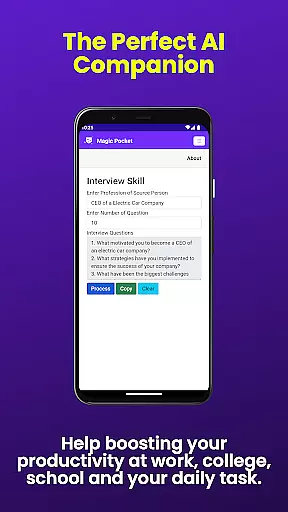

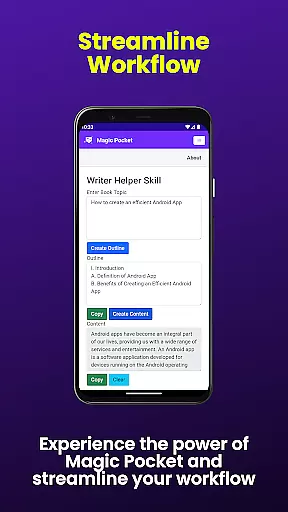
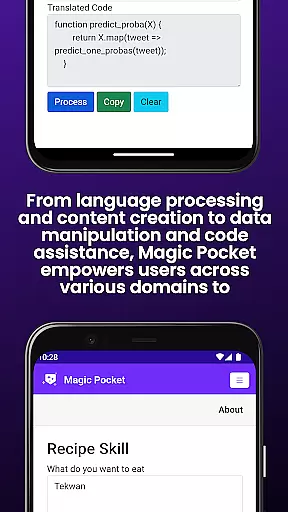
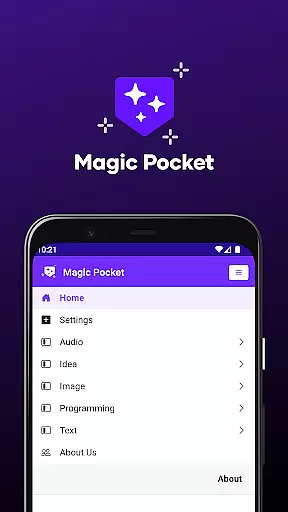
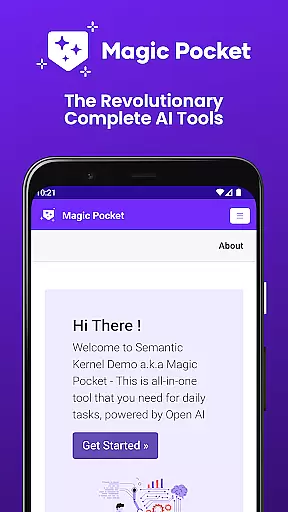
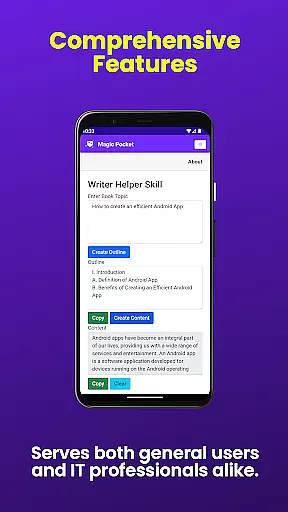
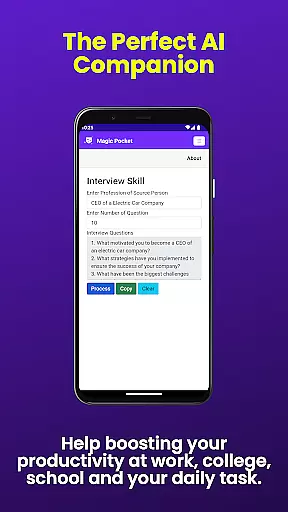

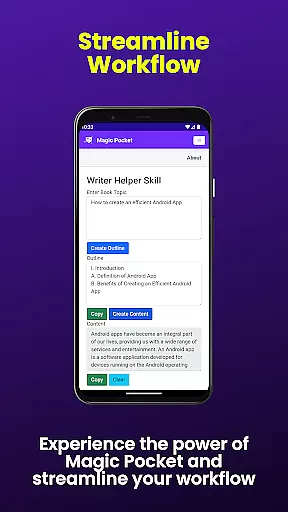
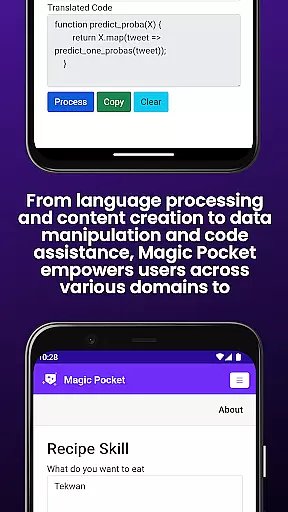
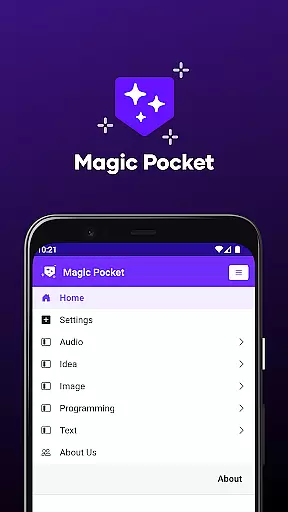
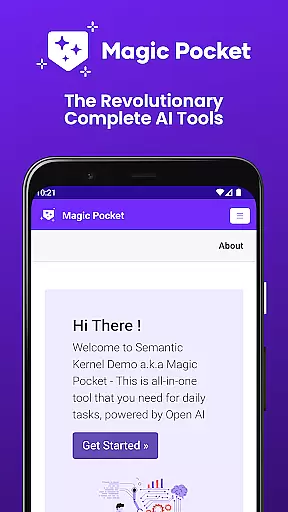
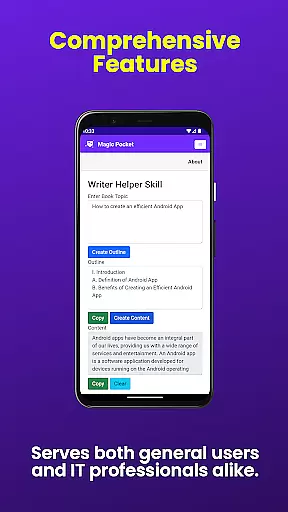
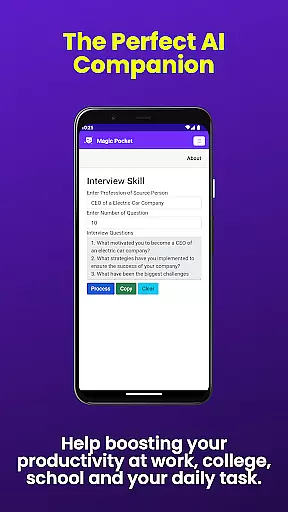

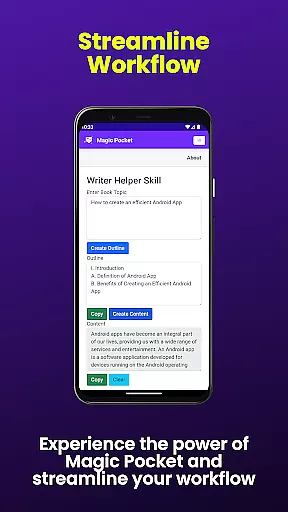
Magic Pocket is a productivity powerhouse, offering users an extensive suite of 100 cutting-edge features designed to enhance creativity and efficiency. Available on Android and Windows platforms, this app provides innovative tools for media management, creative projects, and text transformation.
At its core, Magic Pocket enables seamless video conversations, smooth speech-to-speech translation, and effortless image data extraction. The application stands out with its ability to generate high-quality content through various AI-powered features like Luma Video Generator, Sana Image Generator, and Photon Image Generator.
Whether you're creating stunning headshot images, converting HTML to Markdown, or transforming images into emojis, Magic Pocket delivers exceptional value. Its comprehensive feature set makes it an indispensable tool for professionals and creatives seeking to maximize their productivity while maintaining creative control.
Magic Pocket distinguishes itself through its diverse range of innovative features. The app's Talk with Video function allows users to engage in seamless video conversations, while the Extract Image Data tool enables effortless data extraction from images.
Among its most impressive capabilities are the AI-powered content generators. The Luma Video Generator creates high-quality videos, while the Sana Image Generator produces detailed images using Nvidia's advanced model. The Photon Image Generator offers another powerful option for image creation.
The application also includes practical tools like Html to Markdown converter, Speech to Speech translation, and Video Foreground Extractor. These features, combined with creative tools such as Image to Emoji transformer and Handwriting Generator, make Magic Pocket an unparalleled productivity solution that caters to both professional and creative needs.
Task management is a cornerstone of productivity applications, and Magic Pocket excels in this domain by offering an extensive suite of tools designed to streamline your workflow. With the introduction of 100 features, users can now manage tasks with unprecedented precision and efficiency.
Magic Pocket's task management capabilities are highlighted by innovative functions such as Talk with Video for seamless communication, Extract Image Data for quick information retrieval, and Animate Image With Voice to add dynamic elements to static images. These features collectively ensure that users can handle various types of tasks within a single platform.
The advantages of using Magic Pocket for task management are manifold. Users benefit from enhanced productivity through features like Html to Markdown for content formatting, Speech to Speech for real-time language translation, and Headshot Image for professional image editing. This comprehensive approach allows individuals and teams to focus on their core activities without being bogged down by cumbersome processes.
Ultimately, Magic Pocket transforms how users approach task management by integrating cutting-edge technology with practical applications. Whether it's generating high-quality videos with Luma Video Generator or converting text to realistic handwriting with Handwriting Generator, each feature is crafted to provide tangible value and support to the user's daily operations.
Cross-device synchronization is vital for maintaining consistency and accessibility across multiple platforms, and Magic Pocket has made significant strides in ensuring reliable data exchange between Android and Windows devices. This functionality enables users to transition smoothly between different environments without losing progress or data integrity.
Magic Pocket achieves superior synchronization through its robust architecture that supports a wide array of features. For instance, the ability to change video backgrounds or extract video foregrounds ensures that multimedia projects remain intact regardless of the device used. Similarly, tools like Photon Image Generator and Vector Image Generator maintain the quality and clarity of visual content during transfers.
Users reap substantial benefits from this reliable synchronization, including uninterrupted workflows and consistent access to their creative assets. By leveraging technologies such as Sana Image Generator and Recraft Image Generator, Magic Pocket guarantees that every piece of content retains its original detail and vibrancy, whether accessed on a smartphone or desktop computer.
In summary, Magic Pocket sets a new standard for cross-device synchronization reliability, empowering users to work flexibly and efficiently. The assurance that all 100 features will perform consistently across devices not only enhances user satisfaction but also reinforces Magic Pocket's position as a leader in the productivity software market.
Extensive feature set
Cross-platform support
AI-powered tools
High-quality output
User-friendly interface
Steep learning curve
Resource-intensive
Limited iOS support
Complex navigation
Premium pricing

All in one sketching tool. Technical and General drawing. Online Maps support.
 3.70
3.70
Direct Chat without saving contacts & Dual WA Account on Single Device
4.70
Translate text/voice/photos in 150+ languages. Offline & fast translator app.
4.50
Calendar 2023 widget for Android. Appointment scheduler, planner, and reminder
4.60
Intelligent AI Assistant
4.10
Understand anything with a personalized AI research assistant
4.80
Set up, print, and get support—in one place
4.20
Browse and view your photos and videos from the phone with photo & video hide.
4.10
Put a lock on your cloud: Take the security of your data into your own hands
3.70
The long-awaited modern gallery app for your Nextcloud server
4.70
Okta MFA
4.70
Absolutely the best CNC machinist speed and feed calculator around. fswizard.com
4.60
Experience Reading - Night Mode for Documents
4.40
CalenGoo is a very flexible and feature-rich calendar app
4.40
Todo reminder
4.10
Take control of your clipboard with Clipper!
3.90
Mega cloud explorer plugin for Solid Explorer
3.80
Easiest event planning, volunteer signups & parent teacher conference scheduling
2.20
A simple, portable logger for POTA, SOTA, Field Day, and more
4.0


User Reviews