![Disk & Storage Analyzer [PRO] logo](https://cdn.linksharehub.com/ocp/?u=https%3A%2F%2Fl2.fancapitalize.com%2Fimages%2F2025%2F12%2Fe6da4367704733d389803d59b763e052.jpg&t=webp)
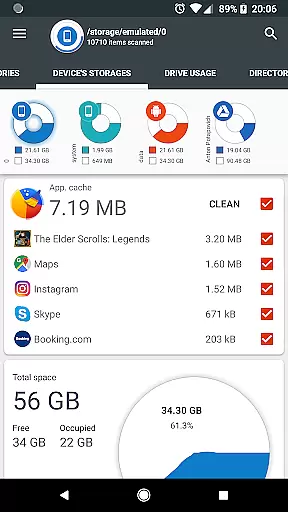
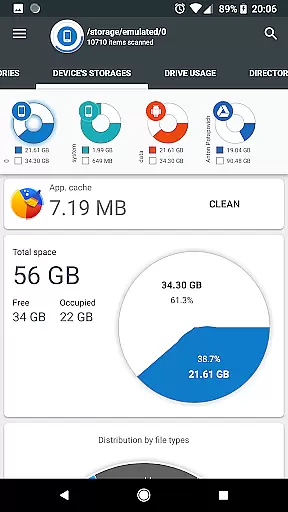
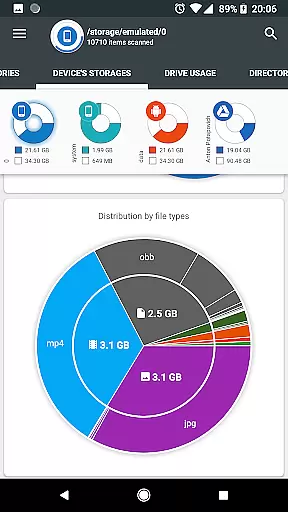
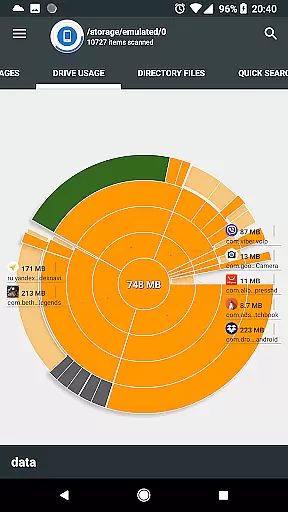
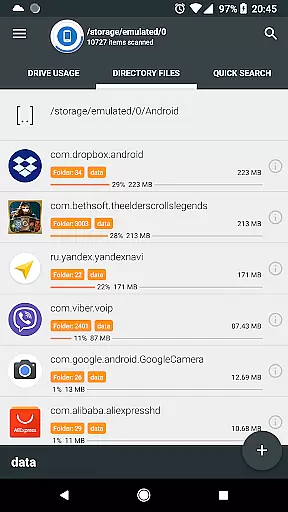
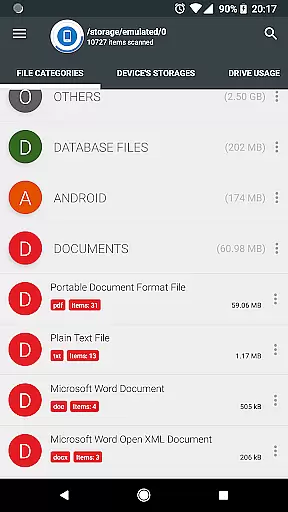
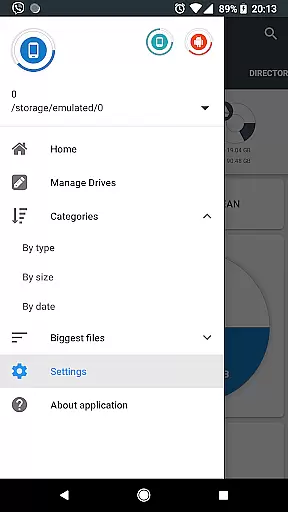
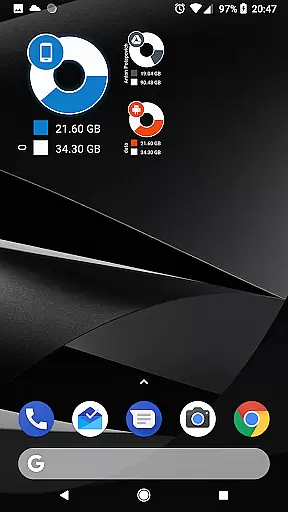
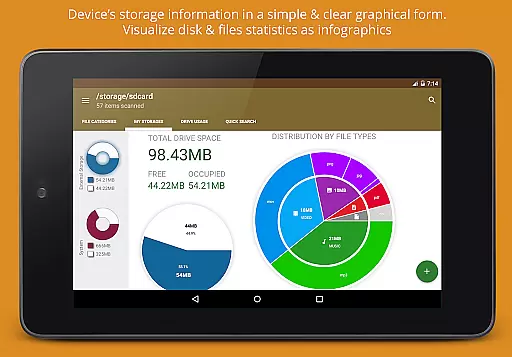
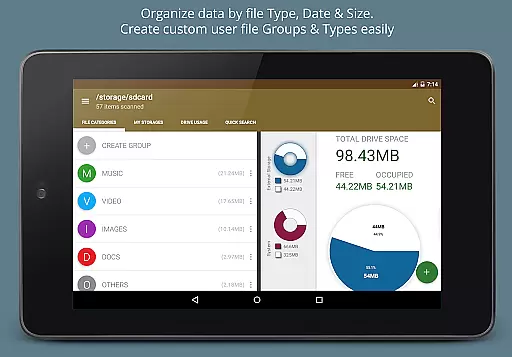
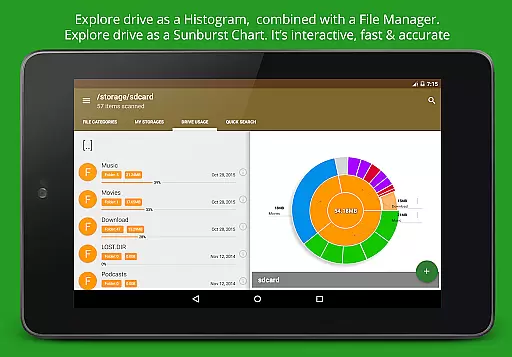
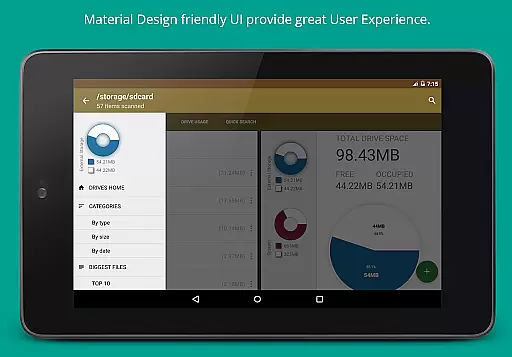
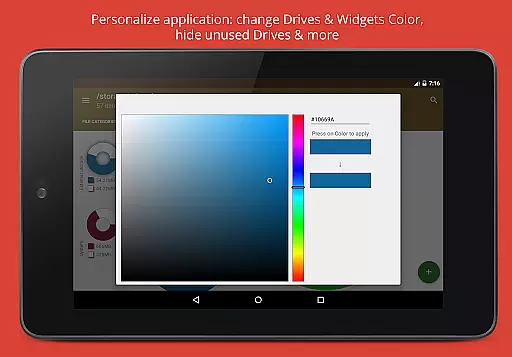
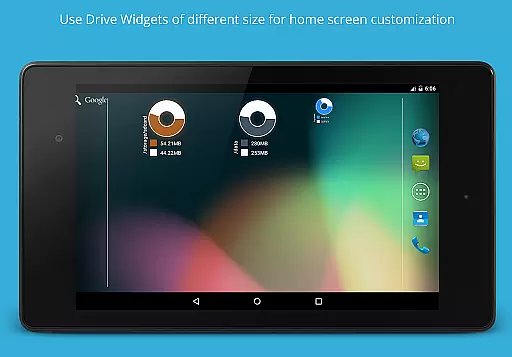
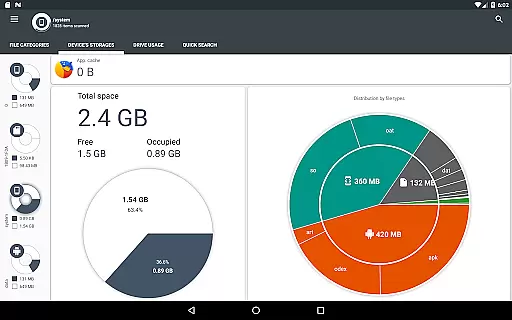
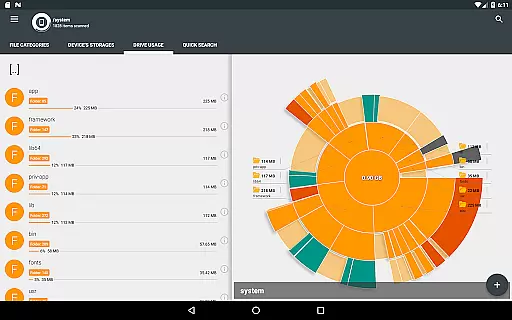
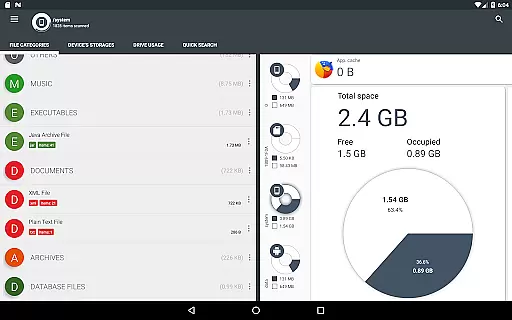
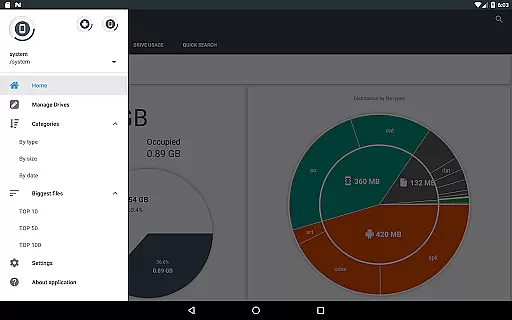
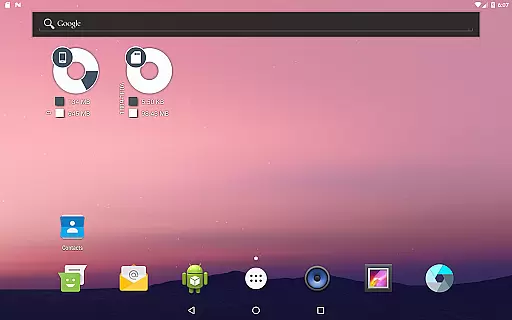
Disk & Storage Analyzer [PRO] is a comprehensive productivity tool designed to help users manage their device storage effectively. The app provides detailed insights into internal and external storage, USB devices, and cloud drives through intuitive infographics. Users can access clear graphical representations of file usage, including pie charts and sunburst diagrams, making it easy to understand storage distribution.
The application goes beyond basic storage analysis by offering advanced features like cache cleaning, app deletion, and cloud drive integration. It supports major cloud services such as Google Drive, Dropbox, and Yandex.Disk, allowing users to build statistics and reports for their cloud-stored files. With its user-friendly interface and powerful functionality, this app is an essential tool for anyone looking to optimize their digital storage space.
Disk & Storage Analyzer [PRO] stands out with its robust feature set tailored for storage management. The app's primary strength lies in its ability to generate detailed file usage reports and visualizations. Using sunburst charts, users can explore nested folder structures and identify large files quickly. This visualization approach provides an interactive way to navigate through directories and subfolders.
Another key feature is the global search functionality, which indexes files on both device and cloud storage. This allows users to find files rapidly through categorized searches or direct queries. Additionally, the app offers practical tools for managing installed applications, including cache cleaning and app removal options. These features, combined with cloud integration and customizable file categorization, make Disk & Storage Analyzer [PRO] a versatile solution for maintaining optimal device performance.
Disk & Storage Analyzer [PRO] excels in core task management by offering users a comprehensive suite of tools to monitor and manage their device's storage effectively. The application provides detailed insights into file usage, categorizing data across various storage mediums such as SD cards, USB devices, and internal storage.
With its ability to display information through infographics, including pie charts and sunburst diagrams, the app simplifies complex data sets, making it easy for users to understand their storage consumption patterns. This graphical representation is crucial for identifying which files or categories are consuming the most space.
The app goes beyond mere visualization by enabling users to take direct action. It allows for cache cleaning and deletion of selected apps, contributing to more efficient storage management. These features ensure that users can reclaim valuable space without needing technical expertise.
By integrating global search capabilities and indexing files at startup, Disk & Storage Analyzer [PRO] ensures that users can quickly locate and manage files. This functionality enhances productivity by reducing the time spent searching for specific data, thus streamlining the overall task management process.
Cross-device synchronization is a vital feature for users managing data across multiple platforms, and Disk & Storage Analyzer [PRO] addresses this need with reliable performance. The app supports connections to various cloud services like Google Drive, Dropbox, and Yandex.Disk, ensuring seamless access to files regardless of the user's location or device.
When users connect their cloud drives, the application reads essential file-specific data, including name, path, size, and last modified date. This information is then used to build detailed statistics and visual reports, maintaining consistency across all synchronized devices.
Reliability in synchronization is further enhanced by the app's ability to index files at startup, providing quick search results across device and cloud storage. This means that whether users are accessing their files from a smartphone, tablet, or computer, they will experience uniformity in file management and organization.
Moreover, the app's permission structure, which includes MANAGE_EXTERNAL_STORAGE and WRITE_EXTERNAL_STORAGE, ensures that it has the necessary access to maintain up-to-date and accurate cross-device synchronization. This robust framework supports uninterrupted productivity, allowing users to focus on their tasks without worrying about data discrepancies between devices.
Comprehensive storage analysis
User-friendly graphical interface
Advanced cloud integration
Effective cache management
Quick search functionality
Requires multiple permissions
No automatic backup option
Premium version only
Complex for beginners
Occasional force closes

QuickBooks Workforce lets teams view pay info and track time in one place.
 4.70
4.70
Unlock AutoNotification
4.00
Simple and reliable communication between inmates, friends and family
3.20
Find and delete junk files & block unwanted notifications & manage files
3.70
ID.me Authenticator is a simple and free Two Factor Authentication solution
3.50
Enjoy classic gameplay with customizable features and retro-style graphics.
4.30
* block pre-roll ads, pop-up and forced redirect ads * Samsung certification app
4.00
Secure your apps with lock screens, use custom themes and different features.
4.40
Browse and view your photos and videos from the phone with photo & video hide.
4.10
Seamlessly integrate data and reports to build your presentation to impress
4.80
Direct Chat without saving contacts & Dual WA Account on Single Device
4.70
A beautiful digital clock with autostart and many other functions
4.70
A Pixel Art watchface inspired by other iconic 90s designs for Wear OS devices!
4.40 4.20
4.20
A customizable calendar for your Wear OS watch
4.20
Professional calendar app for Google Calendar, MS Outlook & Exchange
4.20
All in One PDF Reader: Manage, Read and Edit your Documents
4.20
Wake up & get tasks done! Add alarms & reminders on the Clock Launcher.
4.00
Smart PDF reader & editor to view, organize and manage PDF documents easily.
3.70


User Reviews