
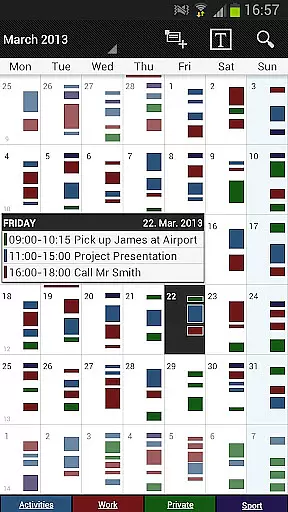
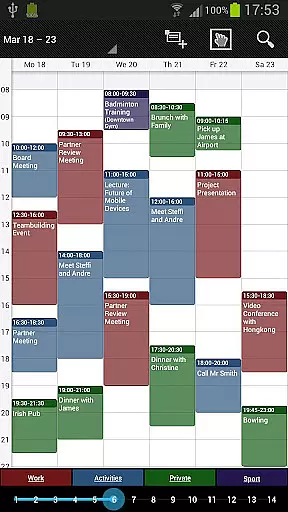
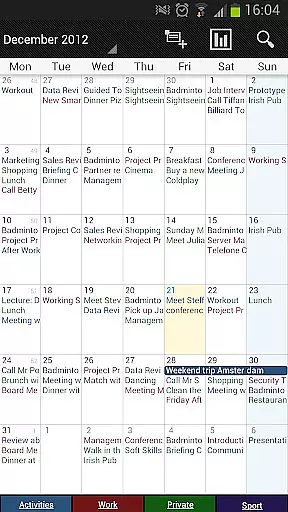
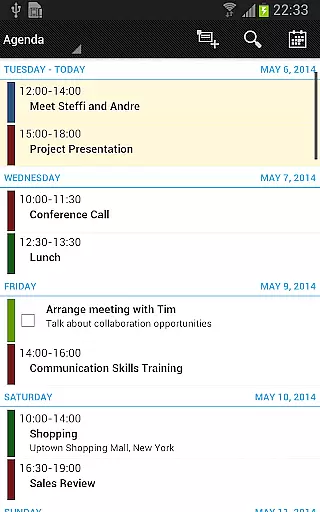
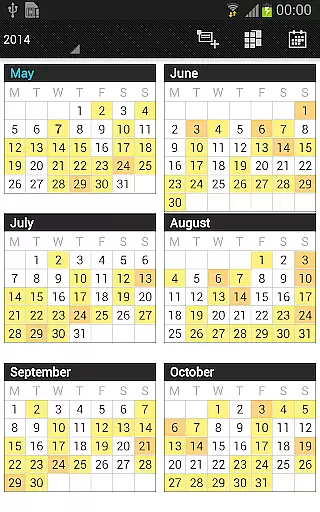
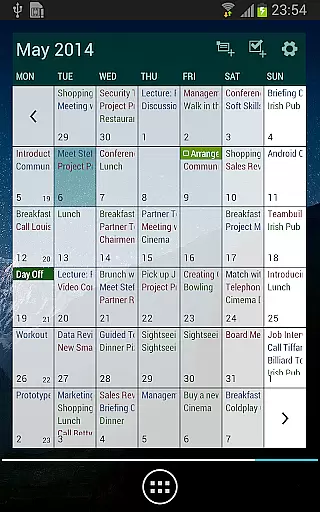
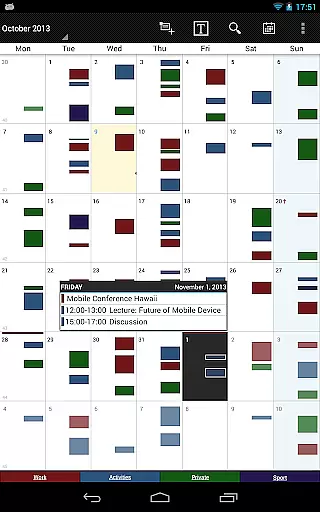
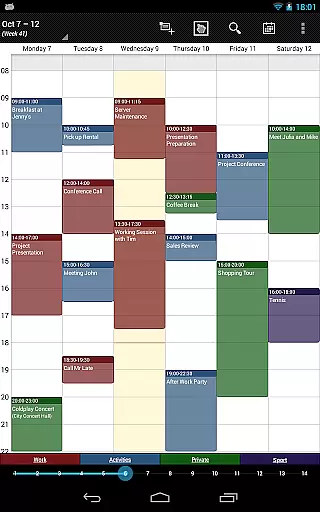
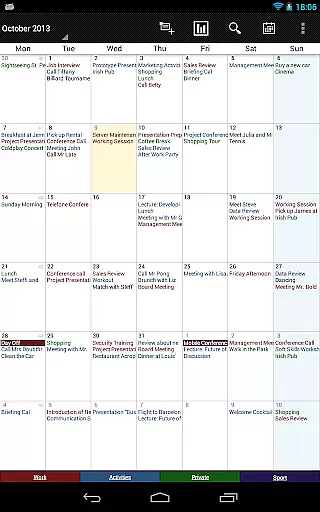
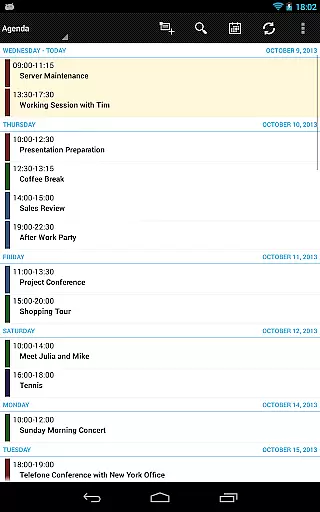
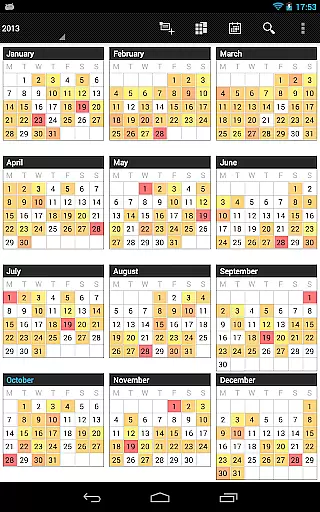
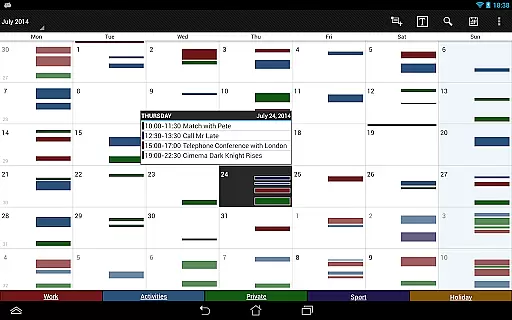
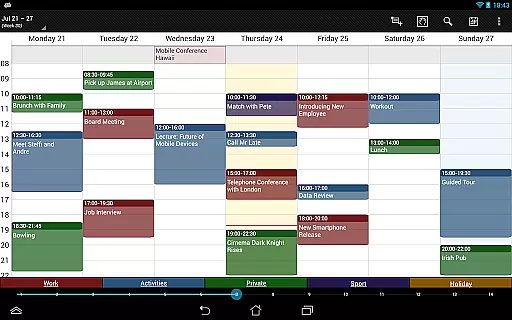
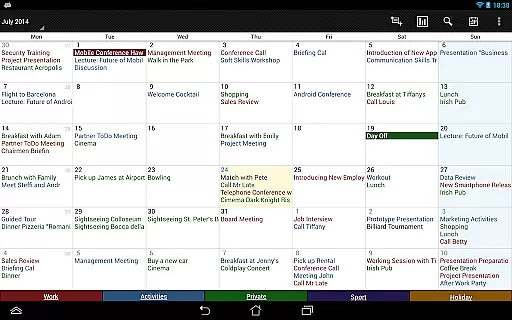

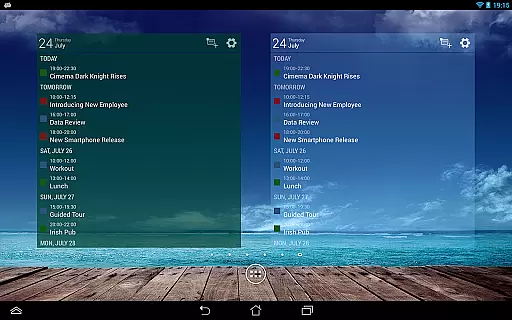
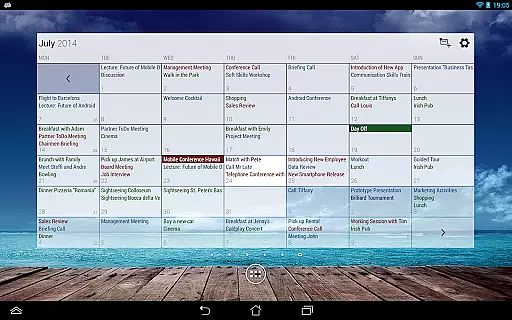
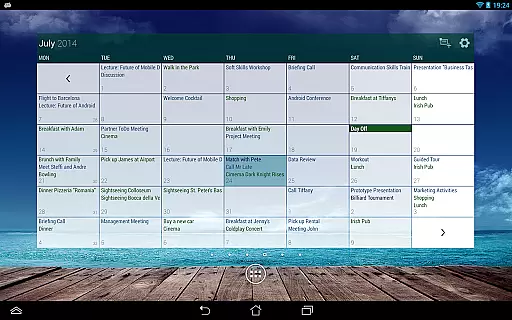
Business Calendar Pro is a comprehensive productivity tool designed for professionals who need an efficient way to manage their schedules. The app offers a complete suite of calendar functionalities, including intuitive day, week, and month views that allow users to easily track appointments and events. Its standout feature is the Quick Day View, which provides a fast overview of all daily activities, while the smooth scroll and zoom functions enable effortless navigation.
What sets Business Calendar Pro apart is its deep customization options. Users can adapt every view and widget to their preferences, from individual reminders with specific sounds and vibrations to adjustable font sizes for optimal readability. The app also supports synchronization with major calendar systems like Google Calendar and Microsoft Outlook, ensuring seamless integration into existing workflows. With its professional-grade widgets and advanced features such as drag-and-drop event management, this app is particularly suited for power users seeking granular control over their scheduling needs.
Business Calendar Pro boasts an impressive array of features that cater to both basic and advanced calendar users. One of its key strengths is the ability to customize nearly every aspect of the user experience. For instance, users can personalize views, set detailed reminders with unique sound profiles, and adjust font sizes across the app and widgets. This level of customization ensures that each user can tailor the interface to match their workflow preferences.
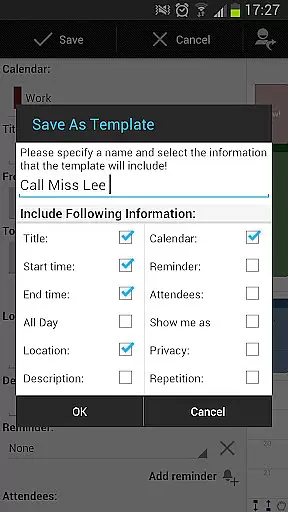
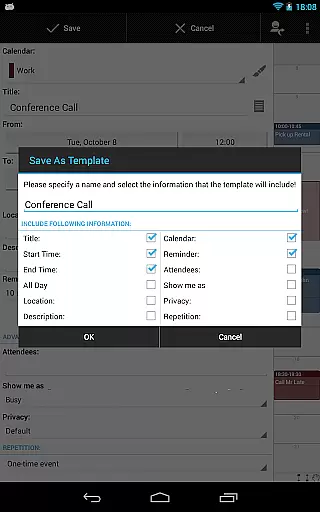
The app's pro version includes several premium features that enhance productivity. These include customizable event templates, multi-selection tools for managing multiple events simultaneously, and drag-and-drop functionality for easy event rescheduling. Additionally, the integrated task-management tool allows users to sync with popular task managers like Google Tasks and Toodledo. Advanced widgets offer further personalization options, letting users set custom colors and display specific calendars. These robust features make Business Calendar Pro an indispensable tool for anyone seeking to optimize their time management.
Task management is a cornerstone of productivity applications, and Business Calendar Pro excels in this area. The app provides users with an intuitive interface to create, manipulate, and organize events and tasks efficiently.
With features like individual reminders, vibration, sounds, repetitions, and intervals, the app ensures that users never miss an important deadline or meeting. Its ability to sync events with Google Calendar, Microsoft Outlook, and Exchange enhances its utility for professionals who rely on multiple platforms for their scheduling needs.
Business Calendar Pro also offers advanced functionalities such as customizable templates for new events, multi-selection options to delete, move, or copy multiple events at once, and drag-and-drop capabilities in the multi-day view. These tools empower users to manage their schedules with precision and ease.
Ultimately, the comprehensive task management features of Business Calendar Pro contribute to a seamless user experience, allowing individuals to optimize their workflow and increase productivity without the hassle of navigating complex systems.
Cross-device synchronization is vital for users who operate across multiple devices and platforms. Business Calendar Pro addresses this need by providing reliable synchronization options that ensure data consistency and accessibility.
The app supports synchronization with popular calendar services such as Google Calendar, Microsoft Outlook, and Exchange. This compatibility allows users to maintain a unified calendar view regardless of the device they are using, promoting efficiency and coherence in personal and professional settings.
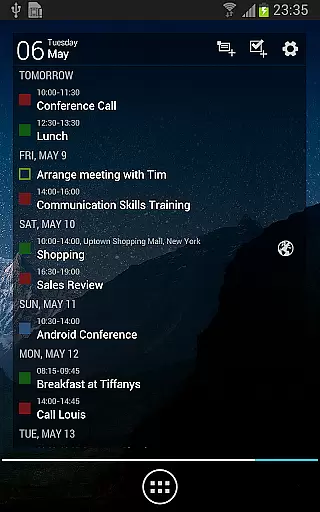
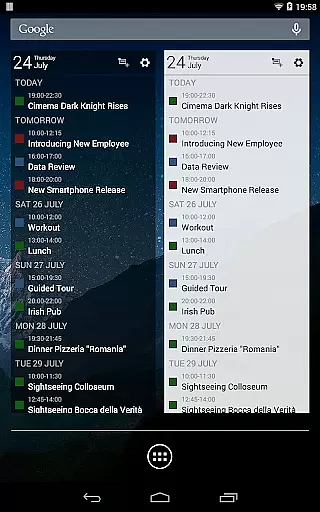
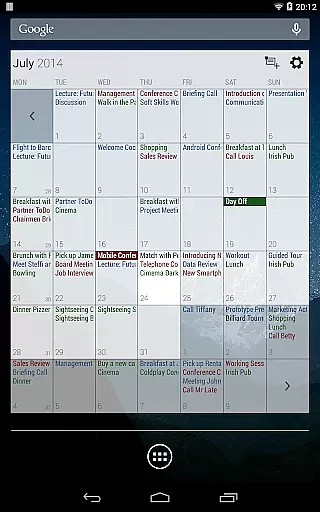
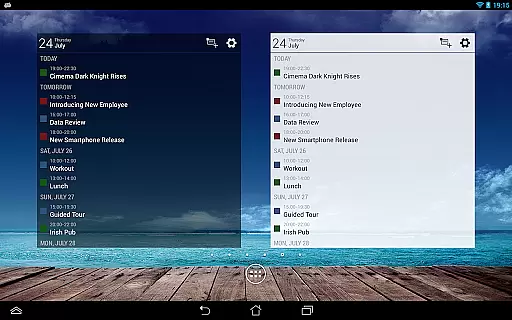
In addition to basic synchronization, Business Calendar Pro includes advanced widgets and customization options. Users can set colors, font sizes, and select individual calendars for each widget, ensuring that their calendar view remains personalized and functional across all synchronized devices.
By prioritizing cross-device synchronization reliability, Business Calendar Pro delivers a dependable solution for individuals seeking to streamline their scheduling process and access their calendar information anytime, anywhere, without compromising on quality or performance.
User-friendly interface
Highly customizable views
Advanced reminder system
Seamless calendar sync
Premium task management
Complex for beginners
Higher price point
Occasional sync issues
Resource-intensive
Limited free version

Direct Chat without saving contacts & Dual WA Account on Single Device
 4.70
4.70
Enjoy classic gameplay with customizable features and retro-style graphics.
4.30
Calendar 2023 widget for Android. Appointment scheduler, planner, and reminder
4.60
Code on-the-go with VScode for Android. Edit,debug and collaborate from mobile!!
3.10
Use powerful, industry-leading AI tools to generate visual charts from any data
4.80
AI Chatbot and AI writing assistant powered by ChatGPT.
4.60
AT&T Internet customers can use this app to personalize their Wi-Fi network.
4.40
Daily processing of PDF documents.
4.40
Seamlessly read, manage, and organize all your PDF files solution in one place
4.40
Seamlessly integrate data and reports to build your presentation to impress
4.80
Mind Map and brainstorm, note taking and idea collection
4.80
We're working to become the best machining app on the market! www.cncdirt.com
4.80
A beautiful digital clock with autostart and many other functions
4.70
Okta MFA
4.70
Planet Free VPN - The best Fast Unlimited and Secure VPN Without Logs
4.50
Send files, sync SMS, notifications & clipboard across devices via local network
4.40
When you Focus, so will your Bean in this cozy focus timer
4.30
A customizable calendar for your Wear OS watch
4.20
Make your handwriting beautiful, even more than pen on paper.
3.60


User Reviews