
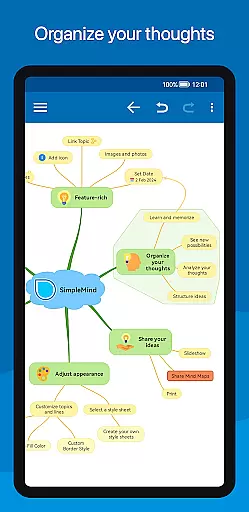
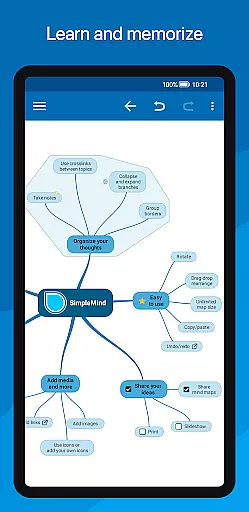
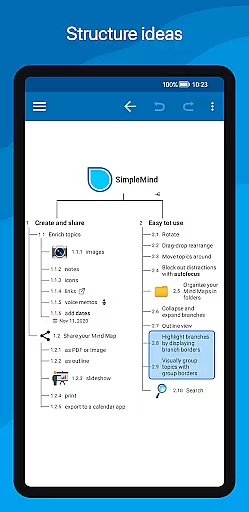
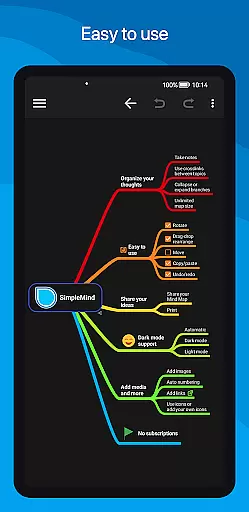
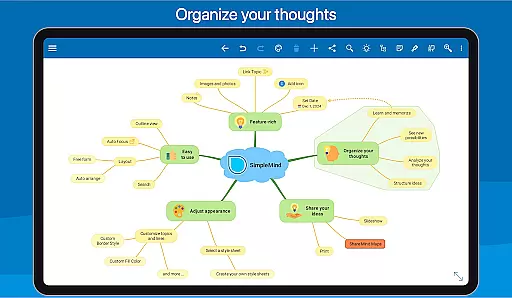
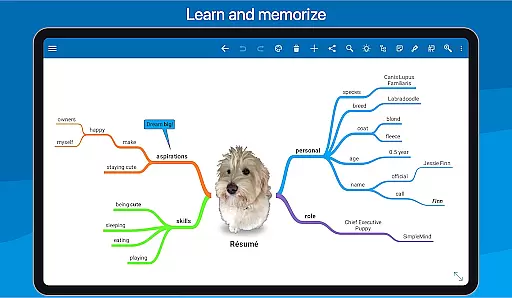
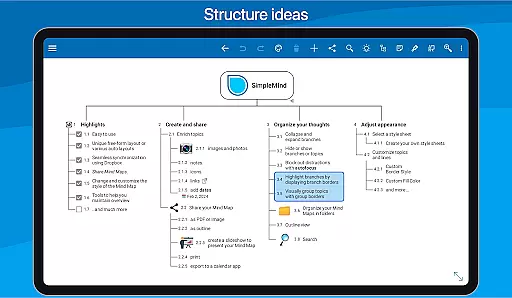
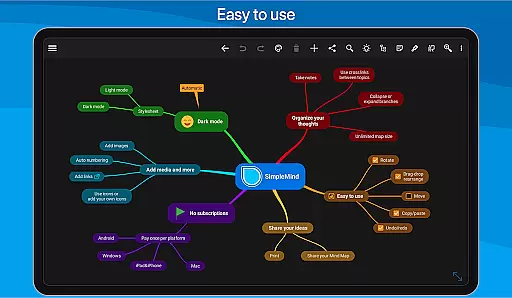
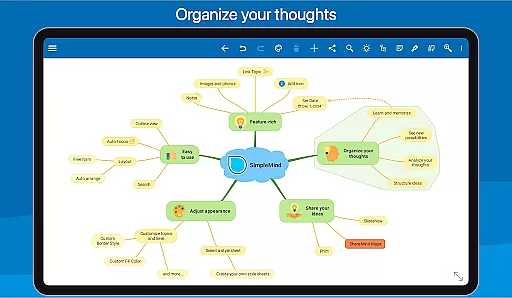
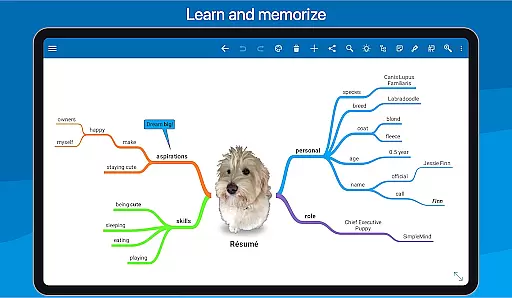
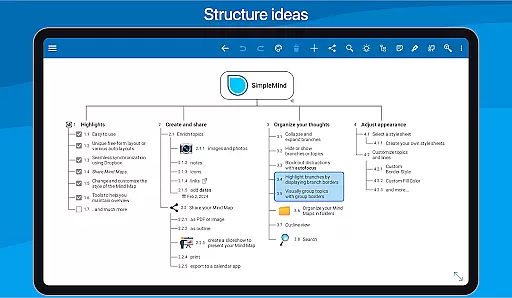
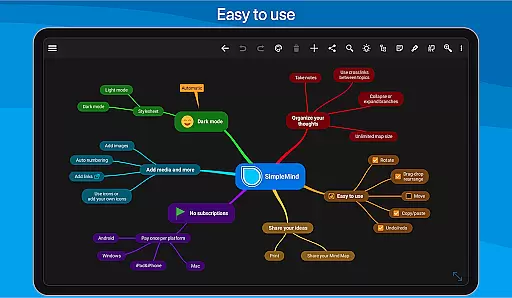
SimpleMind Pro is a premier mind mapping application designed to help users organize thoughts, retain information, and spark new ideas. This productivity tool stands out with its intuitive interface and flexible features that cater to various professional fields including business, education, and healthcare.
The app allows for free-form or structured mind map creation, media integration, and cross-platform synchronization through cloud services. With functionalities like drag-and-rearrange, auto-numbering, and crosslink labeling, SimpleMind Pro ensures a seamless experience in visualizing concepts and relationships. Its ability to maintain an overview with features such as branch collapsing and autofocus makes it indispensable for strategic planning and creative brainstorming.
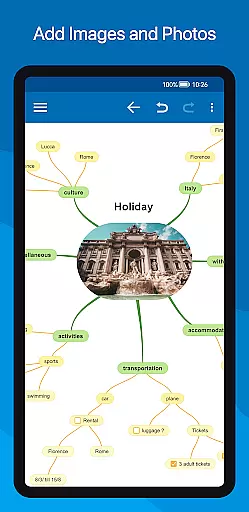
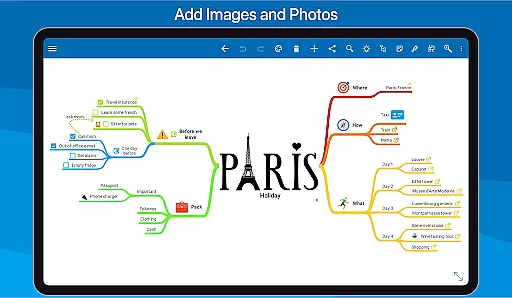
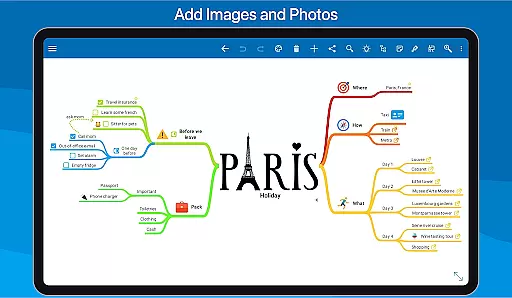
SimpleMind Pro boasts an array of robust features tailored for efficiency and creativity. The app supports virtually unlimited page sizes and elements, enabling expansive mind maps without constraints. Users can add diverse media types including images, notes, icons, and even voice memos to enrich their maps.
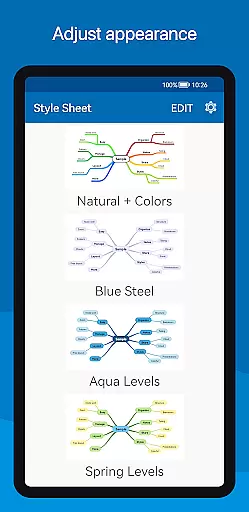
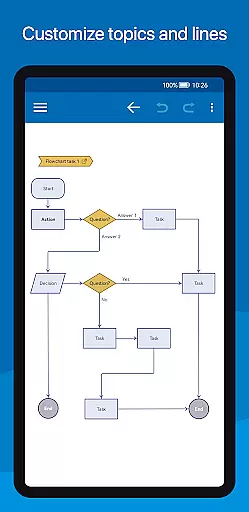
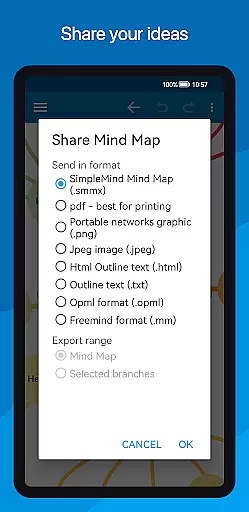
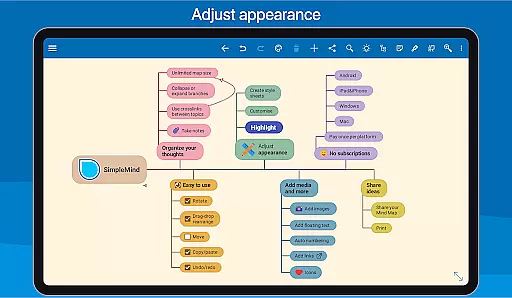
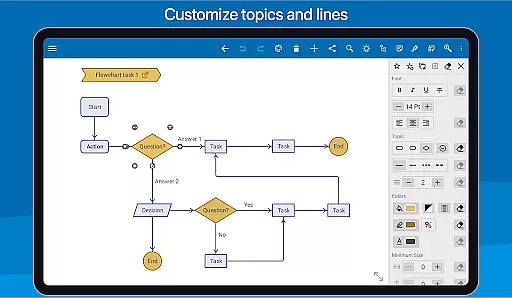
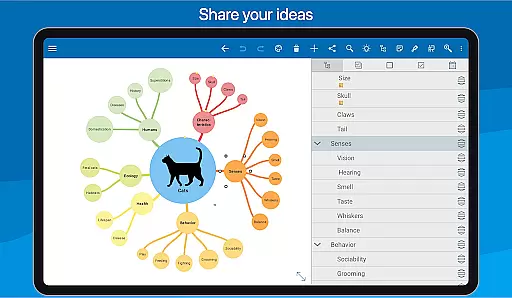
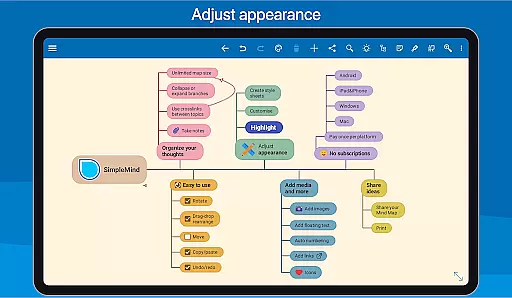
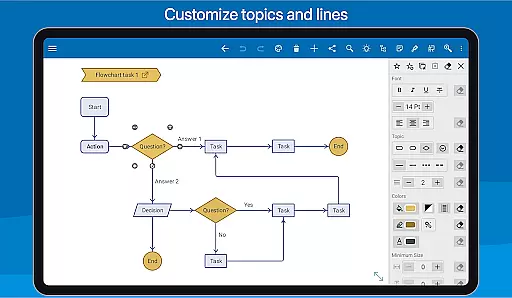
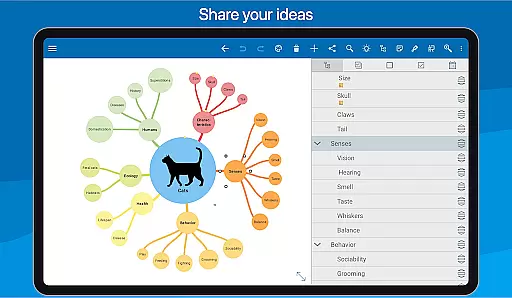
Sharing and styling options are abundant; maps can be exported as PDFs or outlines for use in word processors, while 15+ style sheets allow personalized aesthetics. Advanced tools like branch highlighting, group borders, and detailed styling options ensure every mind map is both functional and visually appealing. Furthermore, the app's synchronization capabilities across Android, Windows, and Mac platforms enhance accessibility and collaboration.
Task management is a crucial aspect of productivity applications, enabling users to organize and prioritize their work efficiently. SimpleMind Pro excels in this area by providing a versatile mind mapping tool that acts as a visual task manager.
The app allows users to create tasks as mind map nodes, offering both free-form and auto layout options for optimal organization. Users can employ features such as checkboxes and progress bars to track the completion of tasks, ensuring they maintain an overview of their responsibilities.
With virtually unlimited page size and the ability to connect any two topics with crosslinks, users can establish complex relationships between tasks. This interconnected structure helps in brainstorming sessions and project planning, making task management more intuitive and flexible.
Cross-device synchronization is essential for users who need access to their data across multiple platforms. SimpleMind Pro addresses this need by offering seamless synchronization using cloud services like Dropbox.
This feature ensures that mind maps created on one device are instantly available on others, maintaining consistency and reliability. Whether switching from a phone to a tablet or syncing with desktop versions on Windows or Mac, users can continue their work without interruption.
The synchronization process is designed to be smooth and dependable, allowing users to focus on their creative and organizational processes rather than worrying about data integrity. This reliability fosters trust in the application, encouraging regular use for both personal and professional projects.
User-friendly interface
Versatile layout options
Reliable synchronization
Extensive styling tools
Wide range of applications
Premium version costly
Complex for beginners
Limited free features
Occasional sync issues
Resource-intensive

Seamlessly integrate data and reports to build your presentation to impress
 4.80
4.80
When you Focus, so will your Bean in this cozy focus timer
4.30
Make your handwriting beautiful, even more than pen on paper.
3.60
Customizable calendar widget for seamless event sync, planning & scheduling.
4.00
A beautiful digital clock with autostart and many other functions
4.70
Quickly and easily keep track of your work shifts
4.70
Access your phone's notifications, calls, apps, photos & texts on your PC
3.90
Understand anything with a personalized AI research assistant
4.80
2026 USPS Alpha/Color coded calendar Sunday/Rotating day off schedules
4.2
Scientific calculator for Android - looks and operates like the real thing!
4.90
Absolutely the best CNC machinist speed and feed calculator around. fswizard.com
4.60
Secure, fast, open-source, Remote Desktop Client for Windows and Linux with SSH
4.60
PDF scanner & converter for files, photos, lottery, QR codes. One swipe away!
4.50
Tally and goal counter for Wear OS & mobile
4.50
Enjoy classic gameplay with customizable features and retro-style graphics.
4.30
* block pre-roll ads, pop-up and forced redirect ads * Samsung certification app
4.00
A Revolutionary All-in-One Artificial Intelligence Tools
3.80
Mega cloud explorer plugin for Solid Explorer
3.80
Smart PDF reader & editor to view, organize and manage PDF documents easily.
3.70


User Reviews