
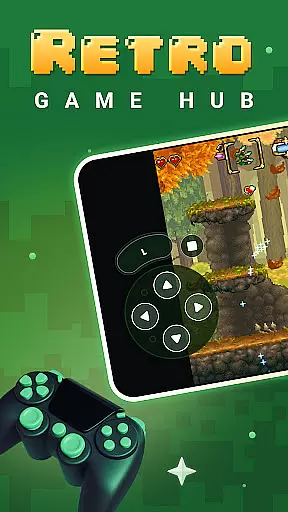
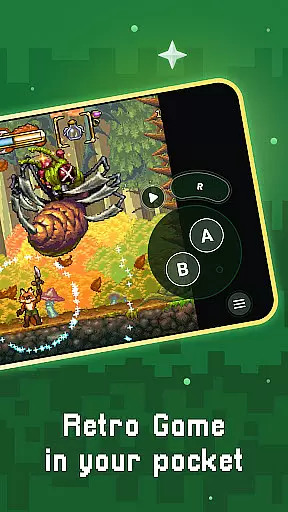
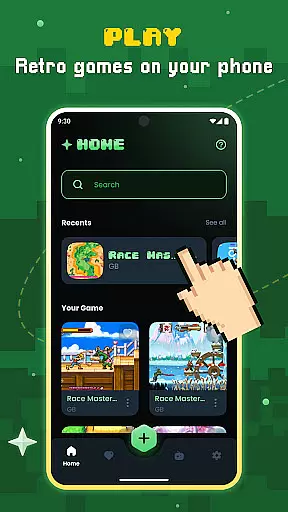
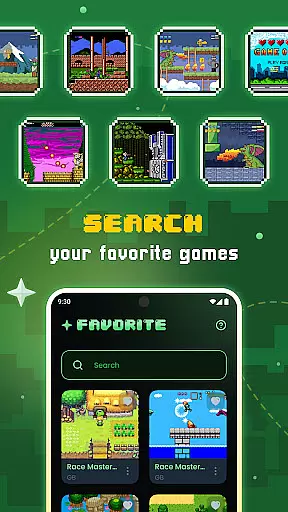
Gamu is a versatile productivity tool designed for retro gaming enthusiasts who want to enjoy classic video games on modern devices. The app supports a wide range of retro game formats and is compatible with multiple platforms including PC, Mac, Linux, Android, and iOS.
Key features include auto-save functionality, game library organization, and support for external controllers. Gamu leverages the Libretro framework to deliver advanced multimedia capabilities like OpenGL rendering and camera integration. As an open-source project, it's free to use, ad-free, and continuously updated for performance improvements.
Whether you're commuting or relaxing at home, Gamu allows you to relive your favorite childhood gaming experiences seamlessly across various devices.
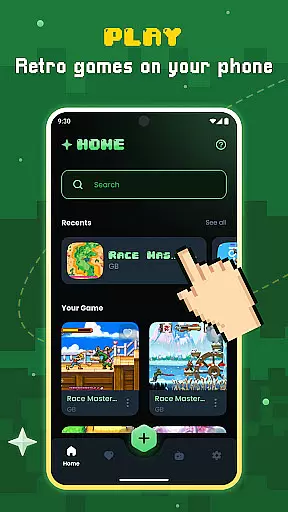
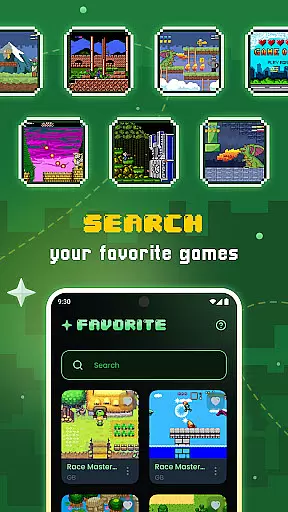
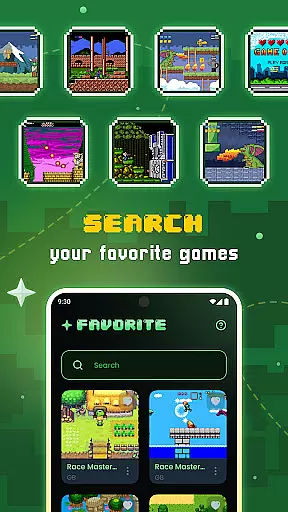
Gamu stands out with its comprehensive feature set tailored for retro gaming productivity. The app provides automatic saving and resuming of game progress, along with efficient game file scanning and cataloging.
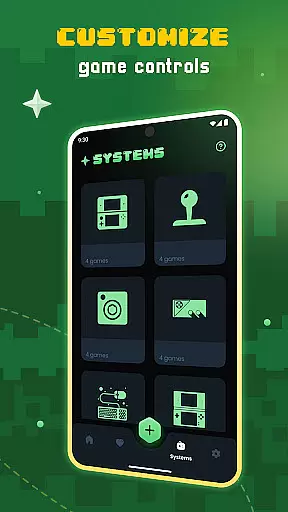
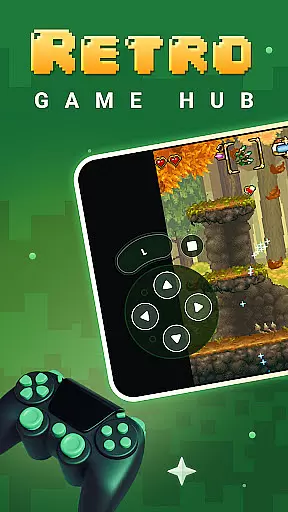
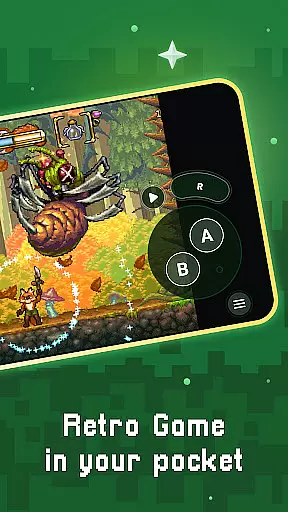
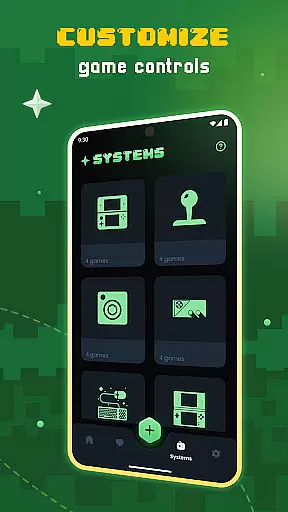
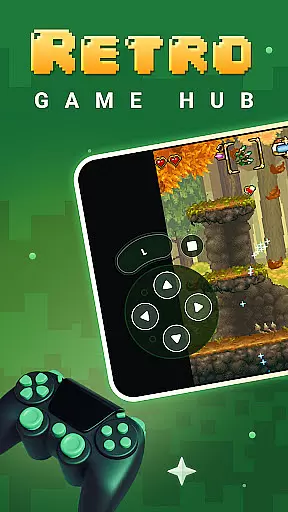
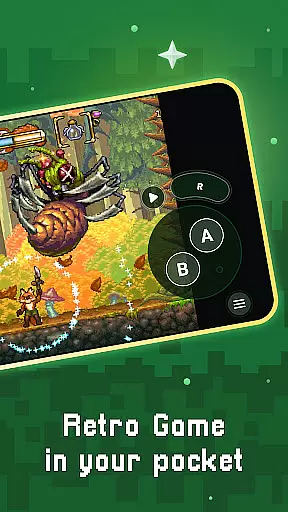
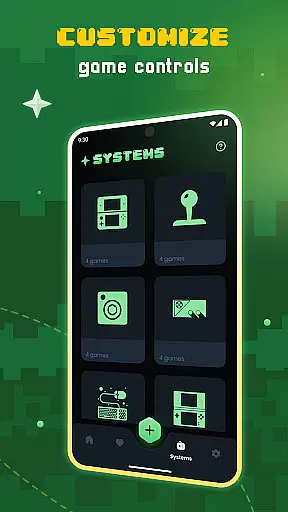
Users can enjoy optimized virtual controls, quick save/load slots, and visual filters that simulate LCD/CRT displays. The platform supports compressed game files (.zip) and offers fast-forward mode for quicker gameplay. Gamu also supports motion controls and customizable on-screen buttons.
Advanced functionalities include cloud sync for game saves and local multiplayer support using multiple controllers. These features collectively create a seamless and immersive retro gaming experience.
Task management is essential for productivity applications, and Gamu excels in this area by offering a comprehensive suite of tools designed to streamline your gaming experience. The app provides auto-save functionality, allowing users to pick up right where they left off without worrying about losing progress.
Gamu goes beyond basic save features by including quick save/load slots, giving gamers the flexibility to manage multiple save points efficiently. This ensures that users can experiment with different gameplay strategies while always having a safety net to fall back on.
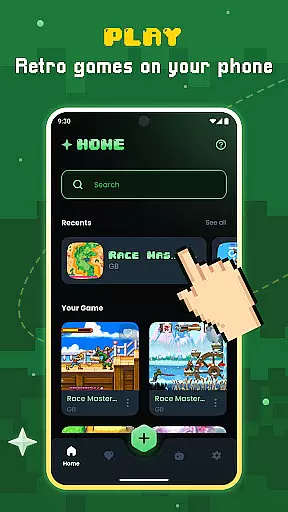
The platform's game file scanning and cataloging system automatically organizes your library, making it easy to locate and launch your favorite titles. With support for compressed game files, Gamu optimizes storage space without compromising accessibility.
By integrating cloud sync for saves, Gamu ensures that your progress is securely backed up and accessible across devices. This feature is particularly valuable for users who switch between mobile and desktop platforms, providing a seamless continuation of their gaming sessions.
In today's interconnected world, reliable cross-device synchronization is crucial for maintaining productivity and ensuring a consistent user experience. Gamu addresses this need by implementing robust cloud sync capabilities that keep your game saves up-to-date across all your devices.
The application supports a wide range of platforms, including PC, Mac, Linux, Android, and iOS, guaranteeing that your gaming progress remains intact regardless of which device you choose to play on. This cross-platform compatibility extends to external game controllers, providing a uniform control scheme whether you're using a touch screen or physical buttons.
Gamu's synchronization features aren't limited to just save files; the app also maintains your customized settings, such as visual filters and control configurations, across devices. This means you can fine-tune your experience on one platform and expect those preferences to carry over to others seamlessly.
For multiplayer enthusiasts, Gamu offers local multiplayer support with multiple controllers while ensuring that each player's progress and settings remain distinct and properly synchronized. This attention to detail in maintaining individual profiles enhances the collaborative gaming experience without compromising personalization.
User-friendly interface
Wide system compatibility
Regular feature updates
Cloud save functionality
Customizable controls
No built-in games
Hardware dependent
Limited mobile performance
Requires legal ROMs
Complex setup

Experience Reading - Night Mode for Documents
 4.40
4.40
The long-awaited modern gallery app for your Nextcloud server
4.70
Auto-shutoff Alarm with Sunrise, Sunset & Fixed Options.
3.50
Absolutely the best CNC machinist speed and feed calculator around. fswizard.com
4.60
Todo reminder
4.10
Stay on top of your to-dos with Google Tasks, part of Google Workspace.
4.60
Experience and share your SolidWorks designs on your Android® phone and tablet.
2.50
Note taking, handwriting, record audio, PDF annotation, planner & journal
4.20
2026 USPS Alpha/Color coded calendar Sunday/Rotating day off schedules
4.4
Multilingual translator for text, voice, and image translation!
4.90
Great calculator for Android named one of USA TODAY's "25 Essential Apps".
4.90
Secure, fast, open-source, VNC and SSH Remote Desktop for Windows, Linux and Mac
4.70
Quickly and easily keep track of your work shifts
4.70
To do list widget with a notebook organizer, checklist, simple shopping list
4.60
PDF scanner & converter for files, photos, lottery, QR codes. One swipe away!
4.50
Total remote control for your Android device, PC and cloud services (IFTTT)!
4.20
Create and edit presentations with Google Slides, part of Google Workspace.
4.00
Code on-the-go with VScode for Android. Edit,debug and collaborate from mobile!!
3.10
Ads Free App! Editor, Hide File, Copy, Move, Delete and Rename.. all facility av
1.70


User Reviews