
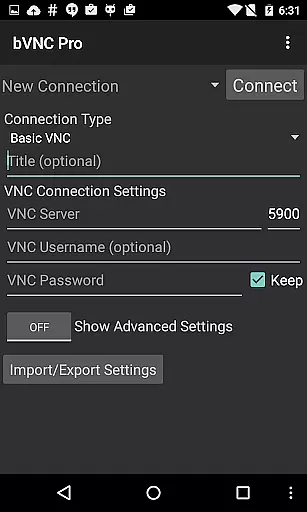
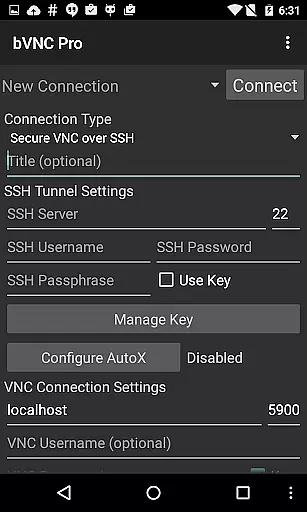
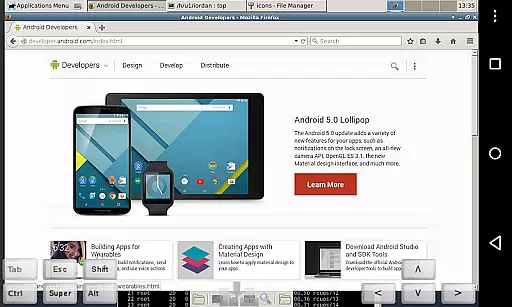
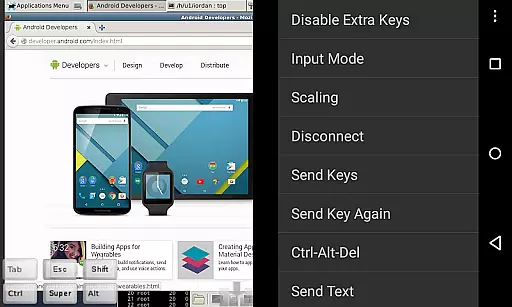
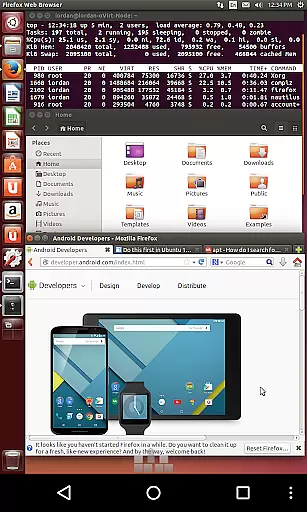
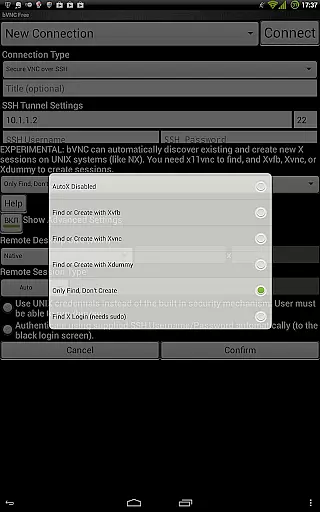
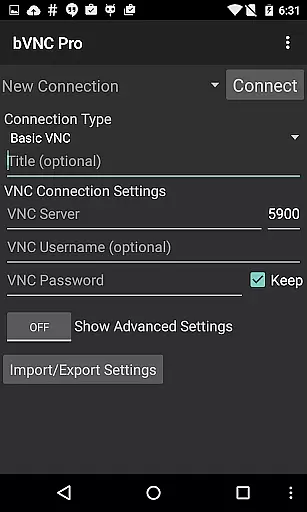
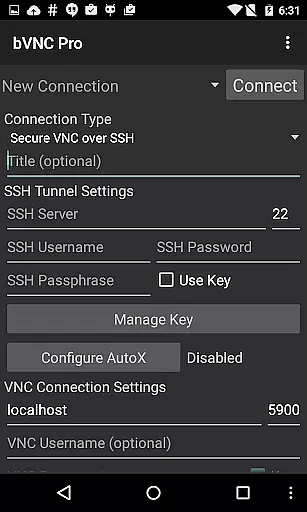
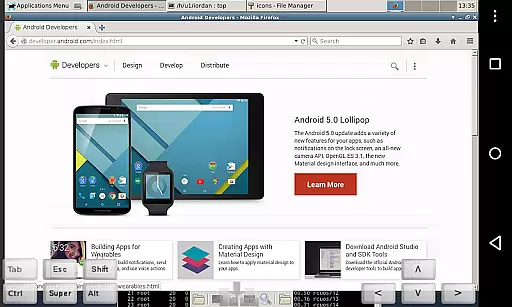
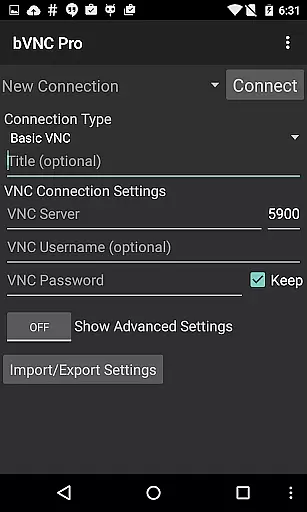
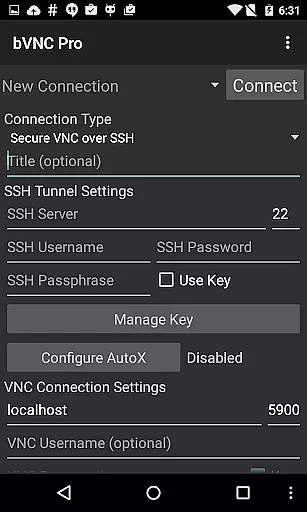
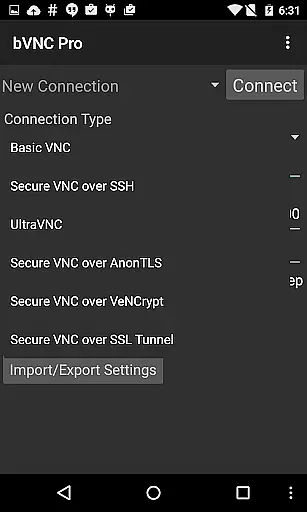
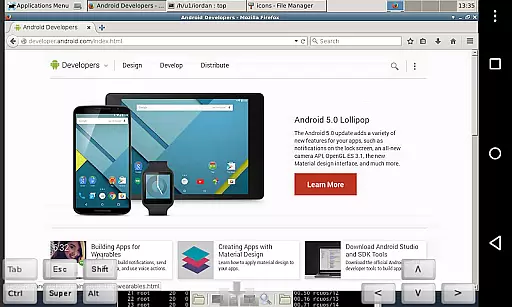
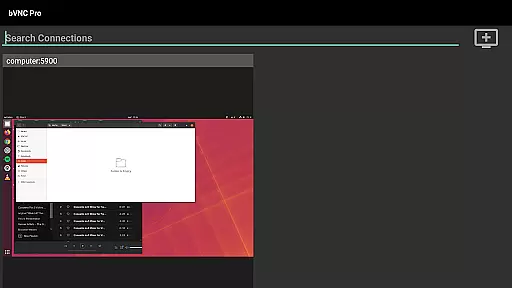
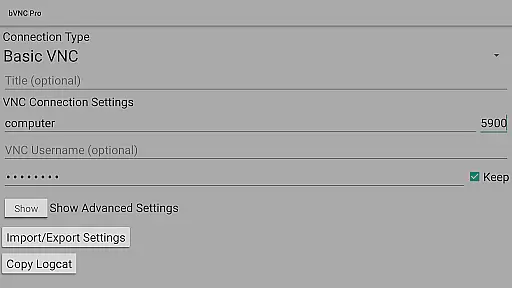
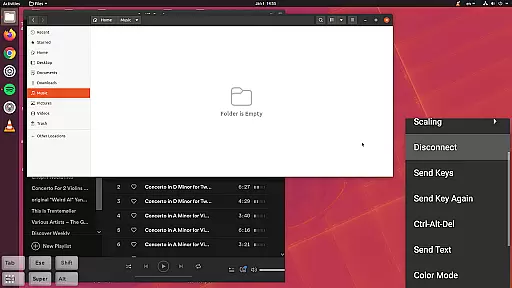
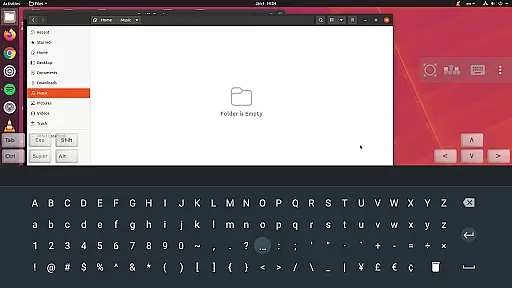
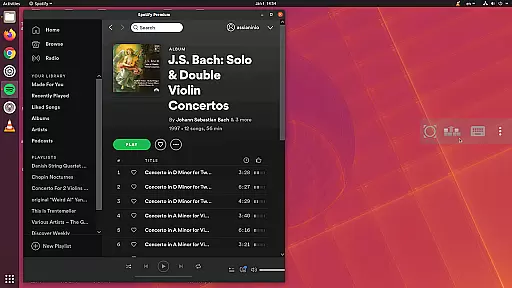
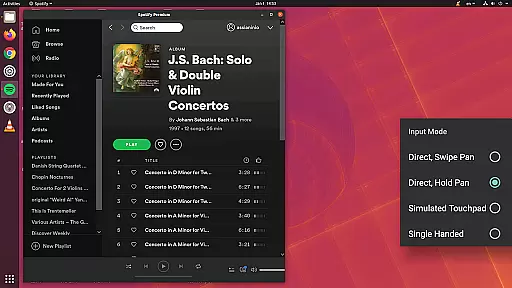
bVNC Pro is a secure, open-source VNC client designed for productivity-focused users who need remote desktop access on the go. The app supports connections to Windows, Mac, Linux, and other operating systems with VNC servers installed, making it versatile for various professional environments.
With advanced features like multi-touch control, pinch-zoom, and SSH tunneling, bVNC Pro ensures both ease of use and security. Its compatibility with PiKVM and support for high-grade encryption through SSH and VeNCrypt make it an ideal tool for IT professionals managing virtual machines or conducting BIOS-level operations remotely.
bVNC Pro stands out with its comprehensive feature set tailored for power users. It offers multi-factor SSH authentication and master password support in the Pro version, ensuring top-tier security. The app's multi-touch controls allow users to perform left, right, and middle clicks with simple gestures, while pinch-zoom and scrolling enhance navigation.
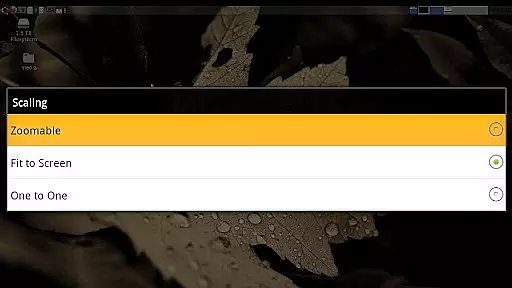
Additional functionalities include dynamic resolution changes, full rotation, and multiple scaling modes such as Zoomable and Fit to Screen. These features provide flexibility when connecting to different types of VNC servers. Furthermore, bVNC Pro supports Samsung DEX, Alt-Tab, Start Button capture, and integrates seamlessly with Hacker's Keyboard for efficient workflow management.
bVNC Pro is not just a VNC viewer but also a productivity powerhouse when it comes to managing remote tasks efficiently. The app provides comprehensive features for secure and versatile connections to various operating systems, including Windows, Mac, Linux, and more.
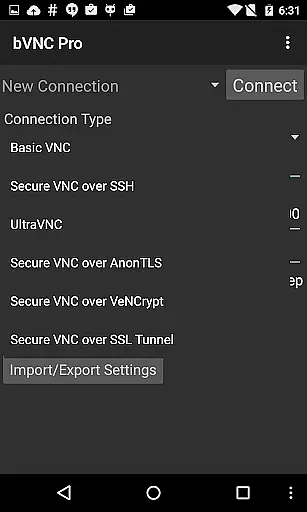
With support for SSH tunneling, multi-factor authentication, and high-grade encryption protocols like AnonTLS and VeNCrypt, bVNC ensures that your remote desktop sessions are both safe and reliable. This level of security is crucial in protecting sensitive data while performing core task management activities across different platforms.
The application's dynamic resolution changes and full rotation capabilities allow users to reconfigure their desktop environments on-the-fly, which enhances the flexibility and adaptability required for productive remote work. Additionally, its compatibility with multiple VNC servers makes it an indispensable tool for IT professionals and tech-savvy individuals alike.
Cross-device synchronization is a critical feature for users who operate in multi-platform environments, and bVNC Pro excels in this area by offering consistent performance across different devices. Whether you're using an Android phone or tablet, the app maintains reliable connectivity and responsiveness.
One of the standout features of bVNC Pro is its support for multi-touch gestures, which allows users to interact with the remote desktop as if they were using a physical mouse. Pinch-zoom, scrolling with two-finger drag, and various tap combinations provide an intuitive control scheme that enhances user experience during cross-device operations.
Moreover, bVNC Pro includes options such as Force Landscape mode, Immersive Mode, and Keep Screen Awake, ensuring that the app remains functional and accessible regardless of how the device is oriented or used. These features contribute significantly to maintaining workflow continuity without interruptions caused by device limitations.
Secure VNC connections
Multi-touch controls
Dynamic resolution changes
SSH tunneling support
Compatibility with PiKVM
No RealVNC encryption
Complex setup for beginners
Separate costs for Pro features
Limited iOS availability
Requires technical knowledge

QuickBooks Workforce lets teams view pay info and track time in one place.
 4.70
4.70
Seamlessly integrate data and reports to build your presentation to impress
4.80
A lightweight JSON & XML files creator, editor and viewer (Premium Version)
4.40
Pwnagotchi companion app
4.20
CalenGoo is a very flexible and feature-rich calendar app
4.40
Activate Two Factor Authentication (2FA or Multi OTP), Password manager and more
4.10
A Pixel Art watchface inspired by other iconic 90s designs for Wear OS devices!
4.40
Intelligent AI Assistant
4.10
AI Chatbot and AI writing assistant powered by ChatGPT.
4.60
Scientific calculator for Android - looks and operates like the real thing!
4.90
App Lock with fingerprint, password: Lock apps & hide photos with lock screens
4.60
Tally and goal counter for Wear OS & mobile
4.50
Automates browsing any website and notifies you of important changes or events
4.30
Professional calendar app for Google Calendar, MS Outlook & Exchange
4.20
Make apps & sites with natural language prompts
4.10
Unlock AutoNotification
4.00
Secure, open-source, SPICE and SSH Remote Desktop for QEMU KVM virtual machines
4.00
The ultimate file manager for rooted devices. The original and still the best.
4.00
Easiest event planning, volunteer signups & parent teacher conference scheduling
2.20


User Reviews